
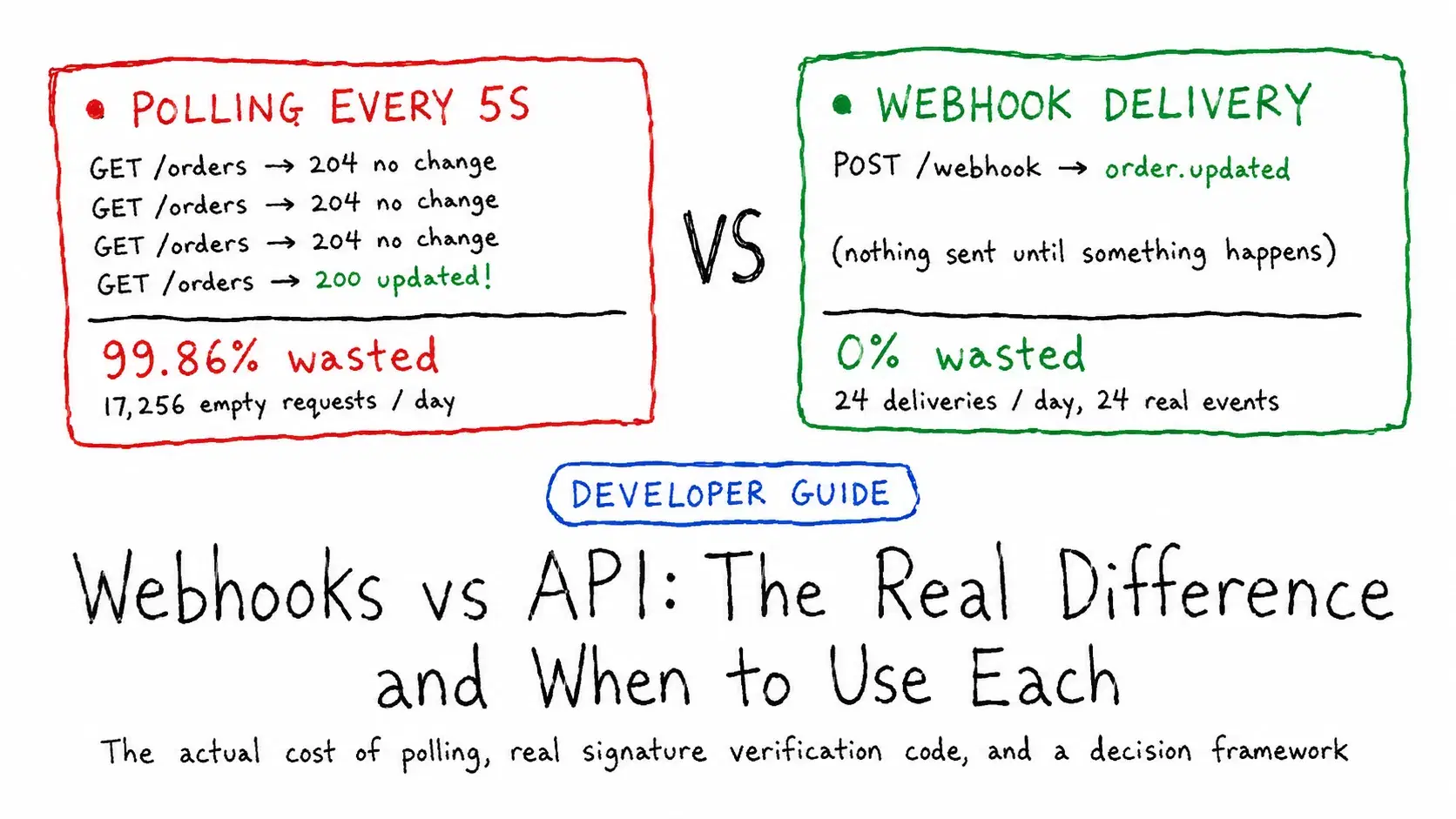
An API is something your app calls: it sends a request and the server answers. A webhook is the reverse: the other system calls a URL you gave it the moment an event happens, such as a payment clearing. A webhook is itself an HTTP POST, so the real choice is pull (polling an API) or push (receiving webhooks).
Most apps need to know the instant something changes on another system, and picking the wrong pattern shows up directly on your infrastructure bill and in how stale your data gets.
Here is what that choice actually costs. Poll an endpoint every 5 seconds to catch an event that happens on average once an hour, and 99.86% of those requests come back with nothing new to report. That is not a rough estimate, it is what the math looks like when you run it.
Webhook vs API at a Glance
| API polling | Webhook | |
|---|---|---|
| Who starts the request | Your app, on a timer | The provider, when an event happens |
| Latency | Up to one polling interval | Near real time |
| Requests when nothing changed | Every poll, 98-99.9% of them empty (numbers below) | None |
| Needs a public endpoint | No | Yes, reachable from the internet |
| Counts against API rate limits | Yes (GitHub: 5,000 requests an hour, authenticated) | No |
| When your server is down | Nothing lost; the next poll catches up | Missed unless the provider retries (Stripe: up to three days) |
| Security work | Your API key on outbound calls | Verify every payload's signature |
| Best for | Providers without webhooks, on-demand screens, reconciliation | Payments, source control and commerce events |
What Is API Polling
Polling means your application repeatedly calls an API endpoint on a timer and checks whether anything changed since last time. It is the simplest integration pattern that exists: no incoming connections to secure, no public endpoint to stand up, just an outbound HTTP request on a loop. Most REST APIs support it by default because it requires nothing special from the provider, you are just calling GET on a resource you already have access to.
The tradeoff is baked into the mechanism. You are guessing how often something might change and paying for that guess on every single check, whether or not anything actually happened.
What Is a Webhook
A webhook flips the direction. You register a URL with the provider ahead of time, and when a relevant event occurs, the provider sends an HTTP POST request to that URL with the event data, unprompted. Your server has to be reachable from the internet and ready to receive that request at any moment, but you are no longer guessing when to check, you get told.
This is push instead of pull, and it is the same pattern underneath services you already use: Stripe posts to your endpoint when a payment succeeds, GitHub posts when a pull request opens, Shopify posts when an order updates. For the anatomy of a single delivery, headers and body included, see What Is a Webhook? Anatomy of One Request.
The Real Cost Difference
Run the numbers on a resource that changes roughly once an hour, 24 times a day, checked at a few common polling intervals:
Pythondef polling_requests_per_day(interval_seconds: int) -> int: return (24 * 60 * 60) // interval_seconds def wasted_requests(interval_seconds: int, avg_events_per_day: int) -> dict: total_requests = polling_requests_per_day(interval_seconds) wasted = max(0, total_requests - avg_events_per_day) waste_pct = wasted / total_requests * 100 return { "interval_seconds": interval_seconds, "total_requests": total_requests, "wasted_requests": wasted, "waste_percent": round(waste_pct, 2), } for interval in [5, 10, 30, 60]: result = wasted_requests(interval, avg_events_per_day=24) print(f"poll every {interval:>2}s: {result['total_requests']:>6} requests/day, " f"{result['wasted_requests']:>6} wasted ({result['waste_percent']}% empty)") events = 24 # a webhook fires once per real event print(f"\nwebhook equivalent: {events} deliveries/day, 0 wasted (0.0% empty)")
textpoll every 5s: 17280 requests/day, 17256 wasted (99.86% empty) poll every 10s: 8640 requests/day, 8616 wasted (99.72% empty) poll every 30s: 2880 requests/day, 2856 wasted (99.17% empty) poll every 60s: 1440 requests/day, 1416 wasted (98.33% empty) webhook equivalent: 24 deliveries/day, 0 wasted (0.0% empty)
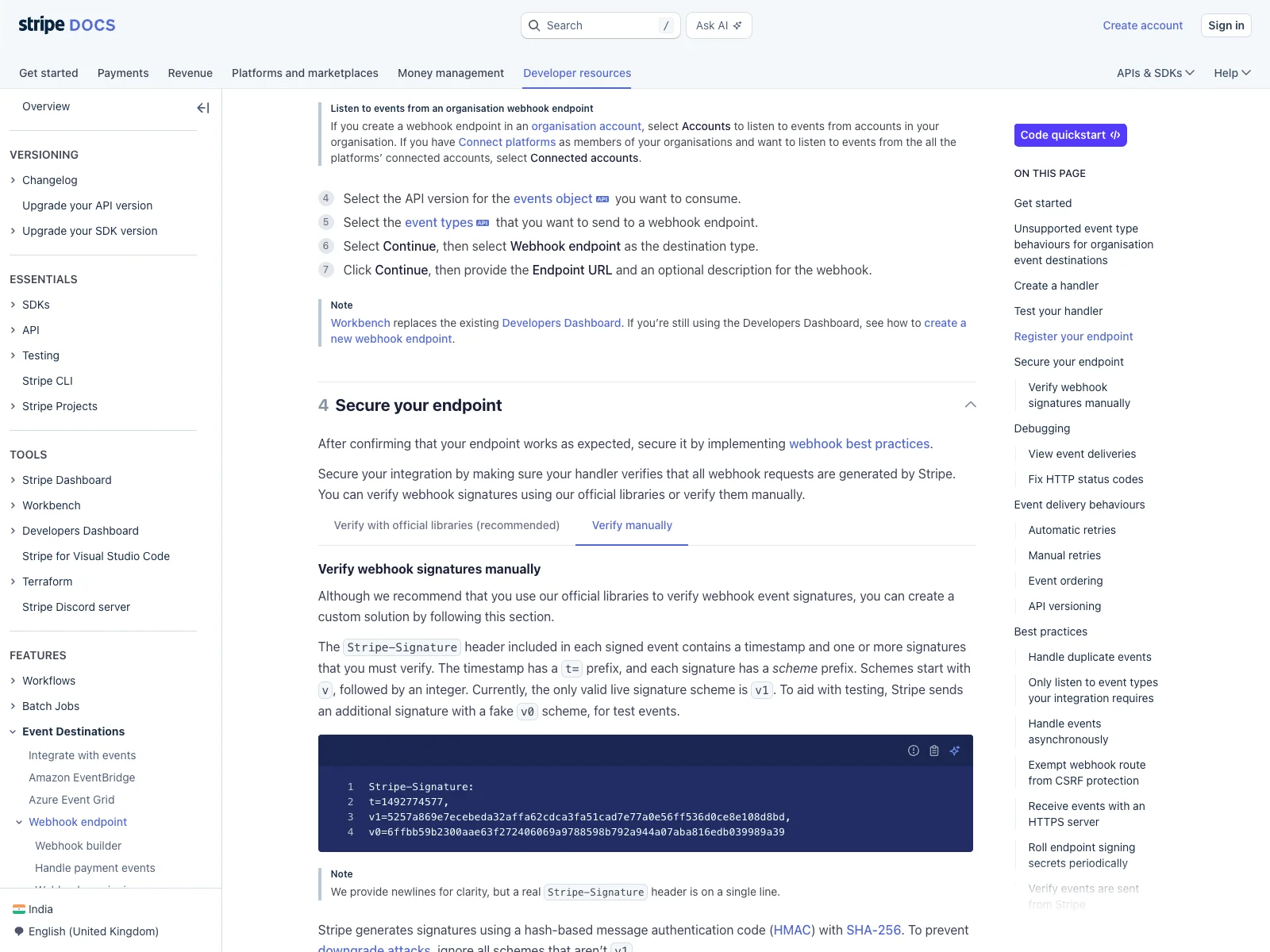
Even backing off to a lazy 60-second interval still throws away 98.33% of requests. The waste does not just cost you compute, it costs the provider too, which is exactly why aggressive polling against a real API tends to run into rate limits fast. GitHub's REST API caps authenticated requests at 5,000 per hour. A single service polling a handful of repositories every few seconds can burn through that budget before lunch, and webhook deliveries do not count against that limit at all since the provider is choosing when to send them.
Securing Webhooks: Signature Verification
An open webhook endpoint accepts POST requests from the internet by design, which means anyone who finds the URL can send a fake payload claiming to be a real event. Every serious webhook provider signs its payloads so you can verify a request actually came from them.
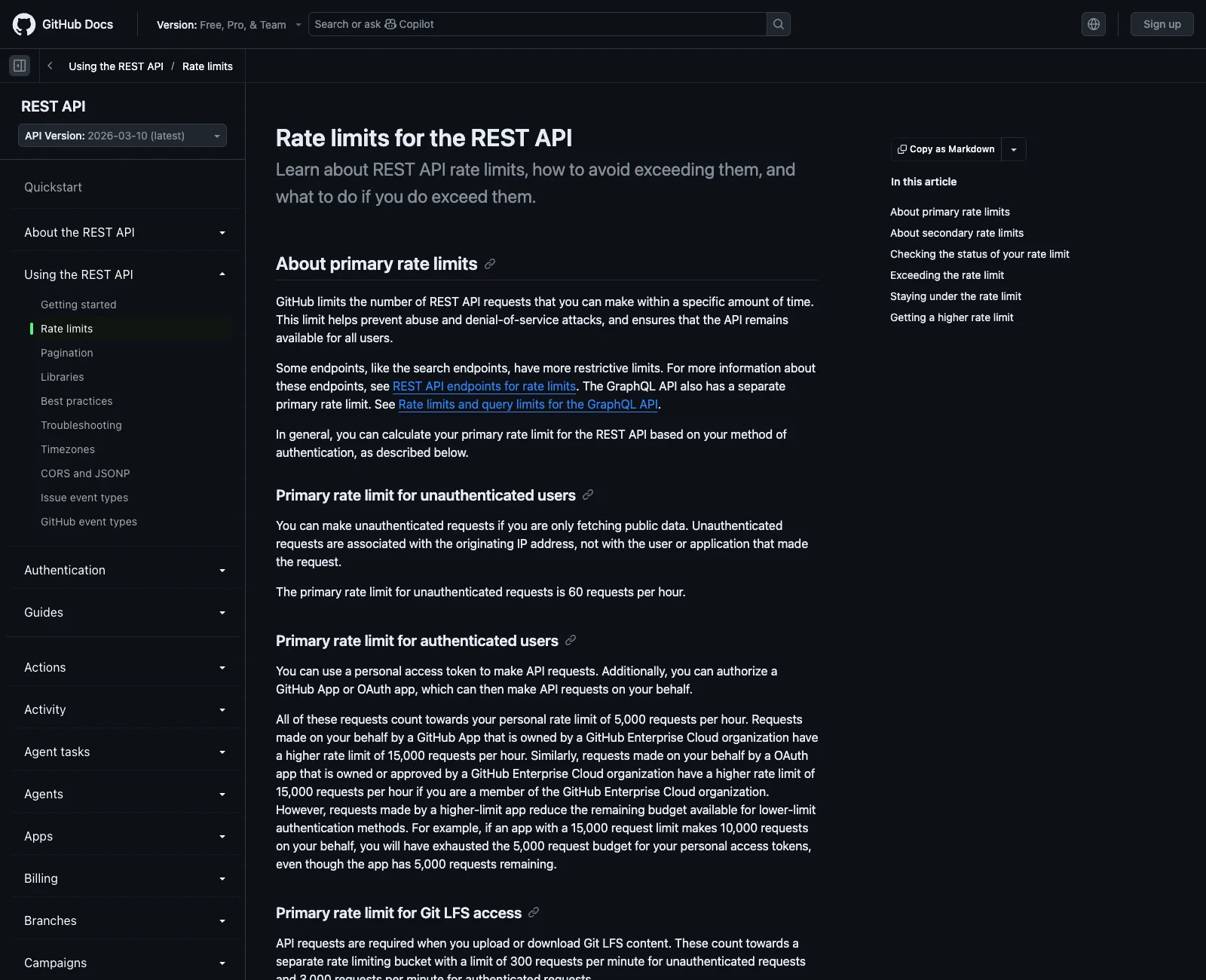
Stripe's scheme is a good one to learn because most other providers do something structurally similar. Every request carries a Stripe-Signature header shaped like t=1492774577,v1=5257a869e7ec..., a timestamp and an HMAC-SHA256 signature computed over {timestamp}.{raw_request_body} using your endpoint's secret as the key. You recompute that same HMAC on your end and compare it using a constant-time comparison, never a plain ==, to avoid leaking timing information an attacker could use to guess the signature byte by byte.
Pythonimport hashlib import hmac import time def verify_stripe_signature(payload: str, sig_header: str, secret: str, tolerance: int = 300) -> bool: parts = dict(p.split("=", 1) for p in sig_header.split(",")) timestamp = parts["t"] expected_sig = parts["v1"] signed_payload = f"{timestamp}.{payload}" computed_sig = hmac.new(secret.encode(), signed_payload.encode(), hashlib.sha256).hexdigest() if abs(time.time() - int(timestamp)) > tolerance: return False return hmac.compare_digest(computed_sig, expected_sig) secret = "whsec_test_secret_123" payload = '{"id": "evt_1", "type": "payment_intent.succeeded"}' timestamp = str(int(time.time())) signed_payload = f"{timestamp}.{payload}" real_sig = hmac.new(secret.encode(), signed_payload.encode(), hashlib.sha256).hexdigest() real_header = f"t={timestamp},v1={real_sig}" tampered_header = f"t={timestamp},v1=0000000000000000000000000000000000000000000000000000000000000000" print("real signature valid:", verify_stripe_signature(payload, real_header, secret)) print("tampered signature valid:", verify_stripe_signature(payload, tampered_header, secret)) print("tampered payload valid:", verify_stripe_signature(payload + "extra", real_header, secret))
textreal signature valid: True tampered signature valid: False tampered payload valid: False
The timestamp check matters as much as the signature itself. Without it, an attacker who ever intercepts one valid signed request can replay it forever. Stripe's own libraries default to a 5-minute tolerance window for exactly this reason, and it is worth keeping that default rather than widening it.
Reliability: What Happens When Delivery Fails
Polling is naturally self-healing. If a request fails, you just ask again on the next tick and you already have the current state, nothing was lost in between. Webhooks have no such guarantee built in; if your endpoint is down for a deploy when an event fires, that delivery attempt simply fails unless the provider retries it.
Stripe retries a failed webhook delivery with exponential backoff for up to three days in live mode, according to its webhook documentation as of September 2026. That is generous, but it means your integration has to tolerate two things by design: delivery can be delayed by hours if your server was briefly unreachable, and the same event can arrive more than once, since a retry after a slow 200 response still counts as a new attempt from the provider's side. Store the event ID from each payload and skip anything you have already processed. Building that idempotency check is a five-minute job; skipping it is how "processed this refund twice" bugs get into production.
When to Use Each
Reach for polling when there is no webhook option to begin with, when you only need fresh data at the moment a user is actively looking at a screen rather than continuously in the background, or when you are reconciling state after downtime, since a webhook you missed while your server was down is genuinely gone unless the provider's retry window happens to still be open.
Reach for webhooks when you need near-real-time updates without babysitting a polling interval, when the volume of "nothing changed" checks would meaningfully add to your bill or the provider's, and whenever the provider actually offers them, which by 2026 covers essentially every major payments, source control, and commerce platform.
The pattern most production systems land on is both at once: webhooks for the real-time path, plus a slow periodic poll, once every few hours, purely as a reconciliation safety net in case a delivery genuinely never arrived. That combination costs almost nothing extra and closes the one real gap webhooks have on their own.
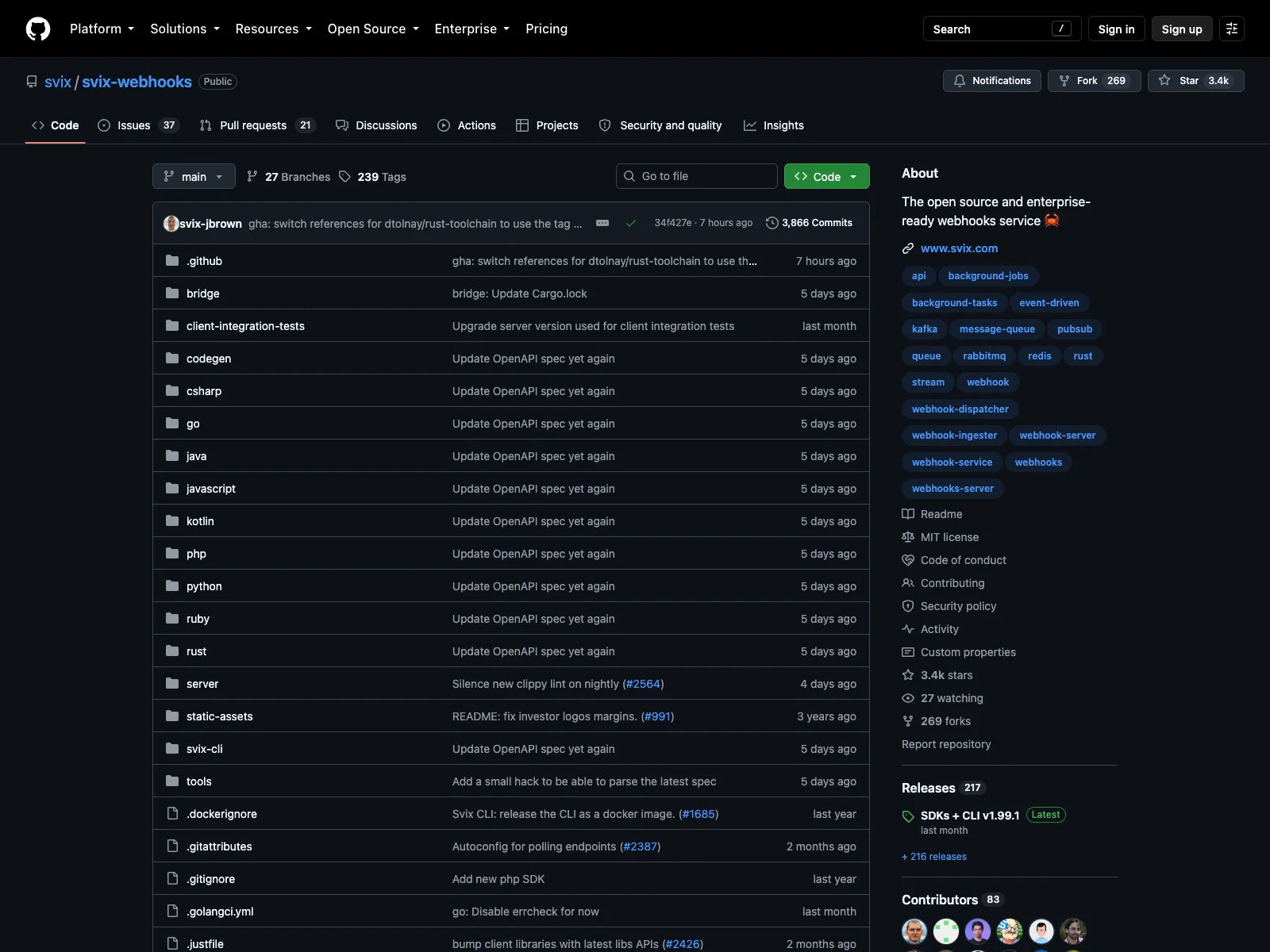
If you would rather not run your own webhook delivery infrastructure, Svix is worth knowing about: its core server is MIT-licensed and open source, self-hostable via Docker, and handles the retry logic, signing, and delivery logs so you are not rebuilding Stripe's reliability model from scratch for your own outbound webhooks.
Conclusion
Neither approach is universally better, they solve different problems. Polling costs you requests to buy simplicity and self-healing; webhooks cost you endpoint reliability and signature verification to buy near-instant updates at a fraction of the request volume. Run the actual numbers for your event frequency before picking blindly, and if the provider supports webhooks, add a slow reconciliation poll alongside them rather than choosing one and hoping it never fails.
Related DevToolLab Tools
- HTTP Header Parser - inspect the exact headers a webhook delivery or API response actually sent, useful for debugging a signature header you're not parsing correctly.
- HTTP Status Checker - confirm your webhook receiver endpoint is actually reachable and returning a 2xx before a provider starts retrying against it.
- OpenAPI to Postman Collection - turn a provider's OpenAPI spec into a ready Postman collection so you can test the polling side of an integration without hand-building requests.
- HAR File Analyzer - capture your browser or app's network traffic and see exactly how many polling requests are firing versus how much real data came back.
Related Guides
- What Is a Webhook? Anatomy of One Request - one delivery taken apart, from headers to signature, if you are building the receiving side.
- 11 Best Webhook.site Alternatives - tools for capturing and replaying webhook deliveries while you develop.
- AI-Powered Webhook Handlers - routing and triaging incoming events once the volume grows.
- Rate Limiting Algorithms Compared - why aggressive polling hits the limits described above, from the provider's side.