
Claude Code is a strong terminal coding agent, but it is a closed product. The CLI is "All rights reserved" software from Anthropic, it runs Claude models only, and it needs a paid Claude subscription (Pro, Max, Team or Enterprise) or an Anthropic Console account with API billing. There is no free tier. If you want to audit what an agent does to your repository, run it against a local model, or stop paying one vendor per seat, that is a real constraint.
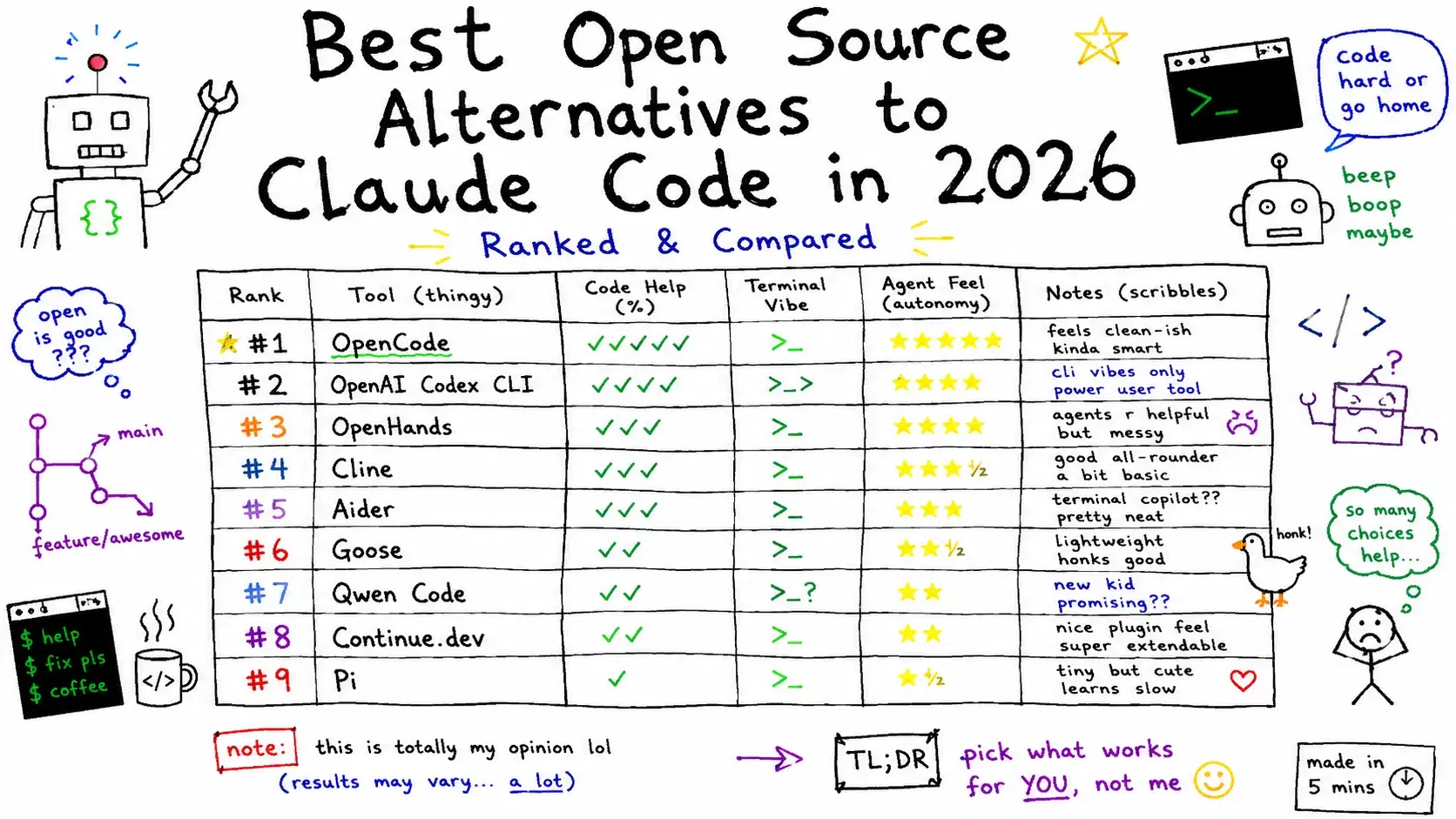
Nine open-source agents cover most of what Claude Code does, led by OpenCode at 211,651 GitHub stars and OpenAI's Codex CLI at 127,771 as of October 4, 2026. This guide compares all nine on license, release activity, model access and cost, and flags what moved, changed pricing or stopped since the post first ran in June 2026.
Why Open Source Matters for Coding Agents
An agent that edits files and runs shell commands in your repository works with your permissions. Open source means you can read what it sends, pin a version, and fork it if the maintainer changes direction, which happens a lot in this category: four of the nine projects below have moved to a new GitHub organization. Open agents are also model-agnostic, so the same tool can run a frontier API model for a hard refactor and a local model through Ollama for routine edits.
Quick Comparison
Stars, versions and release dates were checked against GitHub, npm and PyPI on October 4, 2026.
| Tool | License | GitHub stars | Latest release | Model access | Best for |
|---|---|---|---|---|---|
| OpenCode | MIT | 211.6k | 1.18.34 (Sep 30, 2026) | 75+ providers, local models, free models included | Closest Claude Code replacement |
| OpenAI Codex CLI | Apache 2.0 | 127.8k | 0.160.0 (Oct 1, 2026) | ChatGPT plan or OpenAI API key | Sandboxed edits, ChatGPT subscribers |
| Pi | MIT | 112.2k | 1.0.2 (Oct 4, 2026) | Subscription or API key via /login | Building your own agent workflow |
| Gemini CLI | Apache 2.0 | 107.2k | 0.62.0 (Sep 29, 2026) | Paid Gemini API key or Code Assist license | Gemini 3 with a 1M-token context |
| OpenHands | MIT | 89.9k | 1.24.0 (Sep 25, 2026) | Any LLM | Autonomous agents on your own server |
| Cline | Apache 2.0 | 69.8k | CLI 3.0.68 (Oct 2, 2026) | Any major provider, Ollama, LM Studio | Plan-then-act review in the IDE |
| Goose | Apache 2.0 | 54.9k | 1.53.0 (Oct 2, 2026) | 15+ providers, existing subscriptions via ACP | Code plus ops and data work |
| Aider | Apache 2.0 | 49.4k | 0.86.2 (Feb 12, 2026) | Almost any LLM, including local | One Git commit per AI change |
| Qwen Code | Apache 2.0 | 28.3k | 0.24.7 (Sep 29, 2026) | OpenAI, Anthropic, Gemini, Qwen APIs, Ollama, vLLM | Qwen models, mixed API protocols |
The Open Source Alternatives
OpenCode

OpenCode is the closest open-source equivalent to Claude Code and the most-starred project here, under MIT. The repository now lives in the anomalyco organization, and the old sst/opencode URL redirects there. It connects to 75+ LLM providers through Models.dev, including local models, includes some free models, and can sign in with a ChatGPT Plus or Pro account.
Two built-in agents split the work, and Tab switches between them: build has full access, while plan is read-only, denies file edits and asks before running bash commands. OpenCode loads the right language server for the model automatically and can run several agents on the same project at once. A desktop app is in beta for macOS, Windows and Linux.
One naming trap: opencode-ai/opencode is a different, archived Go project. Its author continued it as Crush at Charm, under the source-available Functional Source License (FSL-1.1-MIT).
Bashcurl -fsSL https://opencode.ai/install | bash # or: npm i -g opencode-ai@latest cd your-project && opencode
OpenAI Codex CLI

OpenAI Codex CLI is OpenAI's local coding agent, written in Rust under Apache 2.0. It does not need an API key: run codex, choose Sign in with ChatGPT, and usage comes out of a Plus, Pro, Business, Edu or Enterprise plan. An OpenAI API key still works.
Its safety model is OS-level sandboxing. On macOS it uses the built-in Seatbelt framework, on Linux and WSL2 it uses bubblewrap, and on Windows it uses a native sandbox. The default workspace-write mode lets the agent edit files and run routine commands inside the project, and it asks before using the network or touching anything outside the workspace. /permissions switches profiles mid-session, and the same agent runs as an IDE extension and a desktop app.
Bashnpm install -g @openai/codex # or: brew install --cask codex codex
Pi

Pi is a minimal agent harness rather than a finished product, and version 1.0.2 shipped on October 4, 2026. It leaves out sub-agents and plan mode on purpose. You add them through extensions, skills, prompt templates and themes, bundled as Pi packages and shared over npm or git, or you ask Pi to build the feature itself. It runs interactively, in print or JSON mode for scripts, over RPC, or embedded through a TypeScript SDK. Our agent harness explainer covers the 1.0 design.
The tradeoff is safety. Pi has no built-in permission system and runs with the full permissions of whoever launched it, so its docs recommend a Docker container, a Gondolin micro-VM or a policy sandbox. If you installed it earlier this year, the package moved from @mariozechner/pi-coding-agent, which stopped at 0.73.1 in May 2026, to @earendil-works/pi-coding-agent.
Bashcurl -fsSL https://pi.dev/install.sh | sh cd your-project && pi # then /login to connect a subscription or API key
Gemini CLI
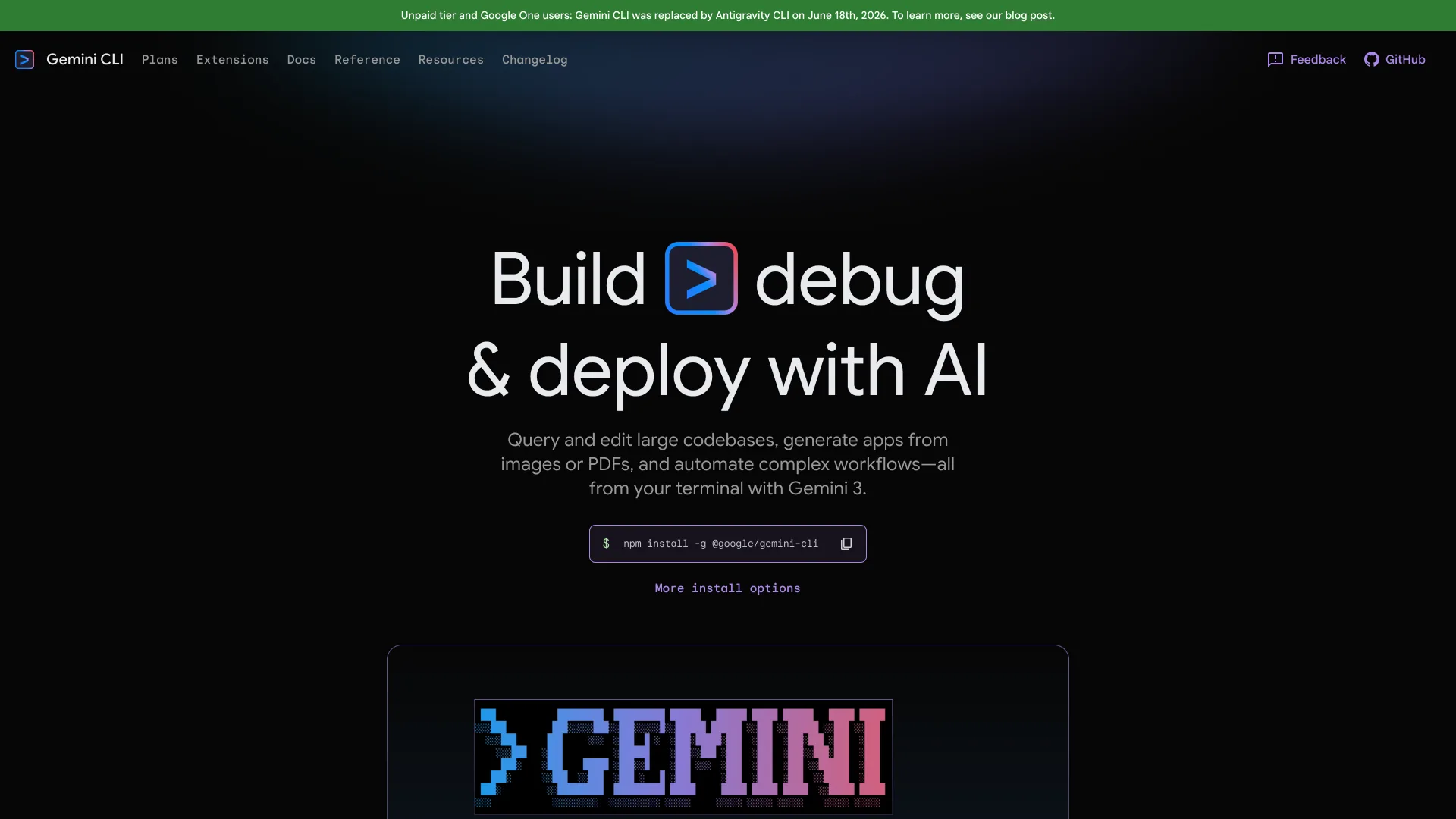
Gemini CLI is Google's open-source terminal agent under Apache 2.0, with weekly stable releases. It runs Gemini 3 models with a 1M-token context window, grounds answers with Google Search, and supports MCP servers.
Check the access rules before treating it as a free option, because they changed. Until June 18, 2026, a personal Google account got 1,000 free requests a day. On that date Google stopped serving Gemini CLI to free Code Assist for individuals users and to Google AI Pro and Ultra subscribers, and moved them to its new Antigravity CLI. Gemini CLI still works with a paid Gemini API key or a Gemini Code Assist Standard or Enterprise license, and the code stays open source. The README still advertises the old free tier, so trust the announcement.
Bashnpm install -g @google/gemini-cli # or: brew install gemini-cli gemini
OpenHands

OpenHands, formerly OpenDevin, is the autonomous end of this list: you describe an outcome and it plans and executes the steps, in a Docker sandbox if you run it that way. Its 1.24.0 release reframes the project as Agent Canvas, a self-hosted control center that runs the OpenHands agent and can also drive Claude Code, Codex or Gemini through the Agent Client Protocol (ACP). Agents run locally, in Docker, on VMs or in the cloud, and automations tied to Slack, GitHub or Linear run on a schedule or on webhook events.
If you are looking for the old ghcr.io/all-hands-ai/openhands:latest image on port 3000, the README no longer uses it. The current Docker command serves the UI on port 8000 and only sees projects under PROJECTS_PATH:
Bashexport PROJECTS_PATH="$HOME/projects" mkdir -p "$PROJECTS_PATH" "$HOME/.openhands" docker run -it --rm \ -p 127.0.0.1:8000:8000 \ -e AGENT_CANVAS_ALLOW_LAN_SESSION_KEY=true \ -v "$HOME/.openhands:/home/openhands/.openhands" \ -v "${PROJECTS_PATH}:/projects" \ ghcr.io/openhands/agent-canvas:1.24.0
Cline

Cline started as a VS Code extension and is now a family: the extension, a JetBrains plugin, a CLI with an interactive mode and a headless mode for CI, a desktop app for macOS and Windows, and an SDK. One caveat the README states plainly: the JetBrains plugin is not open source.
Its workflow suits teams that review everything. In Plan mode Cline explores the codebase, asks clarifying questions and proposes a strategy; in Act mode it executes, and every file edit and terminal command waits for your approval unless you turn on auto-approve. Checkpoints let you undo the agent's work, and .clinerules files carry project conventions across the CLI and both IDEs. Newer additions include multi-agent teams (cline --team-name auth-sprint "...") and agents that run on cron schedules.
npm i -g cline
cline
Goose

Goose is a general-purpose agent rather than a coding specialist: research, data analysis and automation sit next to code edits in the same session. Block built it and in December 2025 donated it to the Linux Foundation's Agentic AI Foundation, which is why the repository now lives at aaif-goose/goose.
It is written in Rust and ships as a desktop app for macOS, Linux and Windows, a CLI and an API. It supports 15+ providers, connects to 70+ MCP extensions, and can use an existing Claude, ChatGPT or Gemini subscription through ACP instead of an API key.
Bashcurl -fsSL https://github.com/aaif-goose/goose/releases/download/stable/download_cli.sh | bash goose configure # pick a provider goose session
Aider

Aider pioneered Git-native pair programming in the terminal. Every change becomes a commit with a descriptive message, so git diff and git revert are your review and undo tools. A tree-sitter repo map gives the model a compressed view of the whole codebase, and Aider can lint and run your tests after each change.
Development has slowed, and you should know that before standardizing on it. The latest PyPI release is 0.86.2 from February 12, 2026, the last commit landed on May 22, 2026, and the README still recommends Claude 3.7 Sonnet and o3-mini. It is still the best fit when every AI edit must be its own commit.
Bashpython -m pip install aider-install aider-install cd your-project && aider
Qwen Code

Qwen Code is Alibaba's terminal agent, built around the Qwen models but speaking the OpenAI, Anthropic, Gemini and Qwen APIs, plus local models through Ollama or vLLM, with provider switching at runtime. Beyond the CLI it has a desktop app, an experimental web UI (qwen serve), VS Code, Zed and JetBrains integrations, and a headless qwen -p mode for CI.
The free path changed this year. The Qwen OAuth free tier was discontinued on April 15, 2026, so you now need an API key, an Alibaba Cloud Coding Plan or Token Plan, or a local model.
Bashnpm install -g @qwen-code/qwen-code@latest # Node.js 22+, or: brew install qwen-code cd your-project && qwen # then /auth to pick a provider
Is There a Free Claude Code Alternative?
Yes, if you supply the model. OpenCode, Cline, Goose, Aider and Qwen Code all run against a local model through Ollama or another local server, so your only cost is hardware; our VRAM requirements guide covers how much GPU memory a usable coding model needs. OpenCode also includes free hosted models. If you already pay for a chat subscription, Codex CLI runs on a ChatGPT plan and Goose can use an existing Claude, ChatGPT or Gemini subscription. The Gemini CLI and Qwen OAuth free tiers both ended in 2026, so older guides that list them as free are out of date.
Projects That Moved or Stopped in 2026
- Continue marked its
continuedev/continuerepository read-only after a final release and says it is no longer actively maintained. - Roo Code, a popular Cline fork, archived its repository in May 2026.
- Four repositories moved organizations, and GitHub redirects the old URLs:
sst/opencodetoanomalyco/opencode,All-Hands-AI/OpenHandstoOpenHands/OpenHands,block/goosetoaaif-goose/goose, andbadlogic/pi-monotoearendil-works/pi. - Gemini CLI and Qwen Code both ended their free sign-in tiers, on June 18 and April 15, 2026.
How to Choose
Start from the constraint that matters most to you, not from star counts.
| If you want | Pick | Why |
|---|---|---|
| The closest Claude Code replacement | OpenCode | build and plan agents, 75+ providers, free models included |
| To use a ChatGPT plan you already pay for | Codex CLI | Sign in with ChatGPT, OS-level sandbox by default |
| To build your own agent workflow | Pi | Minimal core, packages, SDK and RPC modes |
| Gemini 3 with a 1M-token context | Gemini CLI | Paid API key or Code Assist license since June 2026 |
| Autonomous agents on a server | OpenHands | Agent Canvas, Docker sandboxes, Slack and GitHub automations |
| To approve every edit inside your IDE | Cline | Plan and Act modes, checkpoints, .clinerules |
| One agent for code plus ops and data work | Goose | 70+ MCP extensions, Linux Foundation governance |
| One Git commit per AI change | Aider | Auto-commits and repo map, slower development in 2026 |
| Qwen models or a mix of API protocols | Qwen Code | OpenAI, Anthropic, Gemini and Qwen APIs plus Ollama and vLLM |
Conclusion
For most developers leaving Claude Code, start with OpenCode: it has the largest community, the broadest model support, and a plan and build split that mirrors how Claude Code gets used day to day. Add Codex CLI if you already pay for ChatGPT, since that subscription covers it, and reach for Aider on repositories where every AI change must be its own commit. For a zero-cost setup, pair OpenCode or Cline with a local model and size the GPU first. Re-check access terms before you standardize a team, because two free tiers ended this year.
Related DevToolLab Tools
- Diff Checker - Compare code before and after an agent's changes.
- API Key Validator - Check an Anthropic, OpenAI or Google key before an agent uses it.
- .gitignore Generator - Keep agent-generated files out of version control.
- GitHub README Generator - Generate a
README.mdwith badges and install steps.
Related Guides
- What Is an Agent Harness? Pi 1.0 Explained - how Pi's minimal core and packages fit together
- OpenCode Setup Guide - providers, agents and configuration in detail
- Best Background Coding Agents - Devin, Codex Cloud and Jules for work that runs while you are away
- Best CLI AI Coding Agents - the open and closed terminal agents side by side