
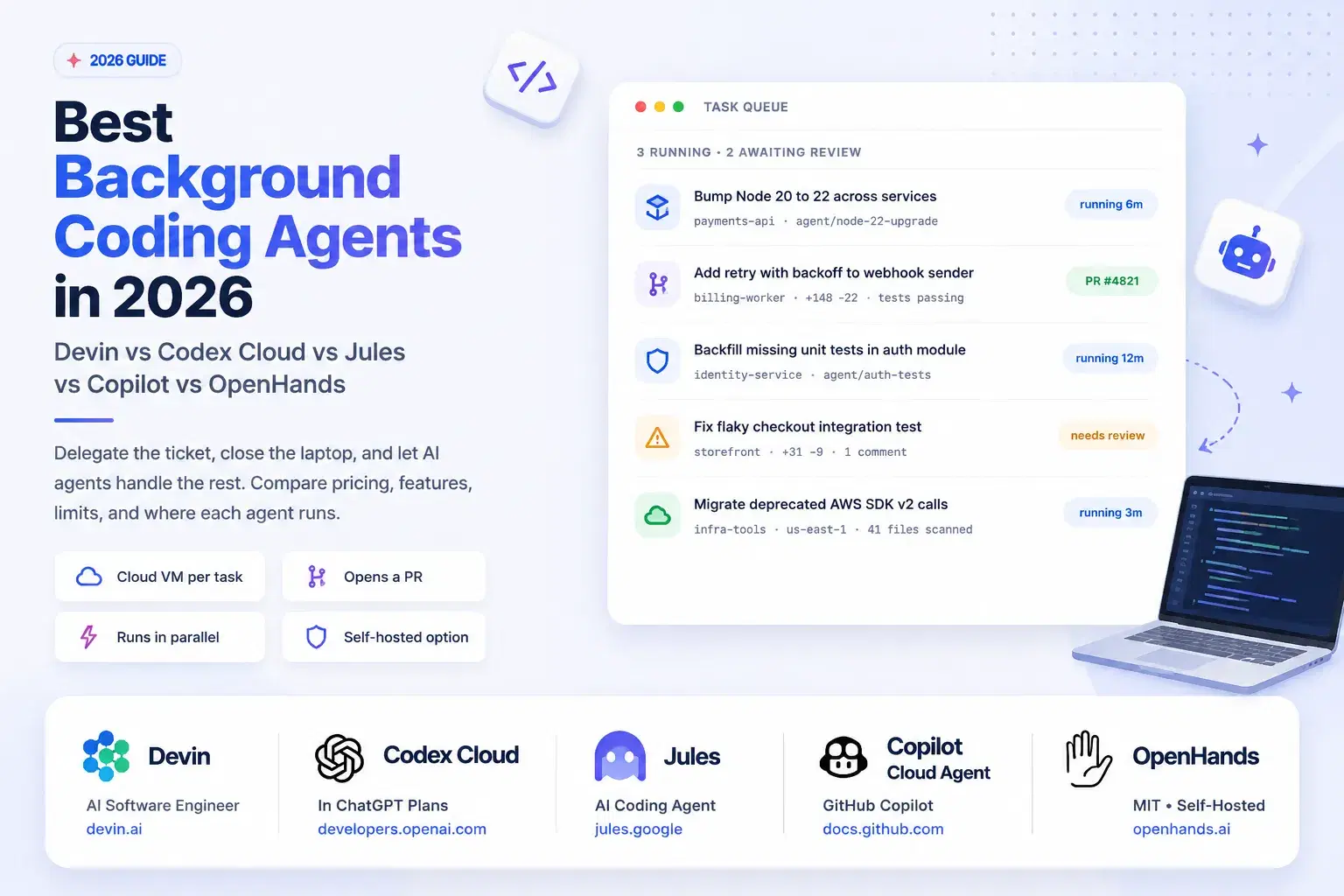
A coding agent that runs in your terminal holds your attention for as long as it works, which caps how much you can delegate at the number of hours you are willing to sit and watch. Background agents break that ceiling: you hand over a scoped ticket, the agent runs on a cloud VM with your repository cloned, and you come back to a pull request.
The prices for that convenience now sit further apart than the marketing suggests. Google's Jules gives every account 15 tasks per rolling 24 hours for free, Devin starts at $20 a month for a single developer, and OpenAI's Codex cloud is bundled into ChatGPT plans that begin at $0. Meanwhile the CLI that drives Jules already supports fan-out: running jules --help from the terminal prints jules new --repo torvalds/linux --parallel 3 "write unit tests" as a documented example, which is three cloud VMs racing the same task.
What Counts as a Background Agent
The distinction matters because the name gets applied loosely. A background agent clones your repository into an environment you do not manage, works without a human in the loop, and hands back a branch or a pull request. That is different from a terminal agent like Claude Code or Codex CLI, which runs on your machine in your session, and different again from an IDE assistant that completes code as you type.
The consequences follow from that definition. You need a repository config file the agent can read, because nobody is there to answer questions mid-run. You need tests that pass on a clean checkout, because CI is the agent's only feedback signal. And you need a review habit, because the output arrives as a diff written by something that never asked for clarification.
Comparison Table
| Agent | Where it runs | Entry price | Free tier | Concurrency |
|---|---|---|---|---|
| Devin | Cognition cloud VM | $20/mo Pro | Yes, limited usage | No session limit |
| Codex cloud | OpenAI cloud environment | Included in ChatGPT plans | Yes, on ChatGPT Free | Parallel tasks |
| Jules | Google Cloud VM | Google AI Pro $19.99/mo | 15 tasks per day | 3 free, up to 60 |
| Copilot cloud agent | GitHub Actions runner | Any paid Copilot plan | No | One PR per task |
| OpenHands | Your laptop, VM, or Docker | Free, MIT licensed | Fully free | Your hardware |
Devin: The Most Autonomous, and the Most Expensive to Misuse
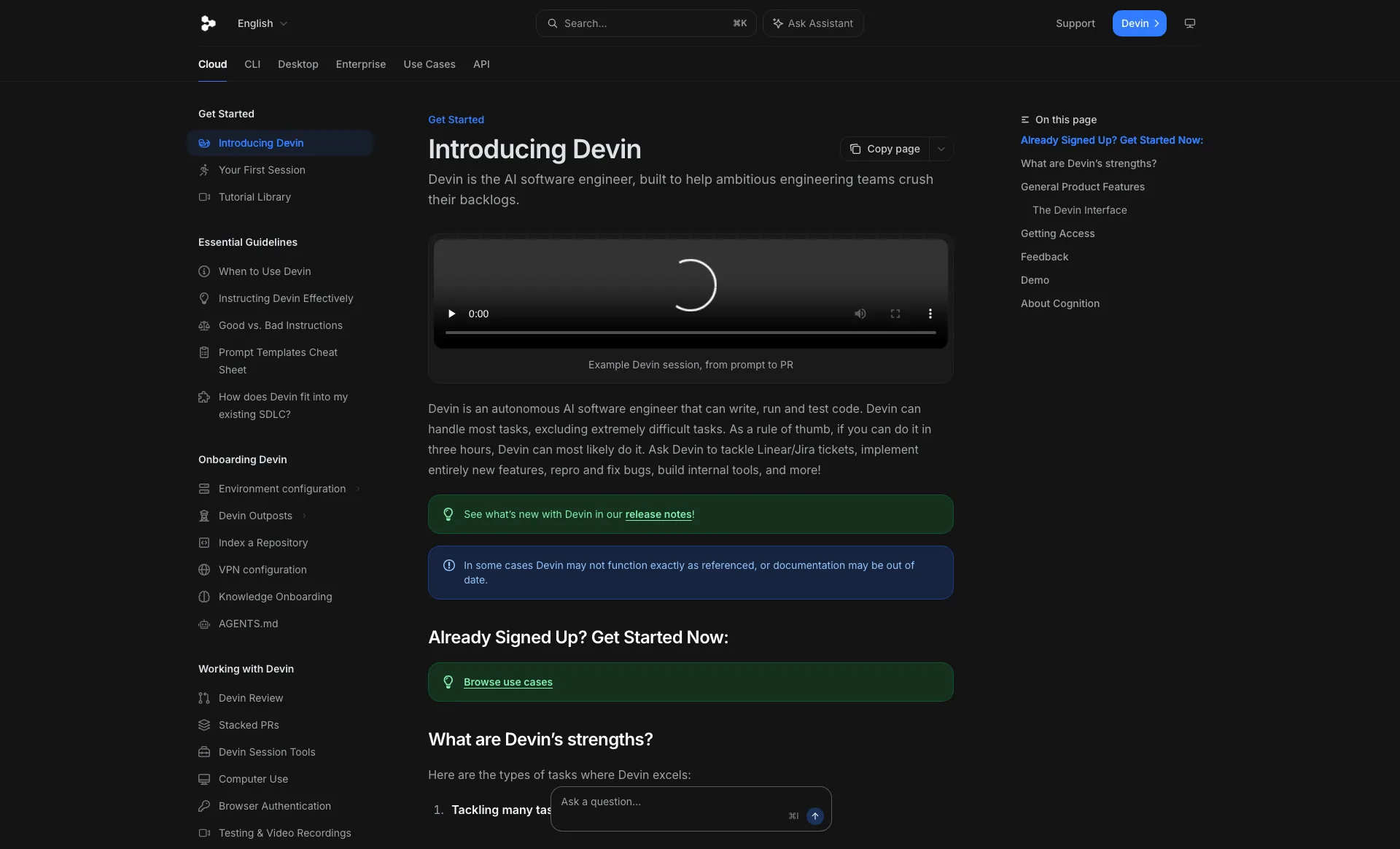
Devin is the agent that defined the category, and its documentation is unusually direct about scope: "As a rule of thumb, if you can do it in three hours, Devin can most likely do it." Each session gets a VM with a shell, an embedded IDE, and a browser, and you can watch or take over at any point. Work arrives from Slack, Linear, the API, or the Devin CLI.
Pricing was restructured away from the old per-unit model. Self-serve now runs Free with limited usage, Pro at $20 a month, Max at $200 a month for a larger weekly quota with no daily cap, and Teams from $80 a month minimum, where full seats cost $40 each and unlimited flex seats are free but draw from a shared pool of on-demand credits. Credits roll over and never expire. Enterprise contracts still meter in Agent Compute Units.
Two operational details are worth knowing before you budget. Devin sleeps when a session goes idle, and does not charge while waiting for your reply or a test suite. Windows sessions consume roughly 9% more than the equivalent Ubuntu session. There is no limit on concurrent sessions, which the docs encourage you to use by splitting large projects into smaller ones.
Best for: Teams with a backlog of well-scoped tickets and a review process that can absorb agent-authored pull requests.
Codex Cloud: The Cheapest Way In If You Already Pay OpenAI
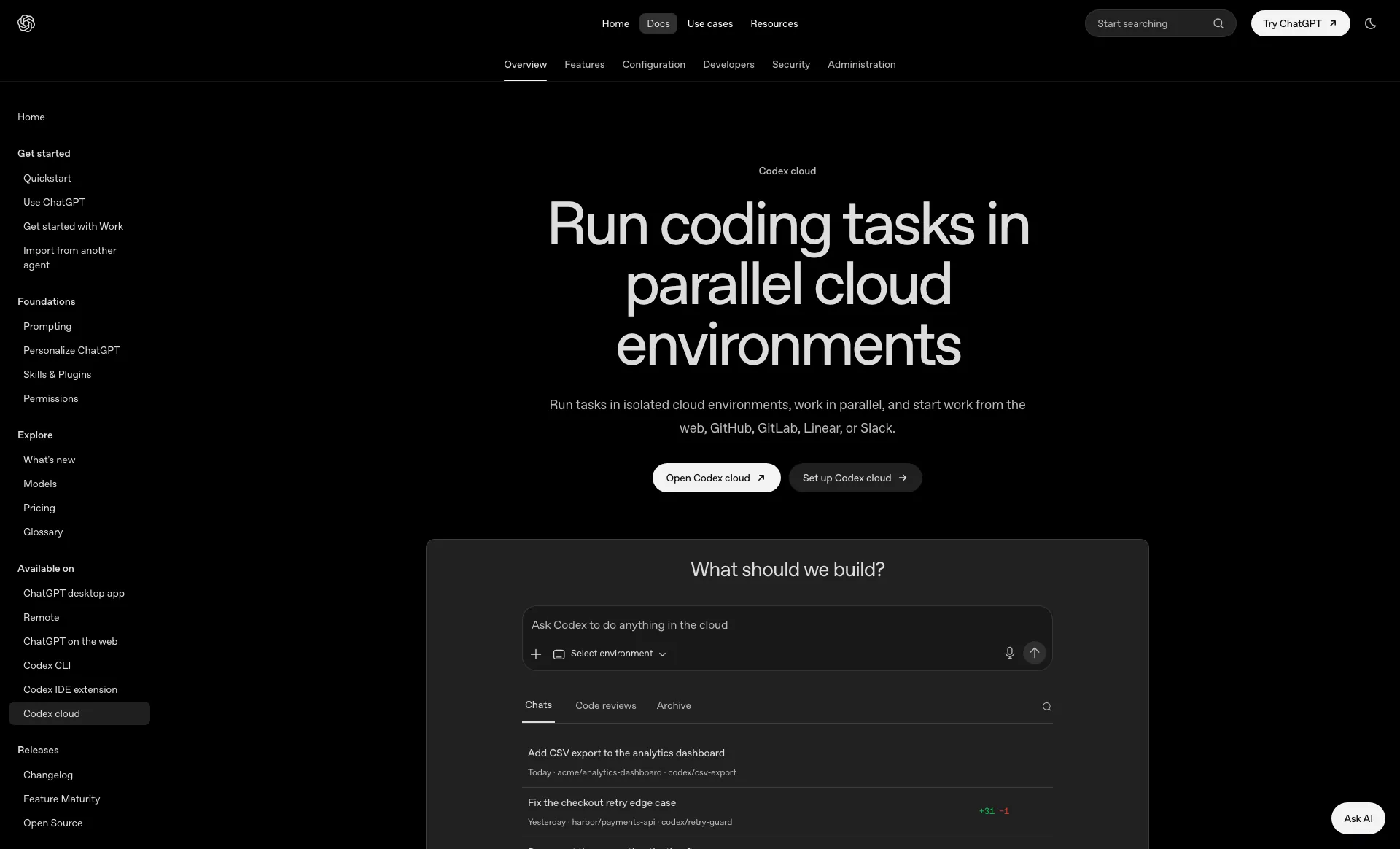
Codex is no longer a single product but a surface that spans a CLI, an IDE extension, iOS, and the cloud. The cloud piece runs tasks in isolated environments and can be started from the web, GitHub, GitLab, Linear, or Slack, which means the agent lives where your tickets already are.
The billing model is the friendliest here because there is no separate subscription. Codex is included in ChatGPT Free, Go at $8 a month, Plus at $20, Pro from $100, plus Business, Edu, and Enterprise. Plus covers the web, CLI, IDE extension and iOS surfaces, cloud integrations like automatic code review and Slack, and the GPT-5.6 model family. Pro adds 5x or 20x higher rate limits and access to GPT-5.3-Codex-Spark, a faster model in research preview. Usage past your plan extends through ChatGPT credits rather than a new contract.
The local half is genuinely open source: the Codex CLI is Apache 2.0 with more than 118,000 stars, and npx @openai/codex@latest --version printed codex-cli 0.149.1 when I ran it while writing this. That matters for the hybrid pattern most teams land on, where the same agent works locally on ambiguous problems and in the cloud on the mechanical ones.
Best for: Anyone already on a ChatGPT plan, and teams wanting one agent for local and background work.
Jules: The Most Generous Free Tier, With a Billing Catch
Jules clones your repository into a Google Cloud VM, writes a plan, executes it, and opens a pull request. The free tier is the most generous in this comparison: 15 tasks per rolling 24 hours with 3 concurrent tasks, on Gemini 2.5 Pro. Jules in Pro raises that to 100 daily tasks and 15 concurrent, and Jules in Ultra to 300 daily tasks and 60 concurrent, both with access to the latest model starting with Gemini 3 Pro.
The catch is how you buy it. Paid Jules tiers are benefits of the Google AI Pro ($19.99 a month) and Google AI Ultra (from $99.99 a month) consumer plans, and the documentation states plainly that those plans are currently available only for individual Google Accounts ending in @gmail.com. If your company runs on Google Workspace, there is an interest form rather than an upgrade button. Task limits are also per user, not pooled across a team.
Jules ships a terminal client too. Installing @google/jules (version 0.1.42 at the time of writing) gives you a CLI whose own help output documents session creation, parallel fan-out, listing, and pulling a finished patch back into your working tree.
Best for: Individual developers who want real background agent capacity without a new subscription, and anyone testing the pattern before spending money.
Also Worth Knowing: GitHub Copilot Cloud Agent
If your work already lives in GitHub issues, the Copilot cloud agent is the shortest path. You assign an issue or mention @copilot on a pull request, and the agent works in an ephemeral environment powered by GitHub Actions, then opens exactly one pull request per task. It is available on all paid Copilot plans, and it consumes GitHub Actions minutes and AI credits rather than a separate bill.
Its documented ceilings are the useful part: a hard 59-minute maximum session time, and changes limited to one repository per task. Both are reasonable for backlog work and disqualifying for a migration that spans services.
The Open-Source Option: OpenHands
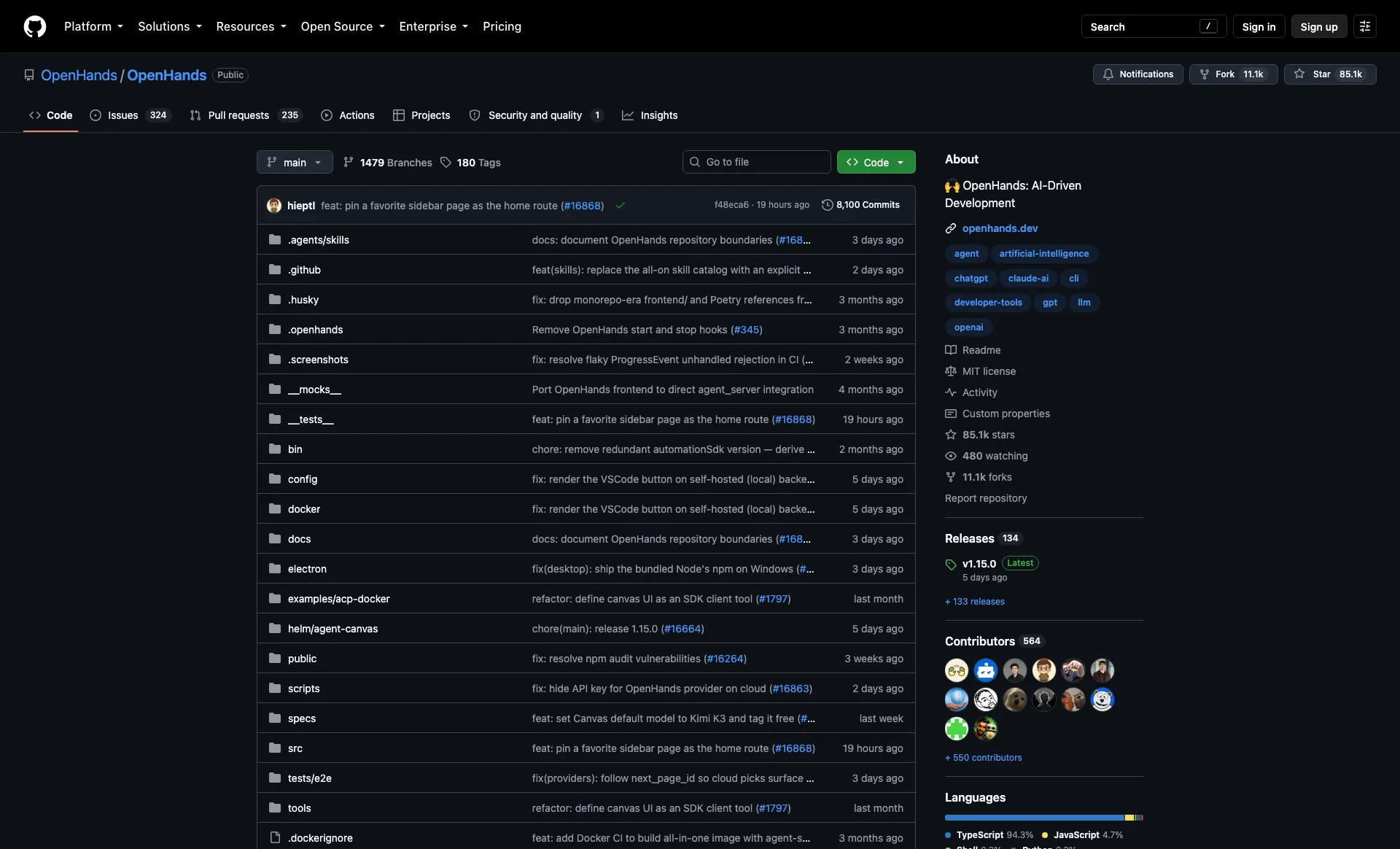
OpenHands is the credible self-hosted answer, and it has grown into something broader than an agent. The current repository ships Agent Canvas, described as a self-hosted developer control center that runs OpenHands, Claude Code, Codex, Gemini, or any agent speaking the Agent Client Protocol, across local, Docker, VM, or cloud backends. It is MIT licensed with roughly 85,000 stars, and v1.15.0 shipped on August 21, 2026.
The feature that makes it a real background agent rather than a local chat window is automations: workflows that run on a schedule or in response to webhook events, wired into Slack, GitHub, and Linear. Run the backend on a small cloud box and your agents keep working with your laptop closed, which is the entire value proposition of the paid products, minus the subscription and plus the responsibility for sandboxing.
SWE-agent is worth a look for the narrower job of pointing a language model at a GitHub issue. MIT licensed with about 20,000 stars, it is the research lineage most of these products grew out of, and it remains a clean way to benchmark models against your own issue backlog.
How to Pilot One This Week
-
Write the repository config first. Every agent here reads an
AGENTS.mdor equivalent at the repo root: how to install, how to run tests, what to never touch. This single file is the largest quality difference between a useful agent run and a wasted one. -
Start free, from the terminal. The Jules CLI needs no card and its own help output documents the workflow. These commands ran locally while writing this post:
Bashnpx --yes @google/jules@latest --help npx --yes @openai/codex@latest --version # prints: codex-cli 0.149.1
- Fan out on one boring task. Pick something mechanical, such as backfilling tests for a single module, and run it in parallel to see the variance between attempts:
Bashjules new --repo your-org/your-repo --parallel 3 "add unit tests for the auth module" jules remote list --session jules remote pull --session 123456 --apply
-
Measure review time, not agent time. The number that decides whether this pays off is how long a human spends turning the pull request into something mergeable. If that exceeds writing it yourself, the task was scoped wrong.
-
Then price it. Only after two or three real tasks does the pricing question have an answer, because usage-based plans like Devin's and credit-based plans like Codex's behave very differently depending on how chatty your sessions are.
How to Choose
You already pay for ChatGPT: Use Codex cloud. It costs nothing extra, starts from GitHub or Slack, and the same agent works locally through an Apache-2.0 CLI.
You want the most autonomy on gnarly tickets: Devin, starting at $20 for Pro. Respect the three-hour rule of thumb from its own documentation.
You are testing the pattern on your own dime: Jules, free, 15 tasks a day. Just check whether your account can upgrade before you build a workflow on it.
Your workflow is GitHub issues: Copilot cloud agent, on the paid plan you already have, as long as 59 minutes and one repository per task fit the work.
Your code cannot leave your infrastructure: OpenHands, self-hosted, MIT. Budget the time you save on subscriptions for sandboxing instead.
Conclusion
The economics of this category flipped in 2026. Background agents used to be a premium product; today the entry price is a free tier from Google, a $20 plan you may already own, or an MIT-licensed stack you host yourself. The scarce resource is no longer agent time, it is review capacity.
So pilot in that order: write the repo config, spend a free Jules task or a Codex run on one boring ticket, and time the review rather than the run. If it comes back mergeable in ten minutes of reading, you have found the shape of task worth delegating, and the pricing pages become a comparison rather than a bet.
Related Tools and Reading
- AI IDE Config Generator - Draft the
AGENTS.md,CLAUDE.md, or.cursorrulesfile every background agent reads before it starts - GitHub Actions Generator - Build the workflow that Copilot's cloud agent and your agent automations run inside
- Conventional Commits Generator - Keep agent commits readable when five pull requests land at once
- LLM Token Cost Calculator - Estimate what a usage-based agent plan will actually cost per task
- Best CLI AI Coding Agents - The terminal half of this workflow, from Claude Code to Codex CLI
- Best Open Source Alternatives to Claude Code - Self-hosted agents you can point at your own models
- Claude Code Git Worktrees - Running several agents in parallel on one machine
Agent pricing and task limits in this category change frequently. Verify current numbers on each vendor's pricing page before committing a team to one.