
Prompt-to-app builders all quote a monthly price, but each one meters usage in a different unit: tokens, credits per message, or dollars of model spend. That makes the sticker prices almost useless for comparison, and it is why people who hit a limit on one tool go looking for another.
Bolt's own pricing page explains the problem in its FAQ: "most token usage is related to syncing your project's file system to the AI: the larger the project, the more tokens used per message." As of October 8, 2026, Bolt's Free plan allows 300K tokens a day and 1M a month, and Pro at $25 a month starts at 10M tokens a month. A message in week one of a project and a message in week six cost different amounts. Every alternative below solves that differently, so this post compares the meters and the seat rules, not just the price tags.
How We Compared Them
We read each vendor's pricing page and docs on October 8, 2026, as raw page text rather than summaries. Where a price depends on a billing toggle or a dropdown, we say which one. We did not build the same app in every tool, so nothing here ranks output quality. What we can verify from public pages is the meter, the seat model, the hosting and database story, and whether you can take the code with you.
The worked example is a 4-person team building an internal dashboard. That size is where seat rules start to matter.
Bolt.new, the Baseline
Bolt is StackBlitz's prompt-to-app builder. Its pricing page lists website hosting and unlimited databases on every plan, adds a choice of database provider on paid plans, and the home page lets you start from a prompt, Figma or a GitHub repo.
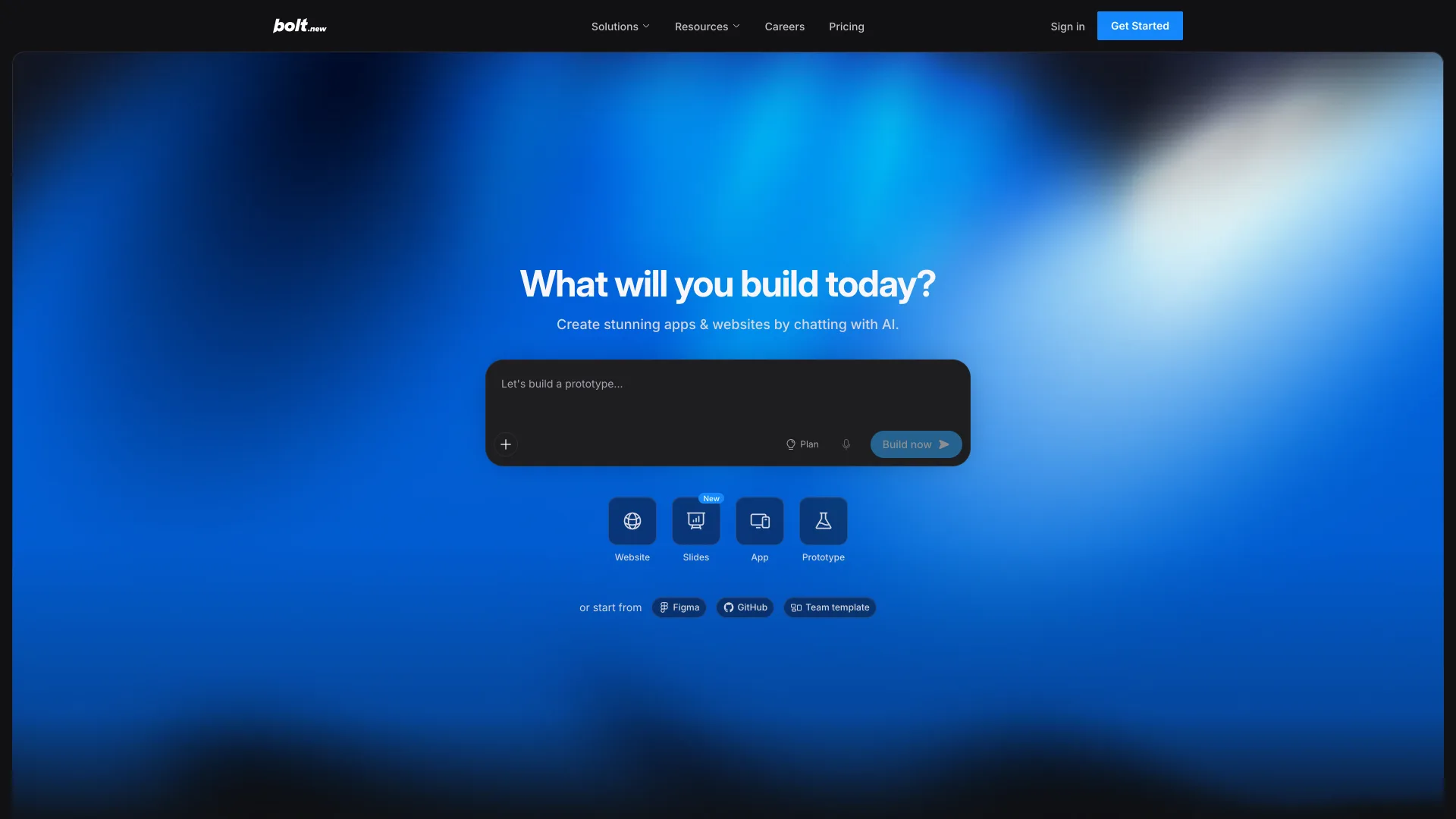
The limit is the token meter described above. Teams is $30 per member per month, and the page says tokens are not shared among members, so an idle teammate's allowance cannot cover a busy one. Paid tokens roll over for one extra month.
Pricing: Free $0 (300K tokens/day, 1M/month) · Pro $25/mo (10M tokens and up) · Teams $30/mo per member · Enterprise custom
Lovable
Lovable bills in credits that cover building, hosting its Cloud backend and AI features inside your app, drawn from one balance. Its FAQ is explicit that it does not charge per seat: workspaces support unlimited members on all plans, and everyone shares the credit pool.
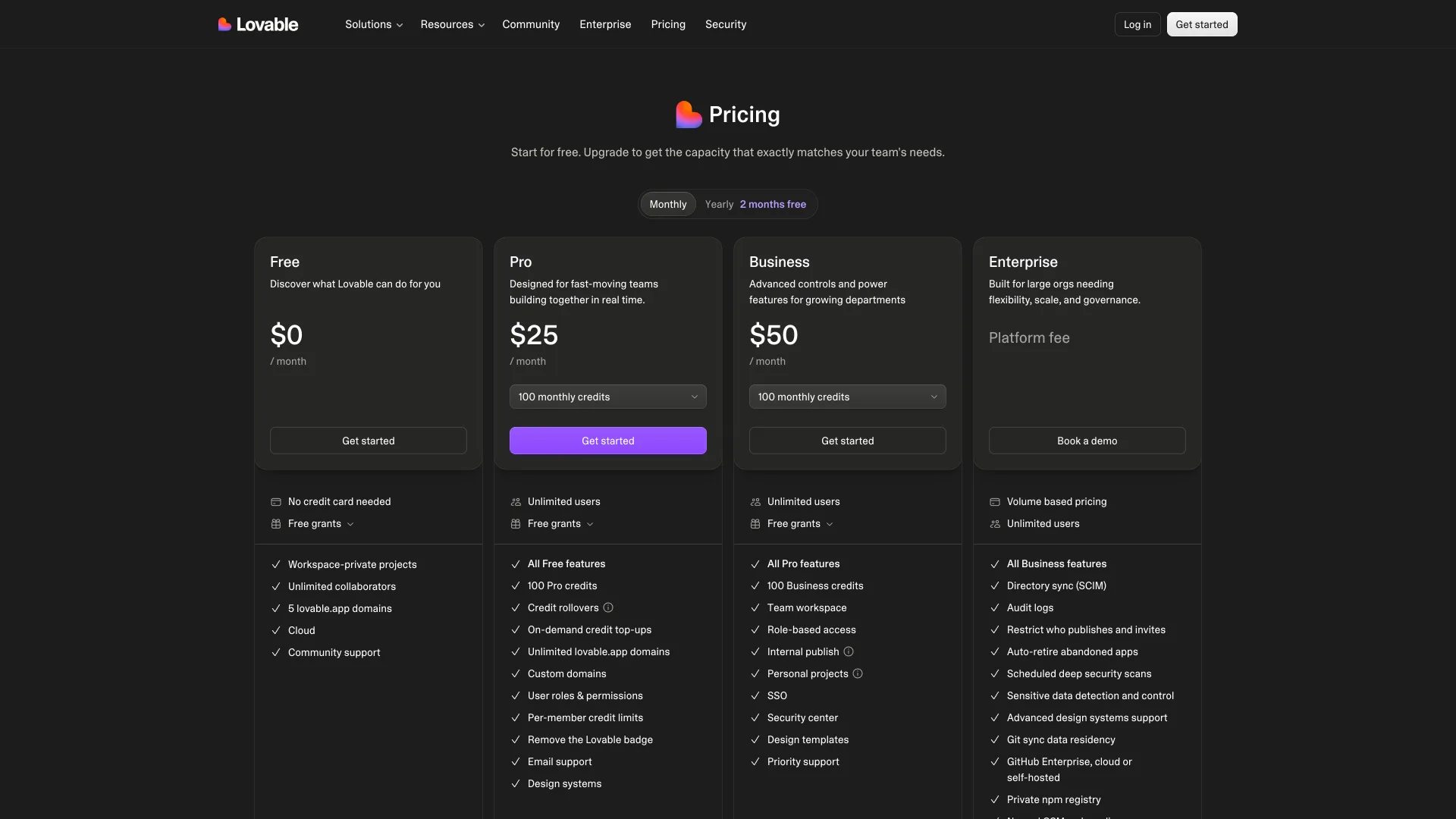
That is a different failure mode from Bolt. A message costs what the task costs: the page lists "Make the button gray" at 0.50 credits and a landing page with three generated images at 1.70. Plan Mode is 1 credit per message. The $25 Pro price is the entry tier of a credits dropdown, and paid plans add a daily grant of 5 build credits. The shared pool is also the catch for a team, because one person can drain it unless an admin sets per-member limits, which Pro supports.
Pricing: Free $0 (5 build credits/day, up to 30/month) · Pro $25/mo for 100 credits · Business $50/mo for 100 credits · Enterprise custom
v0
v0 is Vercel's builder, and it is the only entry here that publishes its model token rates: v0 Mini is $0.20 per million input tokens and $1.20 per million output, v0 Pro $2 and $10, v0 Max $5 and $25. Credits are dollars of that usage.
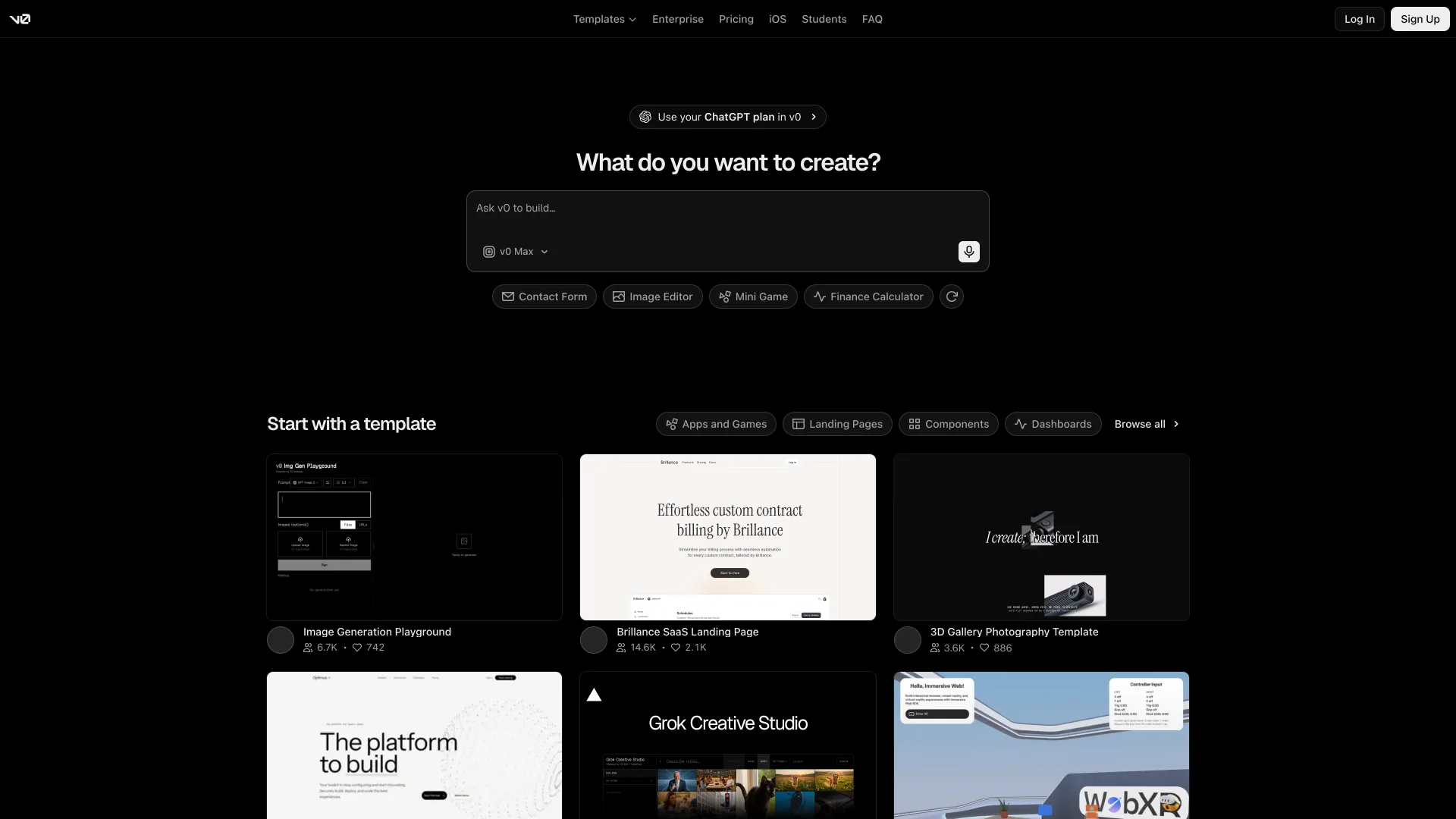
The free plan includes $5 in one-time credits, deploys to Vercel, syncs with GitHub and caps you at 7 messages a day. Plus is $30 per user per month with $30 of included credits and $2 of free daily credits on login; the pricing page shows $90 struck through beside that $30, so confirm what your invoice says. Billing is centralized on vercel.com, which is convenient if you already deploy there.
Pricing: Free $0 (7 messages/day) · Plus $30/mo per user · Business $100/mo per user · Enterprise custom
Replit
Replit is the broadest of the group: its navigation lists Agents, Databases, Integrations and Security next to apps, websites, slides and dashboards, so the editor, hosting and database live in one account. Its home page opens on a prompt box with Website, Mobile, Design, Slides and Animation starting points, and the figures below come from its pricing page text.
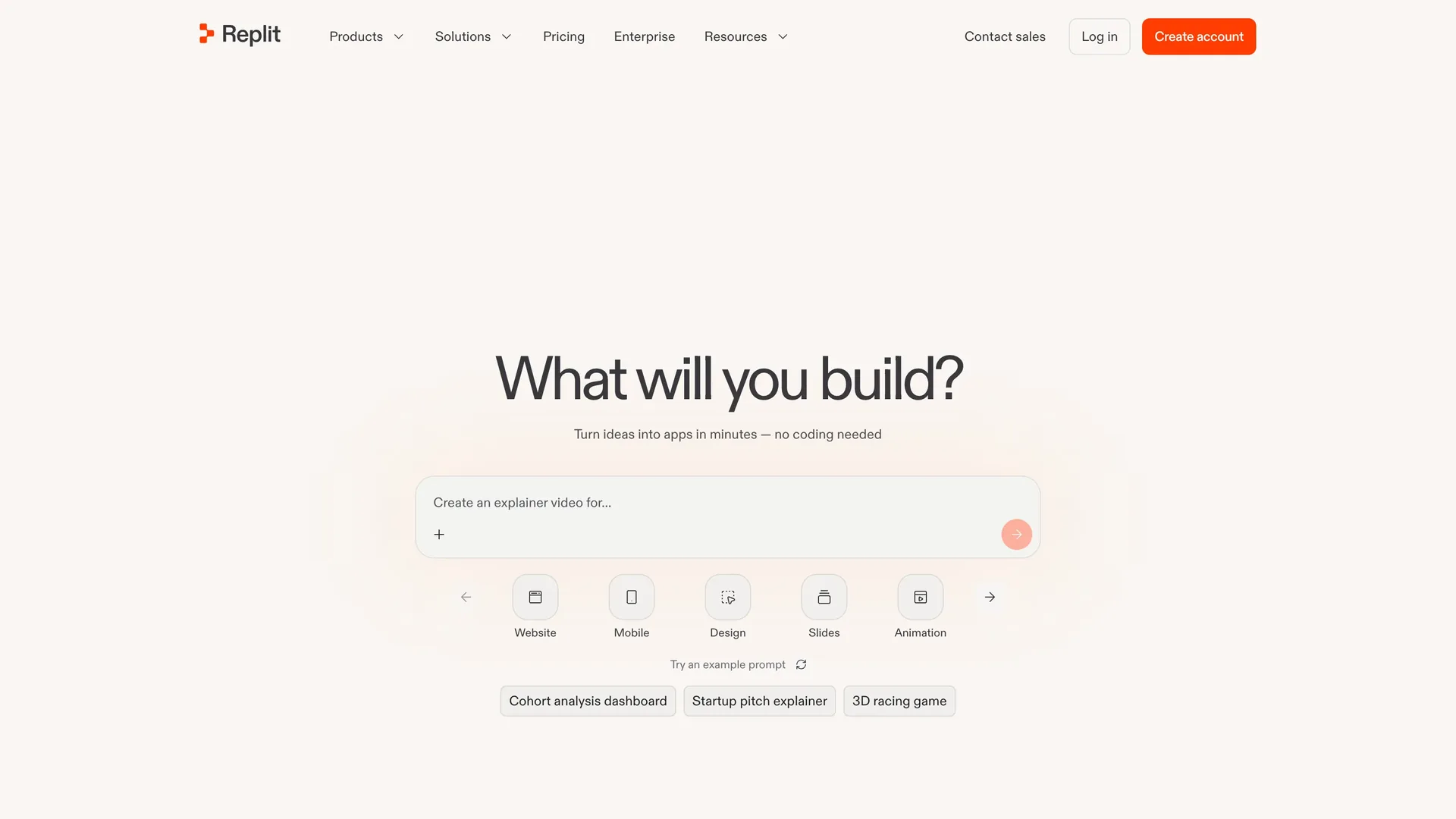
Core is $20 a month, or $18 a month billed annually, and includes $20 towards higher-end models, plan mode and unlimited workspaces. Pro is $100 a month, or $90 billed annually, with 10 parallel agents, up to 15 collaborators and $100 towards the top-tier models. Usage past the included amount is Replit's effort-based pay-as-you-go pricing. The Core card does not state a seat rule, so a team should read Replit's billing docs before budgeting.
Pricing: Core $20/mo ($18 annual) · Pro $100/mo ($90 annual) · Enterprise custom
Base44
Base44 pitches itself as a no-code platform that builds the frontend, backend, database and authentication together. Its pricing page footer shows Wix.com Ltd. as the owner.
Plans meter two things: message credits for AI messages and a separate pool of integration credits. Starter is $16 a month billed annually for 100 message credits and 2,000 integration credits; Builder is $40 for 250; Pro is $80 for 500; Elite is $160 for 1,200. Free gives 25 message credits and up to 5 apps. The FAQ says two-way GitHub sync exports the full source to your own repo, though the Starter card does not list GitHub integration (Builder and up do), and the displayed prices assume yearly billing with a 20 percent discount, so monthly billing costs more.
Pricing: Free $0 (25 message credits) · Starter $16 · Builder $40 · Pro $80 · Elite $160, all per month billed annually
Dyad
Dyad is a desktop app for macOS and Windows that runs on your machine and talks to whichever model API you give it. The GitHub repo reports 21,767 stars and v1.18.0, published October 5, 2026.
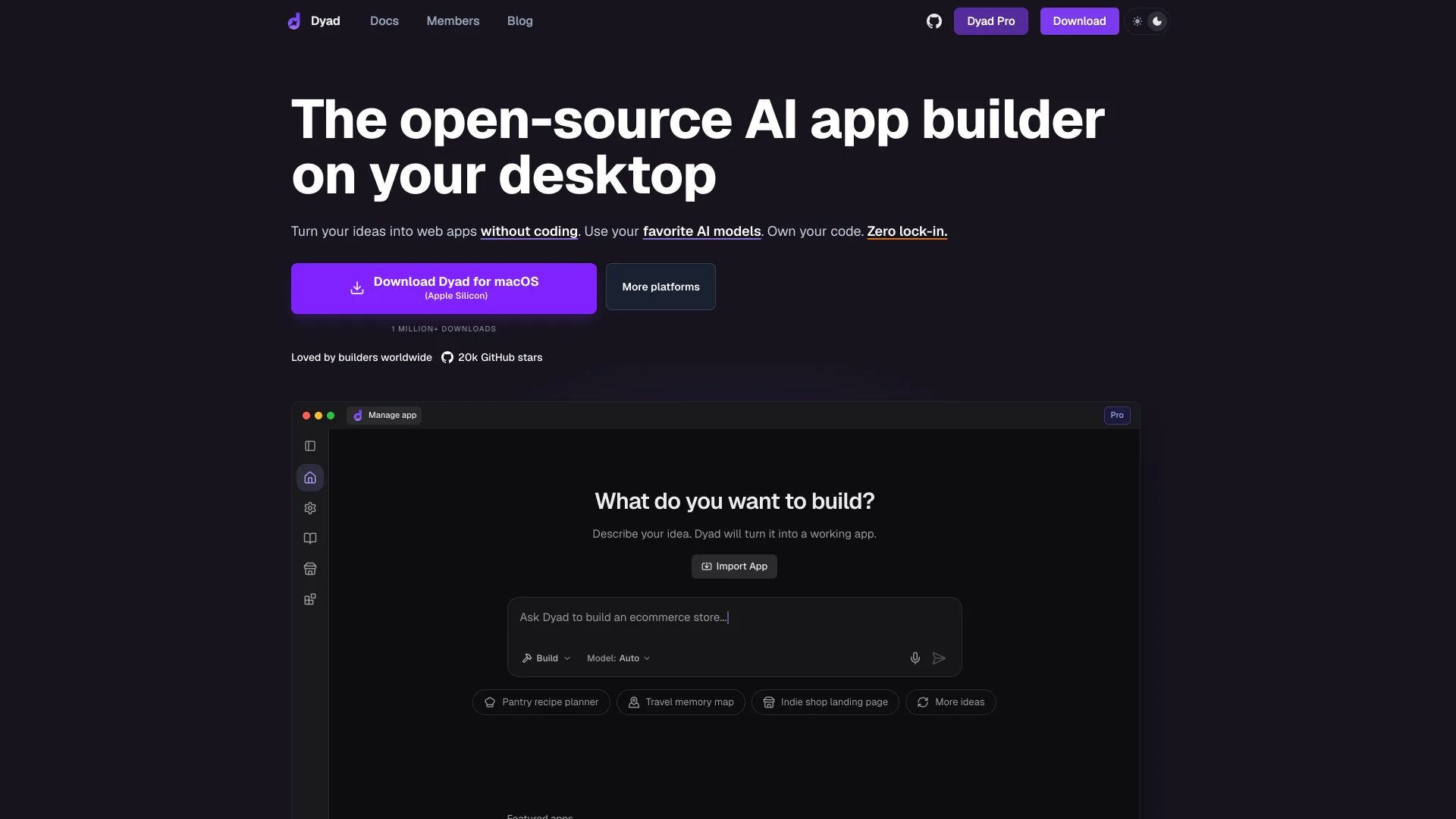
The license is split: everything outside src/pro is Apache 2.0, and src/pro is under the Functional Source License 1.1 with an Apache 2.0 future license, so call it open source with a fair-source corner rather than purely Apache. Free needs no sign-up and no seat fee, but you pay your model provider directly. Dyad Pro is $20 a month for 200 AI credits and Dyad Max is $79 for 900.
Pricing: Free $0 plus your own API costs · Pro $20/mo · Max $79/mo
bolt.diy
bolt.diy is StackBlitz Labs' fork of Bolt's original open-source repo, MIT licensed, with 19,936 stars as of October 8, 2026 and a push the day before. It supports 21+ model providers, including local ones through Ollama and LM Studio, and runs in Docker or from source on Node 22.12 or newer.
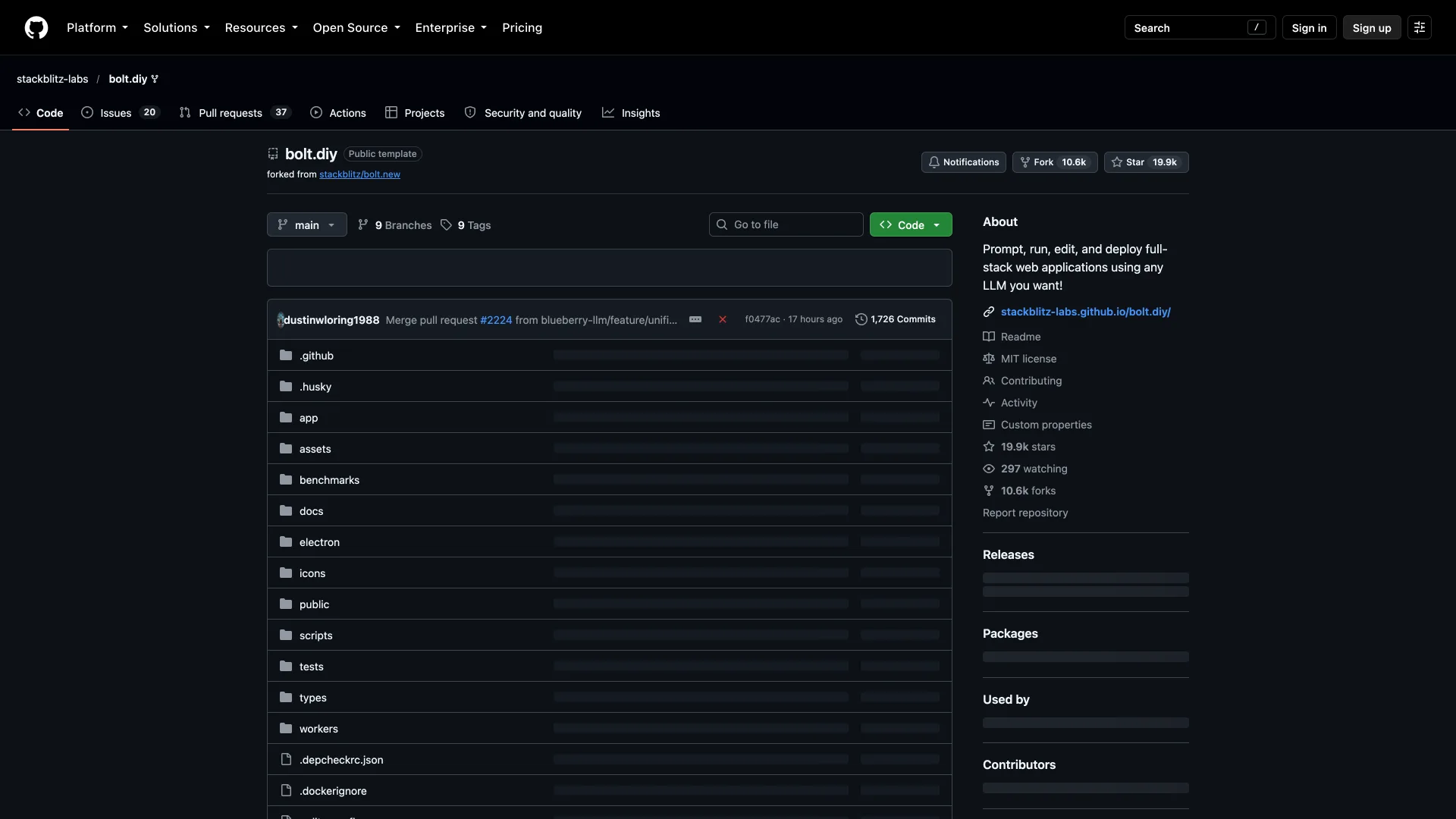
Two cautions. The newest tagged release is v1.0.0 from May 12, 2025, so you are tracking main, not releases. And the README notes that it uses StackBlitz's WebContainers API, which carries separate commercial terms for enterprise deployment, so MIT on the repo is not the whole license story.
Pricing: $0, plus your own model API costs
Side by Side
| Tool | Meter | Entry paid price | Seats | License |
|---|---|---|---|---|
| Bolt | Tokens | $25/mo | $30 per member (Teams) | Proprietary |
| Lovable | Credits per message | $25/mo | Unlimited users | Proprietary |
| v0 | Dollar credits at token rates | $30/mo per user | Per user | Proprietary |
| Replit | Dollar credits, effort-based overage | $20/mo | Not stated on Core | Proprietary |
| Base44 | Message and integration credits | $16/mo annual | Not stated on card | Proprietary |
| Dyad | Your API bill (Pro adds credits) | $0 | None | Apache 2.0 + FSL |
| bolt.diy | Your API bill | $0 | None | MIT |
What a 4-Person Team Pays
The seat column is where sticker prices stop meaning anything. This script prices the dashboard team using only the rules the pages above state, plus Lovable's own example prompt costs:
jsconst team = Number(process.argv[2] ?? 4) const plans = [ { name: "Bolt Teams", perSeat: 30, flat: 0, note: "$30 per member, tokens not shared" }, { name: "v0 Plus", perSeat: 30, flat: 0, note: "$30 per user, $30 credits each" }, { name: "Lovable Pro", perSeat: 0, flat: 25, note: "flat, unlimited users, 100 shared credits" }, { name: "Lovable Business", perSeat: 0, flat: 50, note: "flat, unlimited users, 100 shared credits" }, { name: "Dyad (Free)", perSeat: 0, flat: 0, note: "$0 license, you pay your own model API bill" }, ] console.log(`\n${team}-person team, monthly sticker price\n`) for (const p of plans) { const total = p.flat + p.perSeat * team console.log(` ${p.name.padEnd(17)} $${String(total).padEnd(5)} ${p.note}`) } const examples = [["Make the button gray", 0.5], ["Remove the footer", 0.9], ["Add authentication", 1.2], ["Landing page with images", 1.7]] console.log(`\nLovable Pro, 100 credits split across ${team} people\n`) for (const [what, cost] of examples) { const total = Math.floor(100 / cost) console.log(` ${what.padEnd(26)} ${String(cost).padEnd(4)} credits -> ${String(total).padEnd(4)} prompts, ${Math.floor(total / team)} per person`) }
Running it with node cost.mjs 4 prints this:
text4-person team, monthly sticker price Bolt Teams $120 $30 per member, tokens not shared v0 Plus $120 $30 per user, $30 credits each Lovable Pro $25 flat, unlimited users, 100 shared credits Lovable Business $50 flat, unlimited users, 100 shared credits Dyad (Free) $0 $0 license, you pay your own model API bill Lovable Pro, 100 credits split across 4 people Make the button gray 0.5 credits -> 200 prompts, 50 per person Remove the footer 0.9 credits -> 111 prompts, 27 per person Add authentication 1.2 credits -> 83 prompts, 20 per person Landing page with images 1.7 credits -> 58 prompts, 14 per person
Lovable is $95 cheaper than Bolt or v0 at four seats on the entry tier, but 100 credits shared four ways is 14 to 50 prompts each, depending on the task, before the daily grants. The cheap plan is cheap because it is small, and the price of more credits is the dropdown, not the seat count. Per-seat plans cost more up front and give each person a separate allowance. Neither is better in general; you are choosing between a pooled meter and four private ones.
How to Choose Without Migrating Twice
- Count your meter, not your price. Note how many messages your team sent last week to your current tool, then convert using each vendor's own unit: Bolt tokens, Lovable credits at 0.5 to 1.7 each, v0 dollars at the published token rates.
- Check the seat rule against your team size. Run
node cost.mjs <your team size>. The flat-versus-per-seat gap grows with every person you add. - Decide where the app will live. v0 deploys to Vercel, Bolt and Lovable bundle hosting, Replit bundles hosting and databases, and Dyad and bolt.diy leave hosting to you.
- Test the exit. Sync a throwaway project to GitHub on each finalist and open it in your editor. Base44 and v0 document GitHub sync, and Lovable's FAQ says you own your code.
- Estimate the model bill if you self-host. Dyad and bolt.diy are free, but count your own API tokens. The AI Token Counter gives a quick estimate of what a typical prompt plus project context costs.
Which One Should You Actually Use?
Already deploying on Vercel: v0, because billing, deploys and GitHub sync land in an account you have.
A team that shares one budget: Lovable, if you can live with one pooled balance and set per-member limits.
You want editor, database and hosting in one place: Replit, after you confirm its seat rules in its billing docs.
Non-developers building internal tools: Base44, which bundles the backend, auth and database by design.
Source code must stay on your machine: Dyad or bolt.diy, depending on whether you want a desktop app or a Bolt-style browser workspace.
Conclusion
Bolt's token meter charges more per message as the project grows, and every alternative replaces that with a different meter rather than removing it. Before you switch, find out what a message costs you in week six, not week one, and which of your teammates drains a shared pool. We did not benchmark generated code quality, so test one real feature on your top two before paying.
Related DevToolLab Tools
- HTML Live Editor - paste a generated page and tweak it in the browser before committing to a credit-metered fix.
- AI Token Counter - estimate how many tokens a prompt and its project context use before you pay for a message.
- Dotenv Linter - catch duplicate and malformed keys in the
.envfile an app builder generates. - Meta Tags Checker - verify that a generated site ships a title, description and Open Graph tags.
Related Guides
- What Is Vibe Coding? - the workflow these builders automate, and where it breaks.
- Best AI Coding Assistants - editor-based tools for when you want to own the repo from the start.
- Best Secret Scanning Tools - scan a generated repo for hardcoded keys before you push it.
- Spec-Driven Development With AI Agents - a way to keep a growing project's context, and cost, under control.