
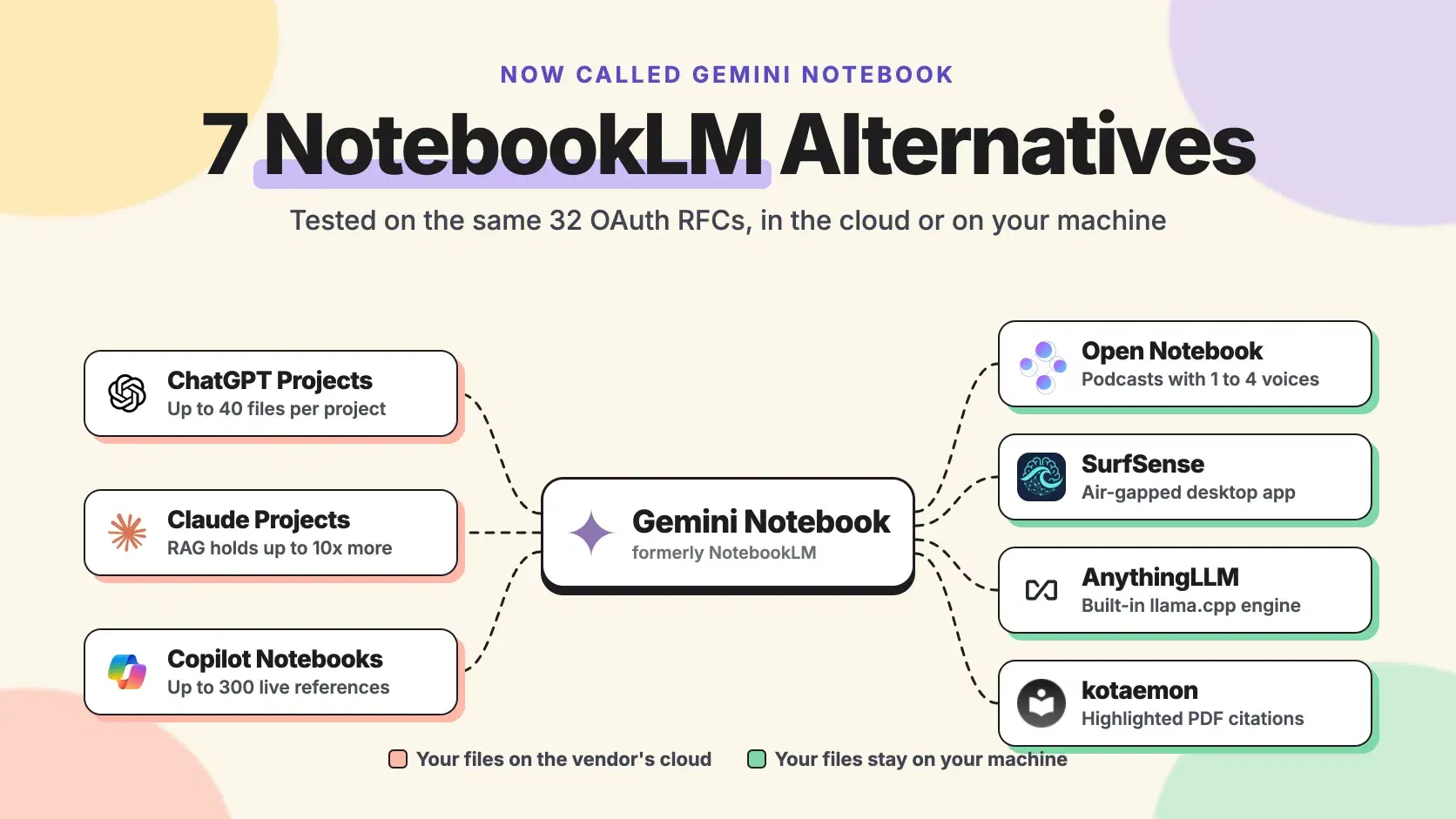
A research notebook is only as useful as the sources it will hold and the places those sources may go. Load a stack of specs or a vendor's security docs, and you hit a source cap, a context window, or a policy that says the files cannot leave your laptop.
On July 16, 2026, Google renamed NotebookLM to Gemini Notebook, which it says more than 30 million people use. The free tier's 50-source cap did not change, and the headline new feature, a cloud computer that runs code inside each notebook, went to AI Ultra subscribers first. We tested seven alternatives on one real research pack: which hold it, and which keep it off someone else's server.
How Gemini Notebook Grounds Answers in Your Sources
Gemini Notebook answers from the sources you add, not the open web, and cites the passages it used. Sources can be Google Docs, Slides and Sheets, PDF, Word, Markdown, CSV and PowerPoint files, web pages, captioned YouTube videos and audio. Drive files stay synced, and the Studio panel turns a notebook into Audio Overviews, Video Overviews, slide decks, mind maps and flashcards.
According to Google's help center, checked October 18, 2026, each source holds up to 500,000 words or 200MB, and a free notebook holds 50 sources. Paid plans get larger notebooks, which Google describes only as "Large", "Larger" and "Largest". Usage refreshes every 5 hours up to a weekly cap, with AI Pro at 4 times the free limit.
What sends people looking: every source sits on Google's servers, Gemini is the only model, and there is no offline mode.
Pricing: Free · AI Plus $4.99/month · AI Pro $19.99/month · AI Ultra from $99.99/month.
How We Compared: 32 OAuth RFCs in One Notebook
The worked example is a platform engineer at a Chicago fintech hardening an OAuth server. The pack is 32 IETF RFCs as plain text from rfc-editor.org, from RFC 6749, the OAuth 2.0 Authorization Framework (October 2012), to RFC 9728 (April 2025), including RFC 9700, Best Current Practice for OAuth 2.0 Security (January 2025).
This script checks the pack against each product's published limits. Tokens are counted with OpenAI's o200k_base encoding; Claude's tokenizer counts differently, so treat that number as an estimate for Claude.
Pythonimport sys, pathlib, tiktoken # Published limits, checked October 18, 2026 on each vendor's help center. LIMITS = { "Gemini Notebook, free": {"files": 50, "words_per_file": 500_000}, "ChatGPT Projects, Plus": {"files": 25}, "ChatGPT Projects, Pro": {"files": 40}, "Claude Projects, 200K model": {"tokens": 200_000}, "Claude Projects, 1M model": {"tokens": 1_000_000}, "Copilot Notebooks, Chat": {"files": 50}, "Copilot Notebooks, Copilot": {"files": 300}, } enc = tiktoken.get_encoding("o200k_base") files = sorted(pathlib.Path(sys.argv[1]).glob("*.txt")) words = [len(f.read_text(errors="ignore").split()) for f in files] tokens = sum(len(enc.encode(f.read_text(errors="ignore"))) for f in files) print(f"{len(files)} files, {sum(words):,} words, {tokens:,} tokens, largest file {max(words):,} words\n") for name, lim in LIMITS.items(): problems = [] if "files" in lim and len(files) > lim["files"]: problems.append(f"{len(files)} files > {lim['files']}") if "words_per_file" in lim and max(words) > lim["words_per_file"]: problems.append("a file is over the per-source word cap") if "tokens" in lim and tokens > lim["tokens"]: problems.append(f"{tokens:,} tokens > {lim['tokens']:,}") print(f"{name:30} {'fits' if not problems else 'NO: ' + '; '.join(problems)}")
text$ python notebook_fit.py rfcs 32 files, 270,753 words, 528,658 tokens, largest file 20,873 words Gemini Notebook, free fits ChatGPT Projects, Plus NO: 32 files > 25 ChatGPT Projects, Pro fits Claude Projects, 200K model NO: 528,658 tokens > 200,000 Claude Projects, 1M model fits Copilot Notebooks, Chat fits Copilot Notebooks, Copilot fits
A modest 270,753-word pack already breaks a file count and a context window. Prices below are US list prices from each vendor's own page, and star counts come from the GitHub API, all checked October 18, 2026.
ChatGPT Projects: Files, Memory and a Hard File Count
ChatGPT Projects keep related chats, files and instructions together, and ChatGPT uses that context in every chat inside the project.
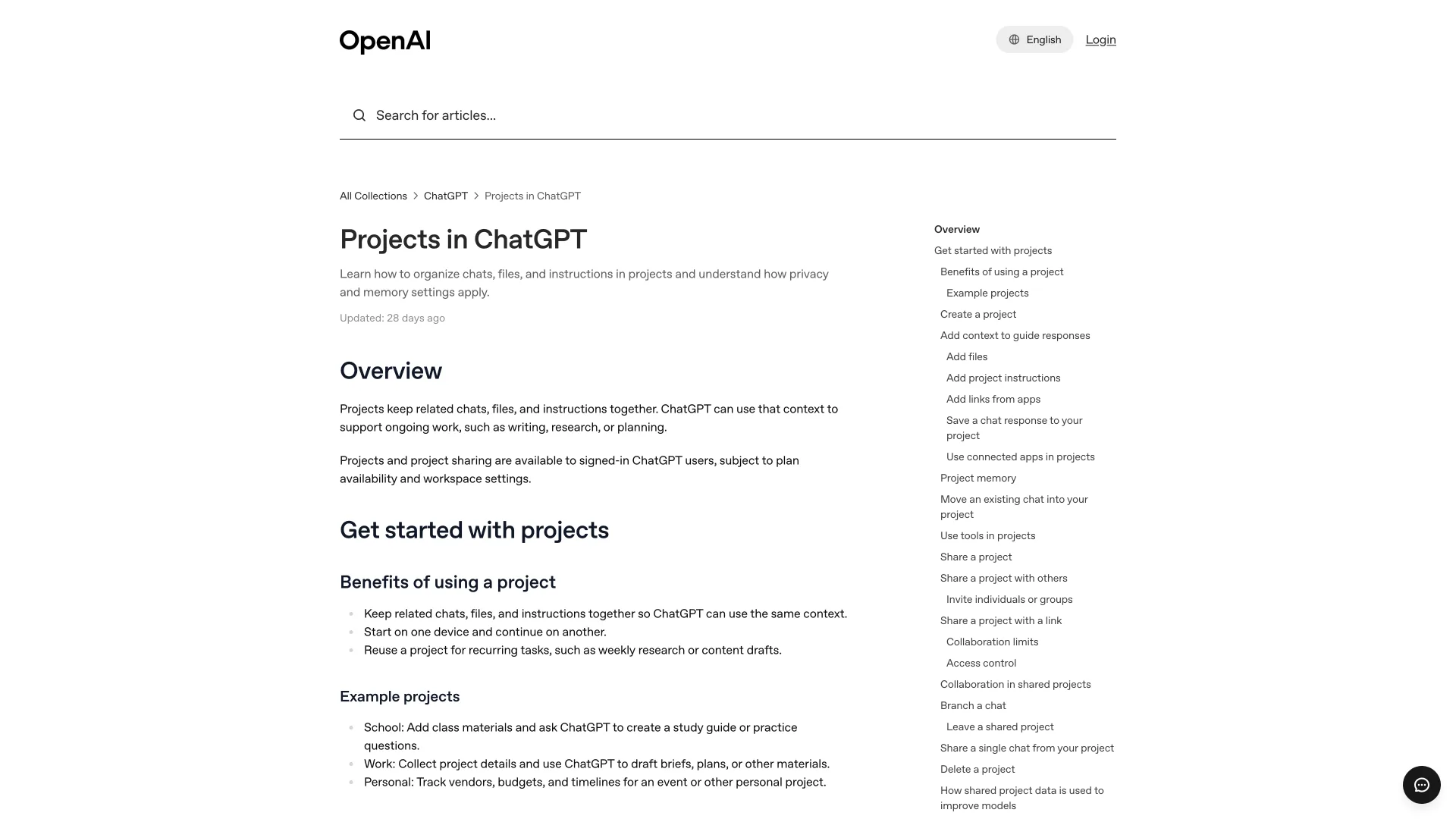
You can upload PDFs, spreadsheets and docs, add a Slack channel or Google Drive file as a source, and save an answer back into the project. Deep research and agent mode work inside projects on paid plans, and sharing reaches every plan.
The limit is a file count: 5 files per project on Free, 25 on Go and Plus, 40 on Pro, Business and Enterprise, so the RFC pack does not fit on Plus. The Google Drive app does not sync inside a project, no podcast-style overview is listed, and personal plans may train on project data while "Improve the model for everyone" is on.
Pricing: Free · Plus $20/month · Pro from $100/month · Business and Enterprise per seat.
Claude Projects: The Context Window First, Retrieval When It Fills
Claude Projects give each workspace its own chat history and knowledge base, and free accounts can create up to five.
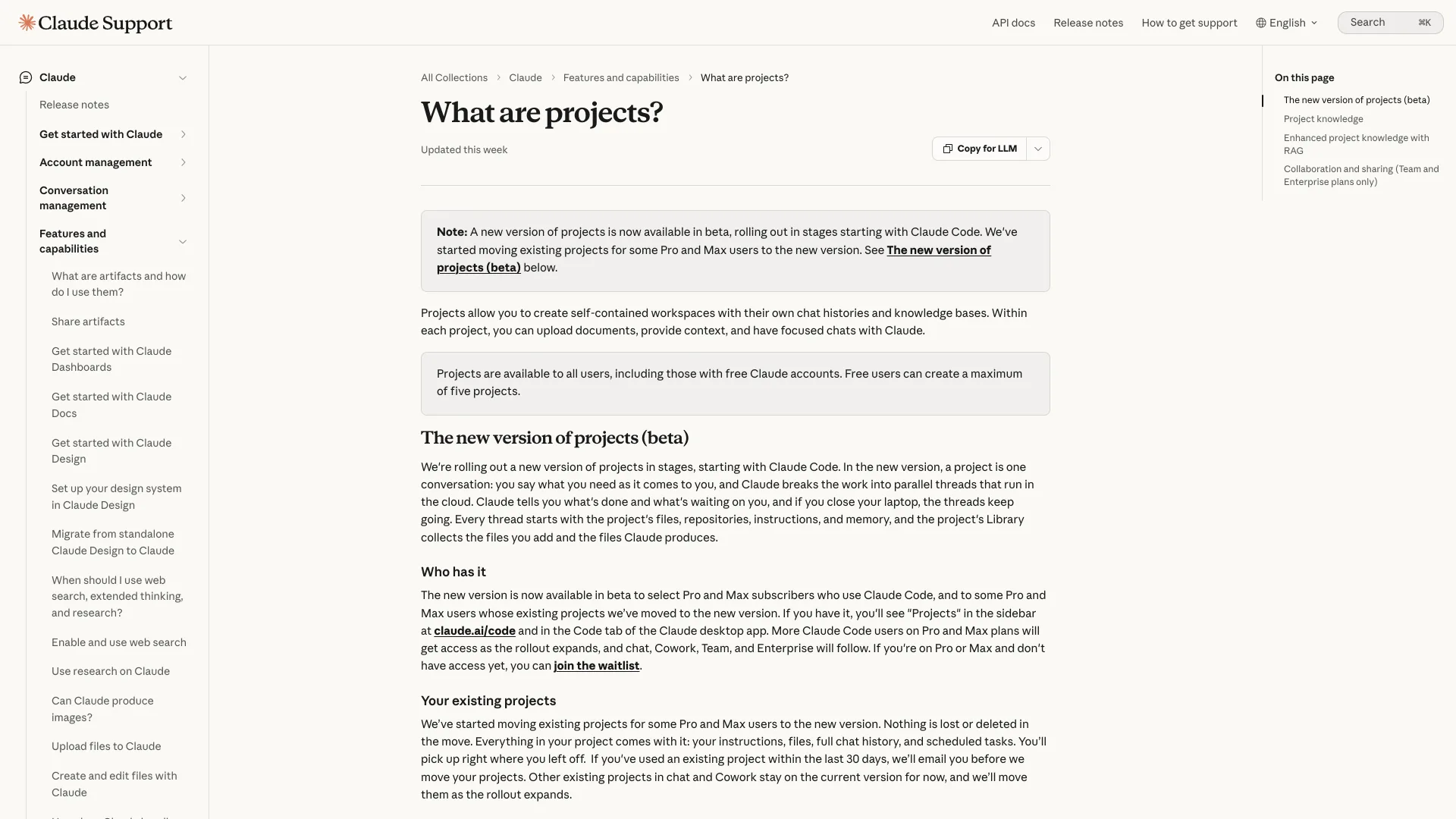
Project files can be up to 30MB each with no file-count cap. The real limit is the context window: 500K or 1M tokens for current models on paid plans, 200K for older ones. Near that limit, paid plans switch to retrieval (RAG) and capacity grows up to 10 times, so Claude searches the files instead of loading them all. The 528,658-token pack fits a 1M-token model whole.
Retrieval is paid-only, so the pack does not fit on Free. Sharing needs Team or Enterprise, no audio overview is listed, and consumer chats train models only if you turn on model improvement.
Pricing: Free · Pro $20/month ($17 billed annually) · Max from $100/month · Team $25/seat/month.
Microsoft Copilot Notebooks: Live Links Into Microsoft 365
Microsoft Copilot Notebooks collect references in the Microsoft Copilot app and OneNote, and they link to files rather than copying them.
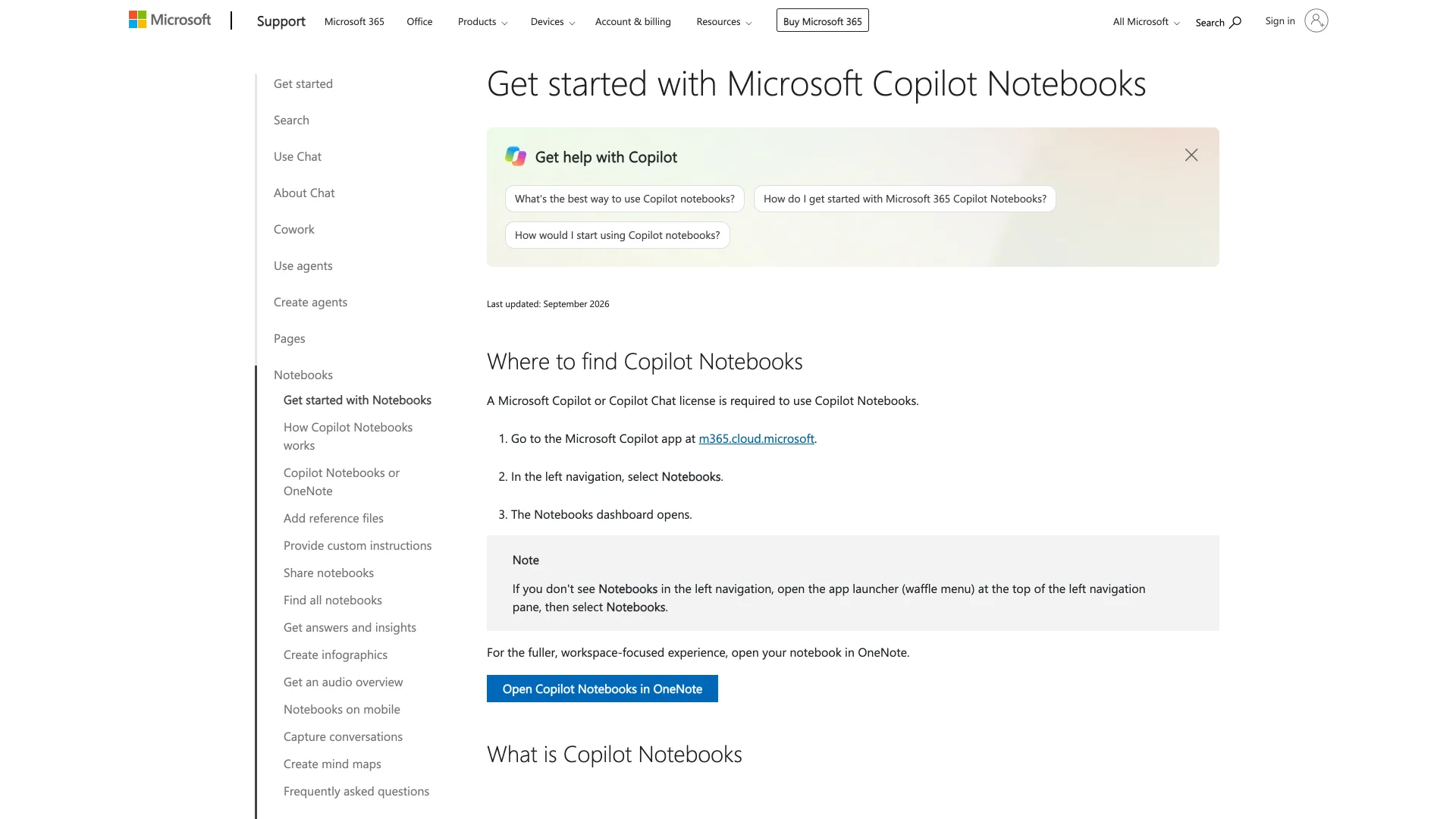
References can be Office, PDF, Loop and OneNote files, OneDrive folders, SharePoint sites and public web pages. They stay current as the files change, and Copilot uses only content you can access. With a Microsoft 365 Copilot license, the first 300 references ground answers; Copilot Chat users get 50, enough for the RFC pack. Audio overviews let you pick format, voice, style and duration.
Those overviews need a work or school (Entra ID) account and come in eight languages with daily caps, so Personal, Family and Premium subscribers get Notebooks without them. Paywalled web pages are not supported.
Pricing: Copilot Chat at no additional cost with an eligible Microsoft 365 business plan · Microsoft 365 Copilot $30/user/month on annual billing ($31.50 monthly) · Microsoft 365 Personal $9.99/month.
Open Notebook: The Closest Self-Hosted Clone
Open Notebook calls itself "an open source, privacy-focused alternative to Google's Notebook LM", and it copies the workflow closely: notebooks, sources, notes and generated podcasts.
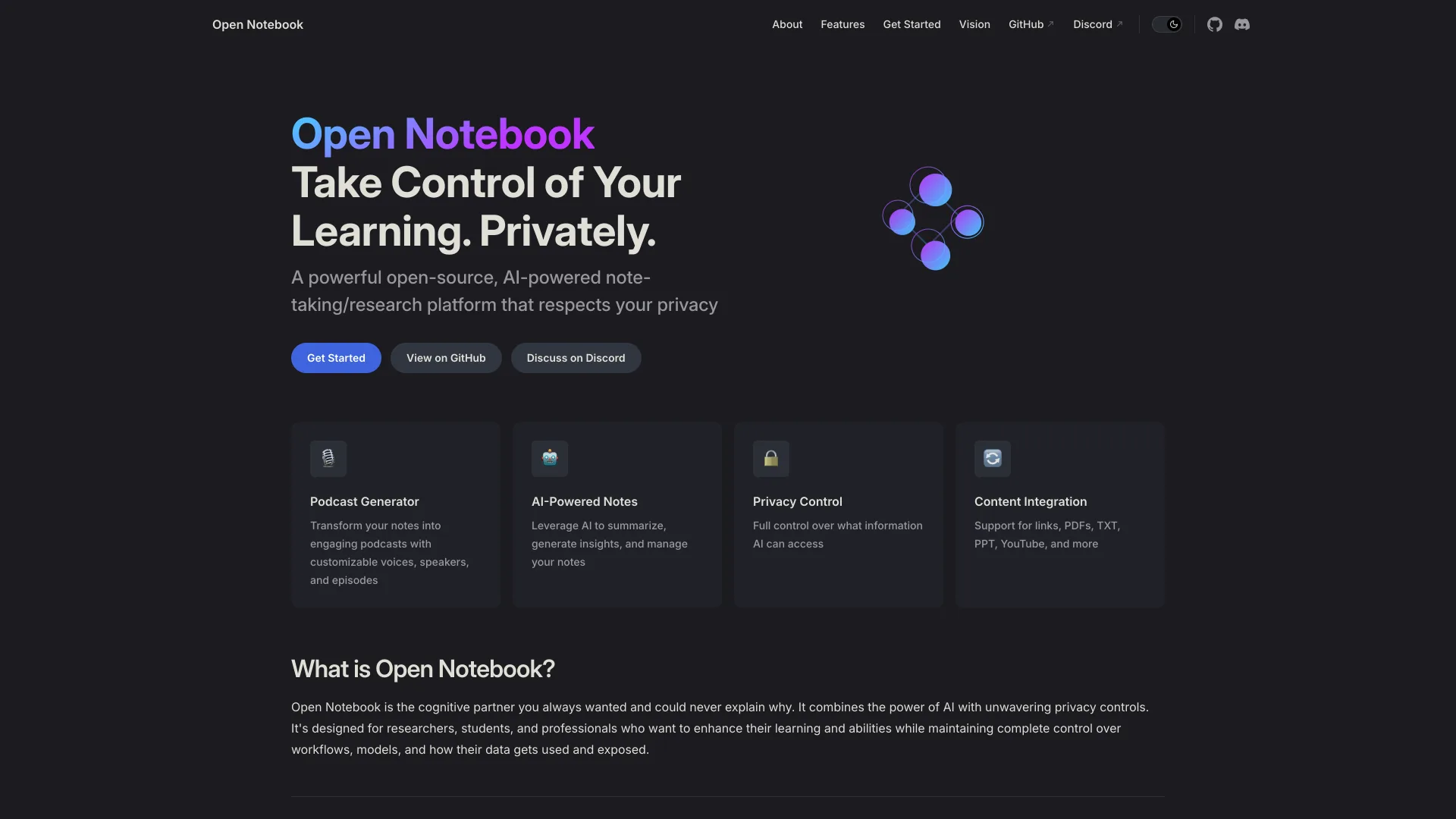
It runs as two Docker services, SurrealDB and the app, and takes PDFs, web pages, audio and video. Search is full-text plus vector, and answers cite the sources and notes they used. You connect any of 20+ providers, including Ollama, so the RFC pack can stay on one laptop. Podcasts take 1 to 4 speakers, and a full REST API drives everything.
The UI (port 8502) and API (port 5055) listen on every network interface with no password by default, so bind them to 127.0.0.1 or set OPEN_NOTEBOOK_PASSWORD. You also need an embedding model, which Anthropic and Groq do not offer.
Pricing: Free, MIT, 40,307 GitHub stars, v1.15.0 released October 4, 2026; you pay only for model usage.
SurfSense: An Air-Gapped Desktop App That Edits Files
SurfSense bills itself as the "air-gapped, open-source NotebookLM alternative", now a desktop app for Windows x64, Apple Silicon Macs and Linux x64.
The index stays on your disk, there is no account, and you pick a local model or any OpenAI-compatible API. It answers with citations across PDF (scanned pages included), Word, Excel, PowerPoint, CSV, images and recordings it transcribes locally. Unlike Gemini Notebook, it edits documents, always into a new copy. Podcasts are voiced locally by default.
The hosted web app is being retired; users were told to export workspaces before October 18, 2026. SurfSense's own scraper plugins (Google Search, YouTube, a web crawler) need a paid license, and OCR reads only Latin, Chinese and Japanese script.
Pricing: Free app, Apache-2.0, 16,508 stars, v2.2.2 released October 16, 2026 · plugin license $60 for the first year, then $120/year.
AnythingLLM: Workspaces With a Built-In Local Model Runner
AnythingLLM, from Mintplex Labs, is a general chat-with-your-documents app rather than a NotebookLM clone, and the most-starred project here.
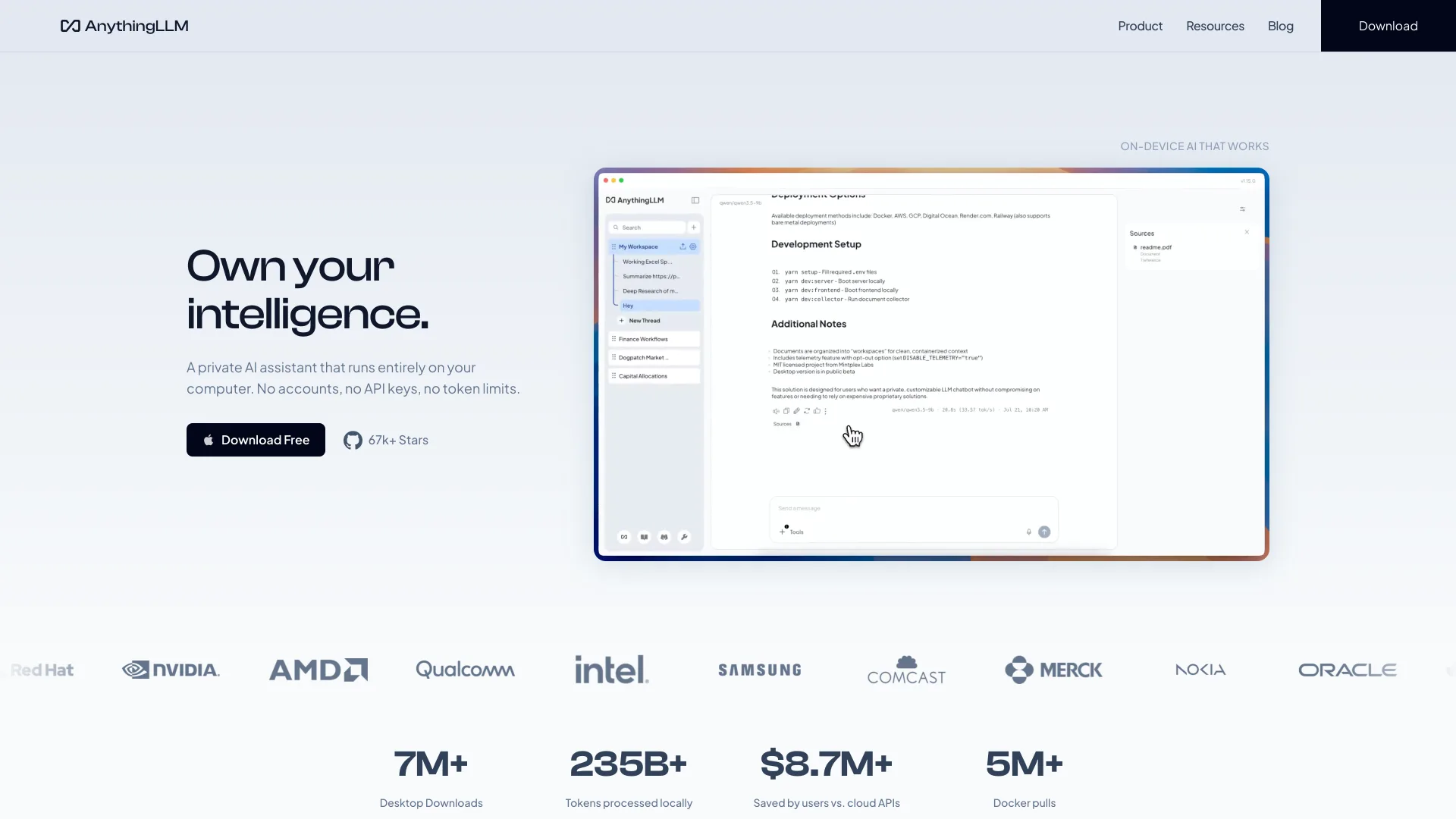
It ships as a desktop app for Mac, Windows and Linux and as a Docker image. A built-in llama.cpp engine runs models on CPU or GPU with no extra setup, or you connect one of more than 35 providers. Documents go into LanceDB by default, answers show citations, and agents, MCP servers and a developer API cover automation.
It is a chat workspace, not a studio: the README lists no audio overviews, mind maps or flashcards, and multi-user permissions need the Docker version.
Pricing: Free desktop app, MIT, 67,262 stars, v1.18.0 released October 13, 2026 · a hosted Cloud plan for teams.
kotaemon: Hybrid Retrieval With Highlighted PDF Citations
kotaemon, from Cinnamon, is "an open-source clean & customizable RAG UI for chatting with your documents", built for end users and for developers assembling their own pipeline.
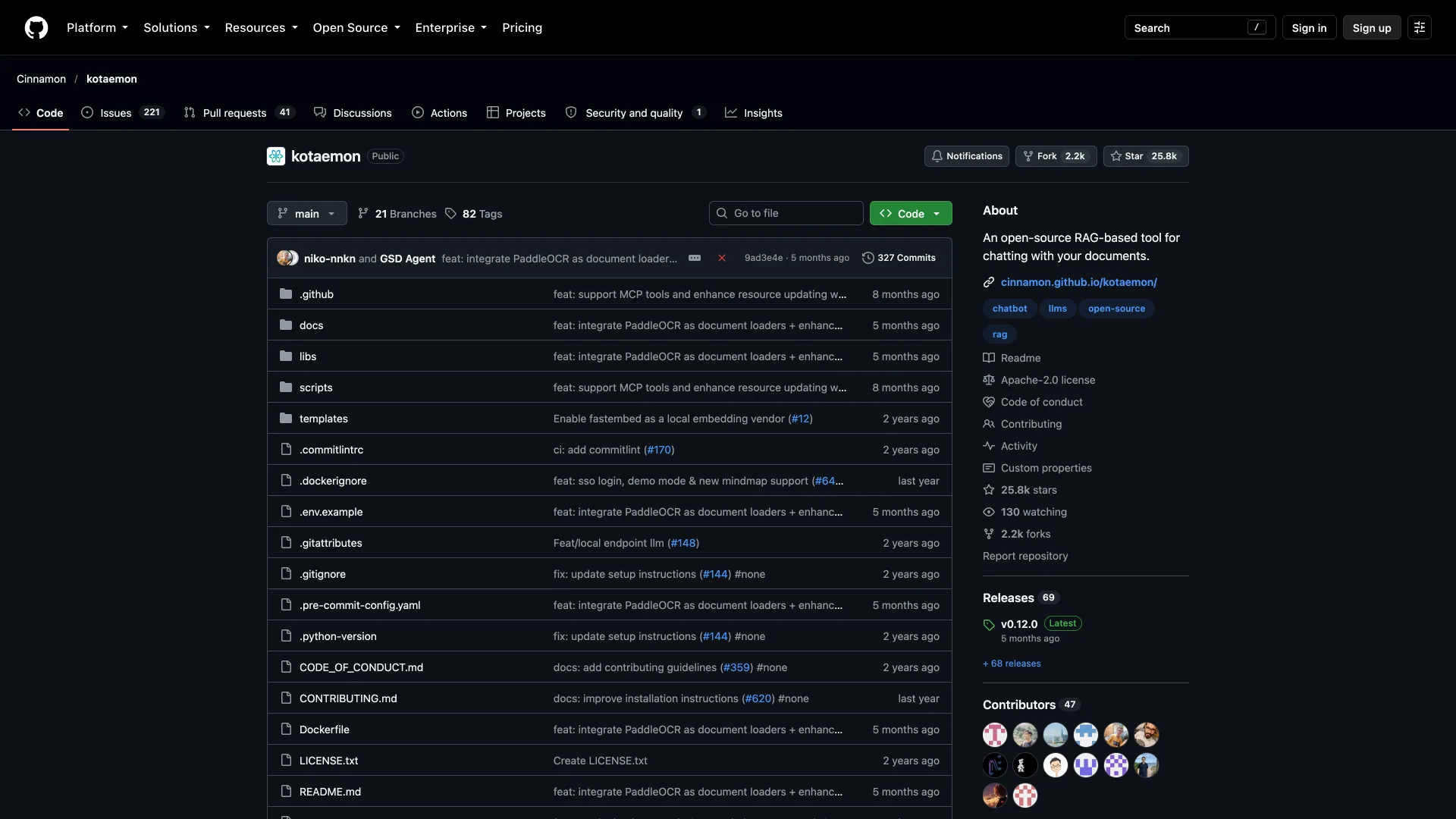
Retrieval is hybrid full-text plus vector search with re-ranking, and citations open in an in-browser PDF viewer with the passage highlighted and a relevance score. That is the fastest way to check an answer against the spec. It adds question decomposition, ReAct agents and multi-user collections.
It moves slowest of the open-source picks, with a last push on July 14, 2026. Setup means Python 3.10+ or Docker, and there are no audio outputs.
Pricing: Free, Apache-2.0, 25,809 stars, v0.12.0 released May 31, 2026.
Side by Side
| Tool | Sources live | Per-notebook cap | Audio overview | Models | License | Cheapest plan for the pack |
|---|---|---|---|---|---|---|
| Gemini Notebook | Google cloud | 50 sources (Free) | Yes | Gemini | Proprietary | Free |
| ChatGPT Projects | OpenAI cloud | 5 / 25 / 40 files | No | OpenAI | Proprietary | Pro ($100/month) or Business |
| Claude Projects | Anthropic cloud | Context window, RAG on paid | No | Claude | Proprietary | Pro, $20/month |
| Copilot Notebooks | Microsoft 365 | 50 or 300 references | Work accounts | Microsoft | Proprietary | Copilot Chat, no added cost |
| Open Notebook | Your server | None published | 1 to 4 speakers | 20+ providers | MIT | $0 plus model usage |
| SurfSense | Your disk | None published | Local voices | Local or API | Apache-2.0 | $0 |
| AnythingLLM | Your disk or server | None published | No | Built-in or 35+ | MIT | $0 |
| kotaemon | Your server | None published | No | API or local | Apache-2.0 | $0 |
How to Choose Without Moving Your Sources Twice
- Run the fit script on your real folder. File counts decide ChatGPT and tokens decide Claude, and both are cheaper to learn before you upload.
- Decide whether the files may leave your machine. For client data under an NDA or HIPAA, start with SurfSense, or Open Notebook or AnythingLLM on a local model.
- Go where the sources already live. Drive files sync into Gemini Notebook, and SharePoint and OneDrive stay live in Copilot Notebooks.
- Decide whether you need audio. Audio overviews exist only in Gemini Notebook, Copilot Notebooks on work accounts, Open Notebook and SurfSense.
- Ask one question only the newest source answers. Ask whether a single-page app should use the implicit grant. RFC 6749 defines it, but RFC 9700 Section 2.1.2 says clients "SHOULD NOT use the implicit grant". A good answer cites RFC 9700.
Which One Should You Actually Use?
Already on Google Workspace: stay on Gemini Notebook. The free tier held the whole pack, and Workspace content is not used for training.
Files live in SharePoint and OneDrive: Copilot Notebooks, because references stay linked and current instead of going stale.
Paying for a chatbot already: Claude Pro holds the 528,658-token pack for $20 a month, while 32 files need a ChatGPT Pro ($100) or Business plan.
Documents that cannot leave the building: SurfSense on a laptop, or Open Notebook with Ollama for podcasts and a REST API.
Building your own RAG app: kotaemon for retrieval you can inspect, AnythingLLM for agents and an API.
Conclusion
The rename changed the logo, not the trade-off: your sources still live in Google's cloud and only Gemini answers. Count your files and tokens, decide where the sources may live, and those two answers pick the tool.
Related DevToolLab Tools
- PDF to Text - check that a PDF has a real text layer, since Gemini Notebook rejects copy-protected PDFs.
- PDF Splitter - split a long audit report to fit Claude's 30MB limit per project file.
- Word Counter - confirm a source is under Gemini Notebook's 500,000-word cap before the import fails.
- HTML to Markdown - turn a web page into a clean text source, since imports keep only a page's text.
Related Guides
- Best Offline LLM Models and Tools covers the local models that keep Open Notebook, SurfSense and AnythingLLM fully offline.
- 7 Best Ollama Alternatives compares the runtimes you can point these apps at.
- Best Vector Databases explains the retrieval layer under every self-hosted notebook.
- 8 Best Granola Alternatives applies the same where-does-your-data-go test to AI meeting notes.