

Running large language models offline has stopped being a hobby and become an architectural choice: no token fees, no network latency, and no proprietary code leaving your machine.
The catch nobody states plainly is that "open weights" and "runs on your hardware" are now two different things. Checked against Ollama's library on September 14, 2026, Qwen3.8 pulls as a real 18 GB local file, while Kimi K3, GLM-5.3, MiniMax-M3 and DeepSeek-V4.1-Flash are listed only as cloud tags. The weights are public; the hardware to run them is not on your desk. This guide separates the two.
Why Migrate to Local LLMs in 2026?
- Zero-trust privacy: prompts, schemas and API keys stay off third-party servers. For medical, financial or strict-compliance software, local inference is often the only lawful option.
- Predictable unit economics: per-token pricing scales badly for pipelines doing millions of requests a day. Local inference is hardware upfront and zero variable spend.
- No network bottlenecks: no
429 Too Many Requests, no TLS overhead, no vendor outage taking your feature down. - Full parameter control: open weights let you change sampling and fine-tune on proprietary data without uploading it anywhere.
At a Glance: Top Local LLM Hardware & Software
Top 5 Local Inference Frameworks
| Tool | Primary Use Case | Engineering Highlight |
|---|---|---|
| Ollama | Seamless CLI & Background Daemons | v0.32 turns bare ollama into an interactive agent (chat, code, web search) |
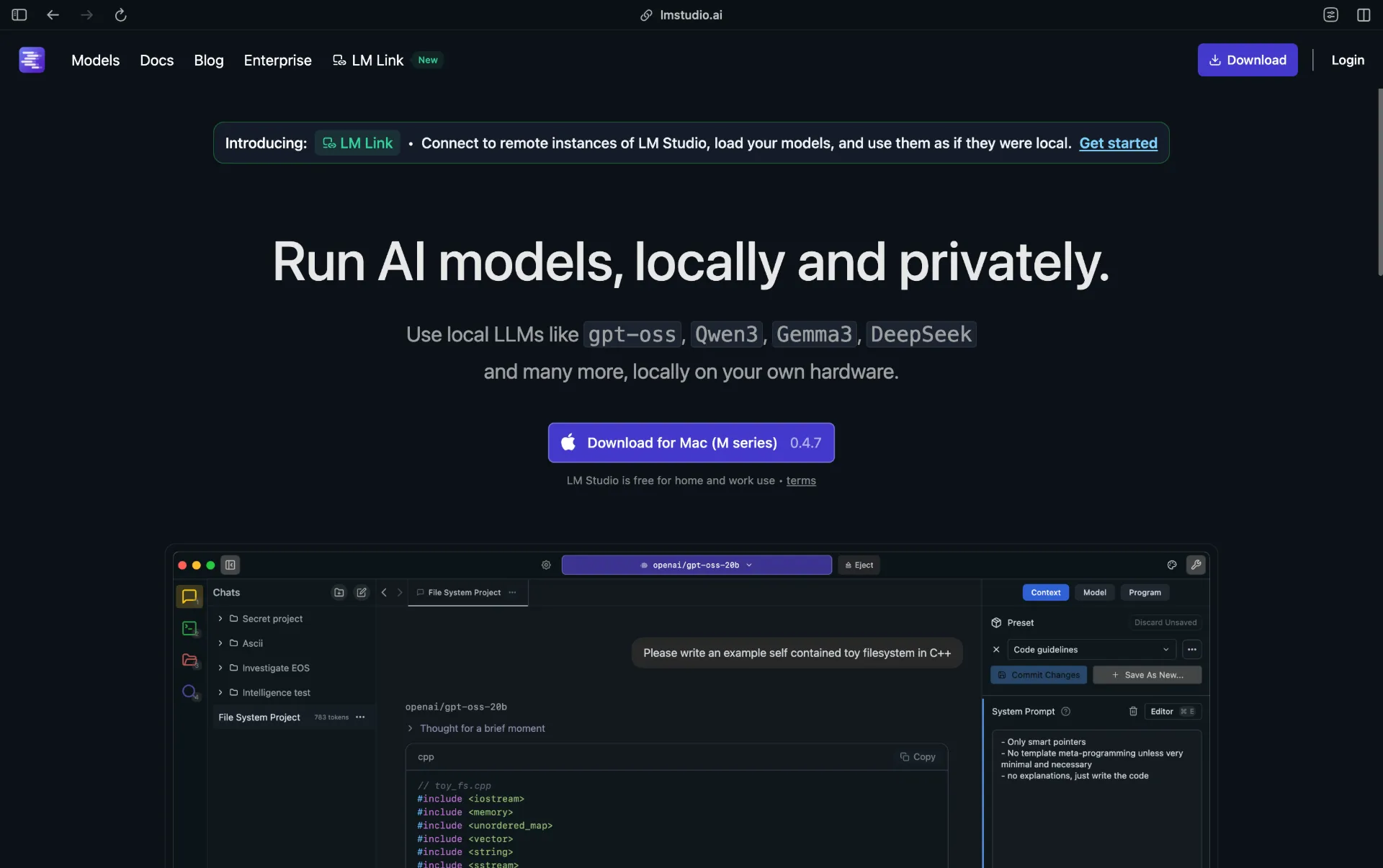
| LM Studio | Visual Model Management | Bionic app runs open models as agents that edit files and run scripts |
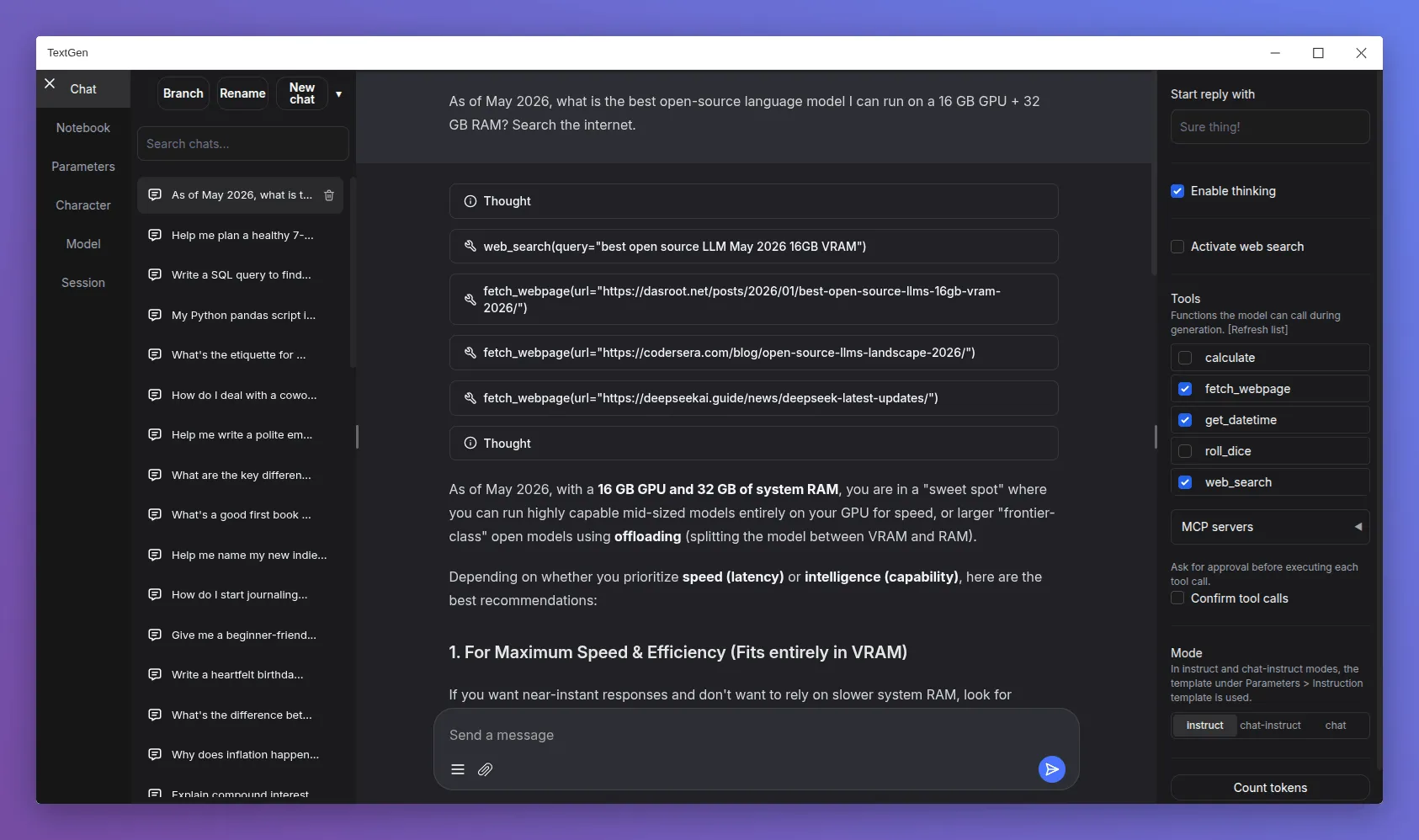
| Text Gen WebUI (now "TextGen") | Advanced Research & Tweaking | First to support bleeding-edge model formats; ships a native desktop app |
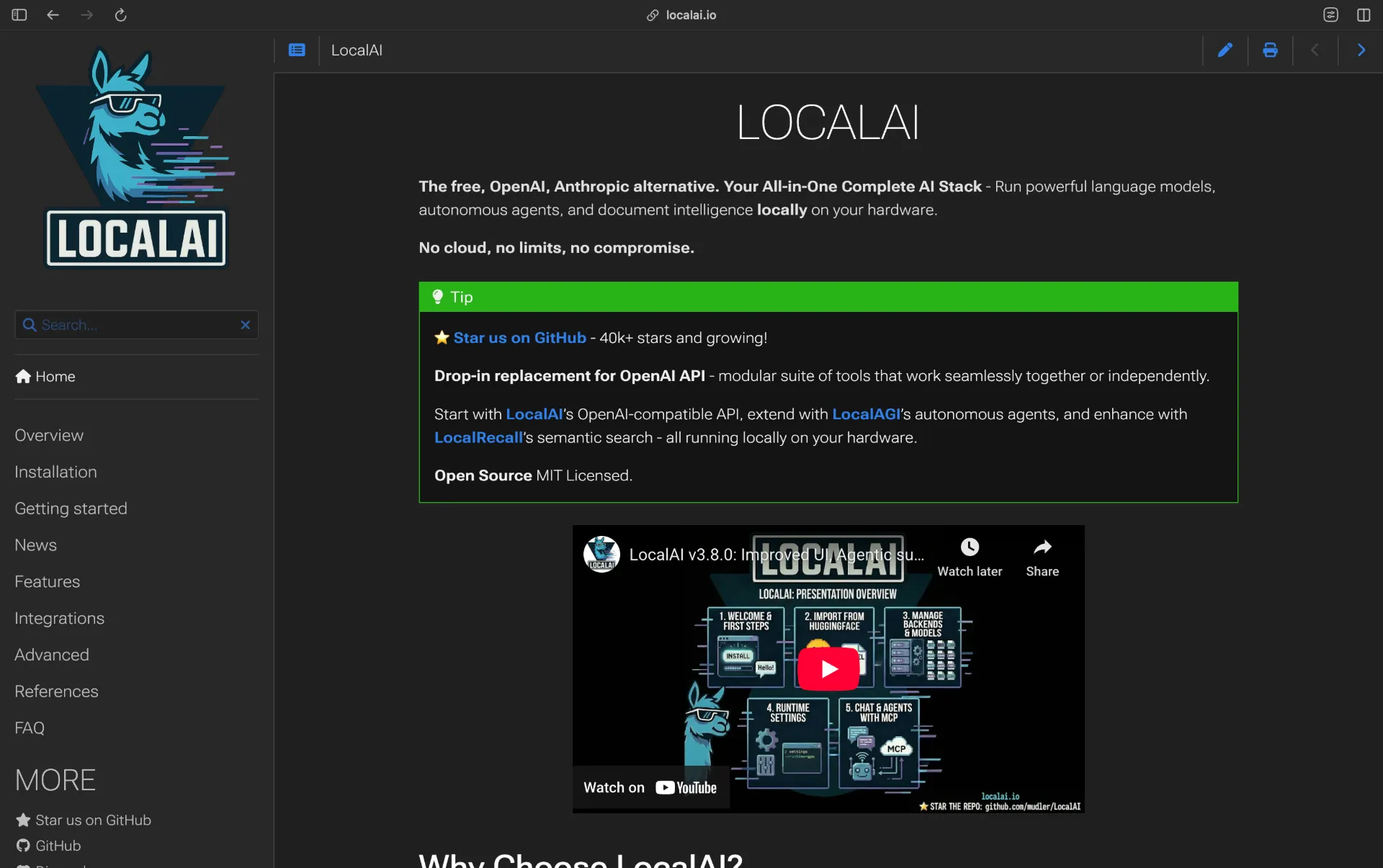
| LocalAI | Dropping Cloud Dependencies | Perfectly mimics OpenAI's API endpoints |
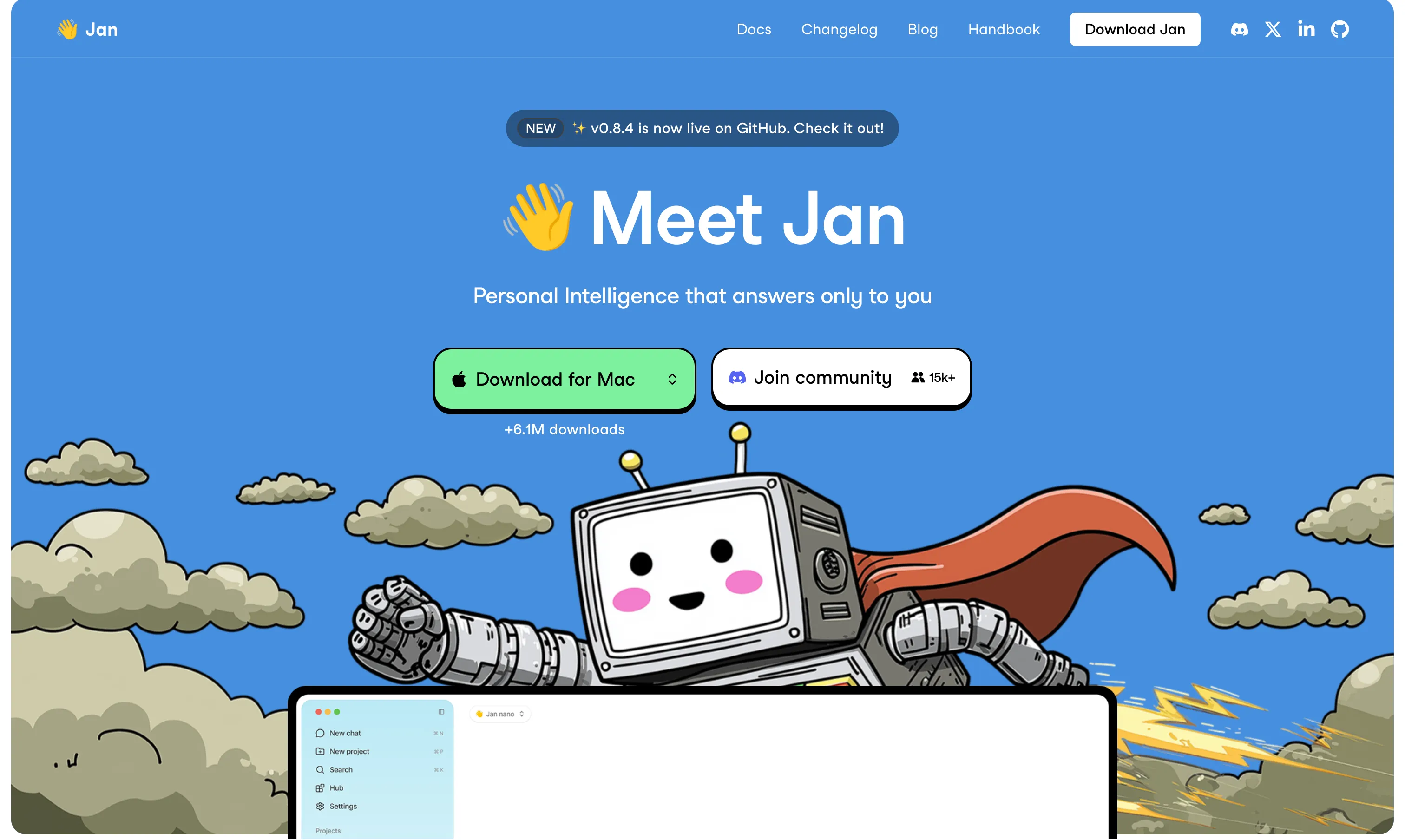
| Jan | 100% Offline Desktop Chat | No telemetry by design, actively shipping (v0.8.4, July 2026) |
GPT4All, which held this fifth spot in earlier versions, hasn't shipped a commit since May 2025 or a release since February 2025. It still runs but is unmaintained, so Jan replaces it.
Top Models for Local Inference (Updated September 2026)
Verified against Ollama's library and Hugging Face on September 14, 2026. "Local tag" means there is a downloadable weight file, not just a hosted endpoint.
| Foundation Model | Developer | Ollama local tag | Download size | License |
|---|---|---|---|---|
| Phi-4 (14B) | Microsoft | phi4:14b | 9.1 GB | MIT |
| Gemma 4 (12B) | gemma4:12b | 7.6 GB | Apache 2.0 | |
| Mistral Small 3.2 (24B) | Mistral | mistral-small3.2:24b | 15 GB | Apache 2.0 |
| Gemma 4 (26B MoE) | gemma4:26b | 19 GB | Apache 2.0 | |
| Qwen3.8 (27B dense) | Alibaba | qwen3.8:27b | 18 GB | Apache 2.0 |
| DeepSeek-V4-Pro | DeepSeek | none (cloud only) | ~128 GB+ RAM | MIT |
| GLM-5.3 | Zhipu AI | none (cloud only) | ~128 GB+ RAM | glm-5.3 |
| MiniMax-M3 | MiniMax | none (cloud only) | multi-GPU | minimax-community |
| Inkling | Thinking Machines Lab | community GGUF only | ~200 GB+ | Apache 2.0 |
| Kimi K3 | Moonshot AI | none (cloud only) | ~350 GB (Q4) | kimi-k3 |
Five of ten have a real local tag. The other five are open-weight in the licensing sense and data-center-scale in the practical sense.
Deep Dive: The Top 5 Local Inference Engines
1. Ollama (The Absolute Standard)
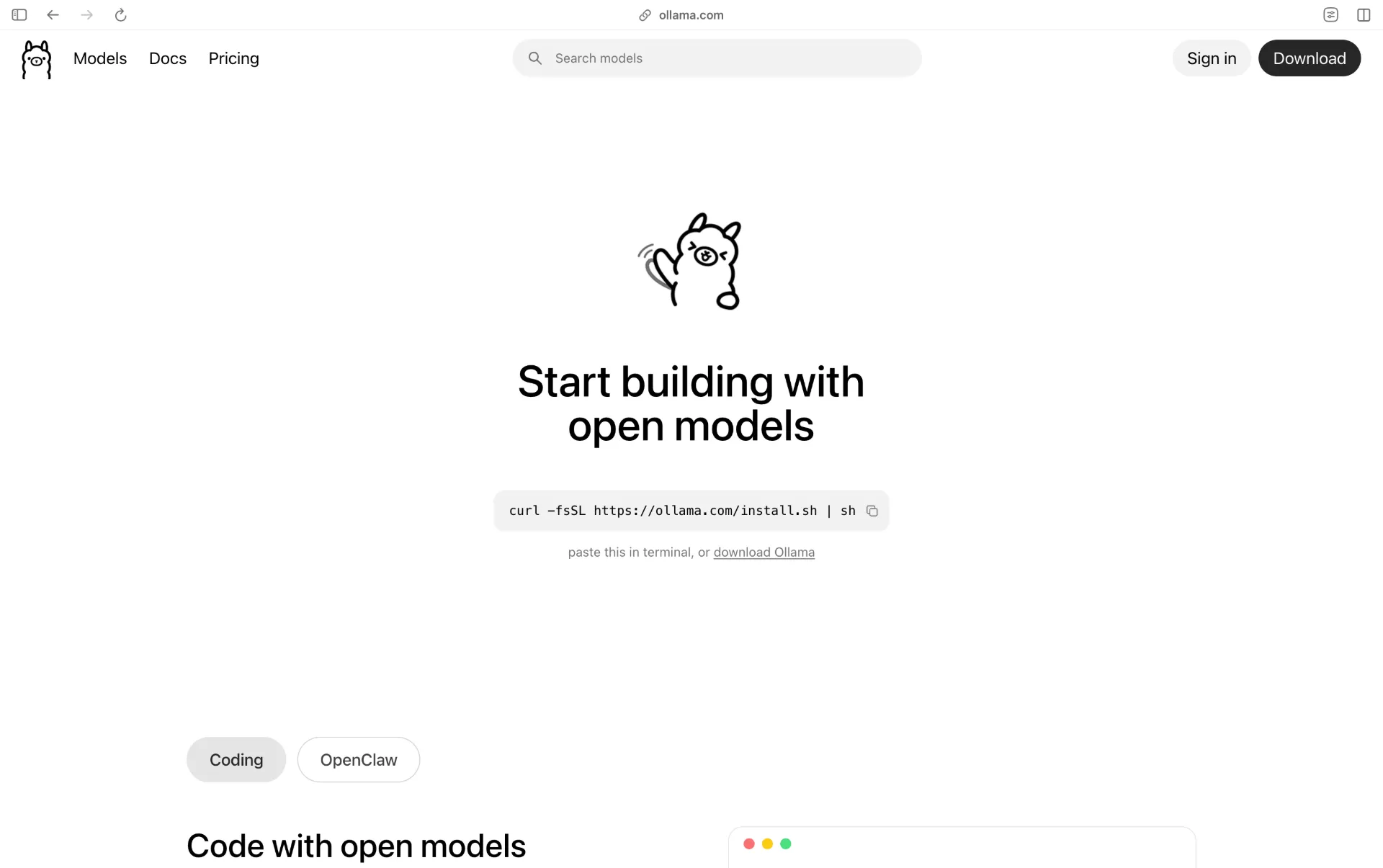
ollama launches an interactive agent that can chat, write and run code, search the web and delegate tasks.
Bashcurl -fsSL https://ollama.com/install.sh | sh # verified pullable on September 14, 2026 ollama run phi4:14b # 9.1 GB, laptop-friendly coding ollama run gemma4:12b # 7.6 GB, multimodal ollama run mistral-small3.2:24b # 15 GB, fast structured output ollama run qwen3.8:27b # 18 GB, agentic coding
Then talk to it over the OpenAI-compatible API:
Bashcurl http://localhost:11434/api/chat -d '{ "model": "gemma4:12b", "messages": [{"role": "user", "content": "Explain async/await in Python"}] }'
2. LM Studio (The Best GUI)
3. Text Generation WebUI, now TextGen (For the Power User)
4. LocalAI (The Drop-In Replacement)
Bashdocker run -ti --name local-ai -p 8080:8080 localai/localai:latest-cpu docker run -ti --name local-ai -p 8080:8080 --gpus all localai/localai:latest-gpu-nvidia-cuda-12
Point your OpenAI base URL at http://localhost:8080 and existing code routes through your own GPU.
5. Jan (The Actively Maintained Desktop Casual)
The Heavyweights: Breakout Models
Phi-4 (14B)
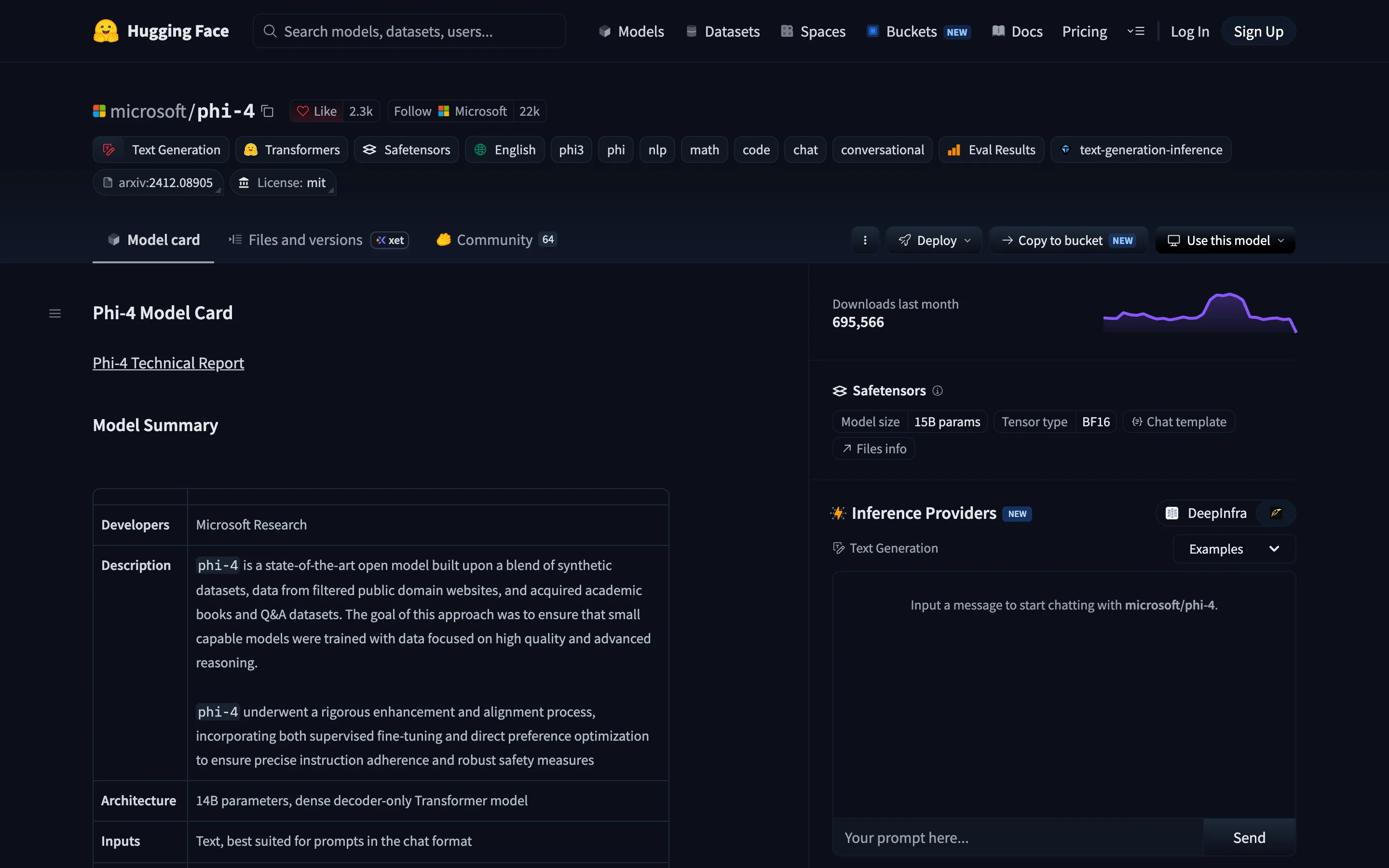
Phi-4 is the best local model for pure code work on laptop hardware. At 14B parameters it pulls as a 9.1 GB file and handles Python, TypeScript, SQL and Bash accurately, trained on the synthetic "textbook quality" data that made the Phi line punch above its size.
Correction from the previous version of this guide: earlier revisions listed a "Phi-5". No such model exists. Microsoft's newest Phi releases are microsoft/phi-4 and Phi-4-reasoning-vision-15B (updated August 31, 2026), and ollama run phi5:14b fails. Use phi4:14b.
What it is not: a long-context model. It tops out at 128K and degrades past 32K in practice.
Gemma 4
Gemma 4 12B is the most accessible quality model here at 7.6 GB, and the first mid-sized Gemma with native audio input: vision and audio project into the same space as text tokens, so no separate transcription step. The 26B MoE variant (19 GB, 4B active) reaches near-26B benchmark scores while computing far less per token. Context is 256K with function calling.
Bashollama run gemma4:12b # 7.6 GB ollama run gemma4:26b # 19 GB
Google shipped a refresh on July 15, 2026 with Flash Attention 4 support and better tool-calling, with no version bump, so re-pull if you grabbed it earlier.
Mistral Small 3.2 (24B)
Mistral Small 3.2 is the efficiency pick: 15 GB, 60+ tokens per second on an RTX 4090, and unusually reliable schema adherence for JSON extraction and classification pipelines. English and French both native, 128K context, Apache 2.0 with no MAU caps.
ollama run mistral-small3.2:24b
Qwen3.8 (27B)
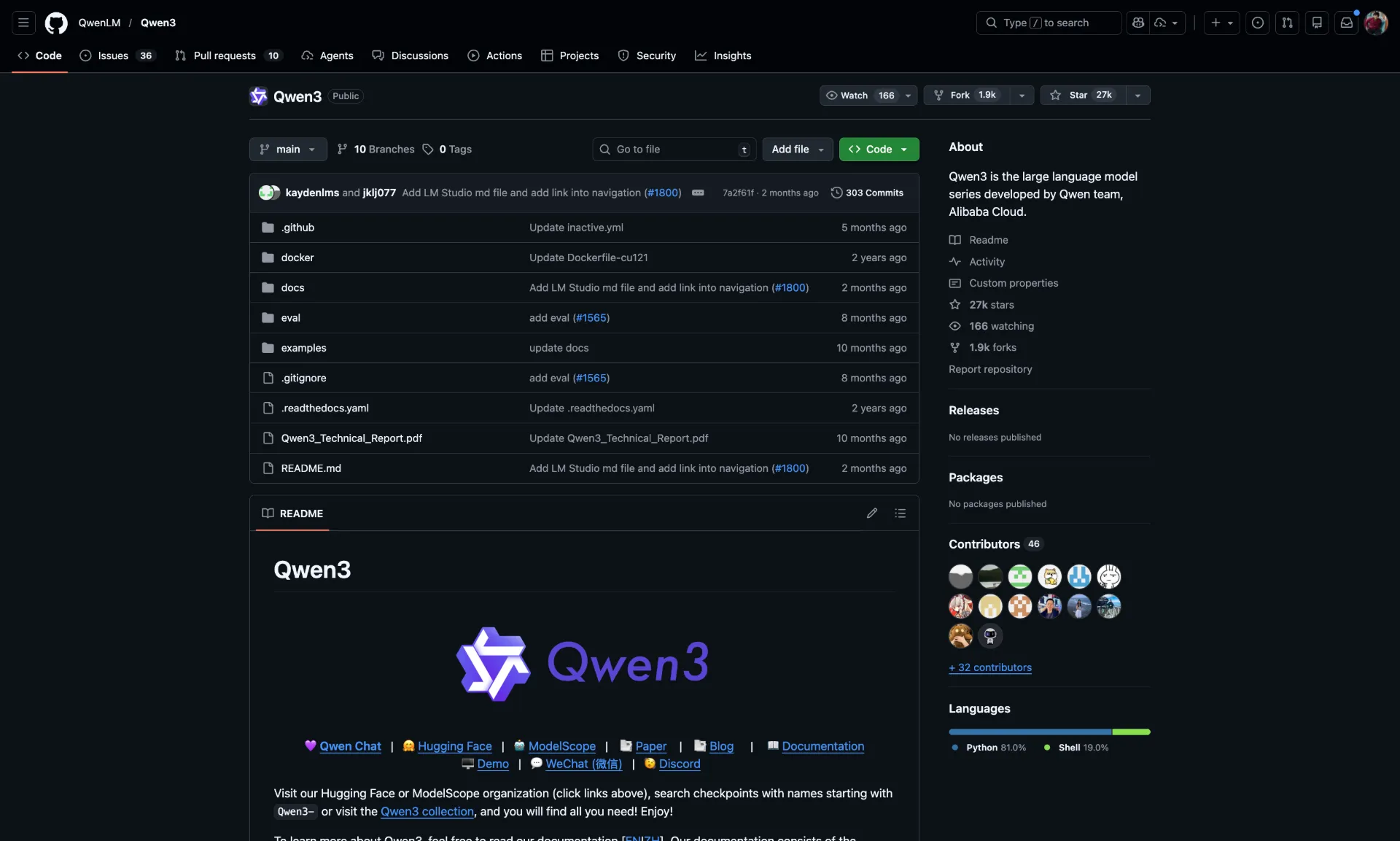
Qwen3.8-27B is the strongest model in this list that still fits on one consumer GPU: an 18 GB pull, dense rather than MoE, and by far the most downloaded model here at 7,703,400 Hugging Face downloads in the 30 days to September 14, 2026, against 4,048,692 for Qwen3.6.
ollama run qwen3.8:27b
Qwen3.6 remains downloadable and is still a fine model; it is simply no longer the efficiency pick.
DeepSeek-V4-Pro and DeepSeek-V4.1-Flash
DeepSeek-V4-Pro is a 1.6T-parameter MoE with 49B active, a 1M-token context and top-tier coding benchmarks. DeepSeek-V4.1-Flash is the newer, cheaper sibling. Both are open-weight and neither has a local Ollama tag: they appear as cloud only. Running V4-Pro yourself means roughly 128 GB of RAM and a multi-GPU box, which is a private inference server, not a desk.
GLM-5.3
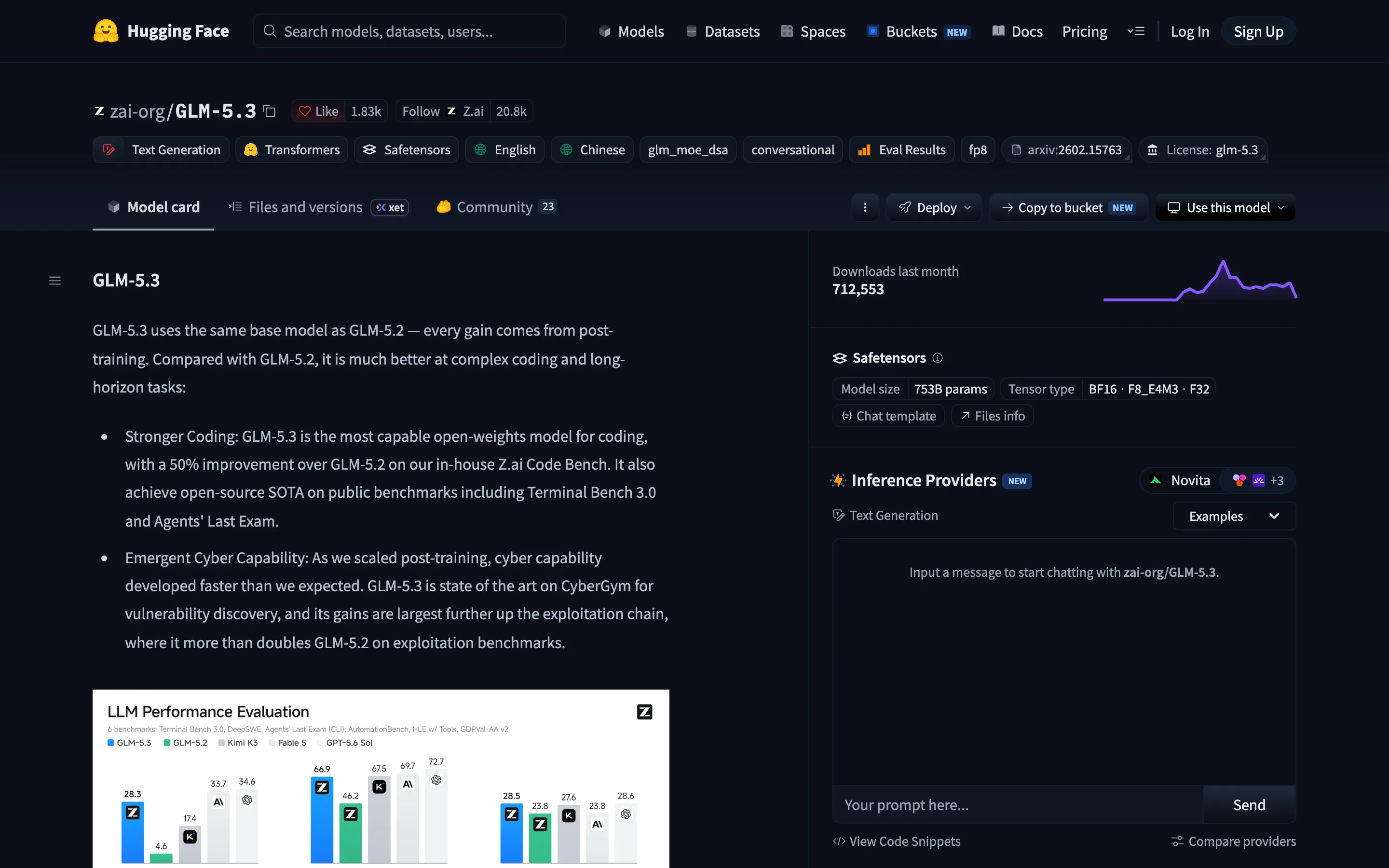
GLM-5.3 is a 753B-parameter MoE and Z.ai's flagship. Its model card is unusually specific about what changed: GLM-5.3 uses the same base model as GLM-5.2, and every gain comes from post-training, including a claimed 50 percent improvement over 5.2 on Z.ai's in-house code benchmark. It carries 712,553 Hugging Face downloads in the 30 days to September 14, 2026. GLM-5.2 still shows more cumulative downloads (947,075) simply because it has been out longer. Like its predecessor it is a workstation-or-server deployment, cloud-only on Ollama.
MiniMax-M3 (New)
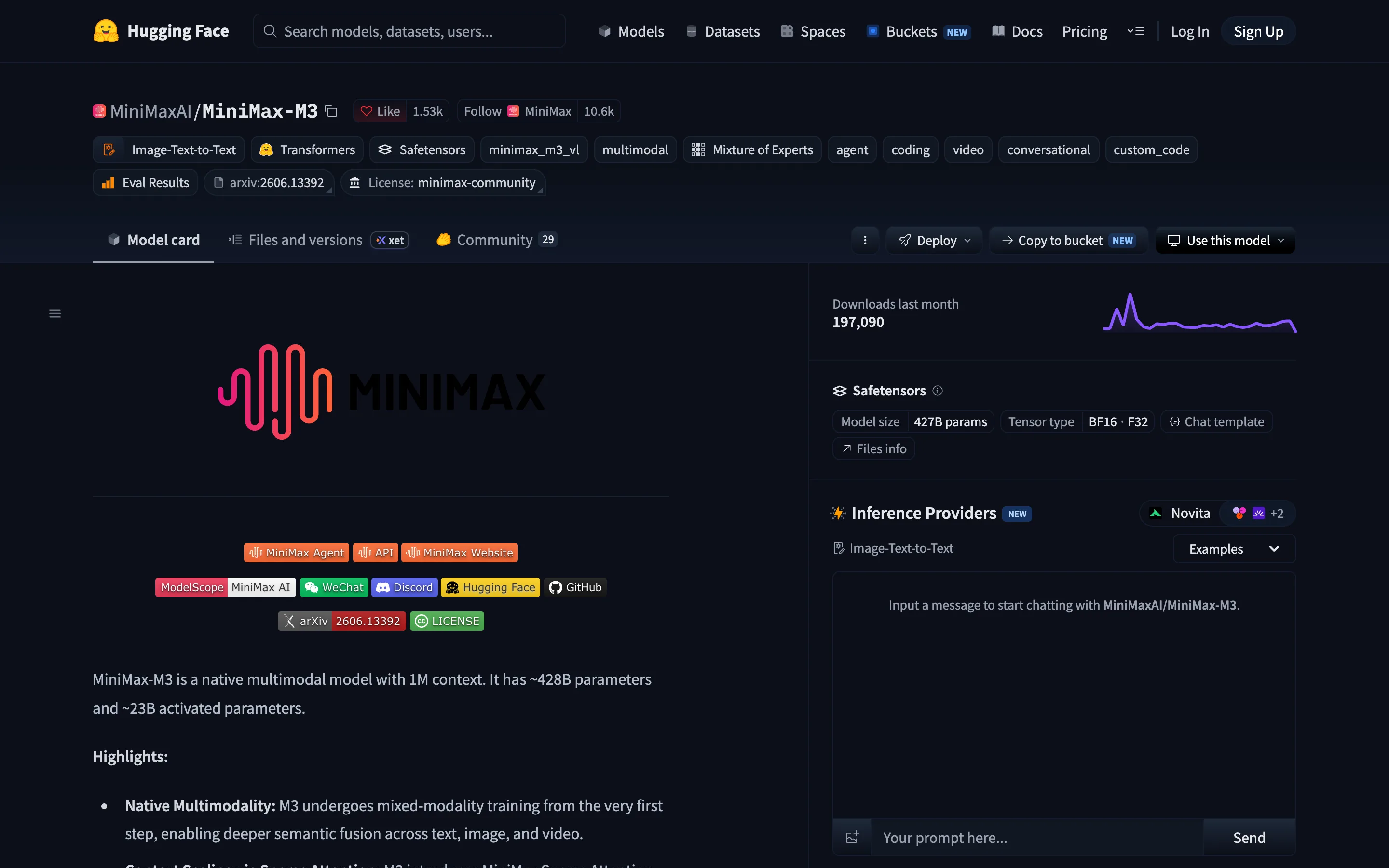
MiniMax-M3 is a native multimodal MoE with roughly 428B total and 23B activated parameters and a 1M-token context, at 197,090 Hugging Face downloads in the 30 days to September 14, 2026. It is the newest credible entrant to this tier and, like the rest of it, cloud-only on Ollama today.
Inkling
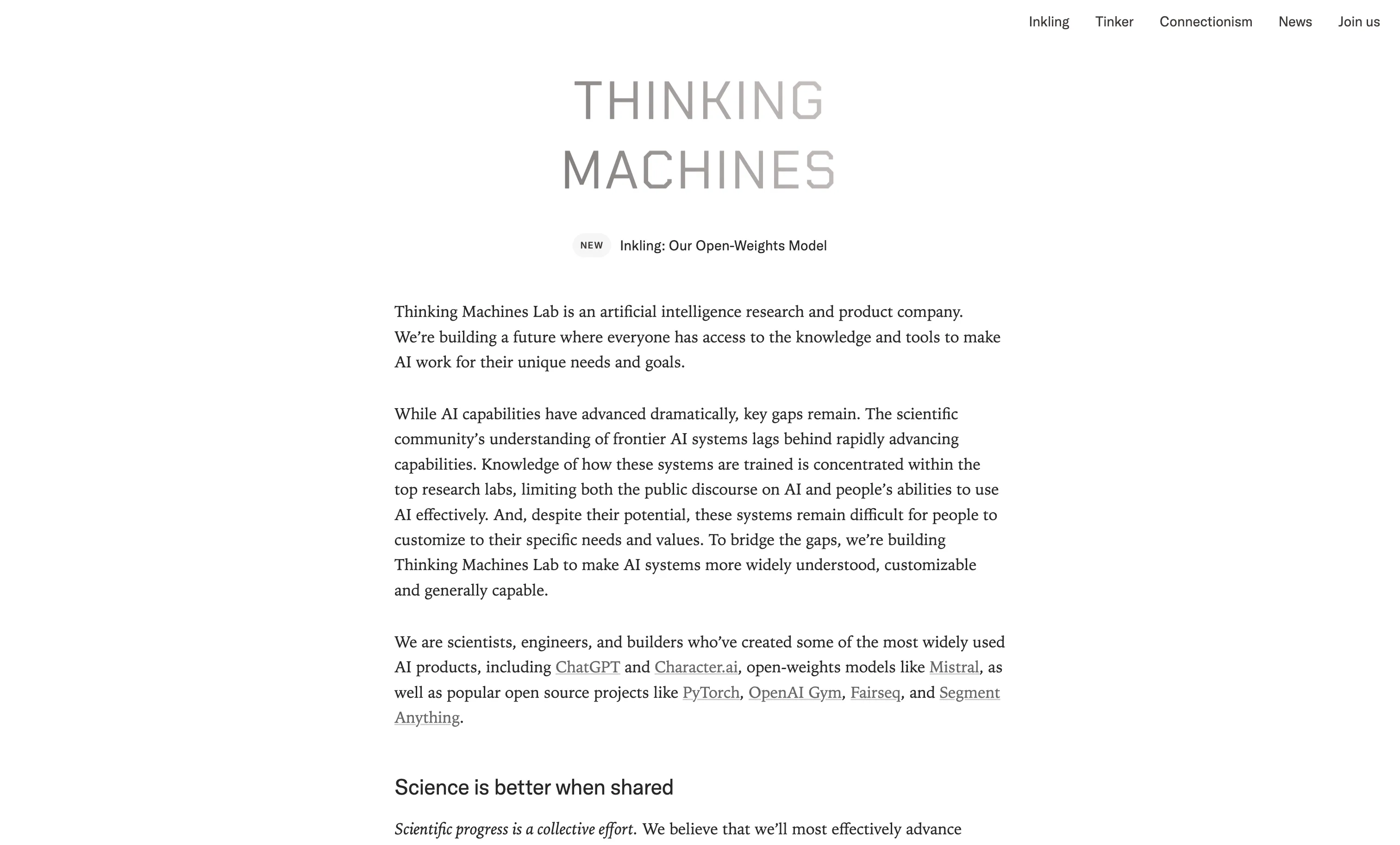
Inkling is the lab's first open-weight release: a 975B-total, 41B-active multimodal MoE with a 1M-token context. Unlike the others in this tier there is a genuine community path to running it, with GGUF quantizations published as unsloth/Inkling-Small-GGUF and Inkling-Small itself at 427,122 downloads in the 30 days to September 14, 2026. Expect the text-only path; the vision and audio projector is not in those quants.
Kimi K3
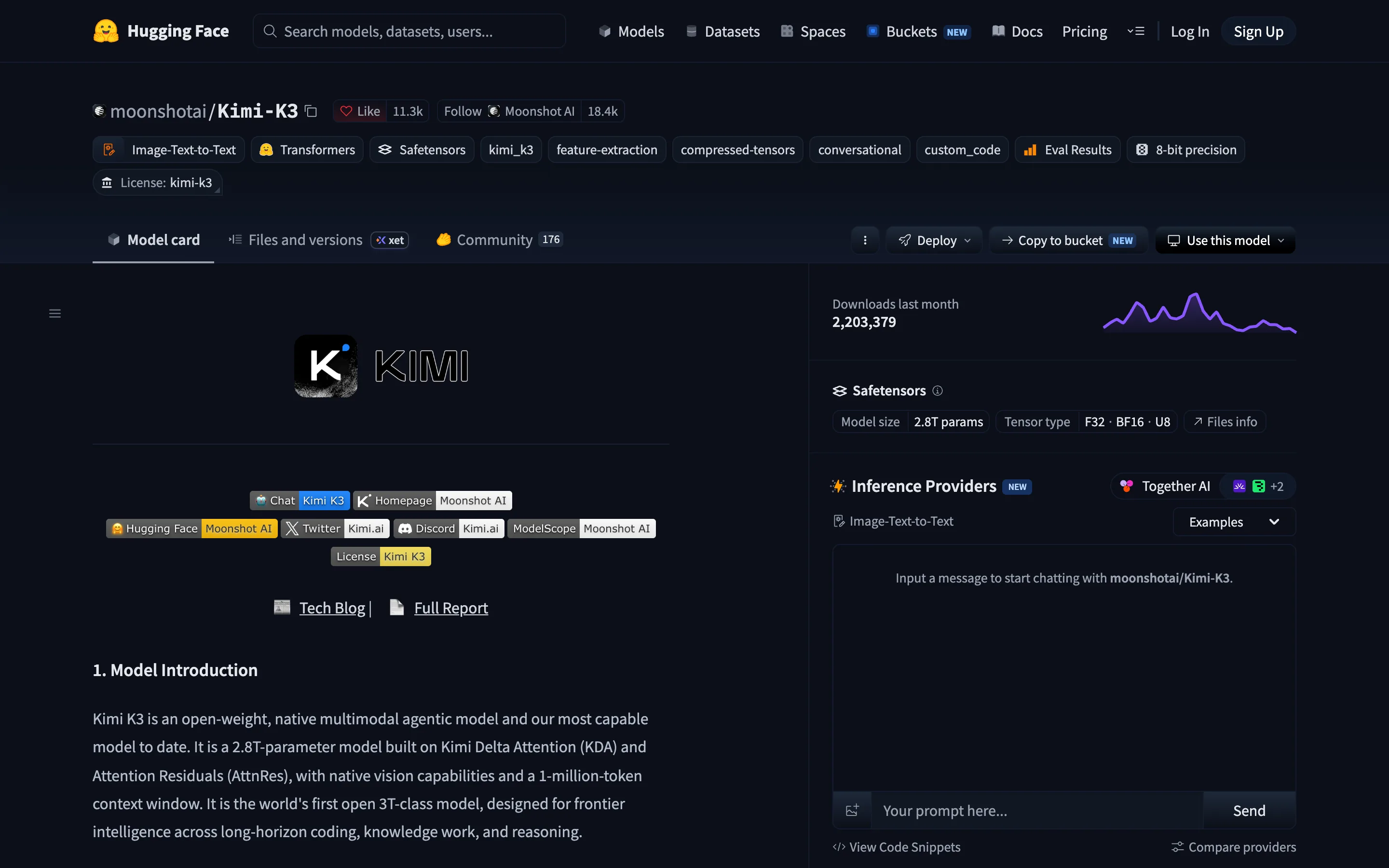
Kimi K3 has shipped. Earlier versions of this guide said the weights were not downloadable until July 27, 2026; they are now public and it is the most downloaded model in this tier at 2,203,379 Hugging Face downloads in the 30 days to September 14, 2026, with 11,346 likes. Moonshot describes it as an open-weight, native multimodal agentic model and the world's first open 3T-class model, at 2.8T parameters with a 1M-token context. At roughly 350 GB quantized to Q4 it is a 4x H100 proposition, and Ollama lists it cloud-only.
Where's Llama?
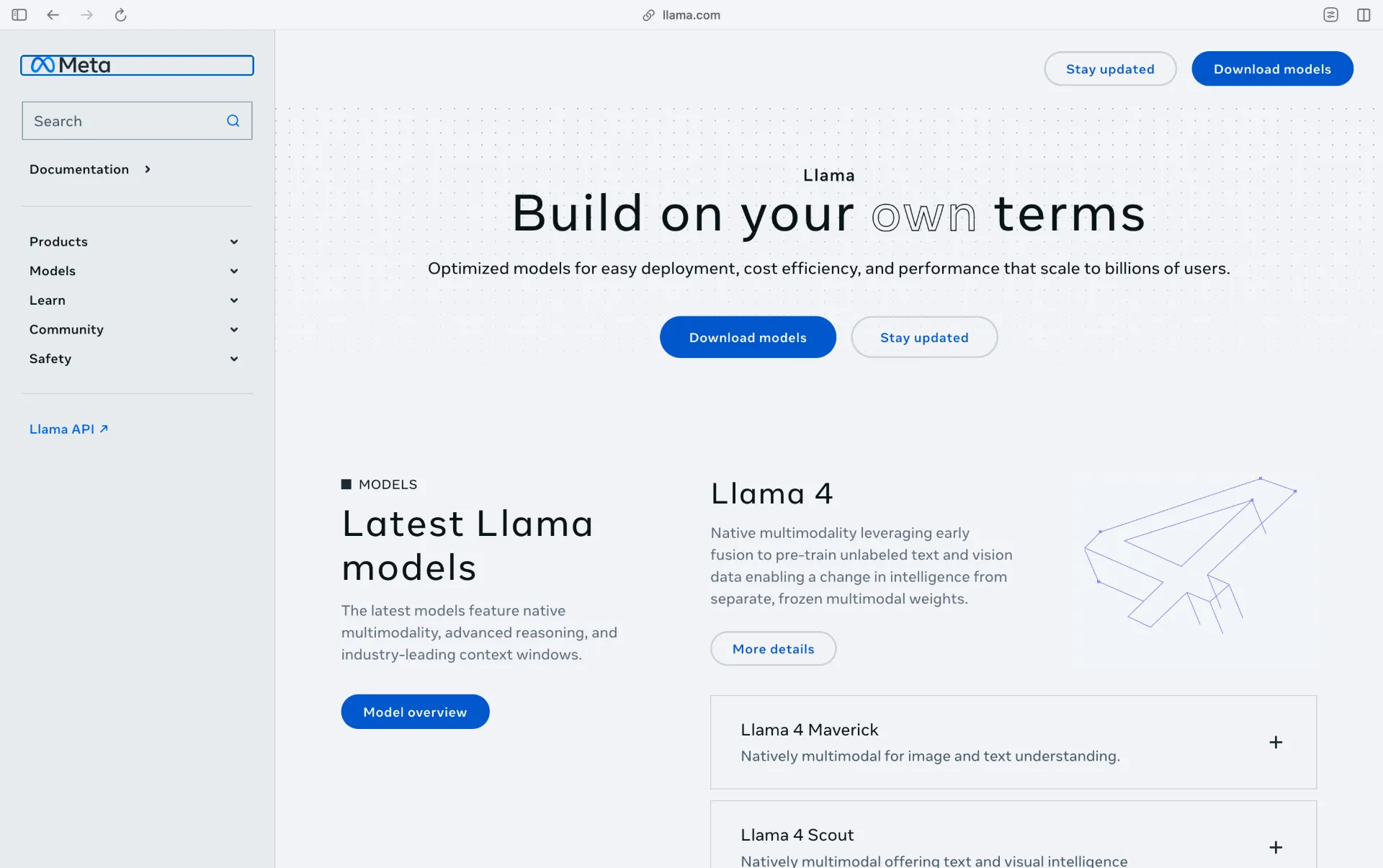
Production Hardware Realities: Math You Cannot Ignore
VRAM is the physical chokepoint. A rough rule for Q4 quantization is 0.6 to 0.7 GB of VRAM per billion parameters, and the download sizes above are the honest check on any claim.
- Laptop, 16 GB: Phi-4 (9.1 GB) or Gemma 4 12B (7.6 GB). An 8 GB card cannot hold either once runtime overhead is counted.
- Consumer GPU, 24 GB: Mistral Small 3.2 (15 GB) or Qwen3.8 27B (18 GB). Gemma 4 26B (19 GB) needs 32 GB once overhead is counted.
- Workstation, 128 GB+: DeepSeek-V4-Pro or GLM-5.3, split across dual 4090s, a Mac Studio Ultra or an A100/H100 pair.
- Data-center scale: Kimi K3 at ~350 GB and Inkling at 200 GB+ assume a 4x H100 class cluster. Both are open-weight. Neither is a desk upgrade.
Related DevToolLab Tools
- Port Checker - confirm Ollama on 11434 or LocalAI on 8080 is actually listening before you debug a "connection refused" that is really a stopped daemon.
- JSON Validator - catch a malformed request body before it 400s against your local chat completions endpoint.
- Bash Script Generator - scaffold a startup script that pulls a model, waits for the server, and runs a smoke test in one go.
- LLM Token Cost Calculator - price the cloud usage you are replacing, so the hardware spend has a payback number attached.
Related Guides
- Local LLM VRAM Requirements - the sizing math behind the download figures above, per model and quantization.
- How LLM Tokenization Actually Works - why the same prompt costs very different amounts of context depending on the language.
- Temperature vs Top-p in LLMs, Measured - the sampling settings you now control directly, and what each one changes.
- Best LLM Gateways and API Routers in 2026 - for the hybrid setup, routing some traffic locally and some to hosted models.
Conclusion
The useful question in 2026 is no longer "is it open weight" but "is there a file I can download". Five of the ten models here have a real local tag and four of those run on a single consumer GPU; the rest are open in license and data-center-scale in practice.
Pick by download size, not parameter count:
- Laptop, 16 GB: Phi-4 (9.1 GB) or Gemma 4 12B (7.6 GB)
- Consumer GPU, 24 GB: Mistral Small 3.2 (15 GB) or Qwen3.8 27B (18 GB)
- Workstation: DeepSeek-V4-Pro or GLM-5.3
- Cluster, if you have one: Kimi K3 or Inkling
Pull it with Ollama, point your existing OpenAI-compatible code at localhost, and the token meter stops running.