
Running a model on your own hardware usually means one requirement: a local endpoint that speaks the OpenAI API, so your editor, agent or app can point at localhost instead of a paid cloud key. Ollama made that a single command, which is why most local setups start there.
Ollama is also changing. On July 9, 2026, it announced it had raised $88M and serves 8.9 million developers, and its pricing page now sells cloud plans from $20 to $500 a month. We ran the same model file through Ollama and through llama.cpp on an M3 Pro MacBook Pro: Ollama processed prompts about 7 percent slower and generated tokens about 9 percent slower. That gap, plus a few defaults, is why developers look at the seven alternatives below.
What Ollama Does, and Why Developers Switch
Ollama wraps local inference engines behind one CLI, a model library and an HTTP API on port 11434. The v0.40.4 macOS release, published October 12, 2026, ships license files for both llama.cpp and Apple's MLX, and in our test its server log showed a library model loading on the MLX engine. It is MIT licensed with 183,101 GitHub stars as of October 14, 2026.
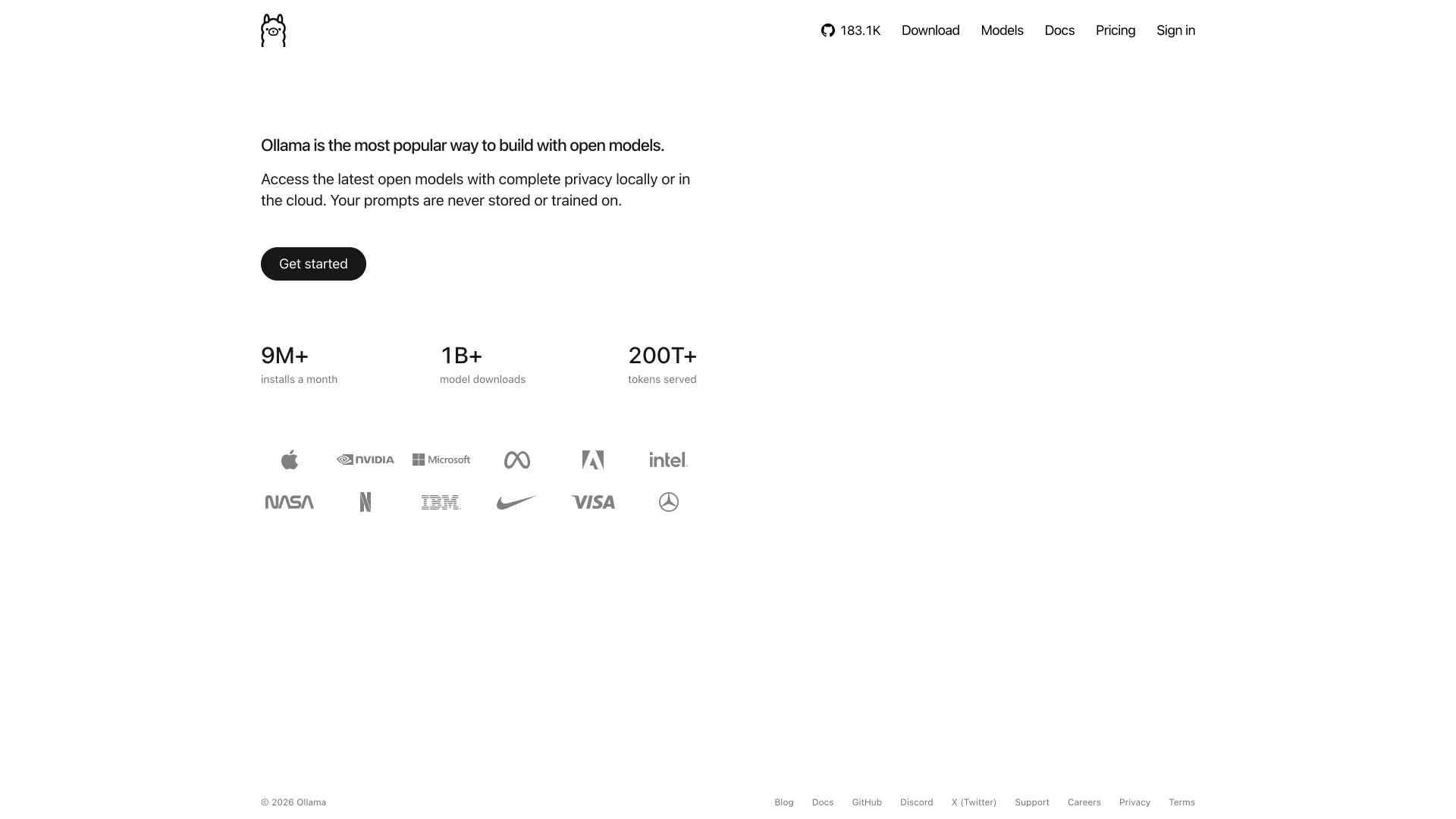
Three things push people elsewhere. First, Ollama's FAQ says it uses a 4,096-token context window by default unless you set OLLAMA_CONTEXT_LENGTH, so a long prompt is trimmed without an error. Second, every engine Ollama runs is available on its own, without the wrapper's overhead. Third, the company's attention is moving to cloud plans: Pro costs $20 a month with $60 of usage credits, Max $100 with $300, and Team $500, all billed per token since August 31, 2026.
Ollama vs llama.cpp on the Same Model
To measure the wrapper, we served one GGUF file both ways on the worked example's machine: an M3 Pro MacBook Pro with 18 GB of memory, running Ollama v0.40.4 and llama.cpp build b11609. The model is Qwen3.5-0.8B in Q8_0 from the ggml-org/Qwen3.5-0.8B-GGUF repository, its SHA-256 checked against Hugging Face. Each server got a 545-token prompt and produced 128 tokens, five times after a warm-up run, with the first line changed on every run so neither could reuse a cached prompt.
Python# Same GGUF, same prompt, same 128 output tokens: llama-server vs Ollama over HTTP. # usage: python3 http_bench.py llama http://127.0.0.1:8090 | ollama http://127.0.0.1:11500 <model-name> import json, statistics, sys, time, urllib.request kind, base = sys.argv[1], sys.argv[2] model = sys.argv[3] if len(sys.argv) > 3 else "" PARAGRAPH = ( "A support assistant for a payments company answers questions from merchants in the United States. " "It reads the merchant's question, looks up the relevant part of the documentation, and replies with " "the steps, the API fields involved and any limits that apply, such as payout schedules, dispute " "windows and currency rules. " ) def prompt(run): # A different first line per run so neither server can reuse a cached prompt prefix. return f"Run {run}: summarize the following notes in plain English.\n" + PARAGRAPH * 9 def post(url, body): req = urllib.request.Request(url, data=json.dumps(body).encode(), headers={"Content-Type": "application/json"}) with urllib.request.urlopen(req, timeout=300) as r: return json.loads(r.read()) def one(run): if kind == "llama": r = post(f"{base}/completion", {"prompt": prompt(run), "n_predict": 128, "temperature": 0, "seed": 42, "cache_prompt": False, "ignore_eos": True}) t = r["timings"] return t["prompt_n"], t["prompt_per_second"], t["predicted_n"], t["predicted_per_second"] r = post(f"{base}/api/generate", {"model": model, "prompt": prompt(run), "raw": True, "stream": False, "options": {"num_predict": 128, "temperature": 0, "seed": 42, "num_ctx": 4096}}) return (r["prompt_eval_count"], r["prompt_eval_count"] / (r["prompt_eval_duration"] / 1e9), r["eval_count"], r["eval_count"] / (r["eval_duration"] / 1e9)) one(0) # warm-up: model load and first-run allocations are not measured rows = [one(i) for i in range(1, 6)] pp = [r[1] for r in rows] tg = [r[3] for r in rows] print(f"{kind}: prompt {rows[0][0]} tokens, generated {rows[0][2]} tokens, 5 runs after warm-up") print(f" prompt processing {statistics.mean(pp):8.1f} tok/s (min {min(pp):.1f}, max {max(pp):.1f})") print(f" generation {statistics.mean(tg):8.1f} tok/s (min {min(tg):.1f}, max {max(tg):.1f})")
| Server, Qwen3.5-0.8B | Prompt processing | Generation |
|---|---|---|
llama.cpp llama-server, Q8_0 GGUF | 2,600.9 tok/s | 108.6 tok/s |
llama.cpp llama-server, rerun at the end | 2,570.9 tok/s | 106.3 tok/s |
| Ollama, same Q8_0 GGUF imported | 2,426.7 tok/s | 98.7 tok/s |
Ollama library qwen3.5:0.8b (MLX engine, mxfp8) | 2,264.6 tok/s | 95.3 tok/s |
Running llama.cpp's server again at the end landed within about 2 percent of its first run, so the gap is not the laptop heating up. Ollama's own library build of the model ran on its MLX engine and was not faster here; its prompt numbers also swung the most, from 1,729.8 to 2,970.3 tokens per second across runs. This is one small model on one Mac, so treat it as a reason to run the script on your own hardware, not as a law.
llama.cpp: The Engine Without the Wrapper
llama.cpp is the C/C++ inference engine Ollama ships inside its GGUF path, and running it directly removes the layer we measured.
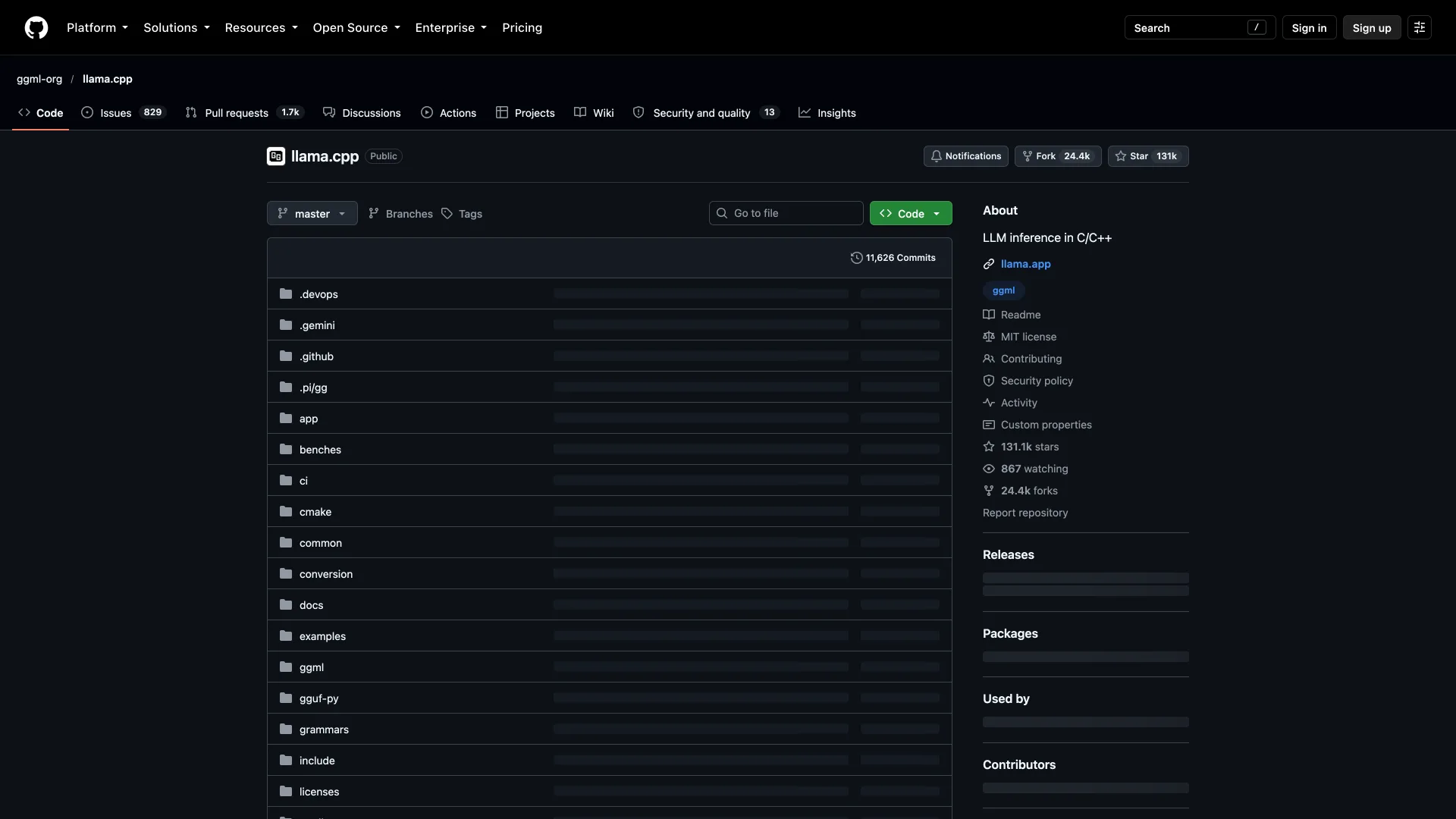
What it does well: speed and control. llama serve -hf ggml-org/Qwen3.5-0.8B-GGUF downloads a model from Hugging Face and starts an OpenAI-compatible server, and every engine flag, from context size to GPU layers, is a command-line option instead of a Modelfile.
What it does not do: model management. There is no curated library or background service, and llama-server now listens on port 9931 by default, so existing configs that assumed another port need updating.
License and version: MIT, 131,123 GitHub stars, v0.6.0 released October 5, 2026, with nightly build b11609 on October 14, 2026.
LM Studio: A Desktop App With a Local Server
LM Studio is a desktop app, now branded LM Studio Bionic, that runs local models on llama.cpp and MLX and exposes them to other programs.
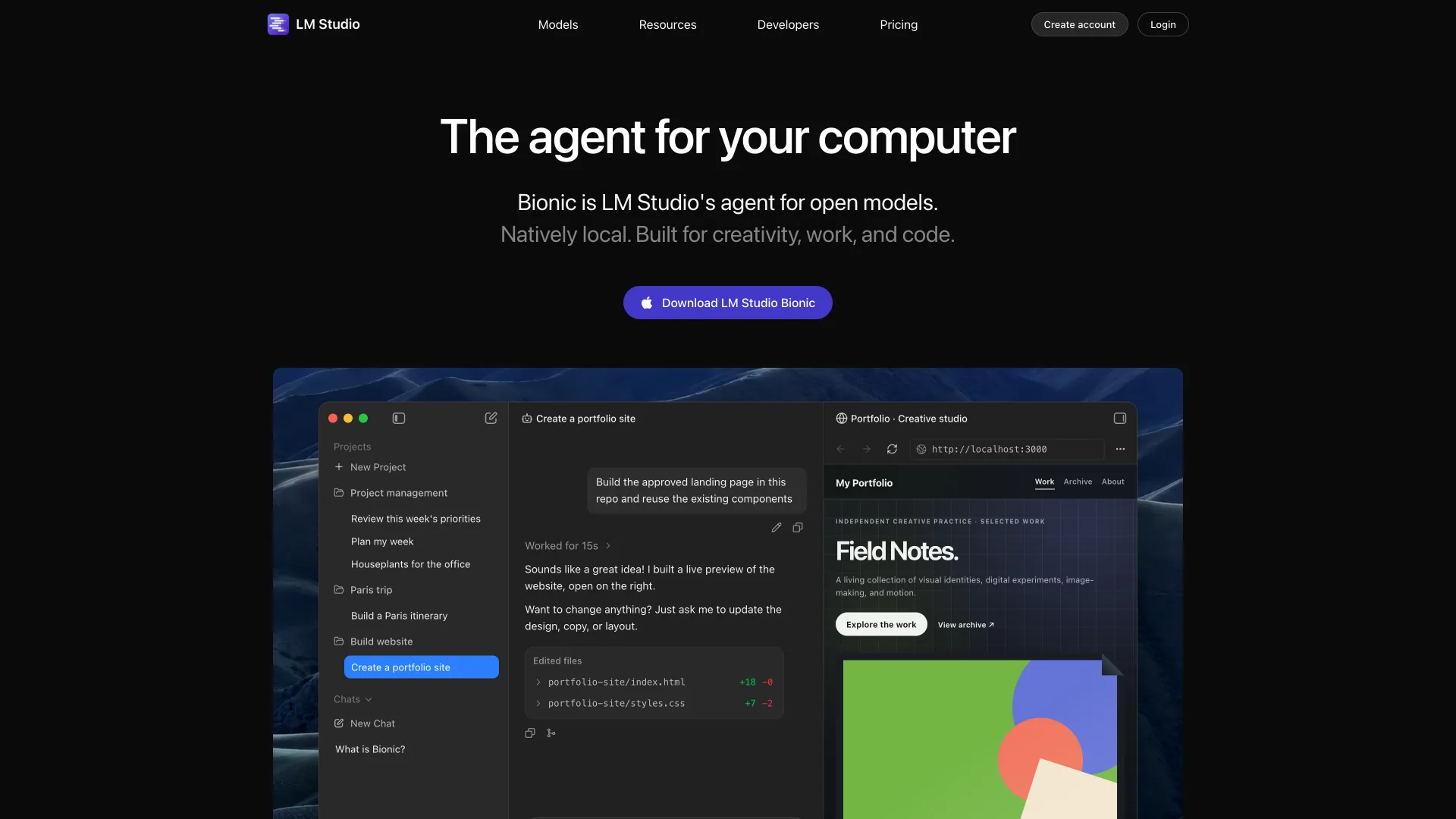
What it does well: a model browser and chat window for people who do not want a terminal, plus a server you start from the Developer tab or with lms server start that offers OpenAI-compatible and Anthropic-compatible endpoints.
What it does not do: open source. The app is closed source, while its lms CLI is MIT licensed. Like Ollama, it now sells cloud inference, Bionic+ at $20 a month and Pro at $100, though running local models stays on the free plan.
Pricing: Free for local models · Bionic+ $20/month · Pro $100/month · Version: Bionic 1.1.8.
vLLM: When One User Becomes Fifty
vLLM is a serving engine built for throughput on GPU servers, the step up when a local model becomes a shared internal service.
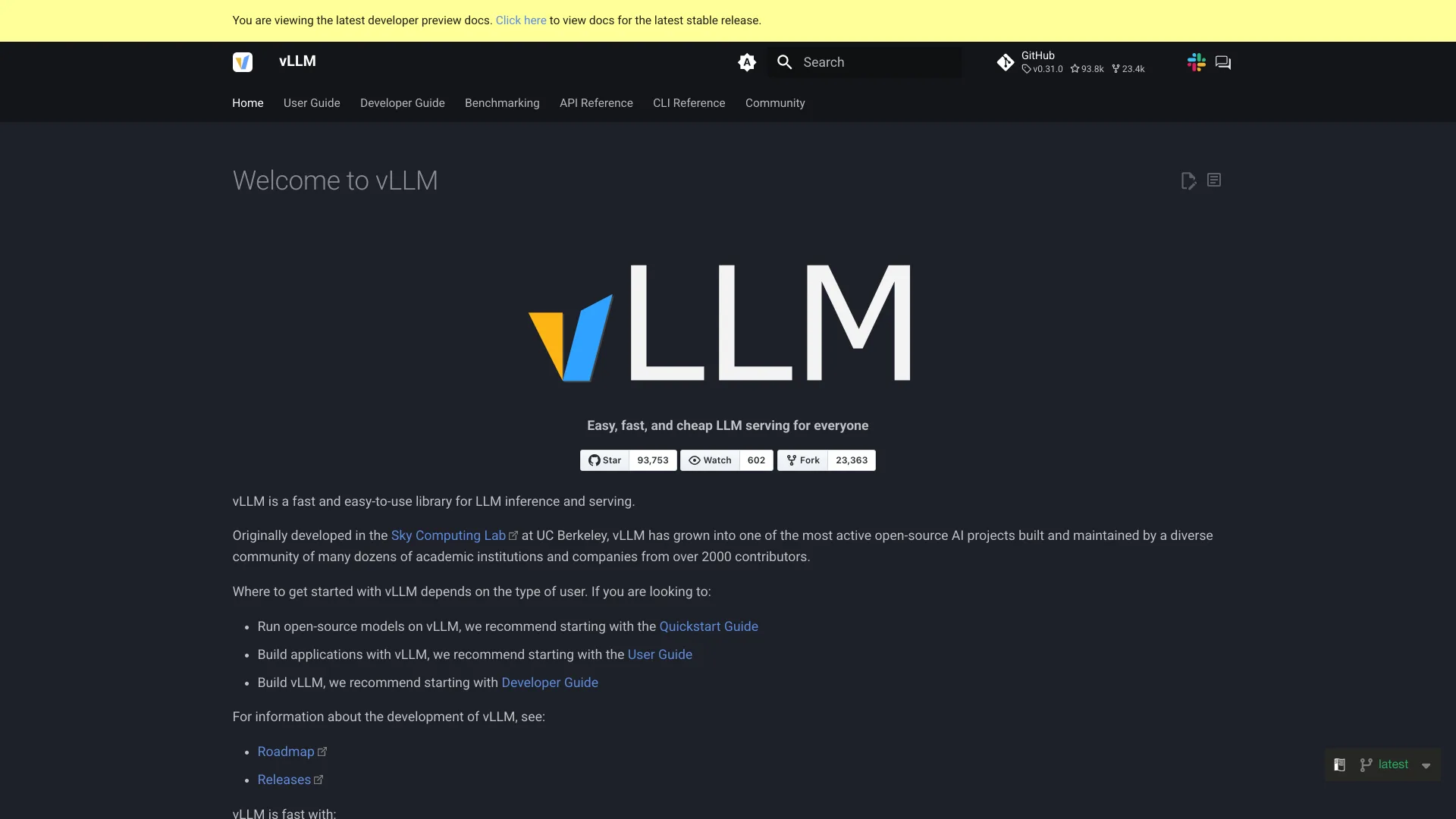
What it does well: PagedAttention, continuous batching and prefix caching keep many concurrent requests on one GPU, with tensor, pipeline and expert parallelism across several. It serves an OpenAI-compatible API plus the Anthropic Messages API, and runs on NVIDIA, AMD and Intel GPUs.
What it does not do: laptops. It is aimed at Linux GPU servers in a data center or us-east-1, and Apple Silicon support comes through a plugin rather than the core. SGLang (Apache 2.0, v0.5.21) is the closest open source peer.
License and version: Apache-2.0, 93,753 stars, v0.31.0 released October 5, 2026.
Jan: An Open Source Desktop App
Jan from Menlo Research is the open source answer to LM Studio: a desktop chat app that downloads models from Hugging Face and runs them locally.
What it does well: a local OpenAI-compatible API at localhost:1337, MCP support for agent tools, and the option to mix in cloud models from OpenAI, Anthropic or Groq in the same window. Its site counts more than 7 million downloads.
What it does not do: server deployment. Jan is built around the desktop, so a headless team server is a better fit for llama.cpp or vLLM.
License and version: Apache-2.0, 44,938 stars, v0.8.6 released October 9, 2026.
LocalAI: An OpenAI-Compatible Drop-In
LocalAI is a self-hosted runtime that puts an OpenAI-compatible API in front of several engines, so existing client code keeps working against your own hardware.
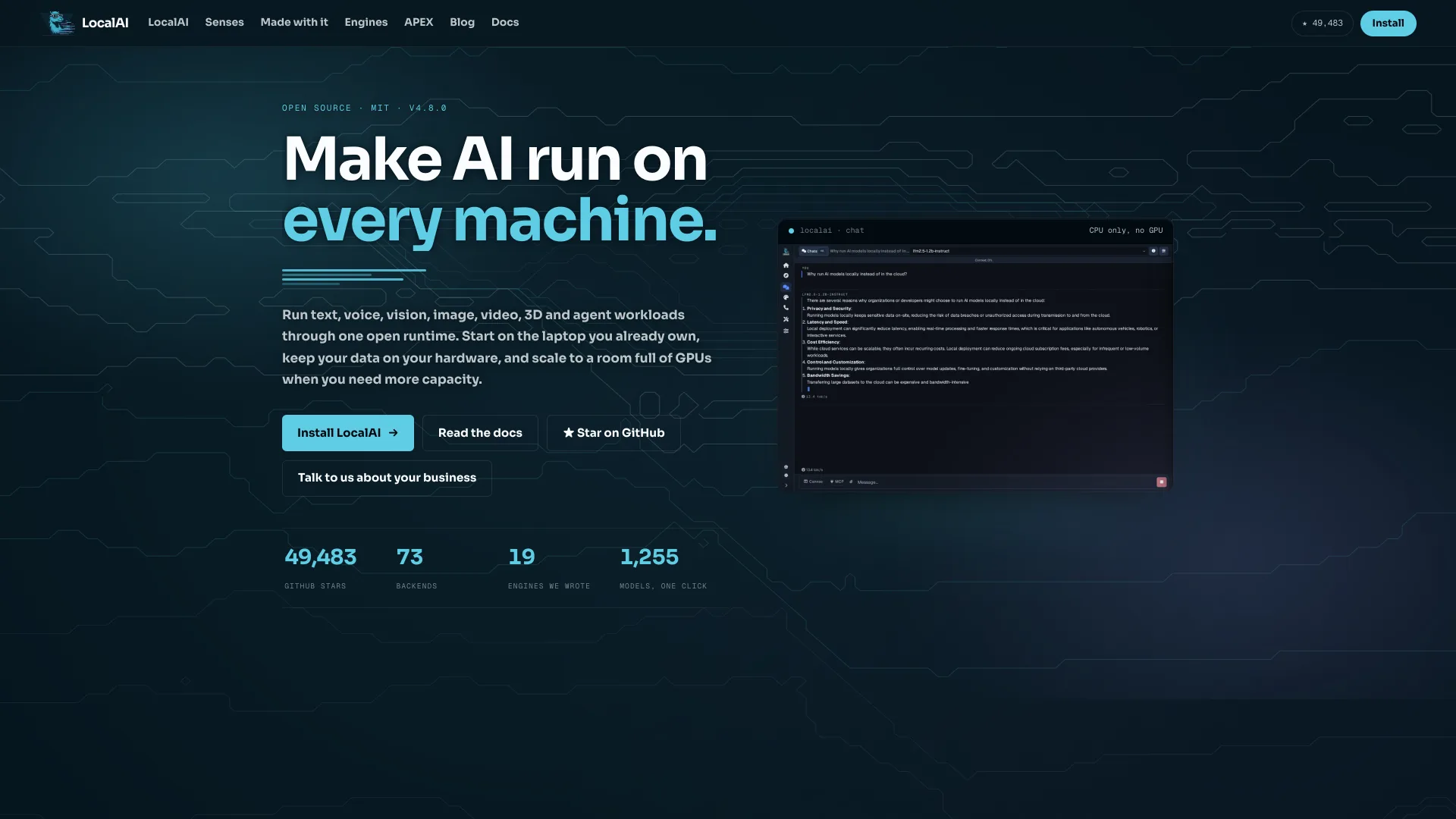
What it does well: breadth. One binary handles text, voice, vision, image and video models, and it runs on CPU only when there is no GPU, which suits a small VM or an older desktop.
What it does not do: a polished desktop experience. It is configured like a server, and with many backends there are more moving parts to update than with a single engine.
License and version: MIT, 49,519 stars, v4.11.0 released October 2, 2026.
Docker Model Runner: Models as OCI Artifacts
Docker Model Runner runs models from Docker Hub or any OCI registry with docker model run, inside Docker Desktop, Docker Engine or a standalone dmr binary.
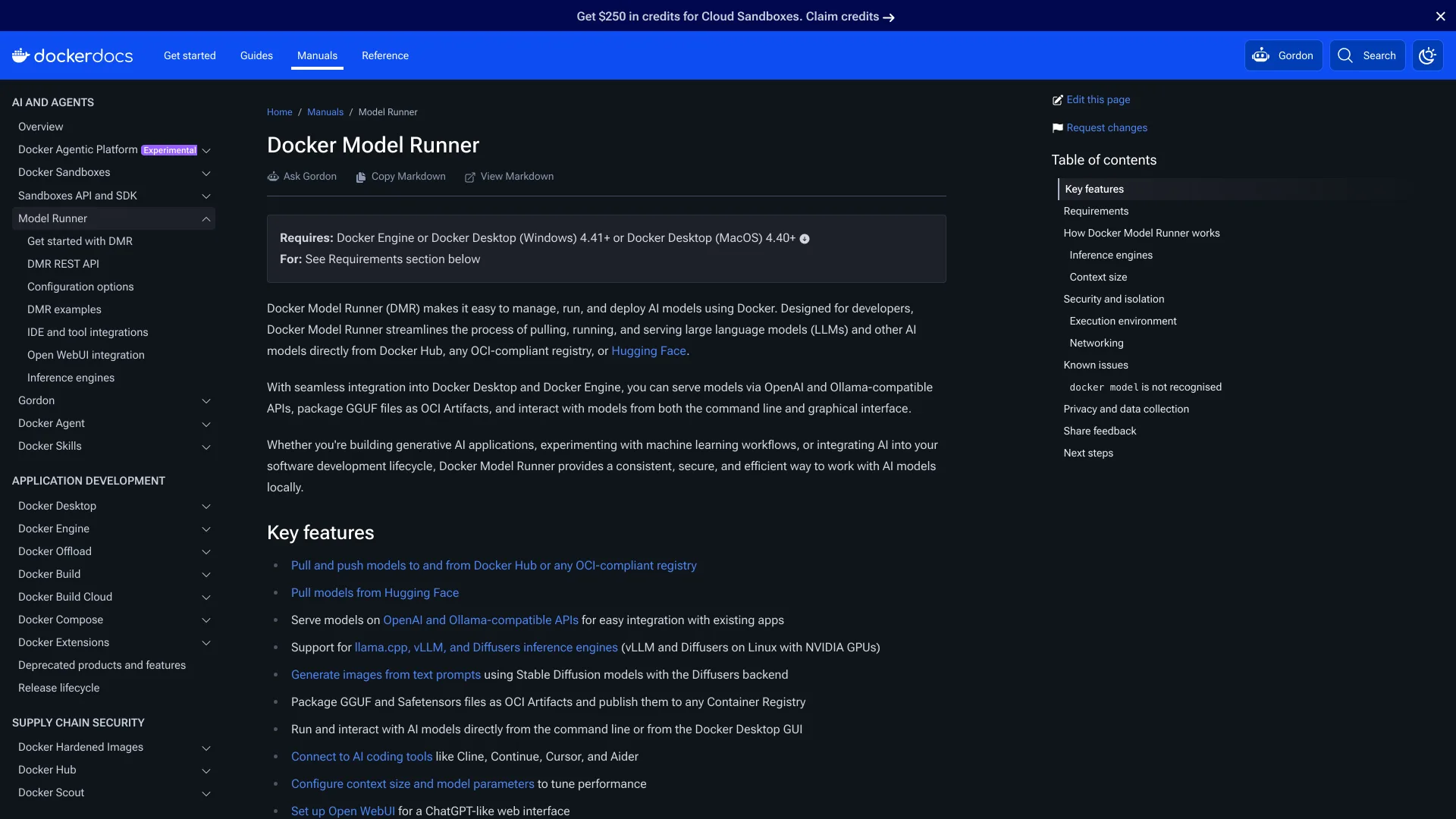
What it does well: it fits teams that already ship containers. Models are pulled, tagged and pushed like images, the runner uses llama.cpp, with vLLM and Diffusers on Linux machines with NVIDIA GPUs, and its API on port 12434 answers OpenAI, Anthropic and Ollama clients, so an Ollama integration only needs a new base URL.
What it does not do: much outside the Docker workflow. Its own repository has 659 stars, a small community next to the engines it wraps, and model coverage depends on what is published to a registry.
License and version: Apache-2.0, v1.2.8 released August 12, 2026 · Requires: Docker Desktop 4.40 or later on macOS.
MLX LM: Apple's Own Path on Apple Silicon
MLX LM is Apple's Python package for running and fine-tuning language models with MLX, the framework Ollama itself now uses on Macs.
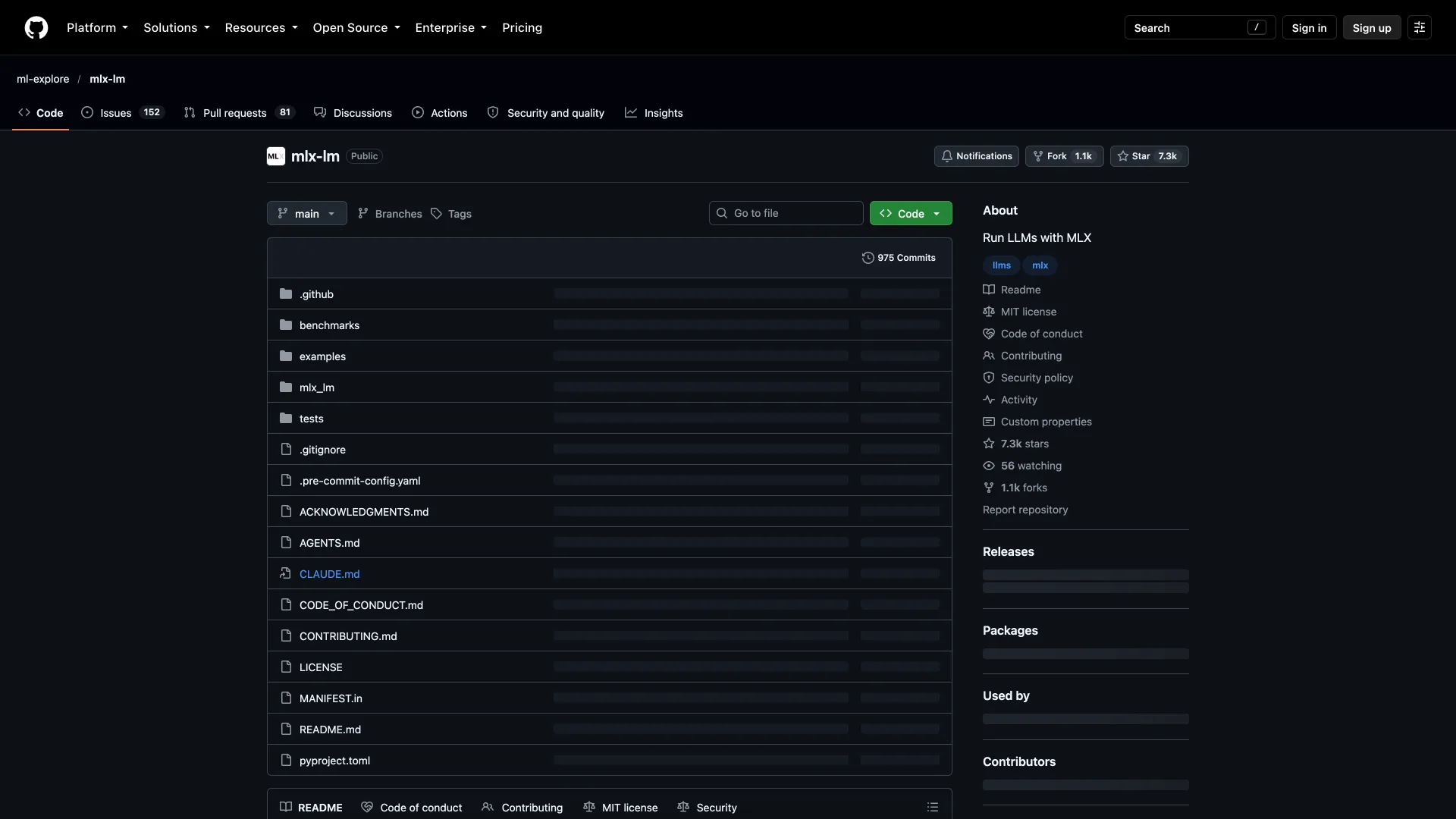
What it does well: Hugging Face models in one command, quantization, and LoRA or full fine-tuning on the same Mac. mlx_lm.server starts an API modeled on OpenAI's chat endpoint, on port 8080 by default.
What it does not do: anything off Apple Silicon, and its own docs say the server is not recommended for production.
License and version: MIT, 7,297 stars, v0.32.0 released October 1, 2026.
Side by Side
| Tool | Best for | Runs on an M3 Pro Mac | Local API | License |
|---|---|---|---|---|
| Ollama | One-command local models | Yes | OpenAI-compatible, port 11434 | MIT |
| llama.cpp | Raw speed and full control | Yes | OpenAI-compatible | MIT |
| LM Studio | Desktop GUI | Yes | OpenAI and Anthropic compatible | Proprietary |
| vLLM | Many users on GPU servers | Plugin only | OpenAI and Anthropic compatible | Apache-2.0 |
| Jan | Open source desktop app | Yes | OpenAI-compatible, port 1337 | Apache-2.0 |
| LocalAI | Drop-in API, CPU-only boxes | Yes | OpenAI-compatible | MIT |
| Docker Model Runner | Container workflows | Yes | OpenAI, Anthropic and Ollama compatible, port 12434 | Apache-2.0 |
| MLX LM | Fine-tuning on a Mac | Yes | OpenAI-like, port 8080 | MIT |
How to Choose Without Migrating Twice
- Check your context length first. If answers degrade on long prompts, set
OLLAMA_CONTEXT_LENGTHbefore switching anything; the 4,096-token default may be the whole problem. - Run the benchmark above on your own model. A 7 to 9 percent gap on a 0.8B model on one Mac is a prompt to measure, not a verdict for a 70B model on an NVIDIA GPU.
- Count concurrent users. One developer is a desktop problem; a team sharing an endpoint is a vLLM problem.
- Keep the client on the OpenAI API. Every tool here speaks it or something close, so switching servers becomes a base URL change instead of a rewrite.
- Decide whether the model file or the app matters more. GGUF files move freely between llama.cpp, LM Studio, Jan and Ollama; MLX weights stay on Apple Silicon.
Which One Should You Actually Use?
You want Ollama, minus the wrapper: llama.cpp. It was the fastest server in our test, and llama serve -hf covers the download-and-serve step ollama run handles.
You want a window, not a terminal: LM Studio, or Jan if open source matters to you.
A team is about to share one endpoint: vLLM on a Linux GPU server.
Your stack already runs on containers: Docker Model Runner, which even answers Ollama's API.
You fine-tune on a MacBook: MLX LM.
Conclusion
Ollama made local models a one-line install, and it is still the easiest start. But it is now a wrapper around engines you can run directly, with a company increasingly focused on cloud plans. Before you switch, set the context length and run the benchmark; if the gap matters on your hardware, the engine underneath is one command away.
Related DevToolLab Tools
- GGUF Viewer - check a model's quantization, context length and chat template before importing it into Ollama or llama.cpp.
- Safetensors Viewer - read the tensor list and parameter count of a model before converting it to GGUF or MLX.
- cURL to Code Converter - turn the
curlsmoke test against your local endpoint into Python or Node client code. - Docker Compose Generator - write the compose file for running vLLM or LocalAI as a service.
Related Guides
- Best Offline LLM Models and Tools - which open models run well locally, from Qwen to Gemma.
- Local LLM VRAM Requirements - how much memory a model needs at each quantization.
- Local LLM Hardware: GPU vs Mac - whether a Mac or an NVIDIA card is the better buy.
- Best LLM Gateways - routing between local and cloud models behind one API.