
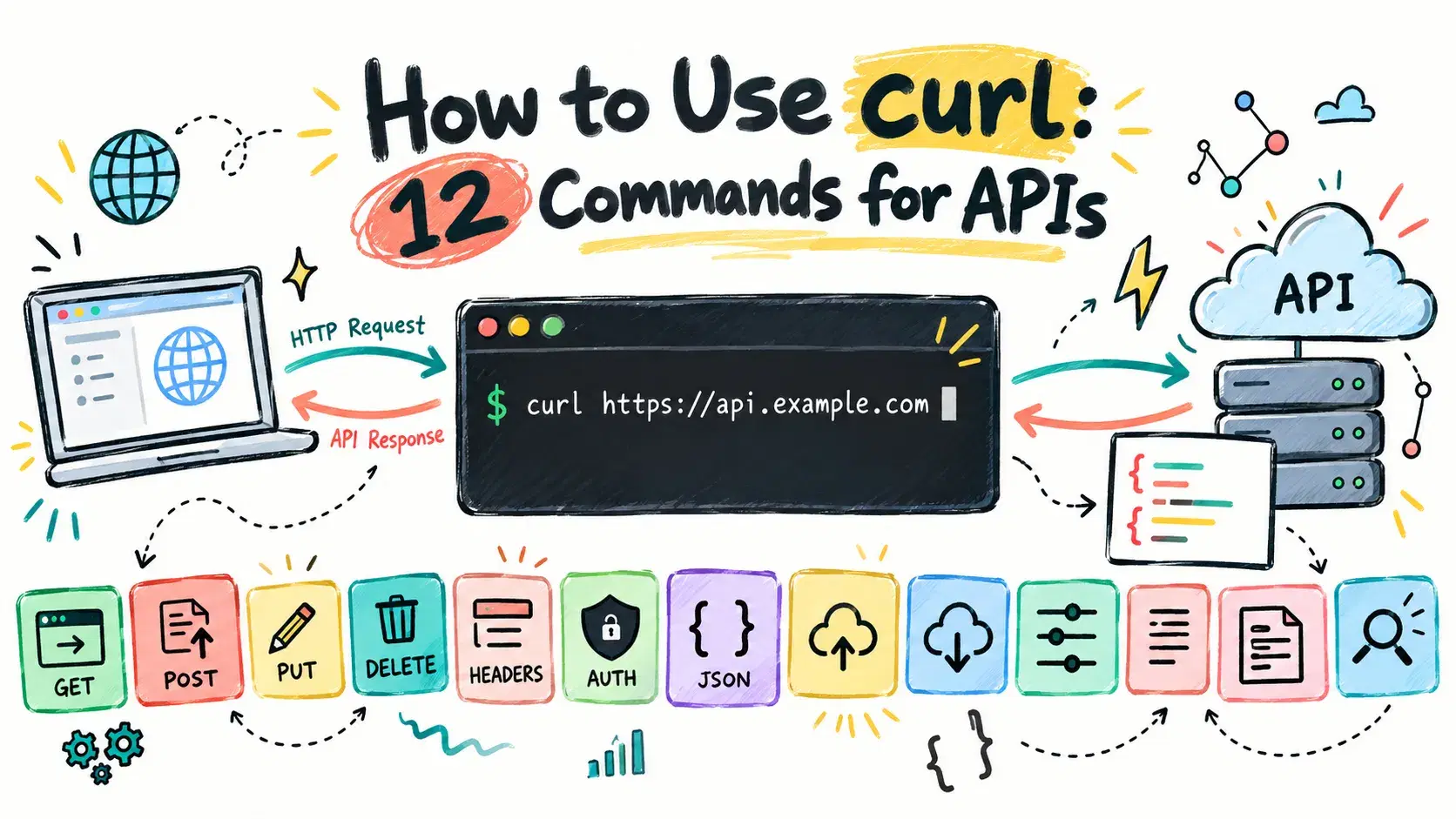
curl sends a single HTTP request from the terminal and prints whatever comes back: curl -X POST https://api.example.com/users -H "Content-Type: application/json" -d '{"name":"Ada"}' runs a POST with a JSON body. Swap the method, the header and the -d payload and the same shape covers GET, PUT, DELETE, file uploads and authenticated requests.
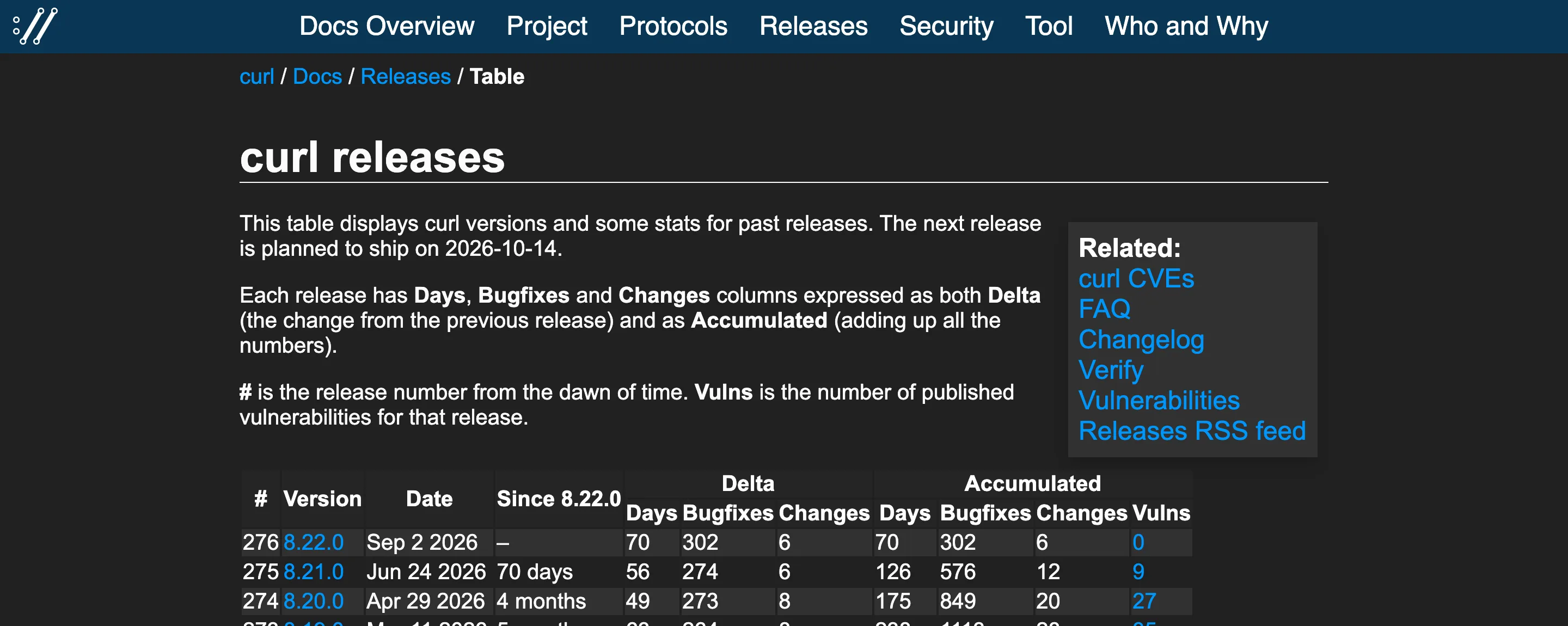
Every flag is easy to look up on its own. Stringing enough of them together to actually test an endpoint, the JSON quoting, the headers, the auth token, the redirect handling, is where most people give up and reach for Postman instead. Worth checking first: curl --version. The machine this post was written on reports curl 8.7.1, the build Apple ships with macOS. The curl project itself shipped 8.22.0 on September 2, 2026, with the next release planned for October 14, so a flag that doesn't work as documented is sometimes just a newer feature than the curl on your system.
Every command below runs against httpbin.org, a public test API built for exactly this, and every response pasted in is real output from actually running it, not a reconstruction. The trace ID and timing will differ if you run the same command yourself, everything else will match.
The Fastest Way
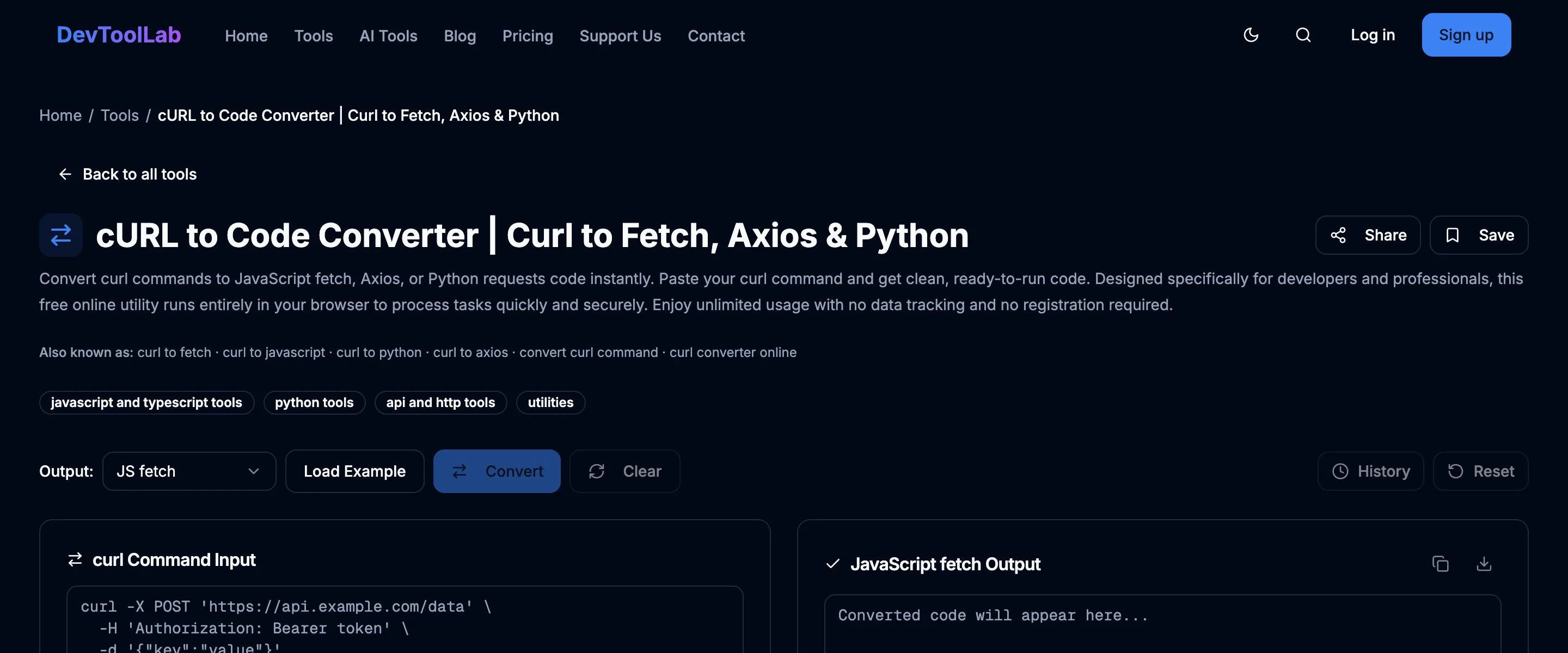
Paste any command below into the cURL to Code Converter to get the equivalent JavaScript fetch, Axios or Python requests call without mapping every flag to its option name by hand. It parses the command text in your browser; it doesn't send the request itself. Think of it as a translation step before you write the calling code, not a substitute for running curl to see what the endpoint actually returns.
Reading a Response
A GET request needs no flags at all:
curl https://httpbin.org/get
JSON{ "args": {}, "headers": { "Accept": "*/*", "Host": "httpbin.org", "User-Agent": "curl/8.7.1", "X-Amzn-Trace-Id": "Root=1-6ab8f9ef-298006f263ff54c24c9fc41a" }, "origin": "44.227.128.71", "url": "https://httpbin.org/get" }
Add -i to see the status line and response headers above the body, which is the first thing to check when an API returns something unexpected:
curl -i https://httpbin.org/get
HTTP/2 200
content-type: application/json
content-length: 254
server: gunicorn/19.9.0
access-control-allow-origin: *
Add -o <file> to write the body to a file instead of printing it, which matters the moment a response is larger than a terminal scrollback:
Bashcurl -o response.json https://httpbin.org/get cat response.json
Sending Data to an API
A POST needs a method flag, a content-type header and a body. For JSON, quote the whole payload as a single string and escape nothing except the outer quotes:
Bashcurl -X POST https://httpbin.org/post \ -H "Content-Type: application/json" \ -d '{"name":"Ada Lovelace","role":"engineer"}'
JSON{ "data": "{\"name\":\"Ada Lovelace\",\"role\":\"engineer\"}", "json": { "name": "Ada Lovelace", "role": "engineer" }, "url": "https://httpbin.org/post" }
Drop the -H flag and curl defaults to form encoding, which is what an HTML <form> sends and what a lot of older APIs still expect:
Bashcurl -X POST https://httpbin.org/post -d "name=Ada&role=engineer"
JSON{ "form": { "name": "Ada", "role": "engineer" }, "headers": { "Content-Type": "application/x-www-form-urlencoded" } }
-F builds a multipart form and uploads a real file when the value starts with @:
Bashcurl -F "file=@notes.txt" https://httpbin.org/post
JSON{ "files": { "file": "curl is great for automation\n" }, "headers": { "Content-Type": "multipart/form-data; boundary=------------------------RJw5UaJnNLyLdCifwgd4a1" } }
-X PUT replaces a resource, and -X DELETE needs no body at all:
Bashcurl -X PUT https://httpbin.org/put \ -H "Content-Type: application/json" \ -d '{"status":"active"}' curl -X DELETE https://httpbin.org/delete
Both echo back the same shape as the POST above, with "url" pointing at /put and /delete and the method's own JSON in "json".
Authenticating a Request
-u sends HTTP Basic auth as a base64-encoded header, which curl builds for you:
Bashcurl -u ada:secret123 https://httpbin.org/basic-auth/ada/secret123
{ "authenticated": true, "user": "ada" }
A bearer token is just a header, so most APIs are one -H away from working:
Bashcurl -H "Authorization: Bearer demo-token-123" https://httpbin.org/bearer
JSON{ "authenticated": true, "token": "demo-token-123" }
Following Redirects and Measuring Latency
curl doesn't follow redirects by default, which trips people up constantly, since a browser does it silently. Add -L, and -w to print exactly what happened after -o /dev/null throws away the body:
Bashcurl -L -o /dev/null \ -w "final_url=%{url_effective} redirects=%{num_redirects} status=%{http_code}\n" \ https://httpbin.org/redirect/2
final_url=https://httpbin.org/get redirects=2 status=200
The same -w format string reports timing without ever printing the response body, which is the fastest way to check whether a slow page load is the network or the server:
Bashcurl -s -o /dev/null -w "status=%{http_code} time_total=%{time_total}s\n" https://httpbin.org/get
status=200 time_total=1.385114s
Common Errors
curl: (6) Could not resolve host: <hostname> means DNS lookup failed, almost always a typo in the domain, a missing VPN connection, or no internet at all. Run nslookup <hostname> to confirm it independently of curl before assuming the flag syntax is wrong.
curl: (7) Failed to connect to <host> port <port> after 0 ms: Couldn't connect to server means nothing answered on that port. It's the standard error when a local dev server hasn't started yet, the port number is wrong, or a firewall is blocking it. Check with the DevToolLab HTTP Status Checker if the target is a public URL, so you know whether the problem is your machine or theirs.
curl: (28) Operation timed out after 2004 milliseconds with 0 bytes received shows up when --max-time or --connect-timeout is set lower than the server actually needs. Raise the limit if the endpoint is just slow, or go investigate the server if it shouldn't be.
curl: (60) SSL certificate problem: self signed certificate means curl cannot verify who it is talking to. On a local dev server with a self-signed cert, point curl at the certificate with --cacert path/to/cert.pem rather than reaching for -k / --insecure, which skips verification entirely and should never touch anything that isn't your own throwaway setup.
When Not to Do This
A token or password passed as a command-line argument lands in your shell history file and is briefly visible to any other process on the machine that runs ps aux while the command executes. Prefer -H "Authorization: Bearer $TOKEN" with the token read from an environment variable, or a --config file with its permissions set to chmod 600, over typing a live secret directly into a command you might paste into a script, a chat message or a ticket.
Related DevToolLab Tools
- cURL to Code Converter - paste any command above and get the equivalent fetch, Axios or Python call, the fastest way to turn a one-liner into application code without hand-translating flags.
- HTTP Status Checker - see the status code, every redirect hop and the response time for a URL from a browser tab when you want confirmation outside the terminal.
- CORS Tester - curl requests are never blocked by CORS, since browsers enforce that policy, not servers, so check here whether a request that works in curl will actually work from JavaScript in a browser.
- API Key Generator - generate a throwaway key in the browser to test the auth commands above without reusing a real production credential.