
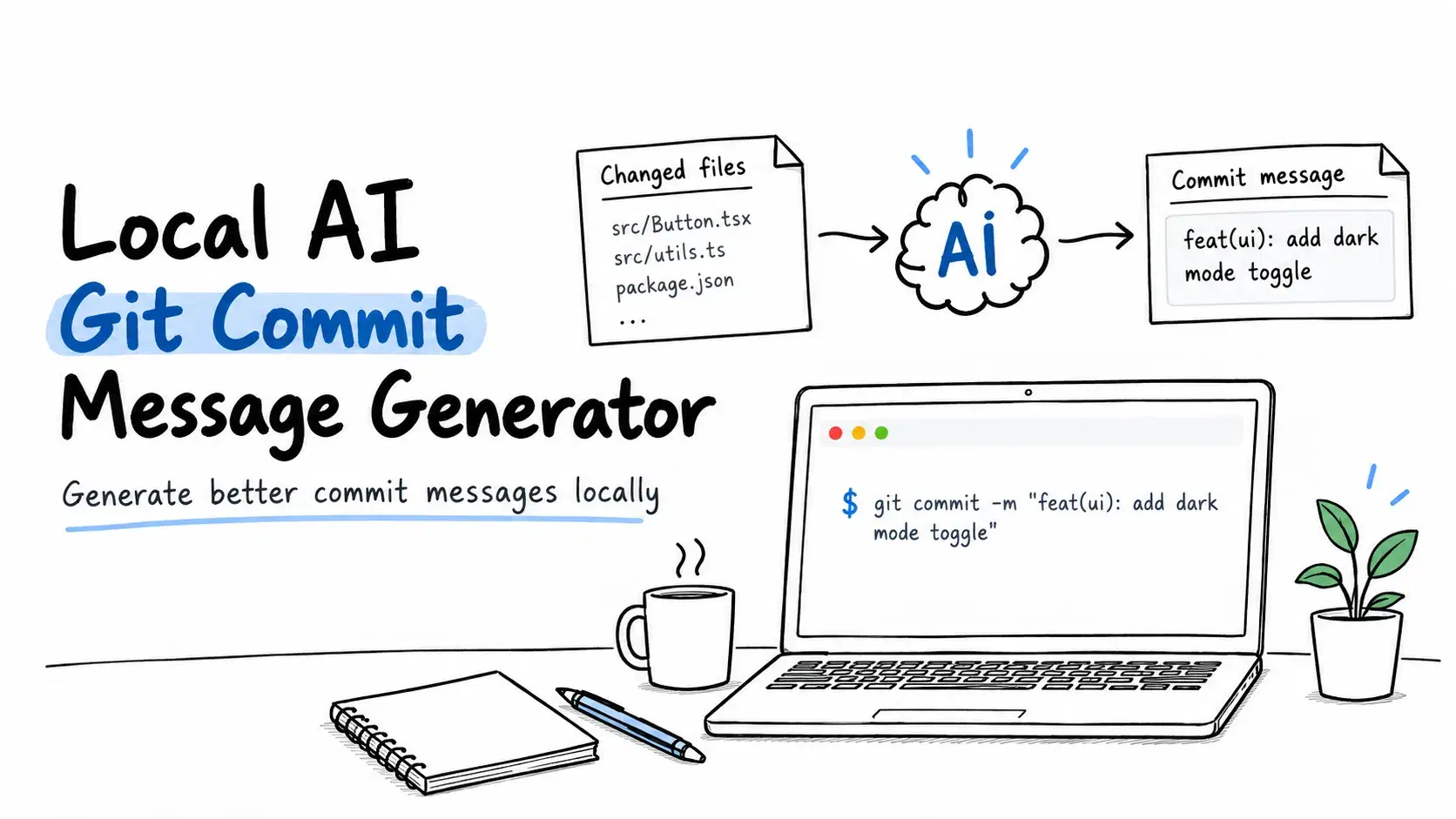
Writing good commit messages is a chore, and it's exactly the kind of small, repetitive task an LLM is good at. The catch for professional work is that the popular "AI commit" tools send your staged diff to a cloud API - which means your proprietary code leaves your machine on every commit. This tutorial builds a small command-line tool and a Git hook that do the same job against a model running locally, so the diff never leaves your box.
Every command and code block here has been run and verified. The tool talks to any OpenAI-compatible endpoint, so it works with whatever local runtime you prefer; the examples assume a model served on http://localhost:1337/v1.
Prerequisites
You need three things: Python 3.9 or newer, the official OpenAI Python SDK, and Git. Install the SDK with:
pip install openai
You also need a local model exposing an OpenAI-compatible API. The simplest way to get one is a desktop app that hosts open-weight models and serves them on a local port. Atomic Chat does this - it runs a GGUF model on your own machine and exposes an OpenAI-compatible server at http://localhost:1337/v1, bound to localhost by default. Any comparable local runtime works too; if you're weighing options, this rundown of local LLM runtimes and how they compare is a useful starting point. For commit messages, a small coding-tuned model (3B-7B) is more than enough.
Step 1: Confirm the endpoint responds
Before writing any code, check that the local server answers. An OpenAI-compatible endpoint takes a POST to /v1/chat/completions:
Bashcurl http://localhost:1337/v1/chat/completions \ -H "Content-Type: application/json" \ -d '{ "model": "local-model", "messages": [{"role": "user", "content": "Reply with: ok"}] }'
You should get back OpenAI-shaped JSON with a choices[0].message.content field. No API key is required for a local server; if a client insists on one, any non-empty string works. Use the model identifier exactly as it appears in your local app's model list.
Step 2: The commit-message CLI
The tool reads your staged diff, sends it to the model with a system prompt that pins the output format, and prints a Conventional Commits message. Save this as aicommit.py:
Python#!/usr/bin/env python3 """aicommit - generate a Git commit message from staged changes using a local, OpenAI-compatible LLM (e.g. a model served by Atomic Chat at localhost:1337).""" import os import subprocess import sys from openai import OpenAI BASE_URL = os.environ.get("OPENAI_BASE_URL", "http://localhost:1337/v1") MODEL = os.environ.get("AICOMMIT_MODEL", "local-model") MAX_DIFF_CHARS = 12000 SYSTEM = ( "You write Git commit messages. Given a staged diff, reply with ONE " "Conventional Commits message: a `type(scope): subject` line under 72 " "characters, then a blank line, then 1-3 short bullet points. " "Output only the commit message, with no code fences or commentary." ) def staged_diff() -> str: result = subprocess.run( ["git", "diff", "--staged", "--no-color"], capture_output=True, text=True, ) if result.returncode != 0: sys.exit(f"git error: {result.stderr.strip()}") return result.stdout def main() -> int: diff = staged_diff() if not diff.strip(): sys.exit("No staged changes. Stage files with `git add` first.") if len(diff) > MAX_DIFF_CHARS: diff = diff[:MAX_DIFF_CHARS] + "\n... [diff truncated]" client = OpenAI( base_url=BASE_URL, api_key=os.environ.get("OPENAI_API_KEY", "not-needed"), ) response = client.chat.completions.create( model=MODEL, temperature=0.2, messages=[ {"role": "system", "content": SYSTEM}, {"role": "user", "content": diff}, ], ) print(response.choices[0].message.content.strip()) return 0 if __name__ == "__main__": raise SystemExit(main())
A few deliberate choices here. The endpoint and model are read from environment variables (OPENAI_BASE_URL, AICOMMIT_MODEL), so you can repoint the tool without editing code. The diff is capped at 12,000 characters to stay inside a small model's context window - large refactors get truncated rather than failing. temperature=0.2 keeps the output focused; commit messages don't need creativity.
Step 3: Run it
Stage some changes and run the tool:
git add .
python3 aicommit.py
You get a ready-to-use message printed to stdout, for example:
textfeat(auth): add token refresh on 401 - retry once with a refreshed token - log the refresh at debug level
Because the model runs locally, that diff - your unreleased code - never touched a network. You can run this on a plane, and you'll never see a per-commit API bill.
Step 4: Wire it into Git as a hook
Printing to stdout is fine, but the real win is having the message appear automatically when you commit. Git's prepare-commit-msg hook runs before the editor opens and can pre-fill the message. Create .git/hooks/prepare-commit-msg in your repo:
Bash#!/bin/sh # Only auto-fill when the user didn't pass -m/-t/-c etc. ($2 is empty for a plain `git commit`) [ -z "$2" ] || exit 0 MSG=$(OPENAI_BASE_URL="${OPENAI_BASE_URL:-http://localhost:1337/v1}" python3 /path/to/aicommit.py 2>/dev/null) || exit 0 printf '%s\n\n%s\n' "$MSG" "$(cat "$1")" > "$1"
Make it executable:
chmod +x .git/hooks/prepare-commit-msg
Update /path/to/aicommit.py to wherever you saved the script. Now run a plain git commit (no -m) with staged changes, and your editor opens with the generated message already filled in - you review, tweak, and save. The [ -z "$2" ] guard means git commit -m "..." and merge commits are left untouched, and the || exit 0 fallbacks mean that if the model is offline, Git falls back to a normal empty commit template instead of erroring. That behavior is verified: with the hook installed and the local server running, a plain git commit produced the message shown in Step 3 automatically.
To share the hook with a team without touching everyone's .git directory, move it into a tracked folder and point Git at it once:
Bashmkdir -p .githooks && mv .git/hooks/prepare-commit-msg .githooks/ git config core.hooksPath .githooks
Step 5: Hardening notes
A few things worth tuning before you rely on this daily.
Context size. MAX_DIFF_CHARS at 12,000 is conservative for a 3B-7B model. If you run a larger model with a bigger context window, raise it. For very large diffs, a better strategy than truncation is summarizing per-file, but the simple cap keeps this tool small and predictable.
Model choice. A coding-tuned model produces noticeably better type(scope) classification than a general chat model. Because the tool reads the model name from an environment variable, you can A/B two models without code changes.
Determinism. If you want more stable output across runs, keep temperature low. Some local servers also support a seed parameter through the same OpenAI-compatible API; you can pass it via extra_body if your runtime honors it.
Why local, specifically here. Commit tooling is a good example of where local inference is the right default rather than a compromise. The input is your source code, the task is simple enough that a small model handles it well, and running it locally removes three problems at once: the diff never leaves your machine, it works with no network, and there's no metered cost on a thing you do dozens of times a day.
Conclusion
In well under a hundred lines you have a private commit-message generator: a CLI that turns a staged diff into a Conventional Commits message, and a Git hook that fills it in automatically - both talking to a model on your own hardware through a standard OpenAI-compatible endpoint. Nothing about the approach is locked to a specific tool; point OPENAI_BASE_URL at whatever local runtime you run, and your diffs stay exactly where they belong.
Related DevToolLab Tools
- Conventional Commits Generator - build a correctly formatted type(scope): subject line by hand when you want to check what the model should have produced.
- Diff Checker - inspect the staged diff that this tool feeds to the model, which is the fastest way to see why a generated message missed the point.
- Semver Calculator - work out the version bump a run of feat and fix commits implies before you tag a release.
- Gitignore Generator - keep generated files and local model artifacts out of the diff the model reads in the first place.
Related Guides
- Top 5 Local LLM Tools and Models - the runtimes that expose an OpenAI-compatible endpoint, if you want to compare before picking one.
- Local LLM VRAM Requirements - how much memory a 3B to 7B coding model actually needs, which decides what you can run alongside your editor.
- Local LLM Hardware: GPU vs Mac - the hardware side of running a model locally all day.
- Top CLI AI Coding Agents - where a commit-message hook fits next to the terminal agents doing the rest of the work.