
To close the OpenSSH password bypass announced on November 5, 2026, upgrade Alpine's openssh-server to the revision in the table below and confirm it with apk list -I. Until you can, set PasswordAuthentication no. The OpenSSH maintainers say the bug affects Linux systems built on musl libc whose sshd runs without PAM, and Alpine's standard sshd is one of them.
The catch is that Alpine shipped the fix inside the old version number, so ssh -V still prints OpenSSH_10.3p1 on a patched Alpine 3.24 host. The package revision, 10.3_p1-r2, is the only thing that tells you.
As of 10:55 UTC on November 5, 2026, the release notes, Alpine's security database and the National Vulnerability Database show no CVE identifier for this bug, and no explanation of how it works has been published, though the fix itself is public. They have asked for time while affected hosts are patched, so this guide covers detection and mitigation only. The story is a few hours old and details may change.
What the Maintainers Say Is Affected
OpenSSH 10.6p2 was released on November 5, 2026. Its release notes call it "a critical security workaround that affects Linux systems that use the musl libc and PAM disabled." The security entry says sshd now avoids a password authentication bypass that "is exploitable through sshd(8)" when it is "built and run with PAM support disabled," and credits Özgün Kültekin of Wakefield with the report.
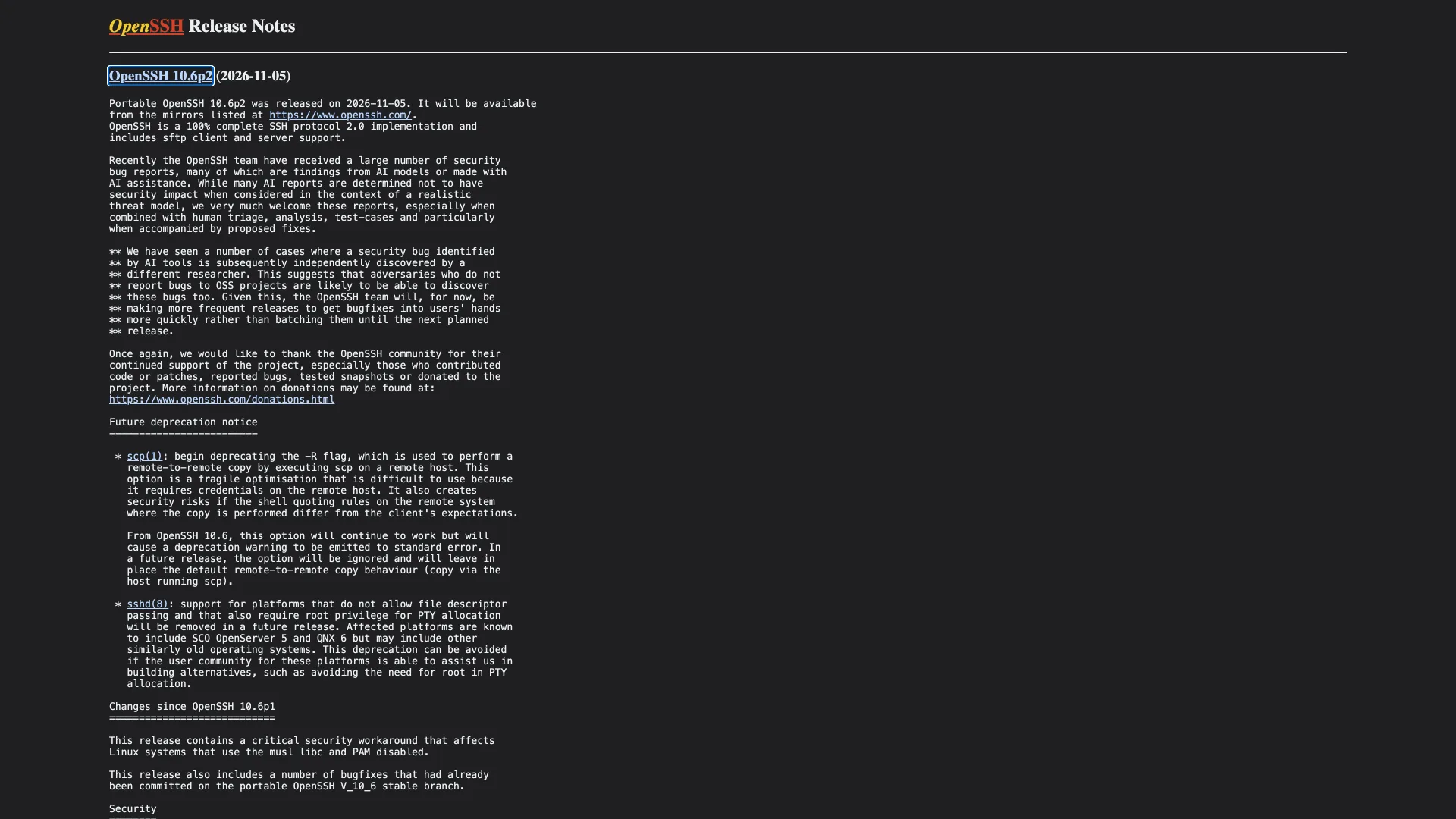
OpenSSH developer Damien Miller's announcement, posted at 09:03 UTC, tells anyone operating "a Linux system that uses musl libc without PAM (Alpine Linux is one example)" to set PasswordAuthentication=no or disable SSH immediately. He says the bug does not exist on non-Linux systems, on Linux with glibc, or on Linux systems that use PAM for password authentication. Asked at 09:31 UTC whether a build with PAM compiled in but UsePAM no is affected, he answered yes.
Alpine's Natanael Copa wrote at 10:23 UTC that Dropbear is not affected and that he checked its sources. Miller adds that the project learned of the problem the day before and is shipping fast because AI agents have recently rediscovered bugs "sometimes within hours," which makes long embargoes "a dangerous practice that primarily benefits attackers."
Check Whether Your Alpine Host Is Exposed
Three facts decide it: the C library, whether sshd was built with PAM, and whether password logins are on. These commands ran in an alpine:latest container after we installed openssh-server and generated host keys with ssh-keygen -A:
Bashcat /etc/alpine-release ldd --version 2>&1 | head -1 apk list -I "openssh*" sshd -T | grep -iE '^(usepam|passwordauthentication|kbdinteractiveauthentication) '
text3.24.3 musl libc (aarch64) openssh-keygen-10.3_p1-r2 aarch64 {openssh} (SSH-OpenSSH) [installed] openssh-server-10.3_p1-r2 aarch64 {openssh} (SSH-OpenSSH) [installed] openssh-server-common-10.3_p1-r2 aarch64 {openssh} (SSH-OpenSSH) [installed] passwordauthentication yes kbdinteractiveauthentication yes
The missing usepam line is the finding. sshd -T prints one only on a build that has PAM compiled in, so its absence means Alpine's standard openssh-server has no PAM at all. Musl libc, no PAM and passwordauthentication yes is the configuration the maintainers describe.
Alpine also offers a PAM flavor, openssh-server-pam, which installs its daemon as sshd.pam rather than sshd. With Alpine's default config, sshd.pam -T printed usepam no and passwordauthentication yes, which is the case Miller confirmed is affected. A drop-in file containing UsePAM yes flipped it to usepam yes, and sshd.pam -t accepted the config. We did not test anything beyond the configuration output, so check sshd.pam -T | grep -i usepam on your own host.
Turn Off Password Logins Before You Upgrade
Alpine's /etc/ssh/sshd_config has Include /etc/ssh/sshd_config.d/*.conf on line 15, so a drop-in file is the cleanest mitigation, and it survives a package upgrade:
Bashprintf 'PasswordAuthentication no\n' > /etc/ssh/sshd_config.d/10-no-passwords.conf sshd -t && sshd -T | grep -i '^passwordauthentication ' # passwordauthentication no
Restart sshd the way your host does. On Alpine with OpenRC that is rc-service sshd restart, from the openssh-server-common-openrc package; our containers do not run OpenRC, so we did not run it. Keep one session open until you have proved key login works from a second terminal. ssh-keygen -t ed25519 makes the key, and our SSH key guide covers adding it to a server.
Two traps showed up in testing. First, sshd takes the first value it reads, so an explicit PasswordAuthentication yes above the Include line beats the drop-in. With that line added at the top of the file, sshd -T printed passwordauthentication yes even though the drop-in said no. Second, a Match block can turn passwords back on for one account, and plain sshd -T does not show it. We added Match User deploy with PasswordAuthentication yes:
Bashsshd -T | grep -i '^passwordauthentication ' # passwordauthentication no sshd -T -C user=deploy,host=h,addr=203.0.113.9 | grep -i '^passwordauthentication ' # passwordauthentication yes sshd -T -C user=alice,host=h,addr=203.0.113.9 | grep -i '^passwordauthentication ' # passwordauthentication no
Test every account that has a Match block with -C before you trust the result. Alpine's default config also prints kbdinteractiveauthentication yes. The maintainers' advice names only PasswordAuthentication, and we did not test whether keyboard-interactive login matters on a build without PAM.
Upgrade to the Fixed Package
Alpine fixed every branch from 3.20 to 3.24, and edge, on November 5, 2026. The stable-branch commits are titled "main/openssh: fix password authentication," and on 3.24 the package ships the upstream change as pw.patch. The 3.24 commit landed at 08:59:59 UTC, and the edge commit upgraded to 10.6_p2 at 09:05:19 UTC. Upstream, the portable OpenSSH commit changes sys_auth_passwd in auth-passwd.c and two compatibility files.
| Alpine branch | Fixed openssh-server | Built (UTC, November 5, 2026) |
|---|---|---|
| 3.20 (end of life since April 1, 2026) | 9.7_p1-r6 | 06:53 |
| 3.21 (end of life since November 1, 2026) | 9.9_p2-r1 | 09:00 |
| 3.22 | 10.0_p1-r11 | 09:00 |
| 3.23 | 10.2_p1-r1 | 09:00 |
| 3.24 | 10.3_p1-r2 | 08:59 |
| edge | 10.6_p2-r0 | 09:05 |
Revisions read from Alpine's package index at 10:55 UTC. Upgrade, restart sshd, and compare the installed revision with the table:
Bashapk update apk upgrade --no-cache openssh-server apk list -I "openssh*" # restart sshd afterwards: a running daemon keeps the old binary in memory
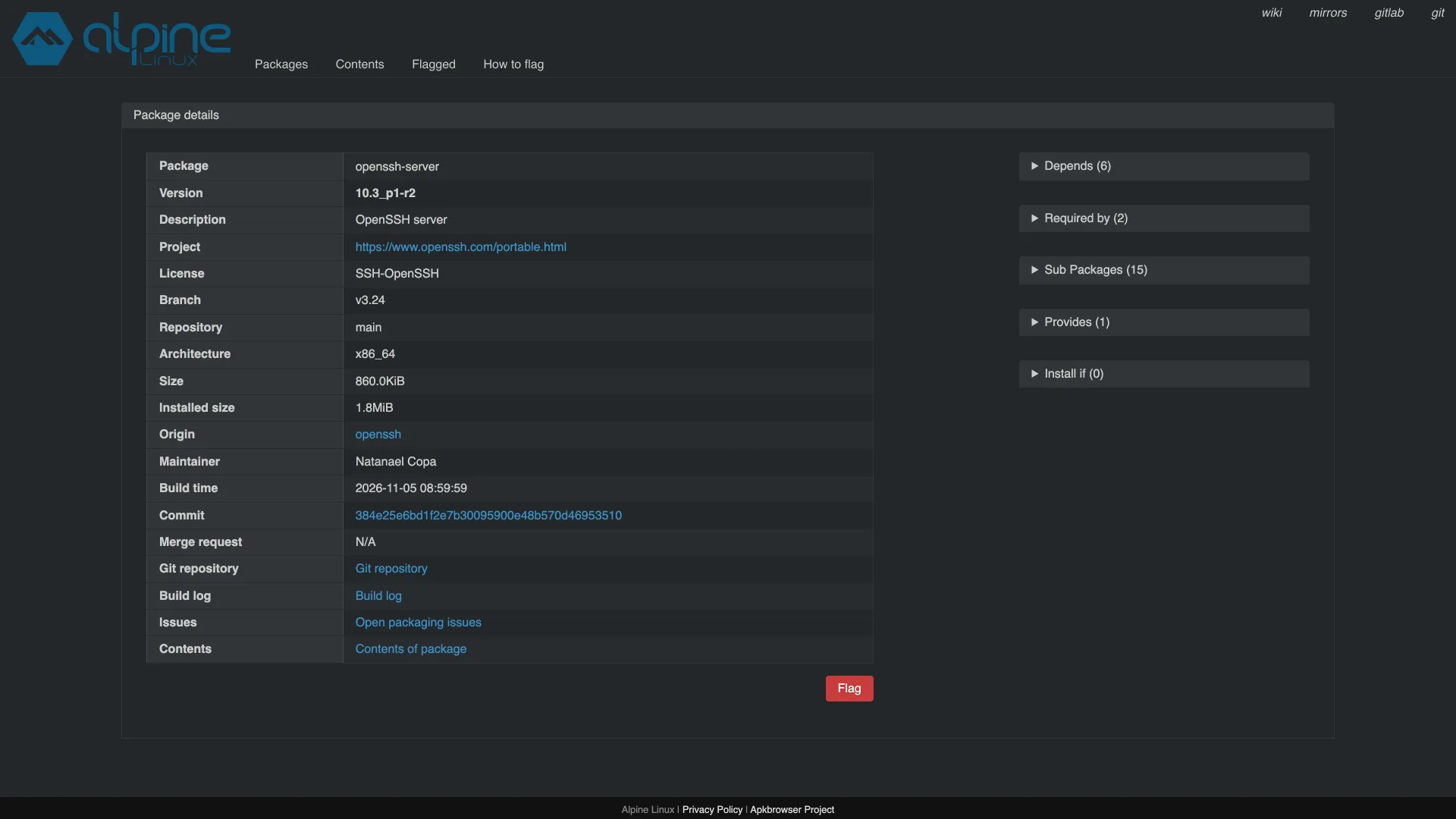
Do not use the banner as the test. On Alpine 3.24 the patched package still prints OpenSSH_10.3p1, OpenSSL 3.5.9 29 Sep 2026 from ssh -V, because the fix was backported into 10.3. Only edge, which moved to the new release, prints OpenSSH_10.6p2, with package 10.6_p2-r0.
Containers and Images
An image with OpenSSH baked in keeps the package it was built with until someone rebuilds it, and a cached apk add layer will keep serving the old revision. Rebuild with --pull --no-cache, and add an upgrade step so the revision does not depend on the base image's age. These two Dockerfile lines built cleanly and produced openssh-server-10.3_p1-r2:
Bashprintf 'FROM alpine:3.24\nRUN apk upgrade --no-cache && apk add --no-cache openssh-server\n' > Dockerfile docker build --pull --no-cache -t sshd-lab . docker run --rm sshd-lab apk list -I openssh-server # openssh-server-10.3_p1-r2 aarch64 {openssh} (SSH-OpenSSH) [installed]
To check what is already running, ask each container. We ran this against one container with OpenSSH and one without:
Bashfor c in $(docker ps -q); do docker inspect -f '== {{.Name}}' "$c" docker exec "$c" apk list -I openssh-server 2>/dev/null | grep . || echo "openssh-server not installed" done
The container with the package printed openssh-server-10.3_p1-r2 aarch64 {openssh} (SSH-OpenSSH) [installed] and the other printed openssh-server not installed. Containers built from a glibc image will not have apk at all.
Look for Unexpected Password Logins
Alpine's BusyBox syslog writes SSH events to /var/log/messages. In our container, one normal password login and one wrong password produced these lines, with the host name trimmed:
textauth.info sshd-session[25]: Accepted password for tester from 127.0.0.1 port 49858 ssh2 auth.info sshd-session[31]: Failed password for tester from 127.0.0.1 port 49866 ssh2
grep 'Accepted password' /var/log/messages lists successful password logins, and any account that should only use keys deserves a second look. We did not test whether an exploited login looks different from a normal one, so a clean log is weak evidence, and a host that forwards logs elsewhere needs the same search there.
What We Did Not Check
We checked Alpine and nothing else. Other musl-based distributions, including Void's musl builds, Chimera and OpenWrt with OpenSSH installed, may be affected; we could not look at their packaging, so follow your distribution's advisory and apply the PasswordAuthentication no mitigation in the meantime. We ran no attack and did not confirm the bypass on any host, so this guide proves a configuration, not a compromise.
Conclusion
Alpine container running sshd: rebuild with docker build --pull --no-cache, check the revision with docker exec, and ask whether the container needs sshd at all.
Alpine VM or server: add the PasswordAuthentication no drop-in now, confirm it with sshd -T -C for every Match user, upgrade to the revision in the table, restart sshd and recheck.
Another musl distribution: treat it as exposed until its maintainers say otherwise, and apply the same drop-in.
glibc distribution: Miller says it is not affected. Key-only login is still the better default, because sshd records a password login in the log and does not send you a warning, so one that occured without your knowledge is something you would never recieve word of.
Related DevToolLab Tools
- SSH Key Generator - make the Ed25519 key pair you need in place before password logins go off.
- SSH Config Generator - write the client-side host entries that pin each server to its key.
- SSH Key Fingerprint Calculator - compare a key's fingerprint with what the server reports before you trust it.
- Port Checker - see from outside whether port 22 answers on a host you just changed.
Related Guides
- How to Generate an SSH Key for GitHub - create and register the key that replaces the password.
- CVE-2026-98432: Check and Patch Linux - another check-and-patch guide, for a kernel bug this week.
- PHP2Shell: How to Check and Patch PHP - the same approach for a PHP vulnerability.