

11 Best Ngrok Alternatives for 2026
When you are building web applications, APIs, or webhook integrations, you eventually need something outside your network to reach your localhost. Your dev machine sits behind NAT, a home router, or a corporate firewall, so there is no route in without a relay in the middle.
Ngrok has been that relay for years. Its free plan now ships $5 of one-time usage credit, up to 3 endpoints, 1 GB of data transfer and an ngrok-branded domain, with Hobbyist at $10 per month and pay-as-you-go at $20 per month plus usage on top (ngrok.com/pricing, checked September 2026). That is reasonable for occasional use and irritating if you keep a tunnel open all day.
This guide covers 11 alternatives for local tunneling. Licenses, releases and star counts were checked in September 2026 and stated inline, because "open source" on a marketing page and an actual license file are not always the same thing.
Comparison Table of Ngrok Alternatives
| Solution | Open Source | Self-Hostable | Free Tier | Custom Domains | TCP Support | WebSocket Support |
|---|---|---|---|---|---|---|
| Pinggy | No | No | Yes | Yes | Yes | Yes |
| Cloudflare Tunnel | No | No | Yes | Yes | Yes | Yes |
| inlets | Partially | Yes | Limited | Yes | Yes | Yes |
| Pagekite | Partially | Yes | Limited | Yes | Yes | Limited |
| Tunnelto | Partially | Yes | Limited | Yes | Yes | Yes |
| Serveo | No | Yes | Yes | Limited | Yes | No |
| Localtunnel | Yes | Yes | Yes | Limited | No | Yes |
| frp | Yes | Yes | Yes | Yes | Yes | Yes |
| Expose | Yes | Yes | Yes | Yes | No | Yes |
| Bore | Yes | Yes | Yes | No | Yes | No |
| sish | Yes | Yes | Yes | Yes | Yes | Yes |
Top Ngrok Alternatives
Commercial Services with Free Tiers
Managed services with usable free tiers, for people who would rather not run a server.
1. Pinggy
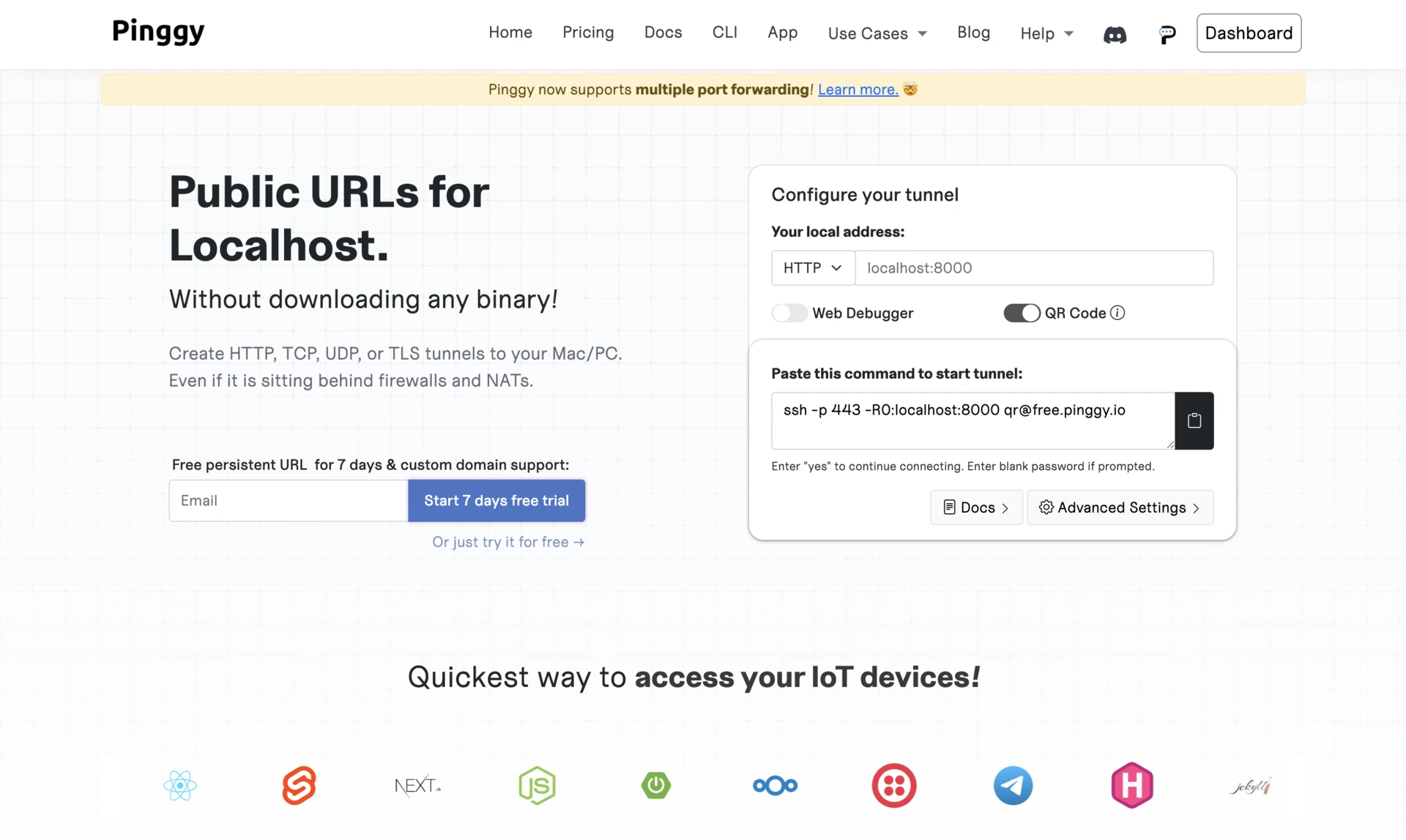
Pinggy runs over plain SSH, so there is no binary to install before your first tunnel.
Key Features:
- No installation required (works directly via SSH)
- HTTP, TCP, TLS and UDP tunnels
- Web debugger in the dashboard for inspecting, modifying and replaying traffic
- Region selection, password protection and IP whitelisting on the free tunnel
The catch: on the free tier your public URL changes every time the tunnel reconnects. Persistent URLs are a Pro feature, with a 7-day free trial to try them.
Best For: Developers who want zero setup and good inspection tools.
2. Cloudflare Tunnel (formerly Argo Tunnel)
Cloudflare Tunnel is the strongest free option if you already have a domain.
Key Features:
- Zero-trust security model with Cloudflare Access policies
- Integrated DNS, SSL and DDoS protection
- Free with a Cloudflare account, no usage credits to exhaust
- Built-in analytics and custom domain support
- TryCloudflare quick tunnels need no account or domain
The catch: a named tunnel requires your domain to use Cloudflare's nameservers, and cloudflared runs as a long-lived daemon rather than a one-shot command.
Best For: Tunnels that need to stay up, and anyone already in the Cloudflare ecosystem.
3. inlets
inlets is a commercial tunneling product with open-source tooling around a closed core.
Key Features:
- HTTP and TCP traffic, with Kubernetes integration
- Automatic SSL with Let's Encrypt
- Works behind restrictive firewalls
- Self-hosted on your own exit servers
The catch: the naming misleads. inlets/inletsctl, the provisioning CLI, is MIT licensed, but inlets/inlets-pro carries no open-source license, so the tunnel server is commercial software you self-host, not an open-source project.
Best For: Cloud-native teams and Kubernetes users who want tunnels on their own infrastructure.
4. Pagekite
Pagekite is one of the oldest tools here and still runs a pay-what-you-want model.
Key Features:
- Custom domains and CNAMEs from your own domain
- HTTPS support and a self-hosted option (open core)
- 31-day, 2.5 GB free trial
- Subscription plans from $5.99 to $199.95 per month
The catch: as of September 2026 the pricing page says Pagekite is "temporarily unable to process new subscriptions." Check before planning around it.
Best For: Users who want flexible pricing and a tool with a long track record.
5. Tunnelto
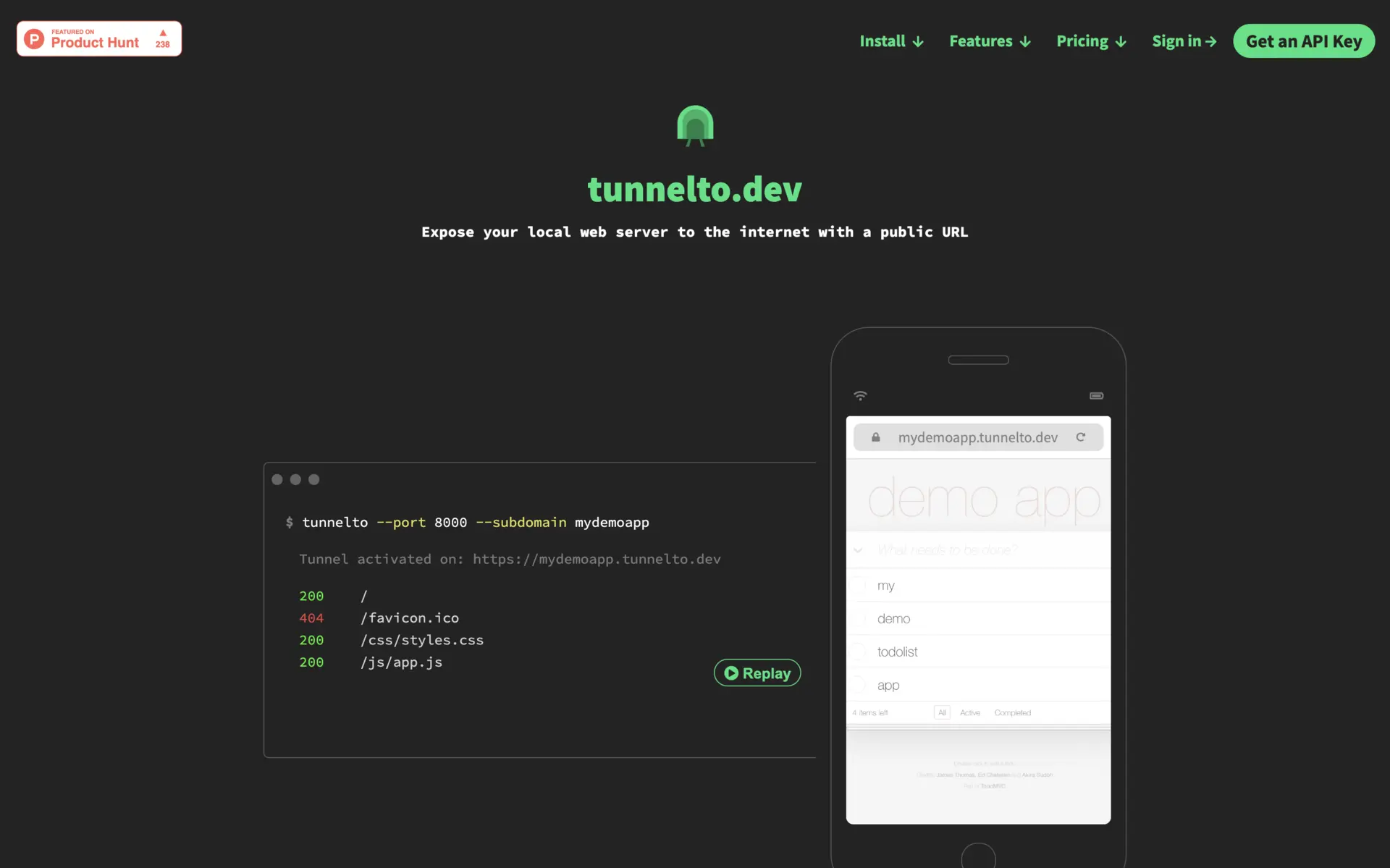
Tunnelto is a Rust tunneling service with an open core, so you can use the hosted version or run it yourself.
Key Features:
- Real-time traffic inspector and TCP tunneling
- $4 per month per user, with up to 20 reserved custom subdomains
- Up to 5 active tunnels per user, plus team keys for teammates
The catch: the repository moved to tunneltodev/tunnelto and carries no detectable license file, so "open core" here means source-available, not a license you can rely on.
Best For: Small teams that want reserved subdomains cheaply.
6. Serveo
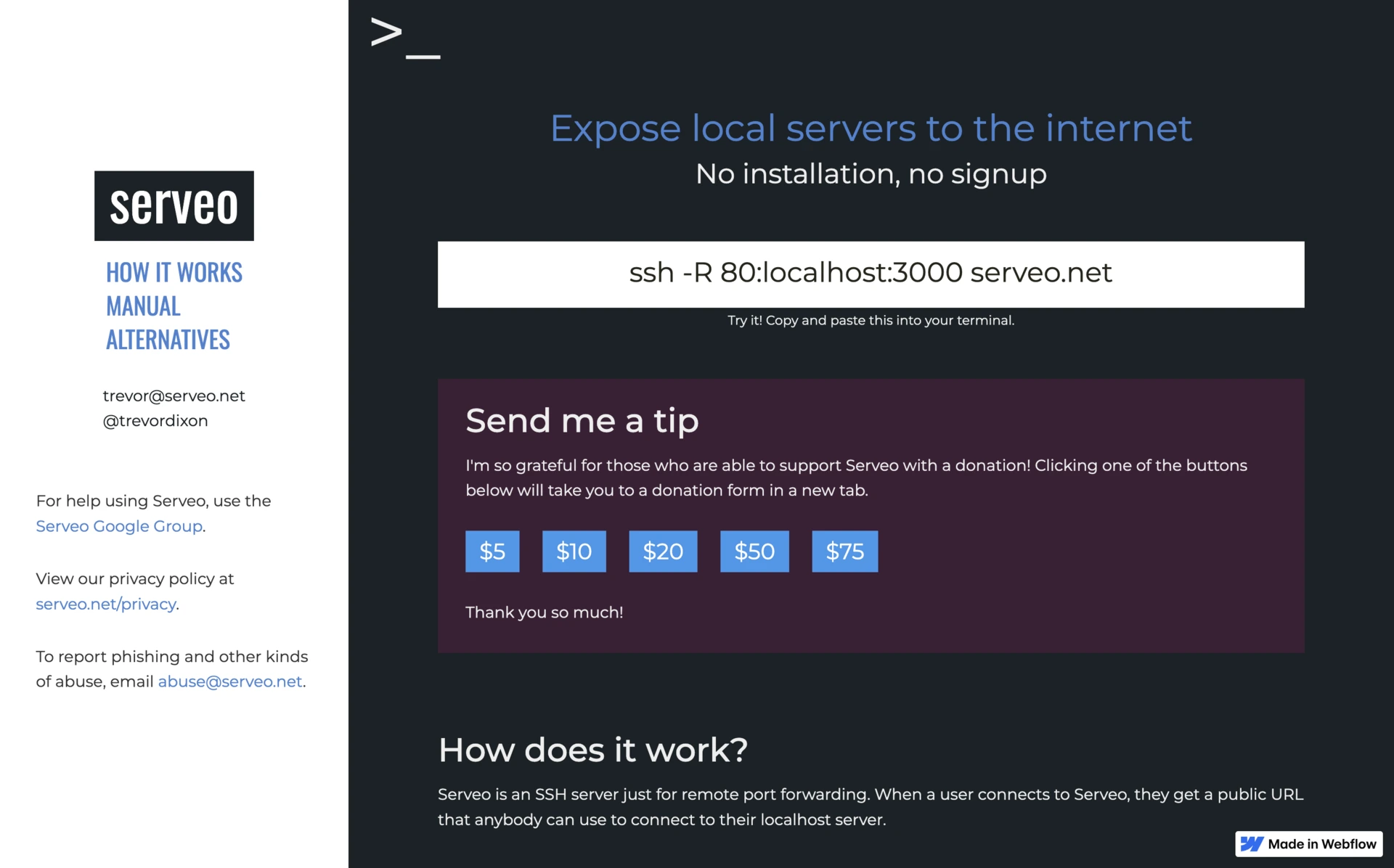
Serveo needs no client at all, because it uses the port forwarding already built into OpenSSH.
Key Features:
- No proprietary client, just
ssh -R 80:localhost:3000 serveo.net - WireGuard support for tunnels that roam between networks
- A browser extension (in beta), plus a self-hosted option
- Free plan with 3 active tunnels; Pro at $6 per month, $60 per year, or a $6 10-day pass
The catch: the free plan shows visitors an interstitial warning page, which removing is most of what the Pro plan buys you.
Best For: Quick tunneling from any machine with a terminal.
Open-Source Options
Genuinely open source, licenses and releases verified September 2026.
7. Localtunnel
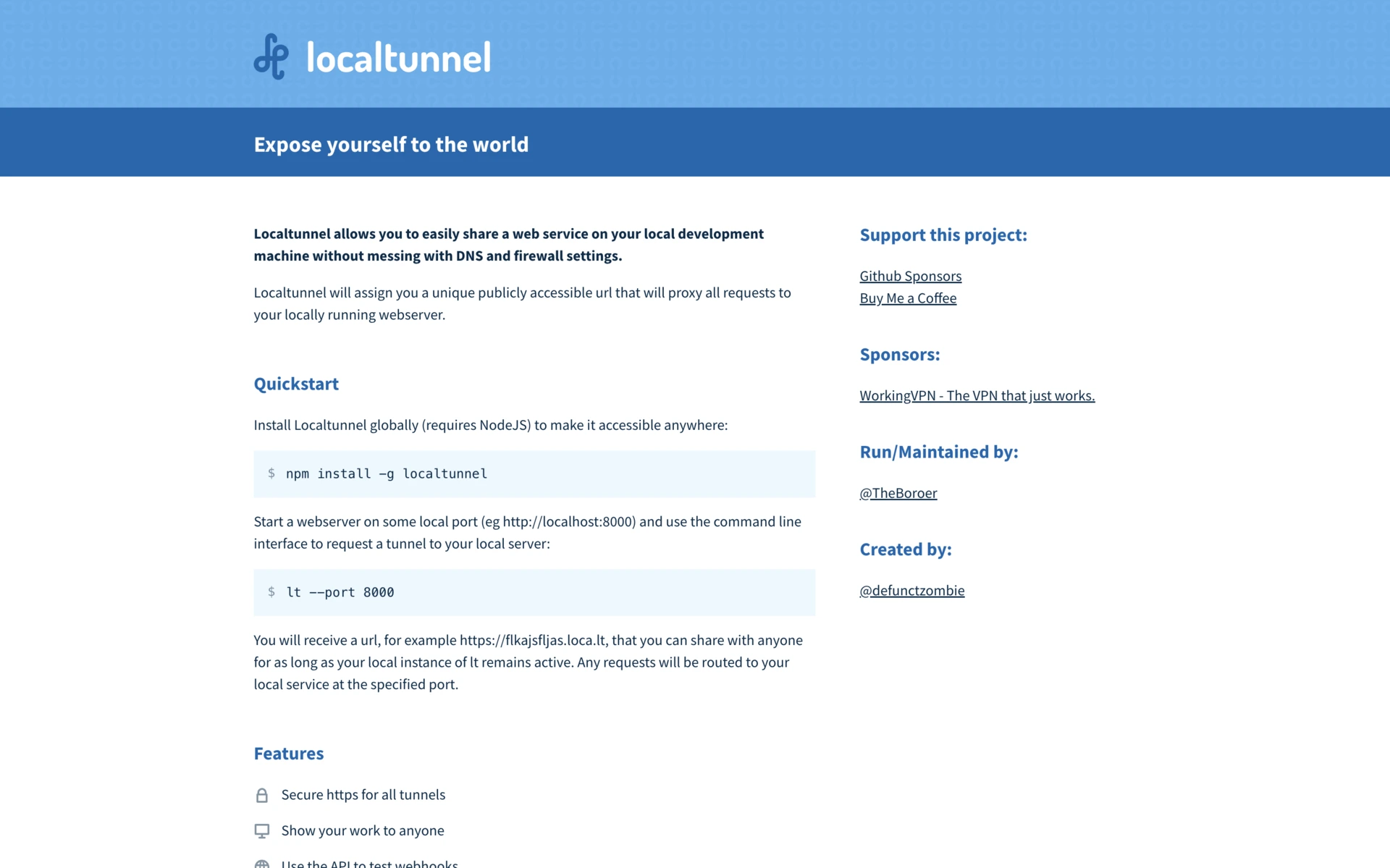
Localtunnel is the simplest open-source option, covered in detail in the head-to-head above.
Key Features:
- MIT license, roughly 22,500 GitHub stars
- Custom subdomain requests and WebSocket support
- Self-hostable server
npm install -g localtunnel
lt --port 3000
Best For: Developers needing a lightweight, no-frills tunnel.
8. frp (Fast Reverse Proxy)
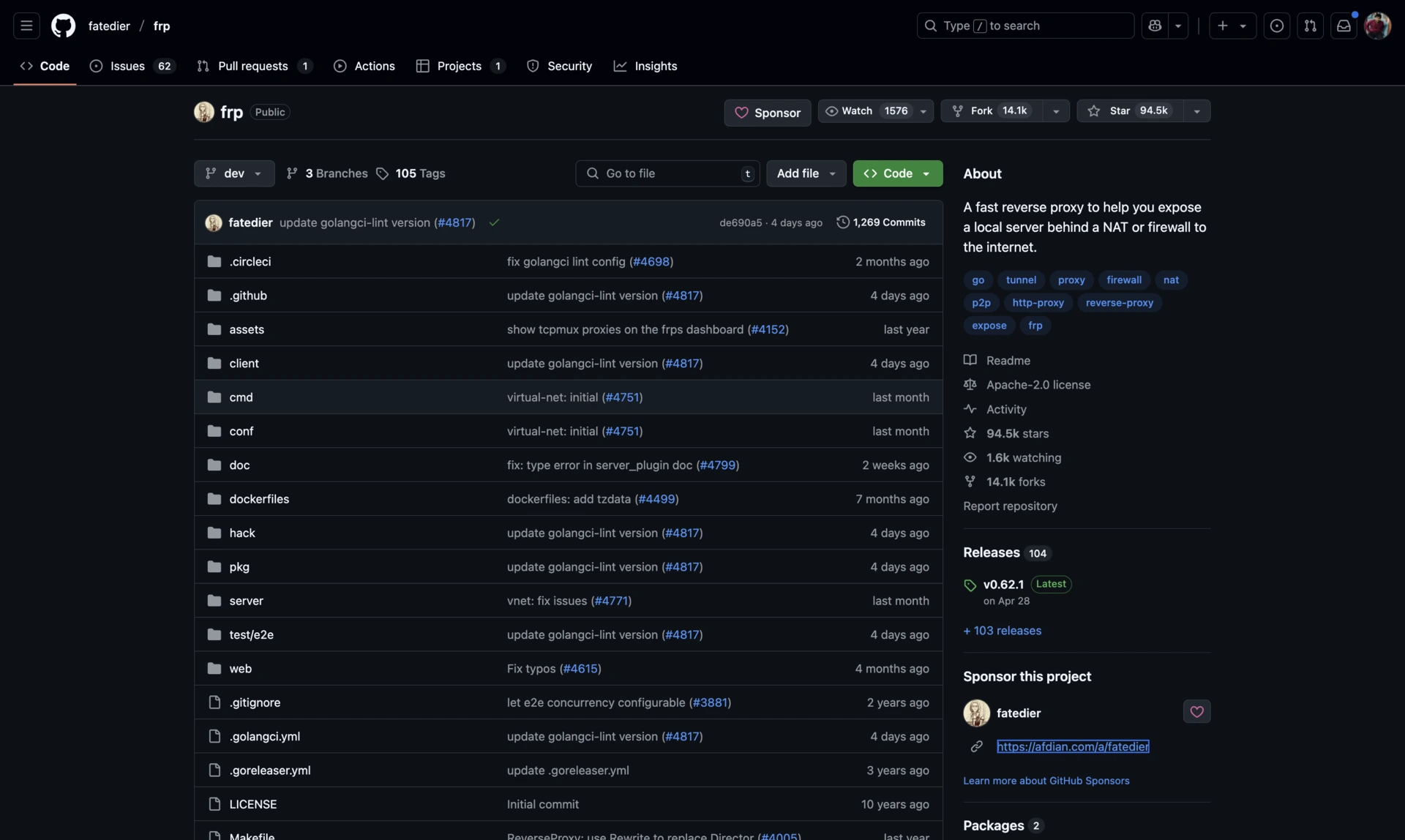
frp is the most capable self-hosted option on this list, and the most popular by a wide margin.
Key Features:
- Apache-2.0 license, roughly 109,500 GitHub stars
- Latest release v0.71.0 (August 2026)
- TCP, UDP, HTTP, HTTPS and WebSocket
- Load balancing, custom domains and encryption
- Monitoring dashboard plus a plugin system
The catch: frp is configuration-driven, so expect to spend real time in frps.toml and frpc.toml before the first tunnel works.
Best For: Anyone who wants advanced networking features and is willing to configure them.
9. Expose
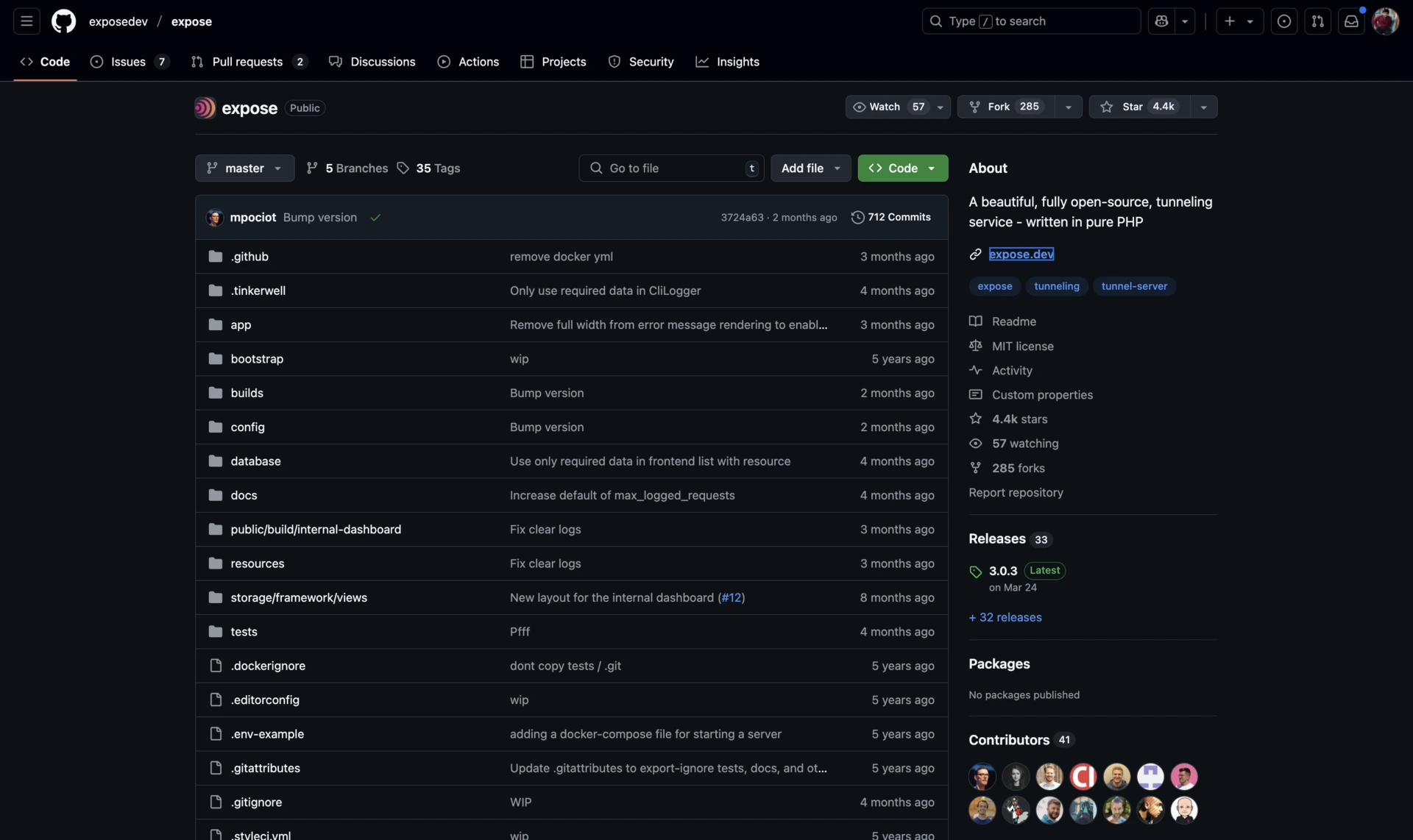
Expose is a PHP-based tunnel with a polished request dashboard.
Key Features:
- MIT license, roughly 4,600 GitHub stars, actively maintained as of September 2026
- Custom subdomains, plus request logging, replay and sharing
- Real-time dashboard and Docker-based self-hosting
- Laravel integration, though it works with any stack
Best For: Web developers, especially in the PHP and Laravel world.
10. Bore
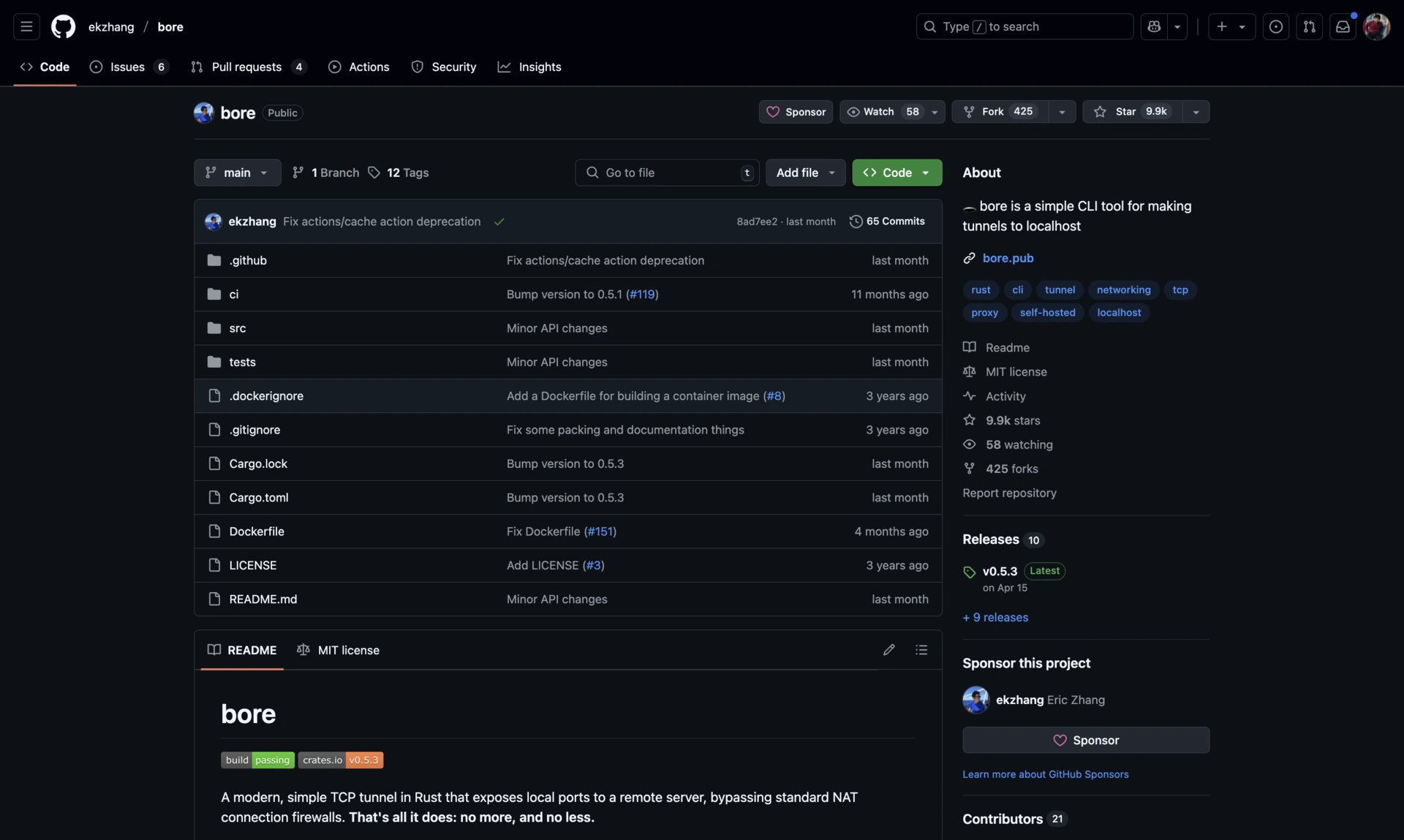
Bore is deliberately tiny: TCP forwarding and nothing else.
Key Features:
- MIT license, roughly 11,500 GitHub stars
- Latest release v0.6.0 (June 2025)
- Written in Rust, minimal resource use
- Simple client/server architecture with optional shared-secret auth
Bashcargo install bore-cli bore server bore local 8000 --to bore.example.com
The catch: no HTTPS termination, no custom domains, no request inspection. Bore forwards a TCP port; anything else is your job.
Best For: Self-hosting a tunnel on a VPS with the least possible moving parts.
11. sish
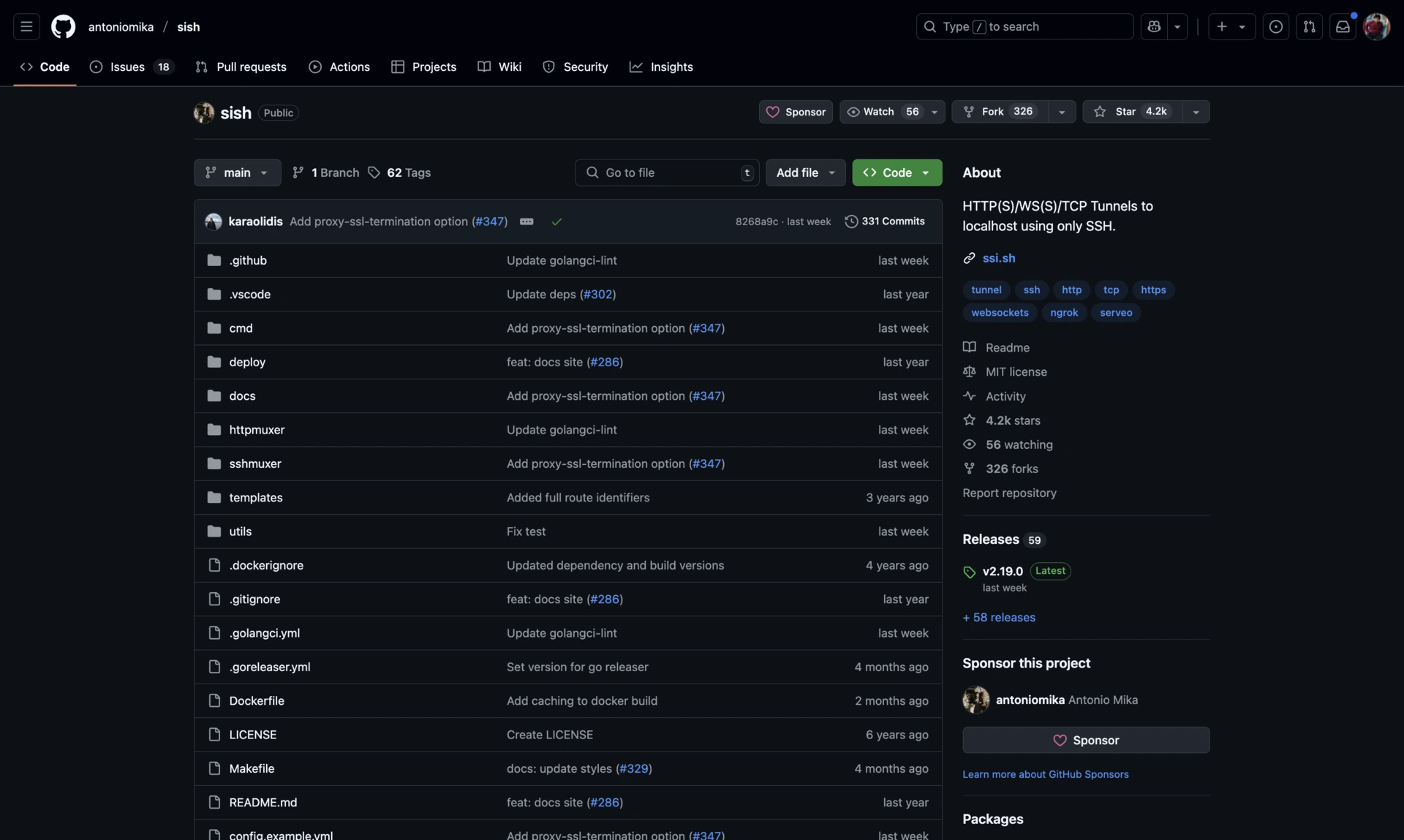
sish is an open-source, self-hosted answer to Serveo: SSH in, public URL out.
Key Features:
- MIT license, roughly 4,700 GitHub stars
- Latest release v2.23.0 (June 2026)
- HTTP, HTTPS and TCP tunneling over plain SSH
- Custom domains, WebSocket support, automatic Let's Encrypt certificates
- Ships as a Docker image
Best For: Teams who want their own tunnel server that clients can use with no installed software.
How to Self-Host a Ngrok Alternative
Self-hosting swaps a subscription for a cheap VPS and a DNS record. The shape is the same for every tool here: run the server on a box with a public IP, point a wildcard DNS record at it, then run the client on your laptop.
sish is the quickest to stand up, because the server is one container and the client is an ssh command every machine already has:
Bashdocker run -d -p 2222:22 -p 80:80 -p 443:443 \ antoniomika/sish:latest \ --domain=tun.example.com --https-certificate-directory=/certs ssh -R 80:localhost:3000 -p 2222 tun.example.com
Three things decide whether this holds up:
- Wildcard DNS and certificates. Point
*.tun.example.comat the server and let the tool request wildcard certificates from Let's Encrypt. Without the wildcard, every new subdomain breaks HTTPS. - Authentication. A tunnel server open to the internet will be found. sish uses SSH public keys, frp a shared token, bore an optional secret. Set one before the server is reachable, not after.
- Patching. Uptime and security updates are now yours. If nobody wants that job, Cloudflare Tunnel's free tier is the better trade.
How to Choose the Right Alternative for You
Pick by what you are actually doing:
- Testing a webhook for ten minutes: Localtunnel or Serveo. No account, no install, one command.
- Demoing to a client tomorrow: Pinggy or Cloudflare Tunnel, so the URL survives a laptop sleep.
- A tunnel that stays up for weeks: a named Cloudflare Tunnel, or self-hosted frp. Rotating free-tier URLs will not survive this.
- Company laptop behind a strict firewall: Serveo or Pinggy over SSH, or inlets, built for this case.
- Traffic cannot cross a third party: self-host frp, sish or bore. The only category where the license genuinely matters.
- Kubernetes or a home lab: inlets for Kubernetes, frp for everything else.
- Mobile app hitting a local backend: Pinggy for the QR code, or Cloudflare Tunnel for a fixed URL.
Conclusion
Ngrok is still a good product, and $10 per month often beats the hour it takes to set up anything else. The reason to switch is usually specific: the URL keeps changing, the usage credit ran out, traffic cannot leave your infrastructure, or you want a custom domain without a subscription.
For a managed service, try Cloudflare Tunnel first. It is free, it does not meter you, and it scales from a throwaway trycloudflare.com URL to a named production tunnel without changing tools. To self-host, frp is the most capable, sish the fastest to stand up, and bore the right call when you want a TCP port forwarded and nothing else.
One to skip: Telebit still appears on lists like this, but its repository has had no commits since 2022, sits at 21 stars, and carries no detectable license file. Treat it as abandoned.
Related DevToolLab Tools
- Webhook Receiver - inspect incoming webhook requests without pointing a tunnel at your laptop
- Port Checker - confirm a port is reachable from outside your network
- HTTP Status Checker - verify your tunnel URL returns a 200 before sharing it
- DNS Lookup - check the wildcard or CNAME record behind a custom tunnel domain
Related Guides
- Best Playit.gg Alternatives - tunneling aimed at game servers, not web apps
- Best Webhook.site Alternatives - inspect webhook payloads without exposing localhost
- Minecraft Port Forwarding Guide - the router-level alternative to tunneling
- What Is a Webhook? - background on the integrations that send you here