

Hosting a game server from your own machine hits the same wall every time: the router sits behind NAT, a lot of US home connections now sit behind CGNAT with no routable address to forward to, and opening a port on a residential line is either impossible or a bad idea. Tunneling services exist to get around that, and Playit.gg is the one most Minecraft guides point at first.
The catch is that "free" means something different at every one of them. Checked on September 17, 2026: ngrok's free plan will not open a TCP tunnel until you verify a credit card, Pinggy's free tunnels expire after 60 minutes, and LocalXpose's free tier carries no TCP or UDP at all, which rules it out for Minecraft entirely. Eleven of the twelve tools below have a genuinely free tier. Here is what each one actually gives you.
Comparison Table
| Solution | Type | Free Tier | Custom Domains | Latency | Setup Difficulty |
|---|---|---|---|---|---|
| Pinggy | Tunneling | Yes, 60 min limit | Paid | Low | Easy |
| Ngrok | Tunneling | Yes, card for TCP | Paid | Medium | Easy |
| Portmap.io | Tunneling | Yes | Paid | Low | Medium |
| PageKite | Tunneling | Yes | Yes | Low | Medium |
| LocalXpose | Tunneling | Yes, no TCP/UDP | Paid | Low | Easy |
| Aternos | Hosting | Yes | No | Low | Easy |
| Tailscale | VPN | Yes, 6 users | N/A | Very Low | Easy |
| ZeroTier | VPN | Yes, capped | N/A | Very Low | Medium |
| SoftEther VPN | VPN | Yes | N/A | Low | Hard |
| Radmin VPN | VPN | Yes | N/A | Very Low | Easy |
| Parsec | Streaming | Yes, non-commercial | N/A | Low | Easy |
| Shadow | Cloud PC | No | N/A | Low | Easy |
Why Look for Alternatives to Playit.gg?
Playit.gg is a global proxy service that bridges your local game server to the internet without opening router ports. Gamers look elsewhere for three concrete reasons: lower baseline latency, a stable address that survives a reboot, and reliable UDP support for games that do not run on TCP. Minecraft: Java Edition uses TCP on port 25565, but Bedrock Edition and most fast-paced shooters need UDP, and that single difference eliminates several options below.
1. Tunneling and Port-Forwarding Services
These create a tunnel that exposes a local server to the internet without touching your router.
Pinggy
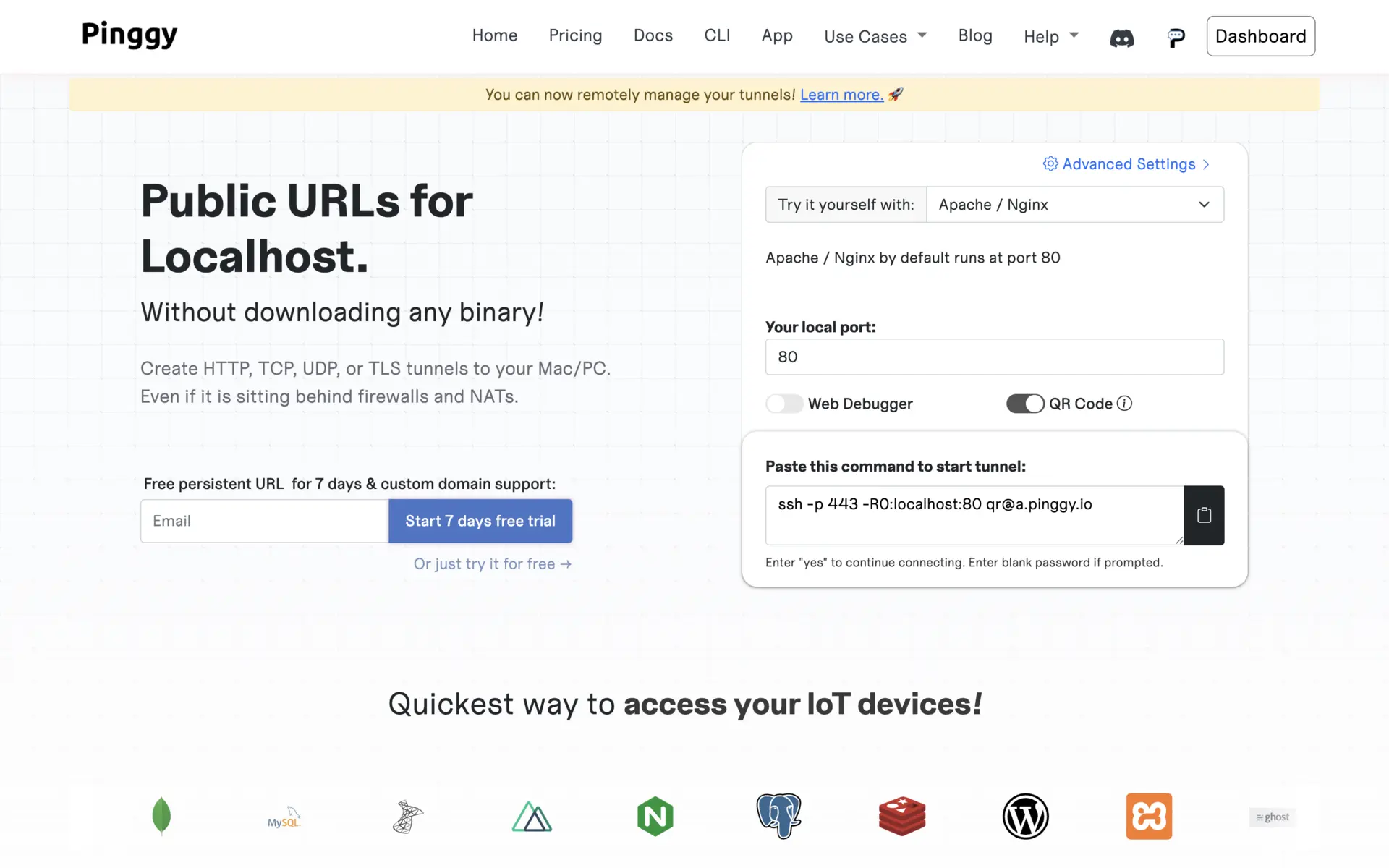
Pinggy starts a tunnel from a single SSH command with nothing to install, which makes it the easiest option on a Raspberry Pi or an older box. Its own site confirms HTTP(S), TCP, UDP and TLS tunnels on every plan including the free one, which is rare and matters for Bedrock servers. The limitation is hard: as of September 17, 2026 the free plan carries a 60 minute tunnel timeout and random subdomains, so a free Pinggy tunnel drops your players every hour and hands you a new address when you restart it.
Best For: Quick sessions on low-end hardware, if you accept the hourly reset.
Ngrok
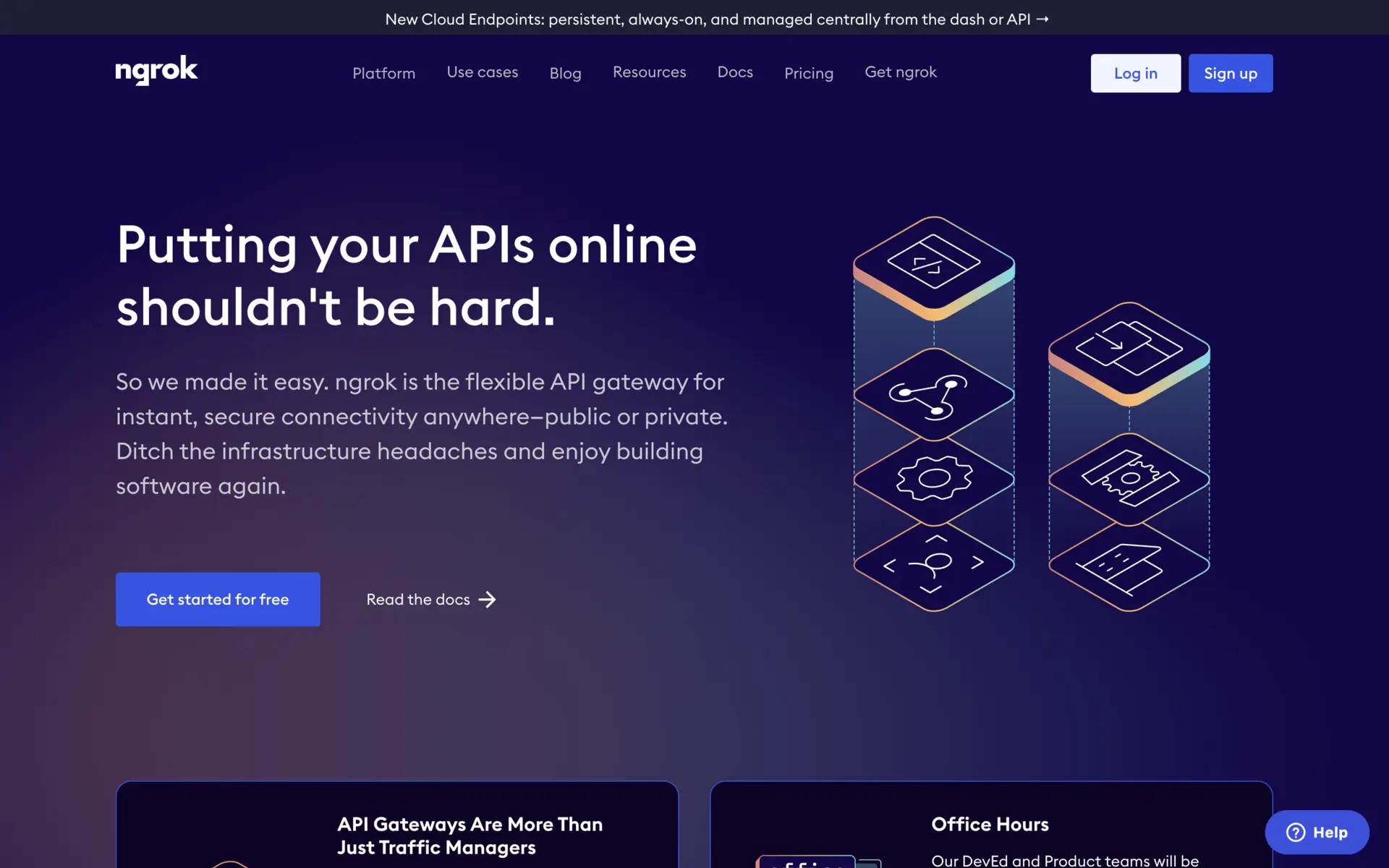
Ngrok is still the most polished tunneling tool, with a real-time dashboard that shows every connection attempt, which is genuinely useful when a Minecraft client refuses to connect and you cannot tell whether the packet arrived. Pricing as of September 17, 2026 is $0 for Free, $10 per month for Hobbyist and $20 per month for Pay-as-you-go. Read the free tier carefully before planning around it: ngrok's pricing page states that TCP tunnels on the free plan require credit card verification, and static domains are not available on free at all. For a Minecraft server, which needs TCP, that makes the free tier a trial rather than a solution.
Best For: Debugging connection problems, and anyone already paying for Hobbyist.
Portmap.io
Portmap.io runs on OpenVPN infrastructure and lets you pick a relay geographically near your players, which is the one lever that reliably reduces ping. It carries both TCP and UDP, so it covers Java and Bedrock alike, and custom domains are available on paid tiers.
Best For: Groups spread across US regions who need to choose a relay location.
PageKite
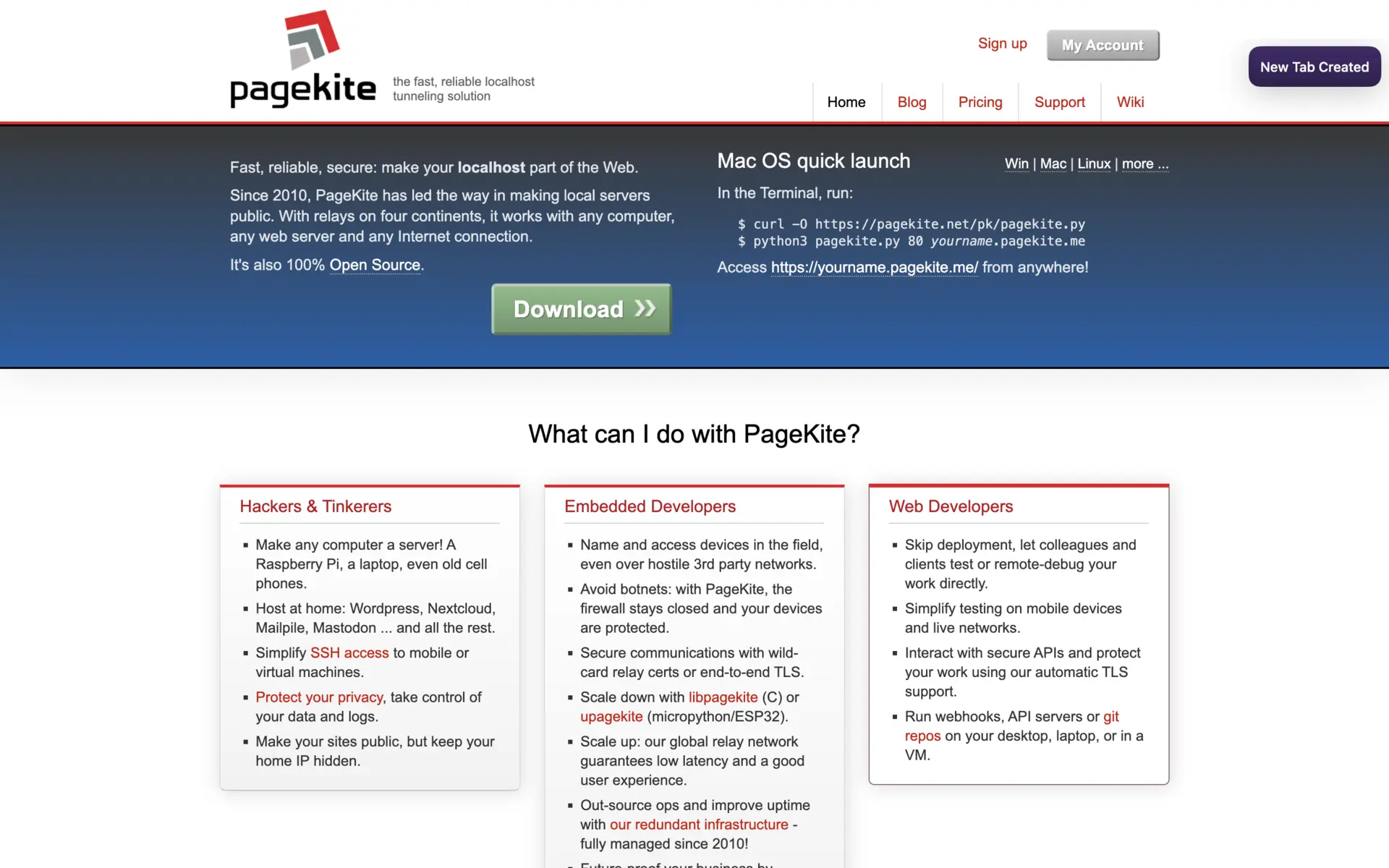
PageKite is the open-source entry here, licensed AGPL-3.0, and it gives you persistent named tunnels ("kites") so your address survives a reboot. Be aware of its maintenance state before you build on it: the PyPagekite repository has 751 GitHub stars and its most recent tagged release is v1.5.1.200424 from April 2020, though the repository still received commits as recently as January 2026. It works, but nobody is shipping features.
Best For: Self-hosters who want an AGPL tunnel and a permanent name.
LocalXpose
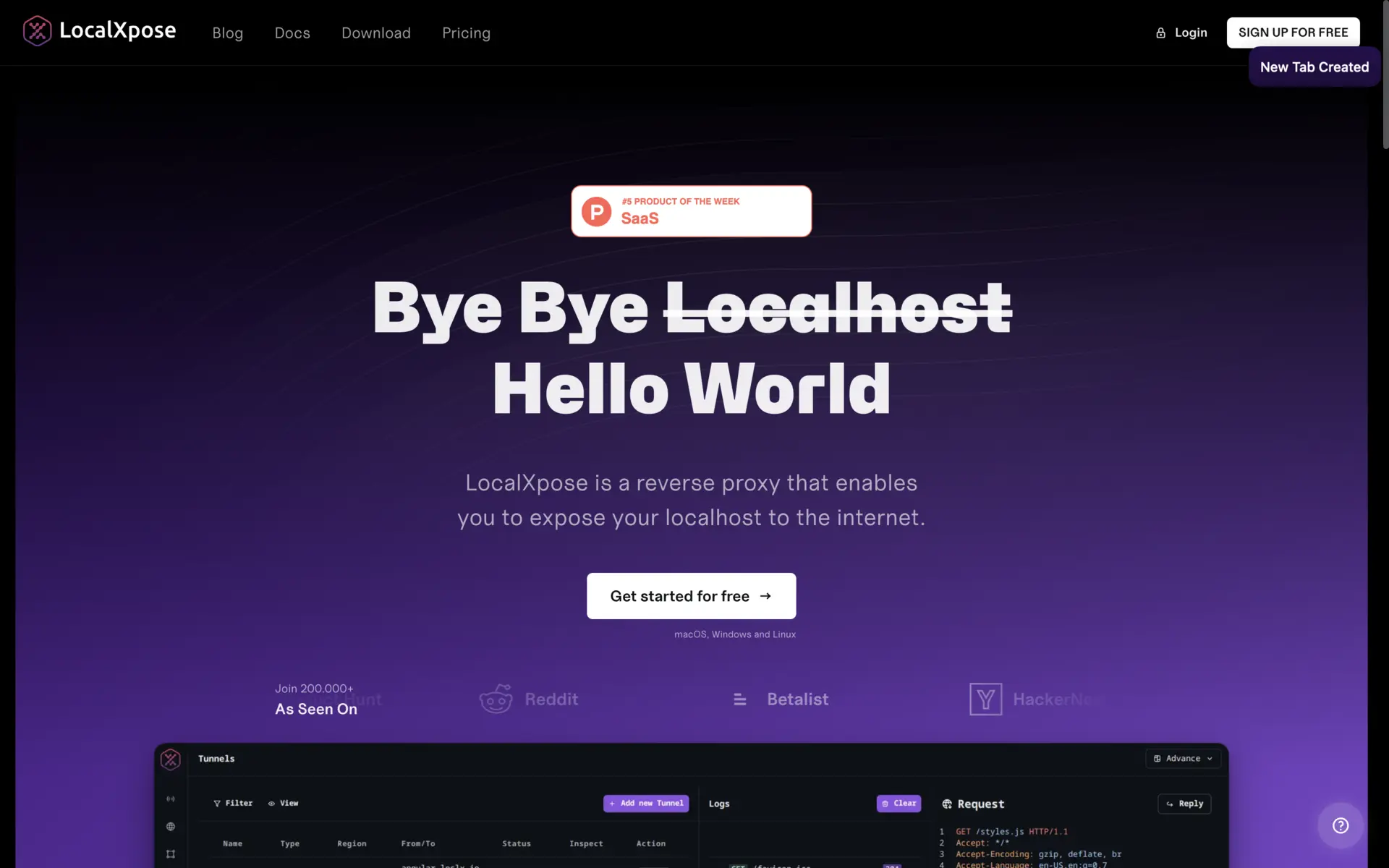
LocalXpose offers end-to-end encryption and a clean CLI, with PRO at $8 per month billed annually at $96 per year. Its free Starter plan is far more limited than it once was: as of September 17, 2026 it allows 2 active HTTP and HTTPS tunnels, shows an interstitial warning page, and does not include custom subdomains or TCP and UDP tunnels. No TCP means no Minecraft on the free tier, so treat LocalXpose as a paid option or skip it.
Best For: Paid users who want encrypted tunnels; not usable free for game servers.
2. Game Server Hosting Services
Skip local hosting entirely and let someone else run the hardware.
Aternos (Free Hosting)
Aternos sidesteps tunneling completely with free, ad-supported Minecraft servers, one-click modpack installs and plugin support. The tradeoffs are real: servers stop when the last player leaves, there is a queue at peak times, and RAM is capped. For a group of friends who play a few evenings a week, it removes the problem rather than working around it.
Best For: Casual Minecraft groups who do not want a PC running all night.
Paid Game Server Hosts
Dedicated hosts such as Apex Hosting and Nitrado sell 24/7 uptime, higher RAM ceilings and DDoS protection. Prices move often and both sites change plan structures regularly, so check the current tiers directly rather than trusting a number in any guide. Once a community outgrows evening sessions, paid hosting removes port forwarding, uptime and hardware wear from your life in one step.
Best For: Communities running a persistent world around the clock.
3. VPN and Virtual LAN Solutions
These build a private network across the internet, so the game sees your friends as if they were on the same LAN.
Tailscale
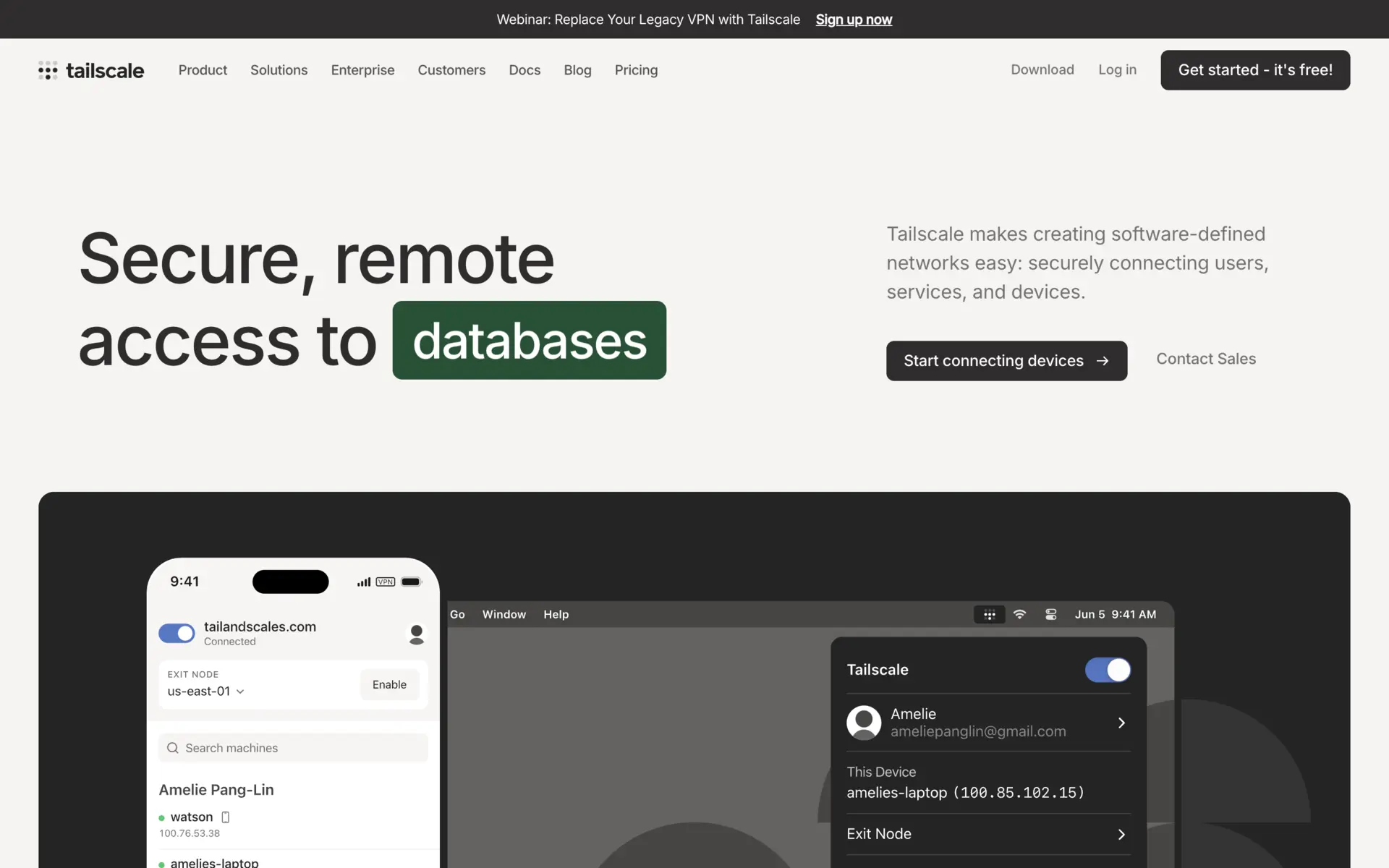
Tailscale builds a WireGuard mesh and connects players peer-to-peer instead of relaying through a hub, which is why it usually posts the lowest latency of anything here. Its pricing page, checked September 17, 2026, lists the Personal plan at $0 "free forever" with up to 6 users and unlimited user devices, then Standard at $8 per user per month and Premium at $18 per user per month. Six users covers most friend groups outright, and setup is a login with an existing Google or Microsoft account.
Best For: Small groups who want the lowest ping and near-zero configuration.
ZeroTier
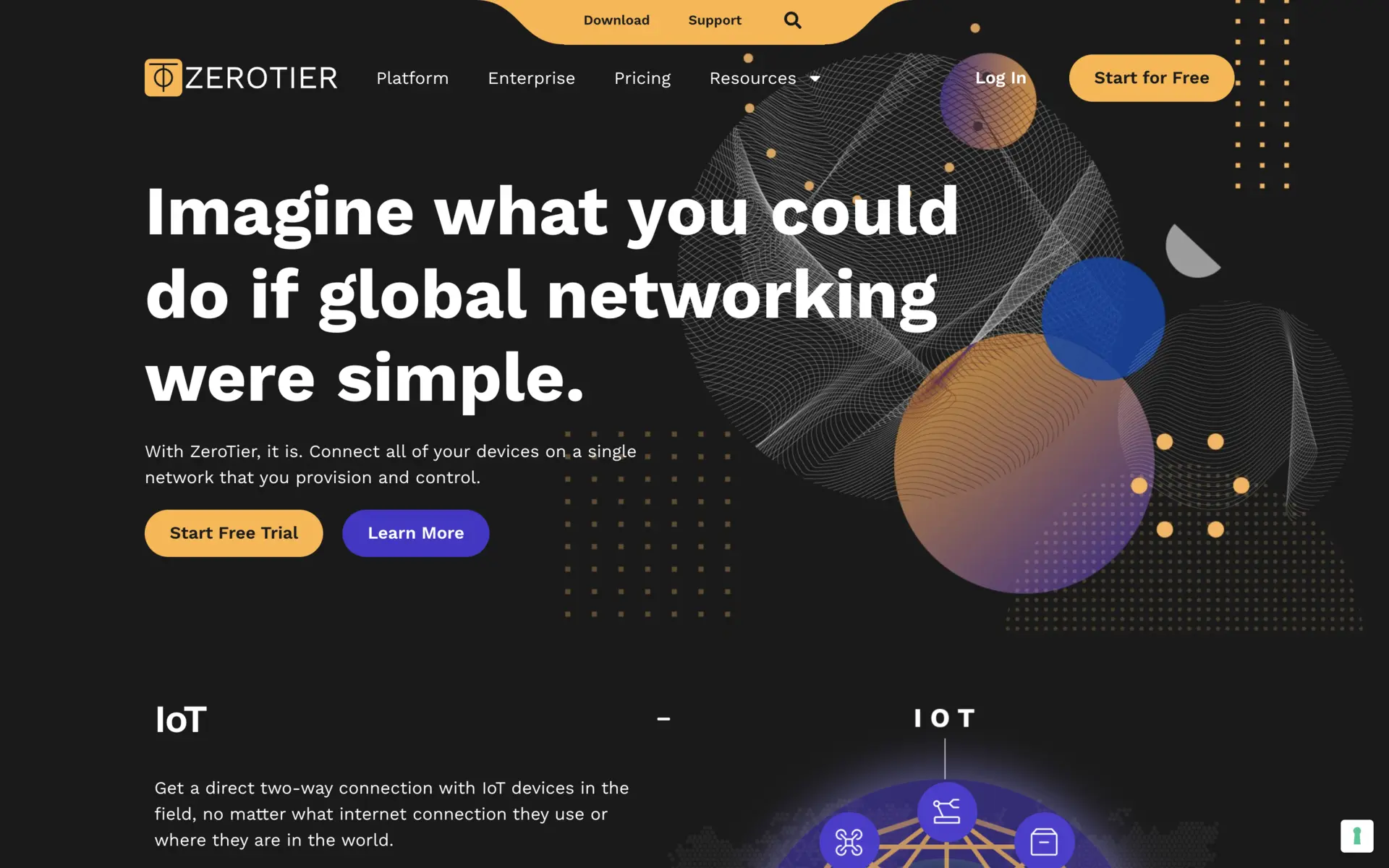
ZeroTier behaves like a global LAN switch, handles NAT traversal automatically and runs on effectively every operating system, which makes it the better pick for older LAN-native games that expect real broadcast traffic. The ZeroTierOne core is open source under MPL 2.0 with 17,108 GitHub stars, and the latest release is 1.16.2, published May 28, 2026. ZeroTier has since reworked its plans and reduced what the free tier includes, so check the device and network limits on its pricing page before you plan around them rather than relying on the older numbers still quoted around the web.
Best For: Mixed-OS groups and older games that need genuine LAN behavior.
SoftEther VPN
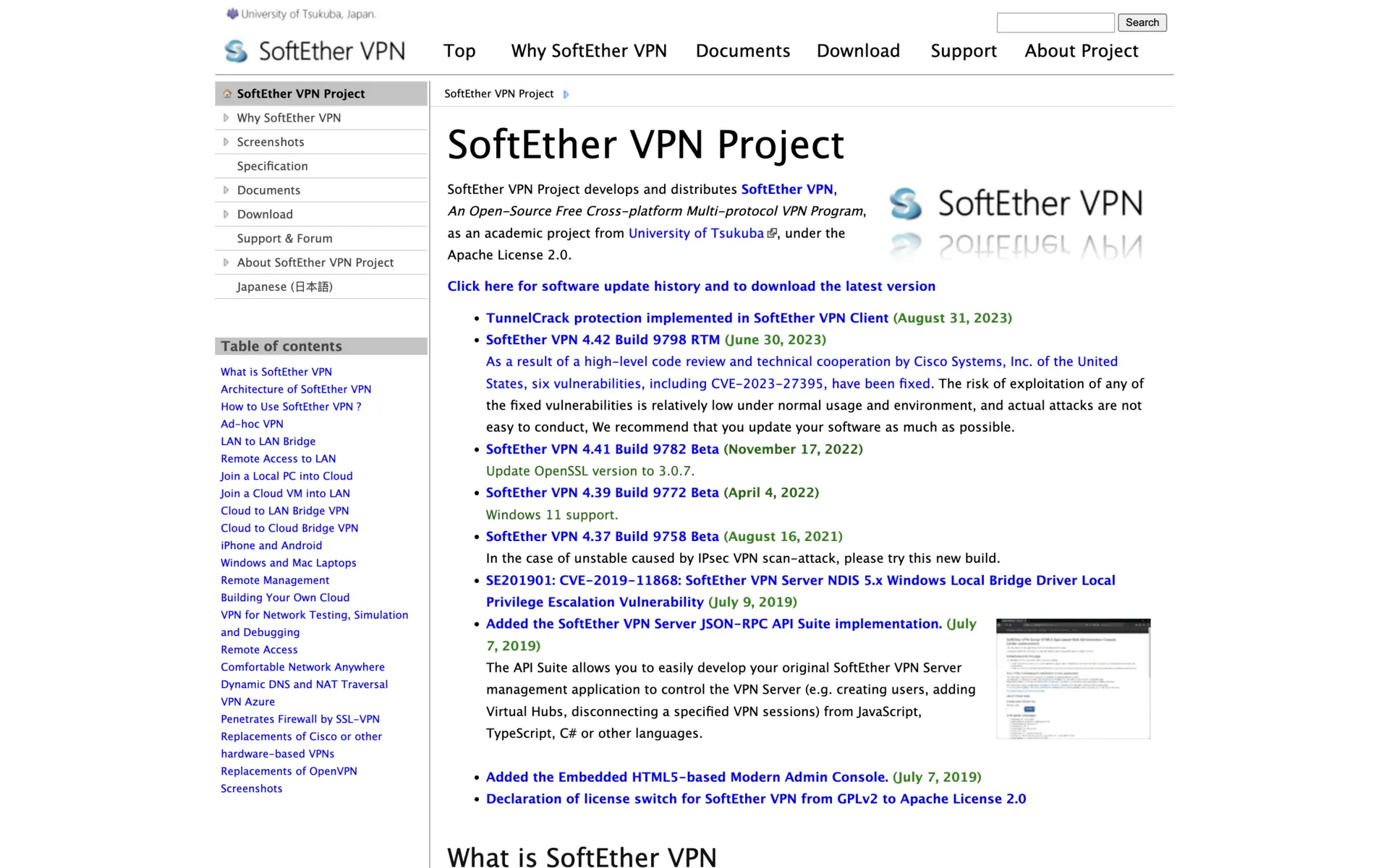
SoftEther is the most capable and least friendly option on this list. It is Apache-2.0 licensed with 13,555 GitHub stars, and the current stable build published on softether.org is SoftEther VPN 4.44 Build 9807 RTM. It speaks OpenVPN, L2TP, SSTP and its own protocol, and it will tunnel out of networks that block everything else, which is why it shows up on college campuses. Expect to spend an evening on the configuration.
Best For: Advanced users behind restrictive campus or corporate firewalls.
Radmin VPN
Radmin VPN is free, Windows-only and deliberately narrow. It creates a virtual LAN with no user cap and almost no overhead, and it is the closest modern replacement for LogMeIn Hamachi. The Windows-only limitation is absolute: one friend on a Mac or a Steam Deck and this option is out.
Best For: All-Windows groups playing older LAN titles.
4. Remote Play and Streaming
Do not host a server at all; stream the game itself.
Parsec
Parsec skips the network problem entirely. One person runs the game, everyone else streams the video and sends controller input back, so local co-op titles with no online mode work over the internet. Its pricing page, checked September 17, 2026, lists a free Personal tier with low latency 60 FPS desktop capture, then Warp at $8.33 per user per month billed annually, Teams at $30 and Enterprise at $45. Note the license: the free and Warp tiers are for personal, non-commercial use only.
Best For: Couch co-op games that never shipped online multiplayer.
Shadow
Shadow rents you a full Windows PC in a data center with a fast uplink, so you can host the server there and play from a weak laptop. It is the only entry with no free tier, and it is the right answer to exactly one problem: your home hardware or your ISP is the bottleneck and no amount of tunneling will fix that.
Best For: Players whose upload speed or hardware is the actual constraint.
Which One Should You Pick?
Java Minecraft with friends, nothing to spend: Tailscale. Six users free, lowest latency, and no tunnel that expires mid-session.
Bedrock or any UDP game, free: Pinggy, if the 60 minute reset is tolerable, or Portmap.io for a stable relay. Skip LocalXpose's free tier, which has no UDP.
You do not want to leave a PC running: Aternos. It is free and it deletes the whole problem.
Mixed Windows, Mac and Linux group: ZeroTier for LAN-native games, Tailscale for everything else.
A local co-op game with no online mode: Parsec, and check the non-commercial license terms.
Your upload speed is the bottleneck: Shadow, which is the only paid-only answer here and the only one that addresses that cause.
Conclusion
Playit.gg remains a reasonable default, but the free tiers around it have tightened noticeably. The three facts worth carrying away, all checked September 17, 2026: ngrok's free plan needs card verification before it will open the TCP port Minecraft requires, Pinggy's free tunnels die after 60 minutes, and LocalXpose dropped TCP and UDP from its free tier entirely. Tailscale's 6 free users and Aternos's free hosting are the two options that ask nothing and take nothing away, which is where most people should start.
Related DevToolLab Tools
- Port Checker - confirm whether 25565 is actually reachable from outside your network before blaming the tunnel.
- Common Ports Lookup - check which port and protocol a given game server expects, including the TCP and UDP split between Java and Bedrock.
- Ping Test - measure round-trip latency to a relay or host so you can compare two tunnels with a number instead of a guess.
- IP Address Lookup - find the public address your tunnel or VPN is handing out to players.
Related Guides
- Minecraft Port Forwarding Guide - the direct approach these tools replace, and when it is still worth doing.
- Best Ngrok Alternatives - the same tunneling question for general development work rather than game servers.
- TCP vs UDP - why the Java and Bedrock difference decides which tools on this list can work at all.
- Best DNS Servers for Gaming - the other half of the latency problem, once your server is reachable.