
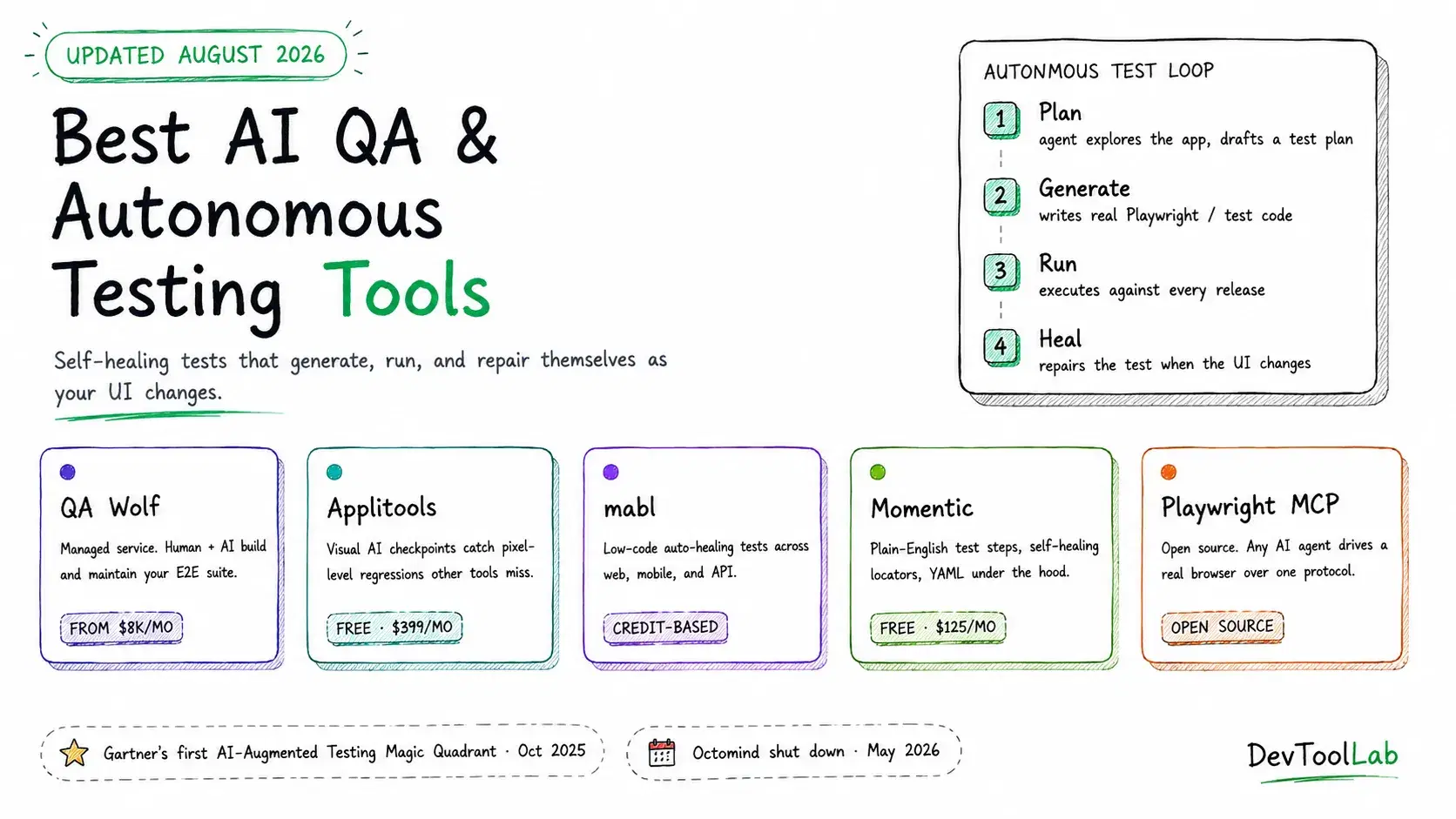
Gartner published its first Magic Quadrant for AI-Augmented Software Testing Tools on October 6, 2025. That is a notable milestone on its own, since Gartner does not create a new quadrant for a category unless enough vendors and enough spend already exist to justify one. Forrester made a similar move in Q3 2025, renaming its testing category outright to "Autonomous Testing Platforms." Two analyst firms independently concluded the same thing at the same time: scripted browser automation, the Selenium-and-Cypress approach most teams have run for a decade, has plateaued at roughly 25 percent real coverage, and closing that gap needs something else.
That something else is what this guide covers. Not "AI wrote my unit tests," which any coding assistant already does reasonably well, but tools where an agent explores your application, decides what to test, writes the test, runs it, and repairs it when your UI changes under it. That is a different job, and the vendors doing it well are not all the names you'd expect from five years ago. Momentic's own homepage puts it bluntly this year: "QA is dead. A new era of software quality starts today." That is marketing copy, but the pressure behind it is real, so here is what actually works in August 2026, with pricing pulled from vendor pages and code I ran myself before publishing.
What "Autonomous Testing" Actually Means
Three distinct capabilities get bundled under this label, and knowing which one you need will save you from buying the wrong tool.
Self-healing execution. A test written against a "Submit" button still passes after a redesign moves that button, renames it, or changes its underlying selector, because the tool matches on visual appearance, accessibility role, or natural-language description instead of a brittle CSS or XPath selector. This is the most mature capability in the category and the one every serious vendor now has.
AI-generated test creation. An agent crawls your running application, infers the critical user flows, and writes the test code itself, either from a natural-language instruction ("test the checkout flow") or with no instruction at all beyond "explore this app." This is newer and varies enormously in quality between vendors.
Visual and semantic validation. Instead of asserting on exact pixel matches (which breaks on font rendering, anti-aliasing, and animation) or exact DOM structure (which breaks on any markup change), the tool asks whether the page looks and functions the way a human would expect. Applitools built its entire business on this one capability.
Most platforms in this guide combine at least two of the three. The real differentiator between them is not whether they have AI, since by 2026 they all do, but where the human still needs to sit in the loop, and how much of your test suite you are handing to a vendor's infrastructure versus running yourself.
Quick Comparison
| Tool | Model | Self-healing | Test authoring | Best for | Entry pricing |
|---|---|---|---|---|---|
| QA Wolf | Managed service | Yes | Human engineers + AI, on your behalf | Teams that want E2E coverage without hiring QA | ~$8,000/mo, custom |
| Applitools | Visual AI layer | Visual only | You write the test, AI validates the render | Catching visual regressions across browsers/devices | Free (100 checkpoints) · $399/mo |
| mabl | Low-code SaaS platform | Yes | Record-and-edit, plus AI generation | Teams wanting one tool for web, mobile, and API | Credit-based, 14-day trial |
| Momentic | AI-native SaaS | Yes | Natural language, stored as YAML | Fast setup, developer-friendly plain English tests | Free · $125/mo |
| Functionize | Agentic AI platform | Yes, ML element fingerprint | Plain English, visual builder, or imported suites | Teams wanting one platform across UI, API, database, and email/SMS | Free (200 credits) · $20/mo |
| Playwright + MCP | Open source + agent | Via Healer agent | Planner/Generator agents, or you write it | Full control, no vendor lock-in, any AI client | Free |
QA Wolf
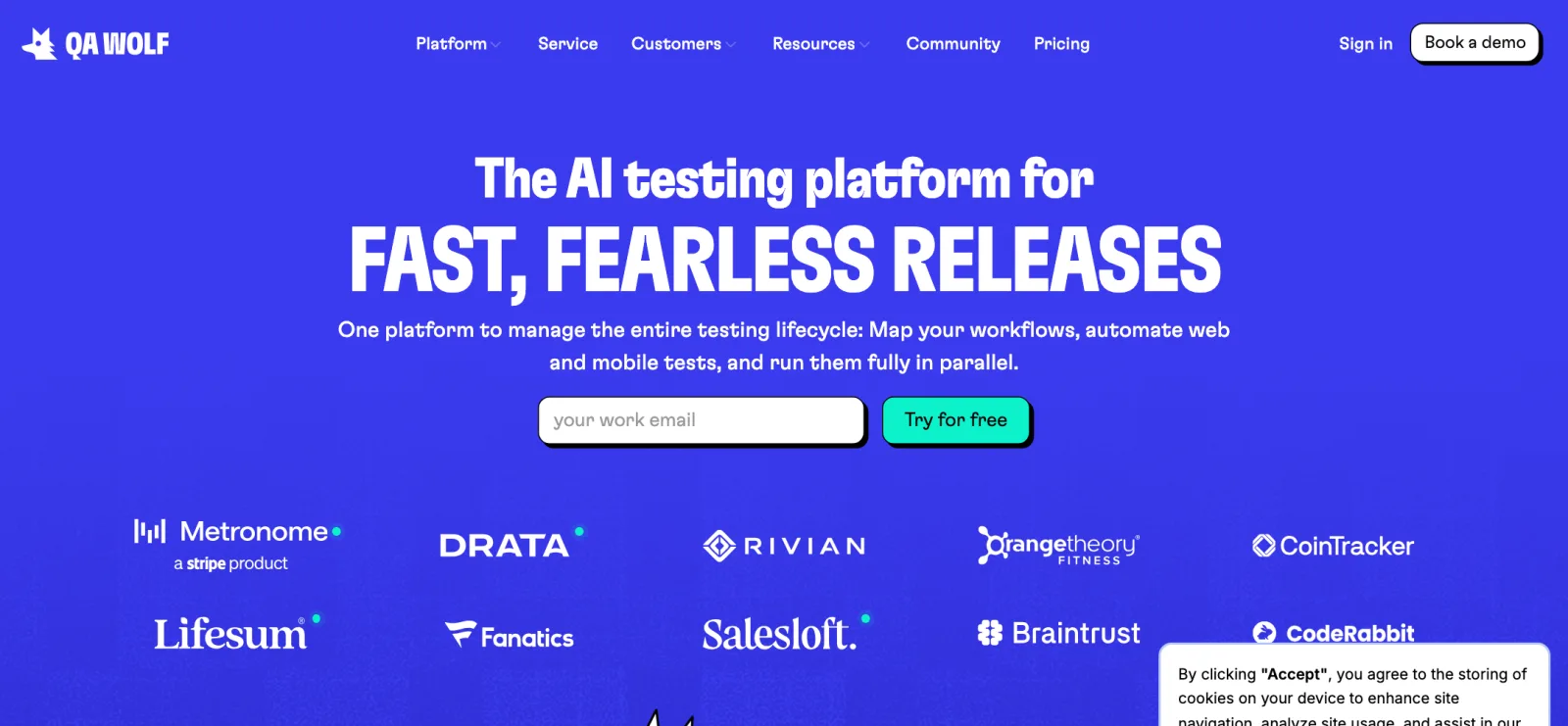
QA Wolf sells outcomes, not software. The pitch is "Coverage as a Service": instead of giving your team a tool and hoping someone finds time to write tests, QA Wolf's own engineers, working alongside their AI tooling, build and maintain your end-to-end suite for you. Its stated guarantees are specific and worth quoting directly, since they are unusually concrete for this category: "100% of teams achieve 80%+ automated test coverage in weeks," and "Guaranteed zero flakes. You will never be alerted to a test flake, only real bugs get flagged." Every test failure gets a 24-hour investigation with a Playwright trace, console logs, and a reproduction video, and the team repairs the test if the failure turns out to be a UI change rather than a real bug.
Coverage spans web, iOS, Android, and Electron, with real device access rather than only emulators for mobile. QA Wolf does not publish a rate card. Independent pricing trackers report a median annual contract in the neighborhood of $90,000, and per-test estimates in the $40 to $44 per test per month range once you're past initial setup, with entry engagements sometimes quoted around $8,000 a month for roughly 200 tests. Treat any specific figure as directional until you have a quote for your own test volume.
What it does not do well: this is not a tool you install and iterate on yourself. You are buying a managed relationship, and if your organization wants engineers who deeply understand the test suite in-house, that ownership model is a real tradeoff, not just a pricing one.
Applitools
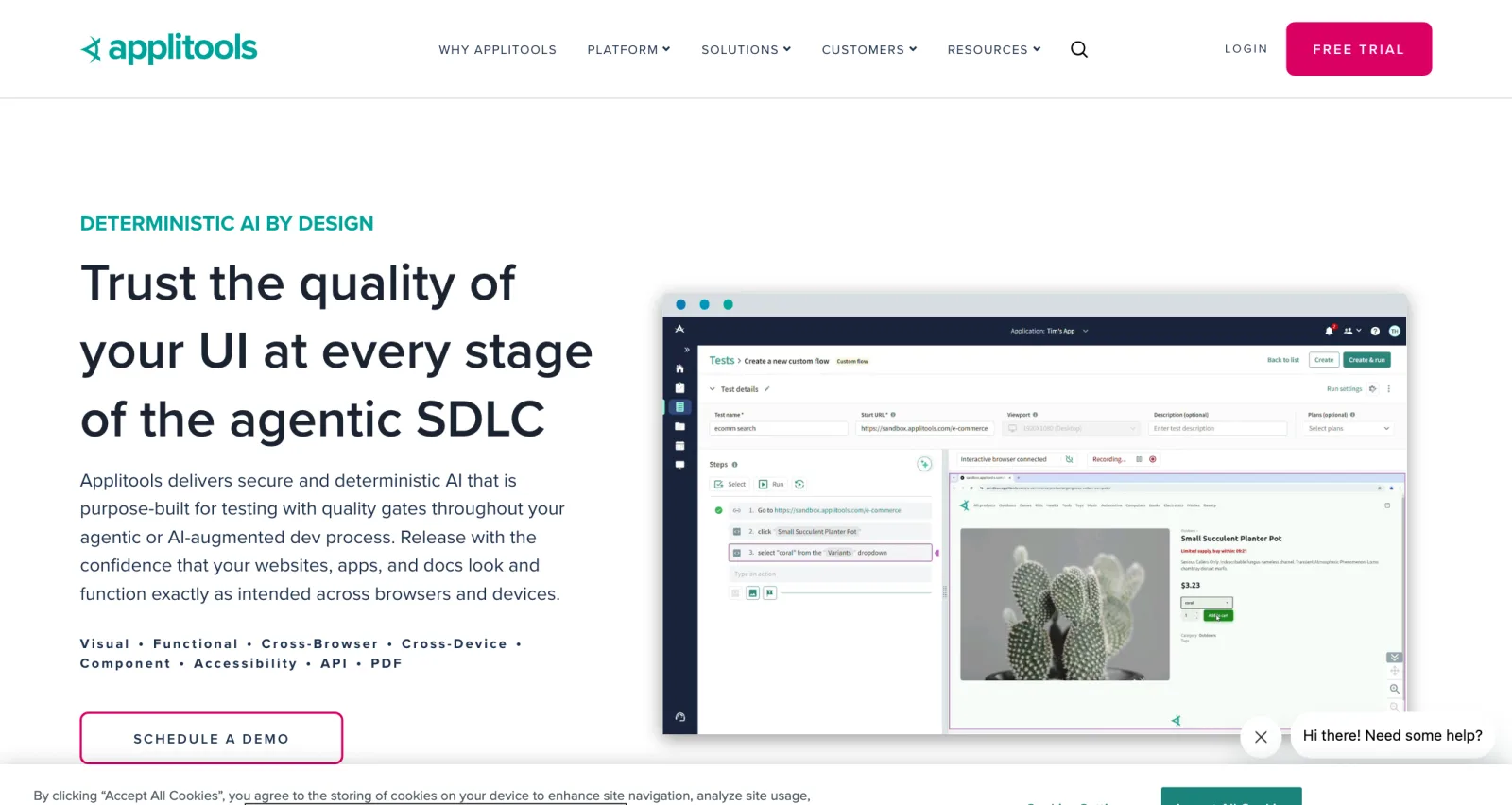
Applitools solved a narrower and harder problem earlier than anyone else: how do you assert that a page looks right without your test suite breaking every time a font renders slightly differently or an animation is mid-frame during a screenshot? Its Visual AI engine, branded "deterministic AI" on the current homepage, filters out shadow, animation, and font-rendering noise and only flags regions that changed in a way a human would actually notice, then validates the changed regions specifically rather than the whole image.
This is additive to whatever functional test framework you already run. You keep writing Selenium, Playwright, or Cypress tests as usual, and add an Applitools "Eyes" checkpoint at the point where you want visual validation:
JavaScriptconst { Eyes, Target } = require("@applitools/eyes-playwright"); const eyes = new Eyes(); await eyes.open(page, "My App", "Checkout Page Visual Test"); await page.goto("https://example.com/checkout"); await eyes.check("Checkout Page", Target.window().fully()); await eyes.close();
Each eyes.check() call consumes one visual checkpoint. Cross-browser and cross-device coverage runs through Applitools' Ultrafast Grid, which renders your checkpoint across many browser and viewport combinations in parallel from a single capture, rather than requiring you to run your whole suite once per browser.
Pricing: Free forever with 100 visual checkpoints a month, no credit card required · Paid plans start around $399/month for roughly 1,000 checkpoints · Teams running 50,000 to 200,000 checkpoints a year commonly land in the $10,000 to $30,000 annual range, and heavy users report an effective rate near $0.003 to $0.006 per checkpoint at volume.
What it does not do well: Applitools validates rendering, not business logic, so it is not a replacement for a functional E2E framework, only a strong complement to one. Checkpoint-based pricing also means cost scales directly with how much visual coverage you want, which needs budgeting attention as suites grow.
mabl
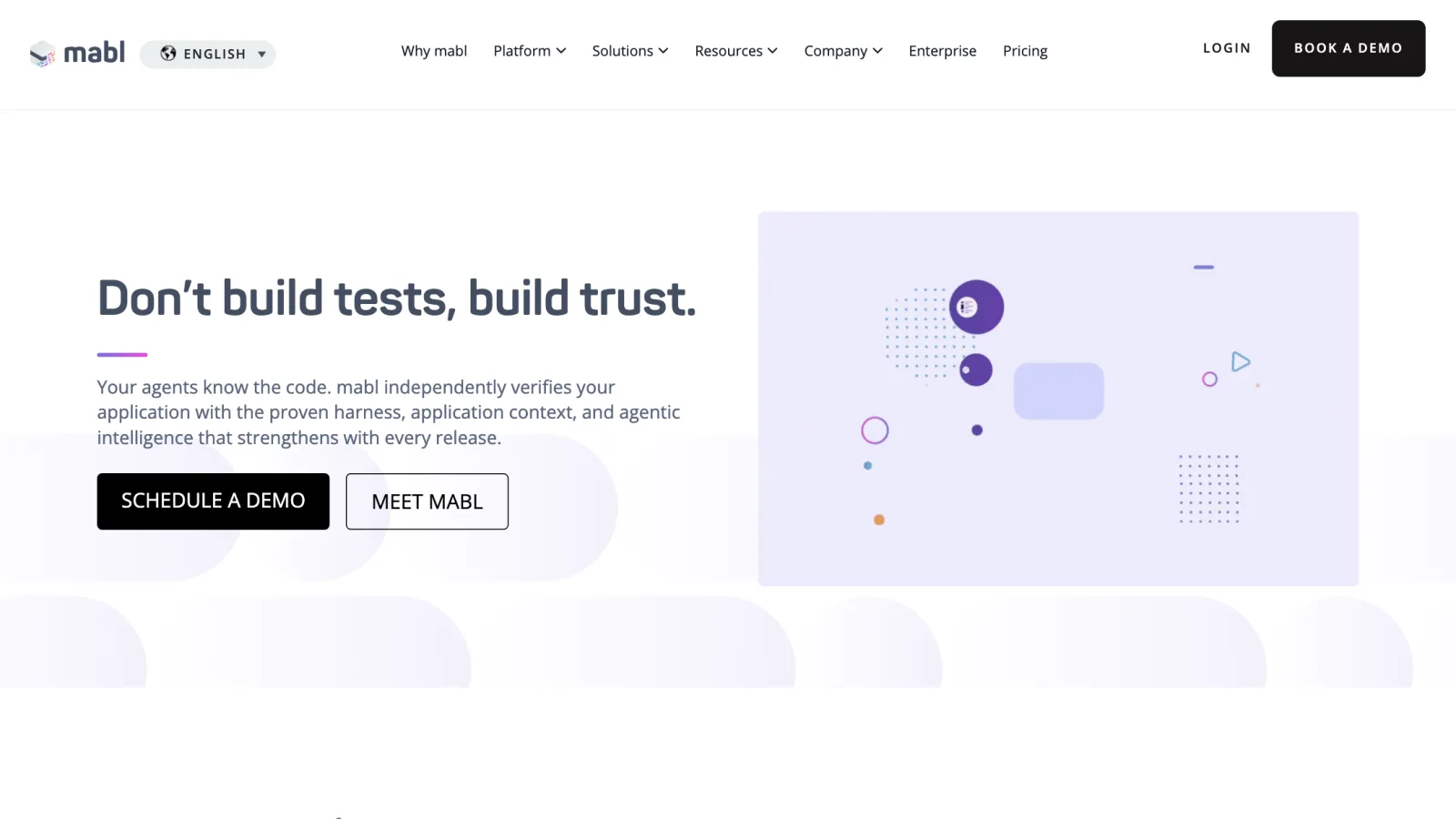
mabl is the platform built for teams that want one system covering web UI, mobile UI, API, performance, and accessibility testing rather than stitching several tools together. Its current homepage message, "Your agents know the code. mabl independently verifies your application," is a pointed pitch at a specific 2026 anxiety: as more of your codebase gets written by AI coding agents, you want an independent verification layer that was not generated by the same agent that wrote the feature.
Auto-healing and "intelligent assertions" are included on every plan rather than gated to a premium tier, and mabl's tests run through a visual, low-code editor that records interactions and lets you edit the resulting steps, with AI able to generate additional test coverage from there.
Pricing: Not published as fixed tiers. mabl uses a credits model with a starting allocation of 500 credits a month for cloud test runs, consumed by cloud runs of any test type (UI, mobile, API, performance, accessibility); local and CI test runs are unlimited and free. A 14-day free trial is available, and Enterprise plans add a dedicated customer success manager.
What it does not do well: the lack of published pricing tiers means you cannot self-serve a cost estimate the way you can with Applitools or Momentic, and credit consumption across five different test types takes some ramp-up to budget accurately.
Momentic
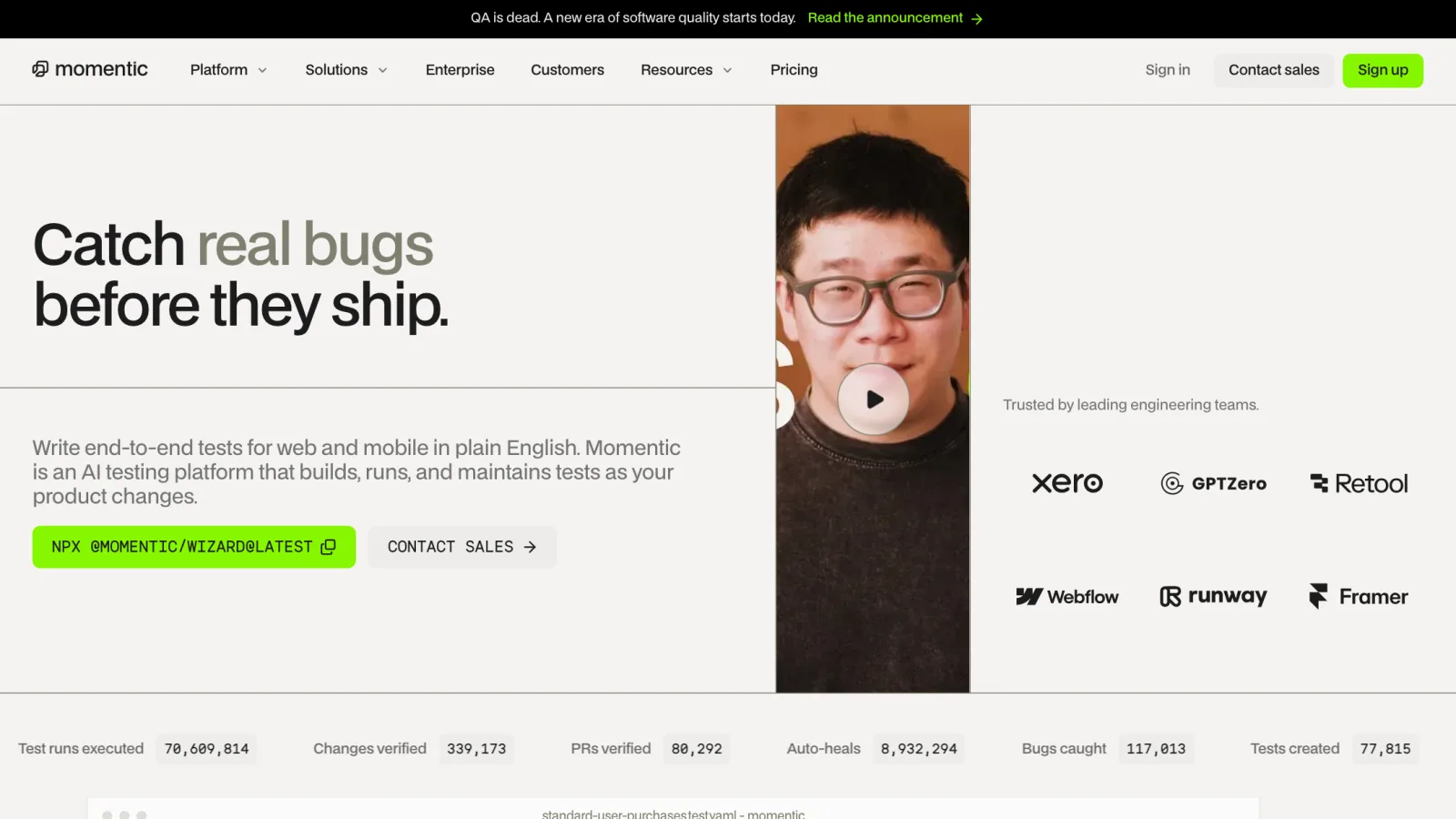
Momentic is the most developer-native of the SaaS options here, built around the idea that quality checks should live alongside the software rather than in a separate QA workflow. Tests are described in plain English ("click the blue Sign up button," "verify the cart total shows $42.00") instead of CSS selectors or XPath, but stored under the hood as human-readable YAML files in the repository, which means they are version-controlled, diffable, and reviewable in a pull request the way code is, rather than living only inside a vendor's opaque UI. Momentic's own stats page, current as of this writing, reports over 70.6 million test runs executed, 8.9 million auto-heals performed, and 117,013 bugs caught across its customer base, giving a sense of how much real production traffic is already running through its self-healing path.
Its "AI action" steps and natural-language element locators mean you describe intent rather than a selector, and multi-modal assertions can check text, visual appearance, and DOM state together rather than forcing you to pick one. AI-powered failure analysis on top of that tries to separate a genuine regression from an expected product change and points at a likely root cause, which cuts into the time spent triaging flaky-looking failures by hand. Momentic covers both web and mobile from the same platform, Chromium-based browsers plus Android emulators and iOS simulators, and tests run locally or in CI/CD through GitHub Actions, CircleCI, or Bitrise.
Pricing: Free forever with 2,000 credits a month (roughly 200 test runs), 30-day results retention, no card required · Pay-as-you-go is $125/month for 10,000 credits (about 1,000 runs), with overage at $0.01875 per additional credit, and includes 2 Android plus 1 iOS concurrent device and 5 phone numbers for SMS/OTP testing flows · Enterprise is custom, adding SOC 2 Type II compliance, SAML SSO, role-based access control, audit logs, a 99.99% uptime SLA, and dedicated customer success support. One credit covers a single test step, including steps that AI features like auto-heal generate, and iterating on tests in the editor itself is always free. There are no per-seat charges on any tier.
What it does not do well: the natural-language, agentic approach is a deliberate bet, and mobile device concurrency is capped fairly low even on the paid tier (2 Android, 1 iOS), which matters if you run large mobile regression suites in parallel or want the kind of low-level, hand-coded control a traditional selector-based framework gives you.
Functionize
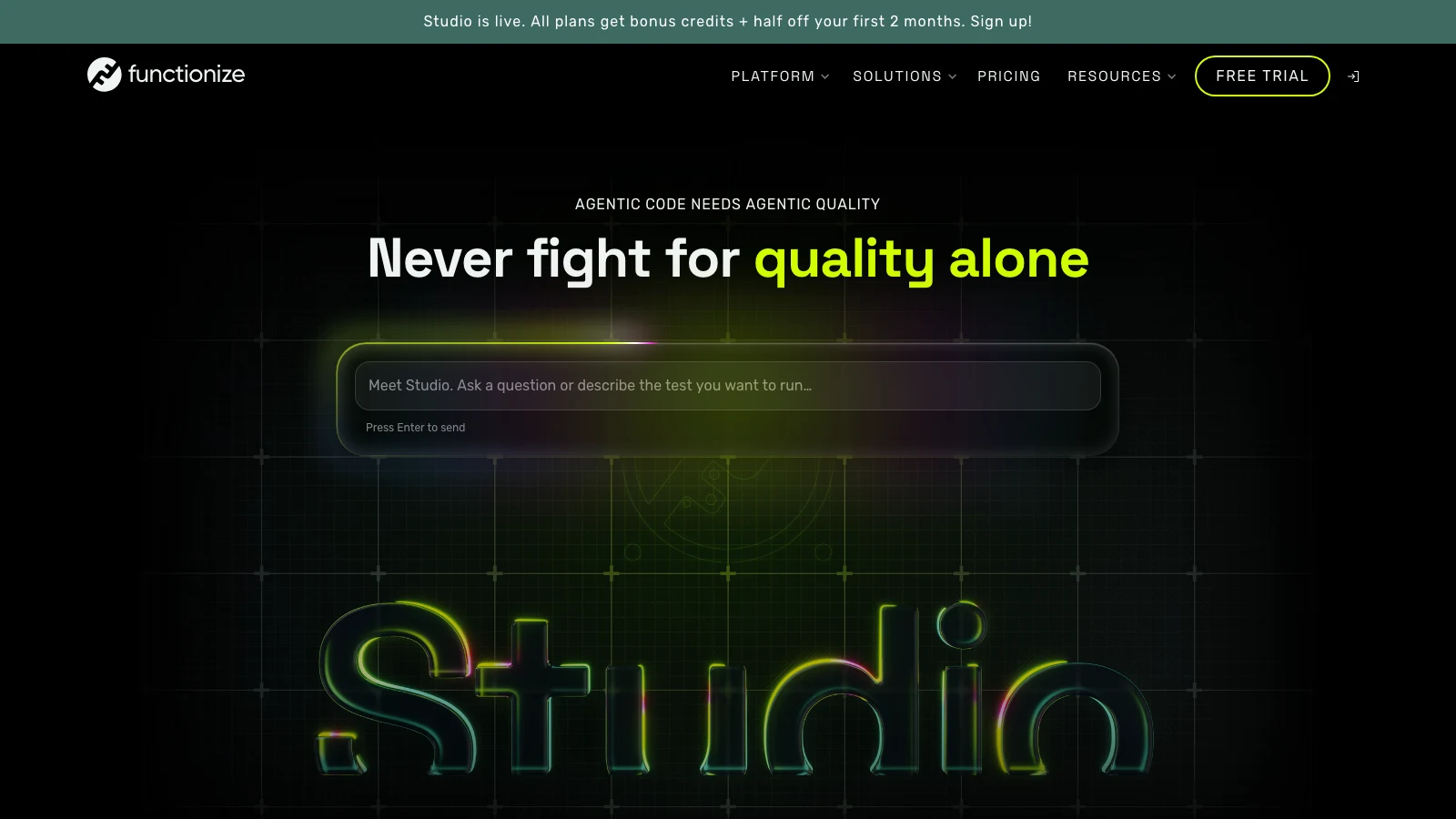
Functionize approaches the same problem from the opposite end of the market from Momentic. Where Momentic starts from the repository and works outward, Functionize starts from the assumption that a large test suite is expensive to maintain, not to write, and that the AI's real job is the ongoing upkeep and analysis rather than the initial authoring. Its current positioning leans hard into that: the homepage headline is "Agentic code needs agentic quality," and its newer Studio product is pitched as "an independent testing agent for your full web UI workflow." Tests can be described in plain English or built through a visual workflow, and the platform converts that intent into executable tests that keep adapting as the application changes.
Self-healing is the strongest part of the pitch, and the mechanism is more specific than most vendors bother to describe. Rather than depending on a single CSS selector or XPath, Functionize builds what it calls a "fingerprint" for each element from "visual attributes, text content, labels, surrounding context, DOM structure and semantic information," then reuses that fingerprint when the original locator stops matching. It claims 99.9% self-healing accuracy and 99.97% element accuracy, which are vendor numbers rather than independently audited ones, but the surrounding workflow is the part that matters more in practice: a heal is a suggestion your team approves or rejects, with logs showing which locator failed, which attributes were used to heal it, and what replaced it. That is the difference between a test that adapts and a test that quietly stops asserting anything.
Breadth is the other reason to look at it. A single test can span UI, API, database validation, file handling, email, and SMS, which covers the two-factor and confirmation-email steps that usually force teams to stub out a flow halfway through. API coverage includes REST, SOAP, GraphQL, and WebSockets, and existing Selenium, Appium, Playwright, and Cypress suites can be imported and executed rather than rewritten, which is what makes this practical for a team that already has years of automation on the books. It runs in CI through GitHub, Jenkins, Azure DevOps, CircleCI, AWS CodePipeline, and Spinnaker, reports into TestRail, Xray, Zephyr Squad, or Rally, and does bi-directional defect sync with Jira plus Slack and PagerDuty notifications.
Pricing: Free with 200 credits a month and up to 5 parallel runs · Pro is $20/month for 400 credits, also 5 parallel runs · Max is $100/month for 2,000 credits and 10 parallel runs · team plans are per-seat, with Growth at $40/user/month for 400 credits per user and Scale at $200/user/month for 2,000 credits per user · Enterprise is custom, adding custom credit and concurrency limits, a shared credit pool across teams, multi-team workspace management, SSO and RBAC, data residency options, premium support, and invoice or PO billing on a 12-month minimum. A launch promotion currently adds 1,000 bonus credits and half off the first two months on every plan.
What it does not do well: this is a more opinionated platform than a code-first framework, so if you want every test to live as handwritten code inside your own repository, Playwright fits that instinct better than any hosted platform will. Credit-based pricing also means cost tracks execution volume rather than seat count, which is fine at 400 credits a month and worth modeling carefully before you point a large regression suite at it. The governance features bigger organizations actually need, SSO, RBAC, and data residency among them, sit behind Enterprise and its annual commitment. One more practical note: Functionize's site currently spans both the newer agentic Studio product and its longer-standing enterprise platform, so it is worth confirming in a trial which capabilities apply to the plan you are buying.
Playwright, Playwright MCP, and Playwright Test Agents
If you would rather own the whole stack than rent someone else's, Playwright itself has quietly become an autonomous-testing platform, not just a browser automation library. Two additions matter here, and I ran both locally before writing this.
Playwright MCP (@playwright/mcp on npm) is Microsoft's official Model Context Protocol server, which exposes browser control as a standard set of tools any MCP-compatible AI client can call: browser_navigate, browser_click, browser_snapshot, browser_type, browser_fill_form, and more. Critically, browser_snapshot returns Playwright's accessibility tree rather than a screenshot, so the agent reasons over structured, semantic data instead of pixels. Adding it to Claude Code is one command:
Bashclaude mcp add playwright npx @playwright/mcp@latest
I ran npx @playwright/mcp@latest --help locally against version 1.62.1 of the underlying Playwright toolchain and confirmed the server starts and exposes its full flag set, including options for allowed origins, blocked origins, and file-system access scoping, which matter a lot once an agent has its own browser.
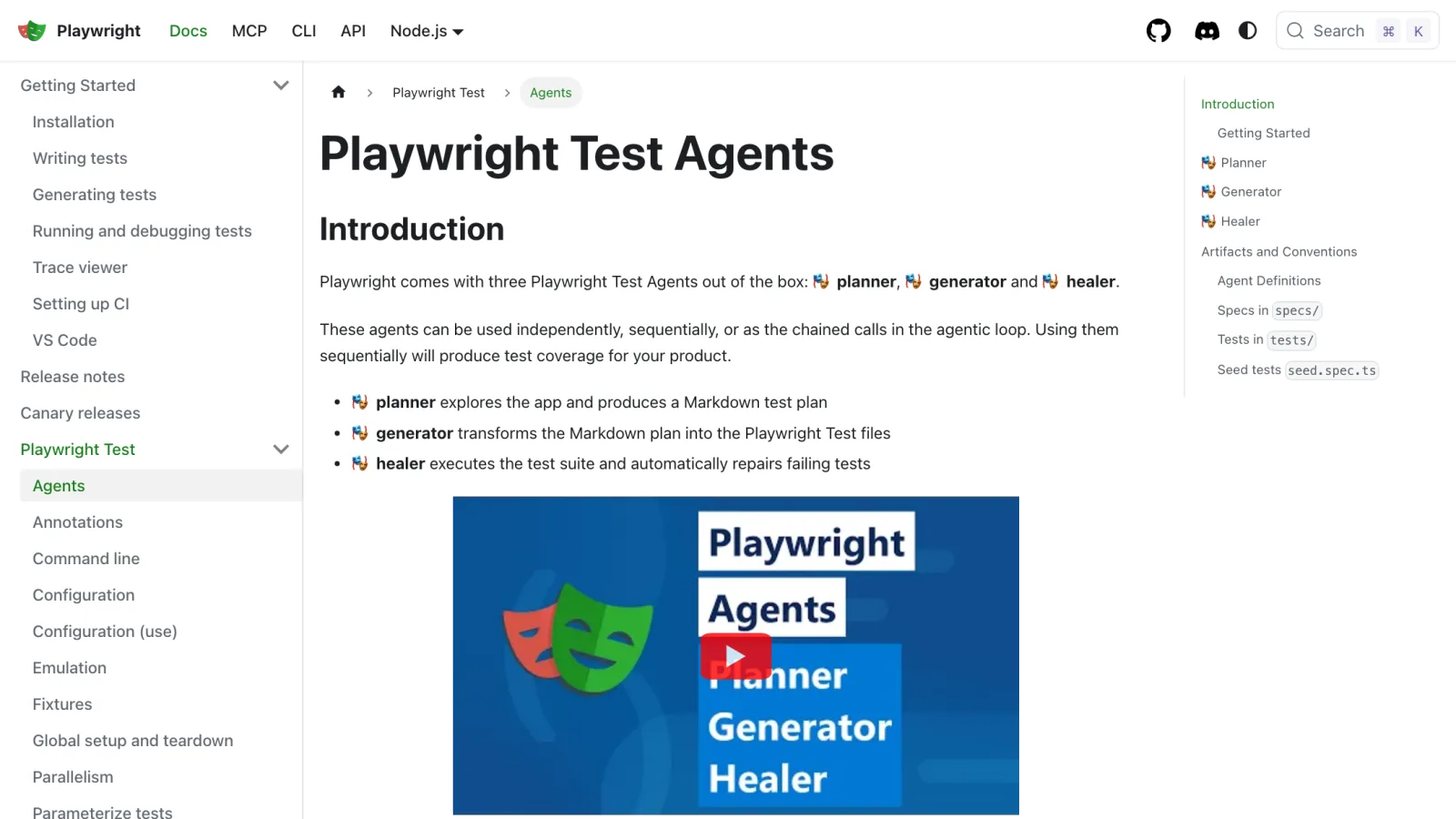
Playwright Test Agents are a separate, newer addition: three agent definitions, Planner, Generator, and Healer, that ship with the framework and can be wired into your existing coding agent's loop. Running npx playwright init-agents --loop=claude in a project generates the agent definitions plus an .mcp.json config, which I verified produces exactly this output:
text🎭 Using project "" as a primary project 📝 specs/README.md - directory for test plans 🌱 seed.spec.ts - default environment seed file 🤖 .claude/agents/playwright-test-generator.md - agent definition 🤖 .claude/agents/playwright-test-healer.md - agent definition 🤖 .claude/agents/playwright-test-planner.md - agent definition 🔧 .mcp.json - mcp configuration
The Planner explores your running app and writes a Markdown test plan, the Generator turns that plan into real .spec.ts Playwright files, and the Healer runs the suite and repairs failing tests automatically. Chained together, that is the same plan-generate-run-heal loop the commercial platforms sell, running on infrastructure you control.
Here is a plain Playwright test, no agent involved, that I wrote and ran against the live Playwright docs site on Playwright 1.62.1 to confirm the basics still work exactly as documented:
TypeScriptimport { test, expect } from "@playwright/test"; test("homepage has a working search flow", async ({ page }) => { await page.goto("https://playwright.dev/"); await page.getByRole("link", { name: "Get started" }).click(); await expect(page).toHaveURL(/.*intro/); await expect(page.getByRole("heading", { name: "Installation" })).toBeVisible(); });
That passed in 2.8 seconds on a local run (npx playwright test), one test, one worker, no failures.
A real security note, not a hypothetical one. Giving an AI agent live control of a browser is a genuinely different risk profile than giving it your codebase. Because browser_snapshot returns the accessibility tree as parsed text, any instructions hidden in a page's content, invisible text, a manipulated ARIA label, become part of the model's context alongside its real instructions. This is indirect prompt injection, OWASP's top-ranked risk for LLM applications, and researchers have demonstrated it in practice against browser-using agents to redirect them into unintended actions. A separate code-execution vulnerability in the MCP server's browser_run_code tool (rooted in Node's vm module not being a real security boundary) was reported in March 2026 and has since been closed. The practical mitigation, and what the Playwright MCP maintainers themselves recommend, is running agent-driven browser sessions against non-production environments with synthetic data, keeping MCP browser access out of your CI pipeline, and reviewing agent output rather than auto-merging it.
Cost: Free. You are trading a subscription for the engineering time to wire the loop together and the infrastructure to run it.
The Category's First Real Shakeout
This space is young enough that most of it hasn't consolidated yet, but the first real casualty already happened.
Octomind generated and ran Playwright-based end-to-end tests, with everything it produced staying standard, exportable Playwright and TypeScript, no proprietary format. On April 23, 2026, after almost three years, the Octomind team shut it down; new signups stopped in May 2026 and the domain no longer resolves. The lock-in-free design paid off exactly as intended: teams kept their working, exportable test files rather than being left with dead proprietary definitions. Still, "no vendor lock-in" protects your test suite, not your workflow, when a vendor disappears.
Against that, Gartner's Magic Quadrant put Tricentis and Keysight in the Leaders quadrant for AI-Augmented Software Testing in October 2025, showing enterprise buyers betting on consolidated platforms with a decade of testing infrastructure behind them, not the newest natural-language wrapper. Both things are true at once: new enough for a real casualty in year one, mature enough for Gartner to rank it.
How to Try Autonomous Testing in About 30 Minutes
The fastest way to know if this is worth paying for is to run the free, open-source path against your own app first.
- Install Playwright with
npm init playwright@latest, accepting the default TypeScript config and browser installation. - Write one real test by hand first, using
page.getByRole()locators, so you have a baseline before AI touches anything. - Add the Playwright MCP server to your AI coding client with
claude mcp add playwright npx @playwright/mcp@latest, so your agent can drive a real browser. - Point the agent at one low-risk flow in staging, not production, and ask it to explore and describe what it finds.
- Run
npx playwright init-agents --loop=claudeto generate the Planner, Generator, and Healer agent definitions in your repo. - Have the Planner draft a test plan for one feature, and review the Markdown output before generating any code.
- Generate the test, run it, then intentionally break a locator to watch the Healer repair it. That single exercise tells you more than any vendor demo will.
- Decide from there whether the free, self-hosted loop covers your gap, or whether you need Applitools' visual diffing, mabl's cross-surface coverage, or QA Wolf's managed model instead.
Which One Should You Actually Use?
Coverage without adding headcount, and you're fine paying for an outcome: QA Wolf removes the maintenance burden entirely, at a real cost.
Visual regressions are your main pain: add Applitools on top of whatever functional framework you already run, rather than replacing it.
One platform for web, mobile, API, performance, and accessibility: mabl is built for exactly that breadth.
Fast setup and a generous free tier to start today: Momentic is the quickest path from zero to a running self-healing suite.
One vendor covering UI, API, database, and email/SMS checks, plus the Selenium or Cypress suite you already own: Functionize has the broadest surface here, and imports existing tests instead of asking you to rewrite them.
Full control, zero subscription cost, and engineering time to spare: Playwright with MCP and its Test Agents gives you the same plan-generate-run-heal cycle the commercial platforms sell, on your own infrastructure, though you own the prompt-injection risk once an agent controls a real browser.
Conclusion
Self-healing tests and AI-generated coverage are real now, not vaporware, but the category is early enough that a vendor can vanish in a year, as Octomind proved. Run the free Playwright plus MCP path against your own app first; it will tell you more in thirty minutes than a vendor demo. Add a paid platform only for the specific gap it covers, visual diffing, cross-surface breadth, or fully managed coverage, rather than replacing what already works.
Related DevToolLab Tools
- XPath Tester & Evaluator - validate the XPath selectors your test suite falls back on when a natural-language locator can't find an element.
- HAR File Analyzer - inspect the network trace from a failed autonomous test run to see exactly which request timed out or returned an error.
- Color Contrast Checker - verify WCAG AA/AAA contrast ratios before an accessibility assertion in your test suite starts failing.
- User Agent Parser - decode the browser and OS string from a cross-browser test failure to confirm which environment actually broke.
Related Guides
- Best API Testing Tools 2026 - the client-side counterpart to this guide, for testing the endpoints your UI calls
- Best Static Code Analysis Tools - catch bugs before they ever reach a running test
- Best AI Code Review Tools - AI review for the code itself, upstream of the QA layer covered here
- Best MCP Servers 2026 - more Model Context Protocol servers beyond Playwright MCP worth wiring into your agent