

Self-hosting an image model used to mean owning a 24GB card and accepting that anything smaller was a toy. Hardware, licensing and inference-step counts all pushed in the same direction, which is why most people ended up paying an API instead.
That changed twice this year. Z-Image-Turbo generates in 8 steps inside 16GB of VRAM under Apache 2.0, and FLUX.2 [klein] 4B runs on an RTX 3090 in about 13GB, also Apache 2.0. Between them, the entry price for serious self-hosted generation dropped to a card people already own.
Updated August 15, 2026. This guide originally covered five models. It now covers seven, with Z-Image-Turbo and FLUX.2 [klein] added, every license re-verified against its model card, and adoption figures pulled from the Hugging Face API. One licensing trap worth reading before you download anything: klein 4B is Apache 2.0 and klein 9B is not.
Why Self-Host?
Privacy and data ownership - every image you generate through a cloud API passes through someone else's servers. Self-hosting means your prompts, images, and workflows never leave your machine.
Cost at scale - cloud generation APIs charge $0.02 to $0.08 per image. At hundreds of images per day, that compounds fast. Once your hardware is paid for, your marginal cost per image is zero.
Model flexibility - cloud services lock you into a curated selection. Self-hosting gives you access to the full Hugging Face ecosystem: fine-tuned checkpoints, LoRAs, ControlNet adapters, and the latest research releases days after they drop.
Model Comparison
Licenses and download figures below were checked against each model card and the Hugging Face API on August 15, 2026. Downloads are the trailing 30 days.
| Model | Best For | Min VRAM | License | Downloads / Likes |
|---|---|---|---|---|
| FLUX.2 dev | Consistency, high resolution | 8GB (GGUF Q4) | Non-commercial | 1.09M / 2.0k |
| Z-Image-Turbo | Speed, 8-step generation | 16GB | Apache 2.0 | 934k / 5.1k |
| FLUX.2 klein 4B | Consumer GPUs, editing | ~13GB | Apache 2.0 | 381k / 854 |
| FLUX.2 klein 9B | Quality at klein speed | ~13GB+ | Other, not Apache | 313k / 1.2k |
| Qwen Image | Photorealism, text rendering | 16GB | Apache 2.0 | 219k / 2.6k |
| SD 3.5 Large | Ecosystem, LoRAs, ControlNet | 8GB | Stability Community | 68k / 3.7k |
| FIBO | Licensed training data | 12GB | Commercial | 38k / 325 |
| HunyuanImage 3.0 | Reasoning, long prompts | 40GB+ | Other | 20k / 1.1k |
The Models
1. Z-Image-Turbo (Tongyi-MAI)

Z-Image-Turbo is the model that changed the hardware calculus this year, and the one most likely to be missing from a roundup written before June. It is a 6B parameter model distilled down to 8 function evaluations, which is where the speed comes from, and its card claims sub-second latency on an H800 while fitting comfortably within 16GB of consumer VRAM.
It is also Apache 2.0, which puts it in a different category from FLUX.2 dev for anyone shipping commercial work. The adoption numbers back the interest: 934,000 downloads in the trailing 30 days and 5,111 likes, the highest like count of any model in this guide.
Architecturally it uses a Scalable Single-Stream DiT, concatenating text, visual semantic tokens and image VAE tokens into one input stream rather than running the dual-stream design most DiT models use. Practically, it is strongest on photorealism and bilingual text rendering, English and Chinese, and it holds instructions well for a distilled model.
The tradeoff is the one every distilled model makes. Eight steps buys speed by giving up some of the fine-grained control a 30-step sampler gives you, so if your workflow depends on heavy step-level tuning, generate with Z-Image and refine elsewhere.
- License: Apache 2.0
- Parameters: 6B, 8 inference steps
- Model hub: Tongyi-MAI/Z-Image-Turbo
2. FLUX.2 (Black Forest Labs)

FLUX.2 is the current benchmark for output consistency and high resolution in open-source image generation. Built on an improved Diffusion Transformer (DiT) backbone, it introduces native 4MP+ image generation - a significant leap over the ~1MP ceiling of older U-Net architectures - along with Multi-Reference Support for anchoring character or style consistency across generations.
Compared to FLUX.1, FLUX.2 shows measurable improvements in character consistency, spatial layout accuracy in complex multi-element scenes, and overall prompt adherence. FP8 quantization is optimized for NVIDIA RTX hardware, and GGUF Q4 variants run on 8GB VRAM, making it viable on consumer cards. Both ComfyUI and Forge support it natively.
Bash# Download FLUX.2 GGUF Q4 variant (~7GB, 8GB VRAM) huggingface-cli download city96/FLUX.2-dev-gguf flux2-dev-Q4_K_S.gguf \ --local-dir ./models/unet/
- License: Flux Non-Commercial (dev) / Flux.1-schnell Apache 2.0
- Model hub: huggingface.co/black-forest-labs
- GitHub: github.com/black-forest-labs/flux
3. FLUX.2 [klein] (Black Forest Labs)
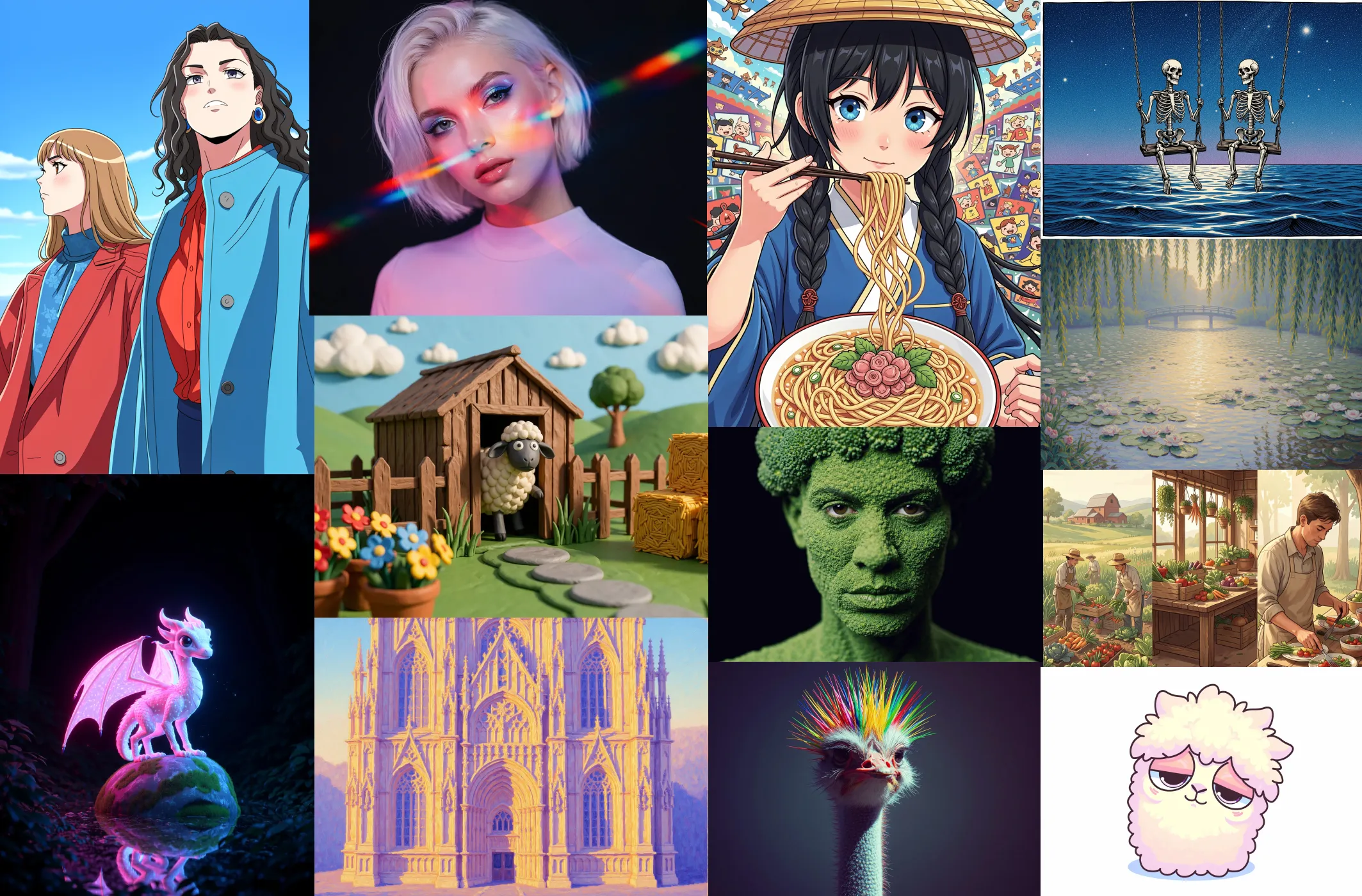
FLUX.2 klein is Black Forest Labs' answer to the same pressure Z-Image responded to: a compact, distilled family aimed at consumer hardware and sub-second generation, unifying text-to-image, editing and multi-reference in one architecture.
Read the license per variant, because they differ. The 4B is fully open under Apache 2.0, which the card states plainly, and its own documentation cites the RTX 3090 and 4070 as target cards at roughly 13GB of VRAM. The 9B is under a non-Apache "other" license despite sharing the klein name and family branding. If you picked klein specifically to get out from under the FLUX.2 dev non-commercial terms, 4B is the variant that actually does that.
Adoption is split between them: 381,000 downloads in 30 days for the 4B against 313,000 for the 9B, with the 9B holding more likes. fp8 and community GGUF builds exist for both if 13GB is still tight.
- License: Apache 2.0 (4B) / other (9B)
- Parameters: 4B or 9B, sub-second inference
- Model hub: FLUX.2-klein-4B
4. HunyuanImage 3.0 (Tencent)

HunyuanImage 3.0 is a massive 80B Mixture-of-Experts model - 64 experts with 13B active per token - trained on over 5 billion image-text pairs. This architecture gives it a distinct capability that smaller models can't match: deep reasoning over long, complex prompts.
In practice this means HunyuanImage 3.0 can faithfully execute prompts of 1,000+ characters, handle complex spatial relationships and layered scene descriptions, and render culturally nuanced details. It is the go-to model for narrative generation, technical diagram creation, and multi-element compositions that require the model to actually understand the prompt rather than pattern-match it.
This is not a consumer GPU model. Full precision requires 40 to 80GB of VRAM - workstation or cloud territory. Quantized variants reduce this but the model remains demanding. For those with the hardware, it represents the current frontier of reasoning-driven open-source image generation.
- License: Open-source
- GitHub: github.com/Tencent-Hunyuan/HunyuanImage-3.0
5. Qwen Image Max 2512 (Alibaba)

Qwen Image Max 2512 is Alibaba's specialist model for photorealistic textures and legible in-image text rendering. Where most diffusion models treat text as an afterthought, Qwen Image Max 2512 makes it a first-class feature - producing accurate signage, readable UI mockups, product labels, and typographic elements in both English and Chinese with fidelity that other models consistently fail to match.
Beyond text, the model excels at realistic skin texture, fine material detail (fabric weave, metal grain, glass refraction), and commercial-grade portrait generation. The combination of photorealism and accurate text rendering makes it the natural choice for product mockups, brand asset creation, and marketing visuals that need to be production-ready.
An RTX 4090 is the practical baseline for comfortable use, though 16GB VRAM with quantization handles most workloads.
- License: Apache 2.0
- HuggingFace: huggingface.co/Qwen
6. FIBO (Bria AI)

FIBO takes a fundamentally different approach from every other model in this list. Rather than maximizing raw visual quality, it prioritizes JSON-native control and legally-safe commercial use.
The JSON-native control system means generation parameters - composition, color palette, subject placement, style weights - are specified programmatically with exact numeric precision. This is far more suitable for automated production pipelines and reproducible workflows than a standard prompt-based interface allows. You can version-control your generation configs, diff them, and run them in CI pipelines like any other code artifact.
The commercial safety story is equally important. FIBO is trained exclusively on licensed and public domain data - one of the few open models where there is a clean, defensible legal basis for commercial output. For architecture visualization, product rendering, advertising asset generation, or any context where IP compliance is a hard requirement, FIBO is the most defensible choice available in the open-source space.
- License: Commercial (licensed training data)
- HuggingFace: huggingface.co/briaai/FIBO
7. Stable Diffusion 3.5 Large (Stability AI)

Stable Diffusion 3.5 Large remains the most versatile general-purpose model in the open ecosystem - and crucially, it has the largest community ecosystem of any open model. Thousands of fine-tuned checkpoints, an enormous LoRA library covering every style, subject, and aesthetic, ControlNet adapters for structural control, and more community tutorials than any other model in this list.
Its Multi-Modal Diffusion Transformer (MMDiT) architecture with triple text encoders delivers better prompt comprehension and text-rendering than SDXL. But the real value is the ecosystem: whatever output you need, someone has already built a fine-tune, LoRA, or workflow template for it. SD 3.5 Large is the practical all-rounder for teams that need consistent output across many styles and workflows without building a custom pipeline from scratch.
Plan for 8GB VRAM minimum at reduced precision, 16GB+ for comfortable full-resolution use.
- License: Stability AI Community License (commercial use permitted)
- Model page: huggingface.co/stabilityai/stable-diffusion-3.5-large
Hardware Requirements
VRAM is the hard physical constraint. A practical rule of thumb for Q4 quantization is approximately 0.5 to 0.7GB VRAM per billion parameters.
| Hardware | Recommended Models | Notes |
|---|---|---|
| RTX 3060 / 4060 (12GB) | SD 3.5 Large, FLUX.2 GGUF Q4, FIBO | Entry point for serious work |
| RTX 3090 / 4070 (13GB+) | FLUX.2 klein 4B, SD 3.5 Large | klein 4B targets exactly this tier, Apache 2.0 |
| RTX 4080 (16GB) | Z-Image-Turbo, SD 3.5, FLUX.2, Qwen Image | Z-Image fits here and generates in 8 steps |
| RTX 4090 (24GB) | FLUX.2 full, Qwen Image Max 2512 | Comfortable full-precision generation |
| M3 Max / M4 Max (48GB+) | FLUX.2, SD 3.5, FIBO, Qwen | MPS backend, lower throughput than NVIDIA |
| Dual RTX 4090 / A100 (40GB+) | HunyuanImage 3.0, batch workflows | Required for 80B MoE model |
For Apple Silicon users: M-series chips use unified memory, so a Mac Studio with 64GB RAM can use all of it as effective VRAM. FLUX.2 and SD 3.5 Large run well on M3 Max and M4 Max.
Recommended UI Frameworks
The models above run through self-hosted UI frameworks. Three are worth knowing:
ComfyUI - node-based workflow editor, most capable, steepest learning curve. First to support new model releases. ~2x faster than AUTOMATIC1111 on identical hardware.
Forge - tab-based WebUI, easiest setup, 30 to 75% faster than AUTOMATIC1111. Recommended default for most users. Supports all five models above.
SwarmUI - built for multi-GPU and team workflows. Distributes generation tasks across multiple GPUs or machines from a single interface.
Where to Find Models
Hugging Face - primary repository for base models, quantized variants, and official releases. Filter by Text-to-Image and sort by downloads.
Civitai - largest community collection of fine-tuned checkpoints, LoRAs, and ControlNet adapters. Over 400,000 model variants. Essential if you're working with SD 3.5 Large or FLUX.2.
For FLUX specifically, search FLUX GGUF on Hugging Face if you have less than 16GB VRAM - Q4 quantization delivers a genuinely reasonable quality tradeoff.
Conclusion
The five models here represent distinct positions in the open-source image generation space. FLUX.2 sets the bar for consistency and native resolution. HunyuanImage 3.0 is the frontier model for reasoning-driven generation from complex prompts. Qwen Image Max 2512 is the specialist for photorealism and legible in-image text. FIBO is the right call when commercial IP safety and programmatic control matter. Stable Diffusion 3.5 Large is the all-rounder with the deepest ecosystem for teams that need broad coverage.
Pick based on your actual constraints - hardware, licensing, and workflow requirements - rather than benchmarks alone. All five give you full data privacy, zero ongoing costs, and access to model releases that have definitively closed the gap with commercial generators.
Related DevToolLab Tools
- EXIF Viewer - ComfyUI and AUTOMATIC1111 embed the full prompt and workflow into generated PNGs. Check what is actually in a file before you publish it.
- EXIF Remover - Strip that metadata out, since sharing a generation otherwise shares your entire prompt chain and node graph.
- PNG to WebP - Generated PNGs at 4MP are large. WebP cuts the delivered size without a visible quality drop.
- Image Compressor - Batch down a folder of generations before they go anywhere near a web server.
Related Guides
- Local LLM VRAM Requirements - the same memory math applied to text models
- Best AI Image Generators - the hosted services these models compete with
- Top 5 Local LLM Tools and Models - running text models on the same hardware
- Best AI Video Generation Models - where this tooling goes next
Licenses and model availability change quickly. Verify the license on the model card before shipping commercial work.