
I pulled Azure's Content Safety pricing page twice, once with fetch and once with a real browser. The fetch returned 212kB of HTML containing no prices. The browser returned 6kB of text containing $0.38 and $0.75. Same URL, same minute.
That gap is why this category exists. Two more things worth knowing: the WebVoyager scores every roundup quotes are not measured the same way, and one of the leading open-source frameworks is AGPL-3.0. Every license, version and price below came from the project's own repo or pricing page in August 2026.
Three Different Things Wear This Label
Consumer AI browsers (Atlas, Comet, Dia) are products you use, not build on. Agent frameworks let an LLM drive a browser. Managed infrastructure runs the browser elsewhere, handling proxies, fingerprinting and concurrency but nothing about what to click. Most setups combine the last two, which is why Browserbase sells infrastructure and maintains Stagehand.
Why an Agent Needs a Real Browser
A browser is the most expensive way to read a page, so answer this first. The script needs only Node's built-in fetch and WebSocket plus Chrome, started with the debugging port open:
Bash"/Applications/Google Chrome.app/Contents/MacOS/Google Chrome" \ --remote-debugging-port=9333 --headless=new --no-first-run \ --user-data-dir=/tmp/cdp-demo about:blank
JavaScript// Why an agent needs a real browser: the same URL, fetched two ways. const URL_UNDER_TEST = "https://azure.microsoft.com/en-us/pricing/details/content-safety/" const PRICE = /\$\d+\.\d{2}\s*(per|\/)/i // --- 1. plain fetch, the way most scrapers start --- const t0 = Date.now() const html = await (await fetch(URL_UNDER_TEST)).text() const fetchMs = Date.now() - t0 const fetchPrices = [...html.matchAll(/\$\d+\.\d{2}/g)].map((m) => m[0]) // --- 2. a real browser, driven over the DevTools protocol --- let id = 0 const send = (ws, method, params = {}) => new Promise((resolve) => { const msgId = ++id const onMsg = (e) => { const m = JSON.parse(e.data) if (m.id === msgId) { ws.removeEventListener("message", onMsg); resolve(m) } } ws.addEventListener("message", onMsg) ws.send(JSON.stringify({ id: msgId, method, params })) }) const t1 = Date.now() const tab = await (await fetch( `http://localhost:9333/json/new?${encodeURIComponent(URL_UNDER_TEST)}`, { method: "PUT" }, )).json() const ws = new WebSocket(tab.webSocketDebuggerUrl) await new Promise((r) => ws.addEventListener("open", r)) await send(ws, "Runtime.enable") // Poll until the rendered text actually contains a price, rather than sleeping blind. let text = "" for (let i = 0; i < 20; i++) { await new Promise((r) => setTimeout(r, 1000)) const res = await send(ws, "Runtime.evaluate", { expression: "document.body.innerText", returnByValue: true, }) text = res.result?.result?.value ?? "" if (PRICE.test(text)) break } const browserMs = Date.now() - t1 const browserPrices = [...text.matchAll(/\$\d+\.\d{2}/g)].map((m) => m[0]) await send(ws, "Page.close") ws.close() const uniq = (a) => [...new Set(a)] console.log(`plain fetch ${String(fetchMs).padStart(6)}ms ${(html.length / 1024).toFixed(0)}kB html prices found: ${uniq(fetchPrices).join(", ") || "NONE"}`) console.log(`real browser ${String(browserMs).padStart(6)}ms ${(text.length / 1024).toFixed(0)}kB text prices found: ${uniq(browserPrices).join(", ") || "NONE"}`)
Two of four consecutive runs:
textplain fetch 12208ms 212kB html prices found: NONE real browser 2134ms 6kB text prices found: $0.38, $0.75 plain fetch 11040ms 212kB html prices found: NONE real browser 4087ms 6kB text prices found: $0.38, $0.75
The payload is the durable result, not the clock: 212kB of markup holding none of what a human sees, against 6kB of rendered text holding all of it. An agent reading the fetch output will report that Azure publishes no prices, which is exactly what happened to me. The browser was also faster in all four runs here, though a static page would flip that.
Open Source Frameworks
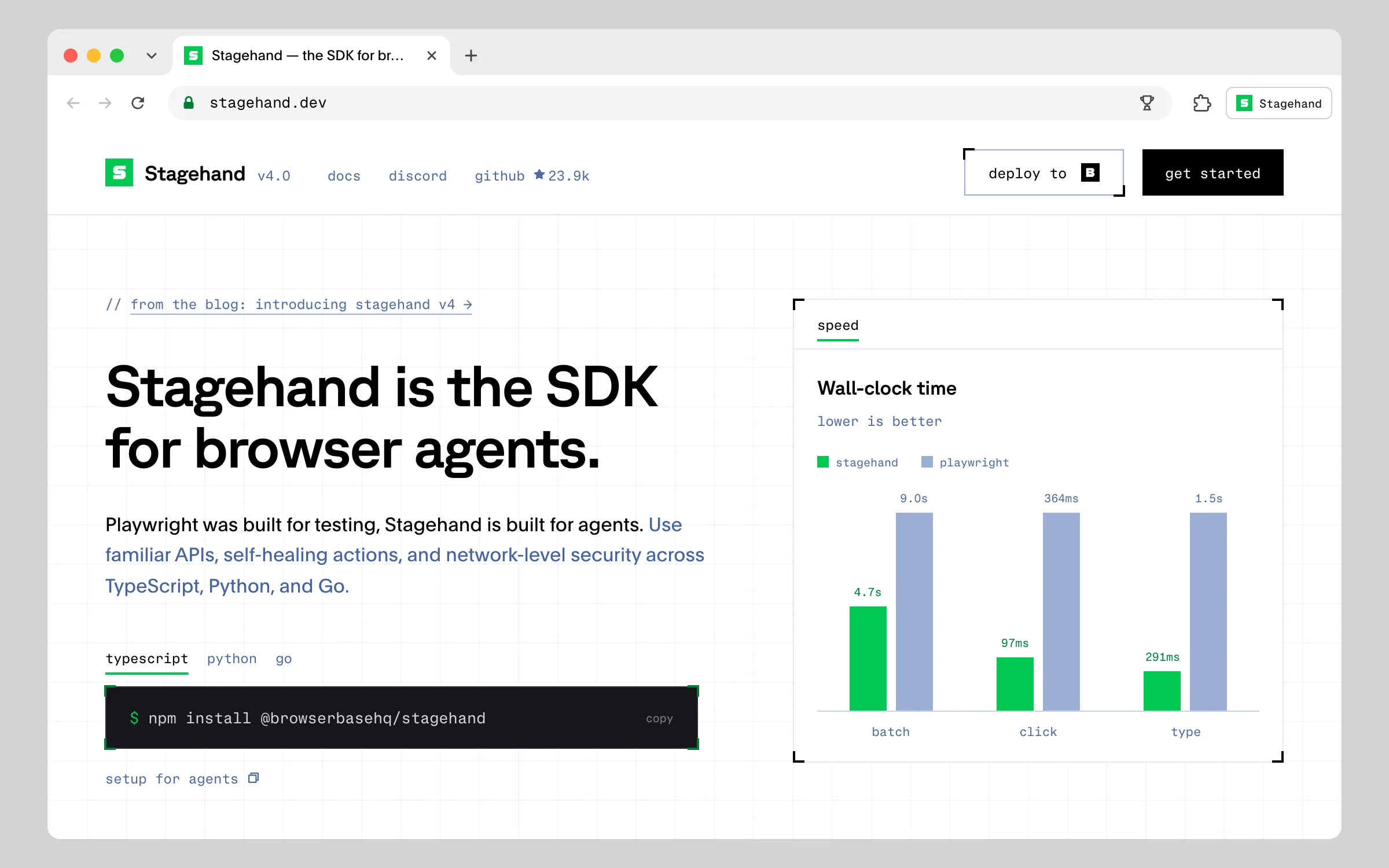
act, extract and observe, so every step is a call you can log, cache and assert on. If you have debugged an agent that silently misfired on step 7 of 12, that is the pitch. v4 ships TypeScript, Python and Go SDKs.
Managed Infrastructure: Browserbase
Browserbase publishes real prices, which is worth acknowledging here.
Free: $0, 1 browser hour, 3 concurrent, 15-minute session cap, 3 agent runs · Developer: $20/month, 100 hours, 25 concurrent, $0.12 per extra hour · Startup: $99/month, 500 hours, 100 concurrent, $0.10 per extra hour · Scale: custom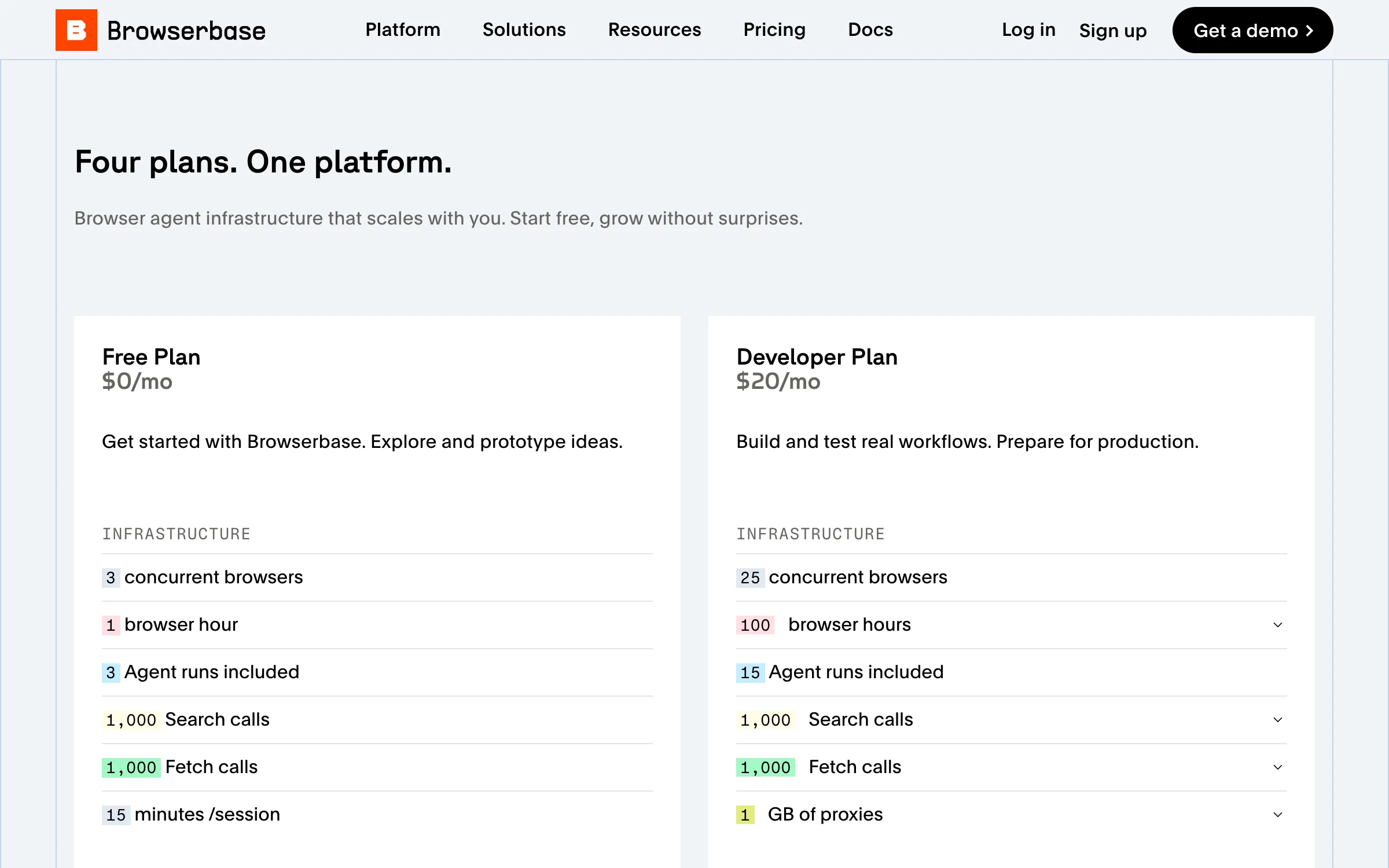
The single free hour and 15-minute cap make that tier a trial, so budget for Developer once anything runs on a schedule. The detail that matters more: browser hours bill wall-clock time a session is open, not compute, so an agent waiting on a slow page costs the same as one working. Session teardown is the lever. For staying power, a $40 million Series B in June 2025 at a $300 million valuation.
Quick Comparison
| Tool | License | Type | Self-hosted | Status |
|---|---|---|---|---|
| browser-use | MIT | Agent framework, Python | Yes | v0.13.7, ~109.1k stars |
| Stagehand | MIT | Agent framework, TS/Python/Go | Yes | v4.0.0, ~23.9k stars |
| Skyvern | AGPL-3.0 | Vision-first agent framework | Yes | v1.0.48, ~22.7k stars |
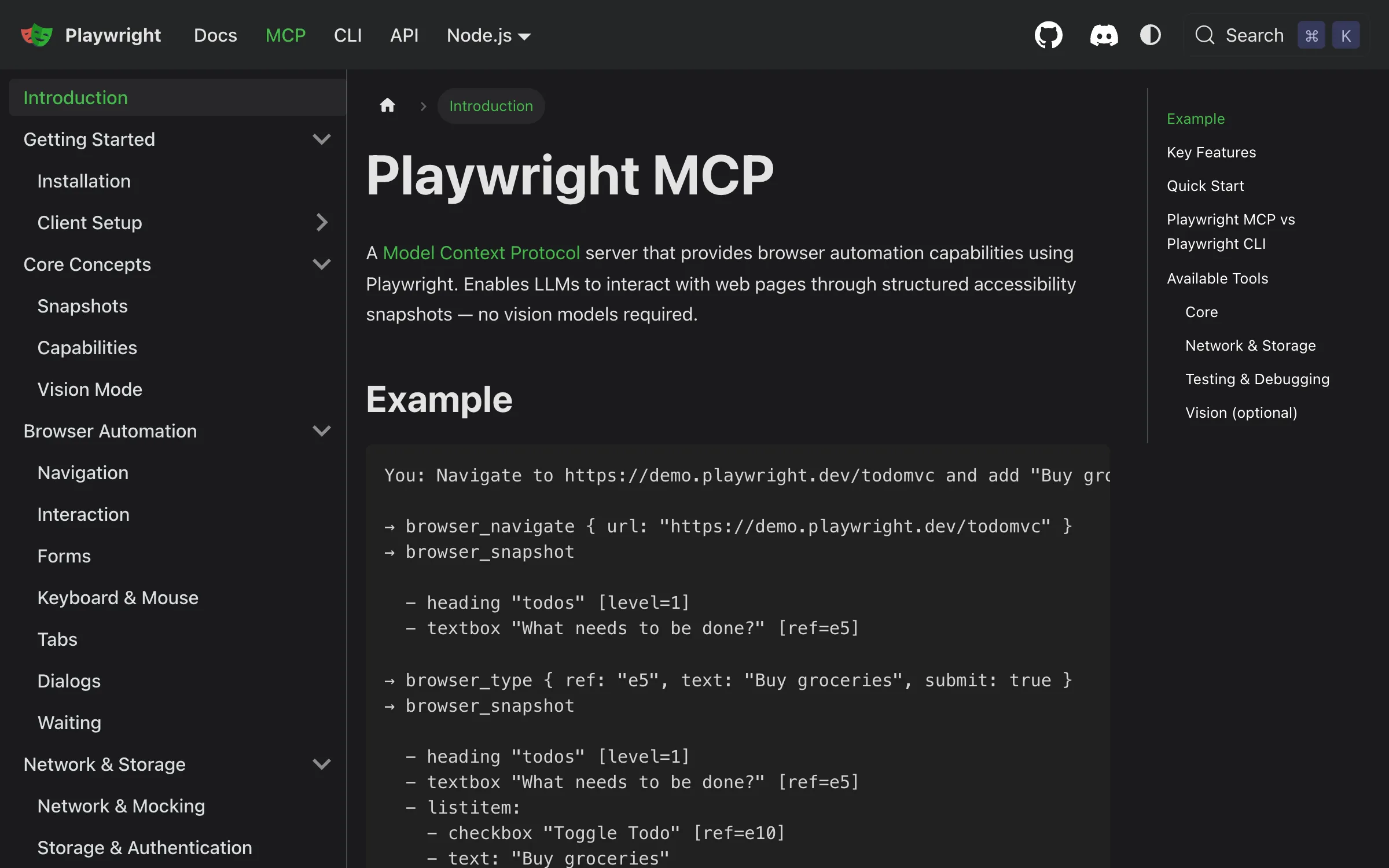
| Playwright MCP | Apache 2.0 | MCP server over Playwright | Yes | v0.0.79, ~36k stars |
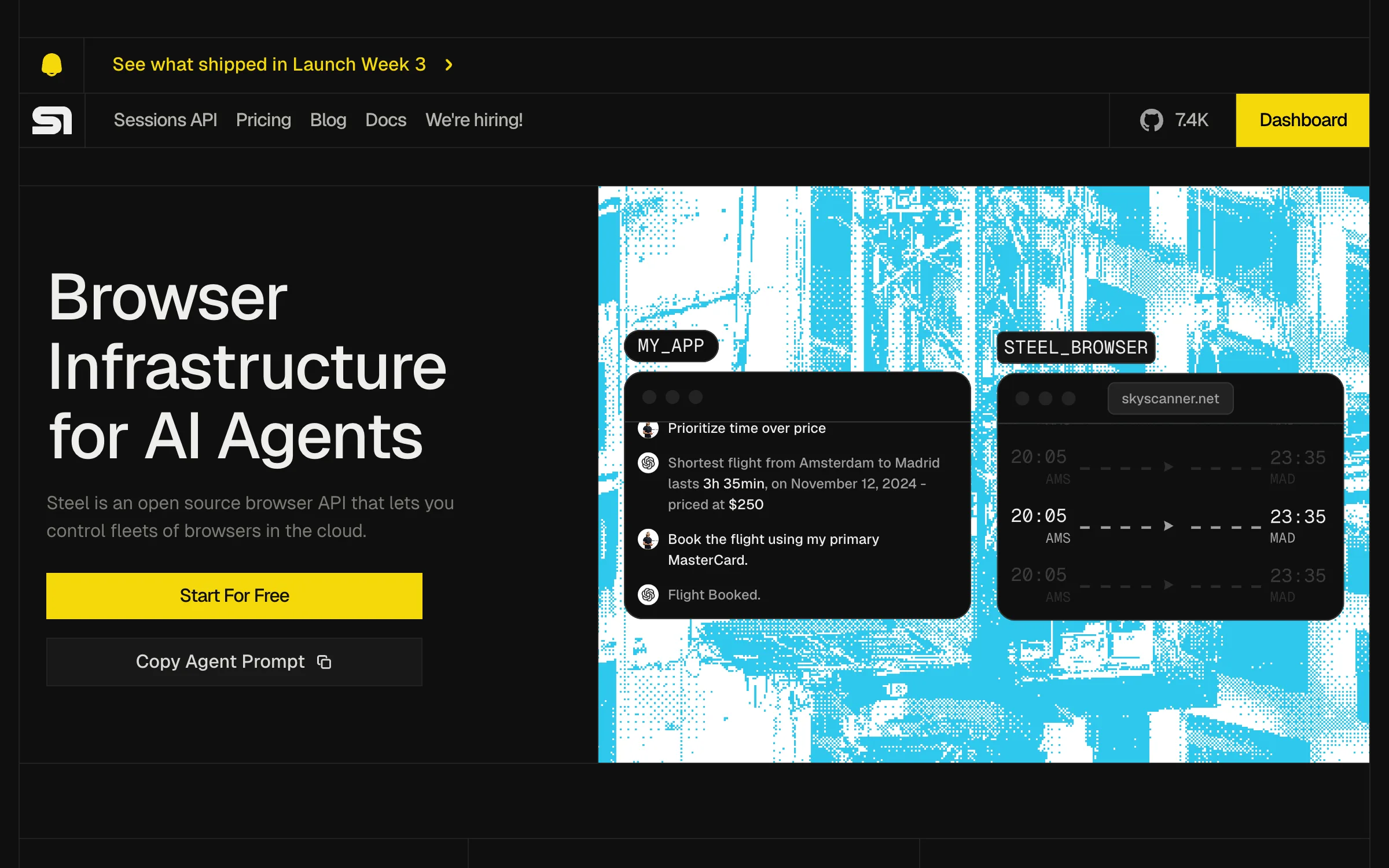
| Steel | Apache 2.0 | Self-hostable browser infra | Yes | ~7.5k stars |
| Browserbase | Commercial | Managed browser infra | No | Free, then $20 or $99/month |
The Benchmark Everyone Quotes Is Not a Ranking
browser-use posts 89.1 percent on WebVoyager, Skyvern 85.85, presented as a leaderboard. Both numbers are real; the comparison is not.
The denominators differ: 586 tasks for browser-use, 635 for Skyvern, 643 for Agent-E. The conditions differ in the direction that flatters the leader, since browser-use ran locally with clean IPs and no bot detection while Skyvern ran in the cloud against real bot protection, so the lower score came from the harder setting. All results are self-reported. And the benchmark is narrow: 643 tasks across 15 sites, weighted toward reading, with login, 2FA, forms and downloads thin or absent.
None of which knocks the projects. It means 89 percent will not survive a Cloudflare-protected site, and only your own tasks predict your results.
The Security Problem Is Structural
A browser agent is by construction the configuration you are told never to build: private data through your logged-in sessions, untrusted content because that is the web, and external communication because submitting forms is the job. All three legs of the lethal trifecta, pointed at your accounts.
The consequences are documented. Brave demonstrated indirect prompt injection against Perplexity Comet, hiding instructions in elements a human never sees and getting the agent to run cross-site actions, including pulling one-time passwords from email. LayerX showed injected instructions can be written into an agent's persistent memory via CSRF, surviving across sessions.
OpenAI's own security update calls prompt injection "one of the most significant risks we actively defend against," and as reported at the end of December 2025 its position is that this may never be fully solved for browser agents. The UK National Cyber Security Centre says the same. So give an agent a narrowly scoped account of its own, never one that can move money, change credentials or read a password reset inbox, and assume every page is issuing it instructions.
How to Pick, and How to Start
Python, browser-use. Want debuggable steps, Stagehand. Form-heavy flows on churning markup, Skyvern with the AGPL question settled. Already on MCP, Playwright MCP. Data cannot leave your network, Steel. Would rather not run browsers, Browserbase from $20. Then, in order:
- Check you need a browser. Run the script above against your target. If a plain fetch has the data, skip this category.
- Confirm you may automate the path. Our Robots.txt Tester shows whether a URL is permitted for a user agent.
- Pin the deterministic parts down first. Validate selectors in our XPath Tester and let the model handle only steps needing judgment, since a selector is cheap and an agent is not.
- Compact pages before spending tokens. Raw HTML burns context on markup; our HTML to Markdown converter shows how much smaller text is, and the User Agent Parser shows what you send servers.
- Least-privilege account, hard session timeout. Both before the first scheduled run.
Conclusion
The open-source layer is strong and the marketing around it is not. browser-use has the community and MIT, Stagehand the most debuggable structure, Playwright MCP the best lineage, Steel the answer for data residency, Skyvern an AGPL-3.0 decision rather than a footnote. Ignore the WebVoyager table, spend an afternoon on your own tasks, and treat security as a design constraint.
Related DevToolLab Tools
- Robots.txt Tester - Check whether a URL is permitted for a given user agent.
- XPath Tester - Validate selectors so you only pay a model for steps needing judgment.
- HTML to Markdown - Compact a page before it eats your context window.
- User Agent Parser - See what your automation tells servers about itself.
Related Guides
- Best LLM Guardrails Tools - what you can put in front of an agent
- Best AI QA and Autonomous Testing Tools - the testing side, asserting not acting
- Best AI Agent Frameworks - what decides when a browser step happens
- Best MCP Servers - where Playwright MCP fits in
Licenses, prices and versions change quickly here. Check each project's own repo before committing.