
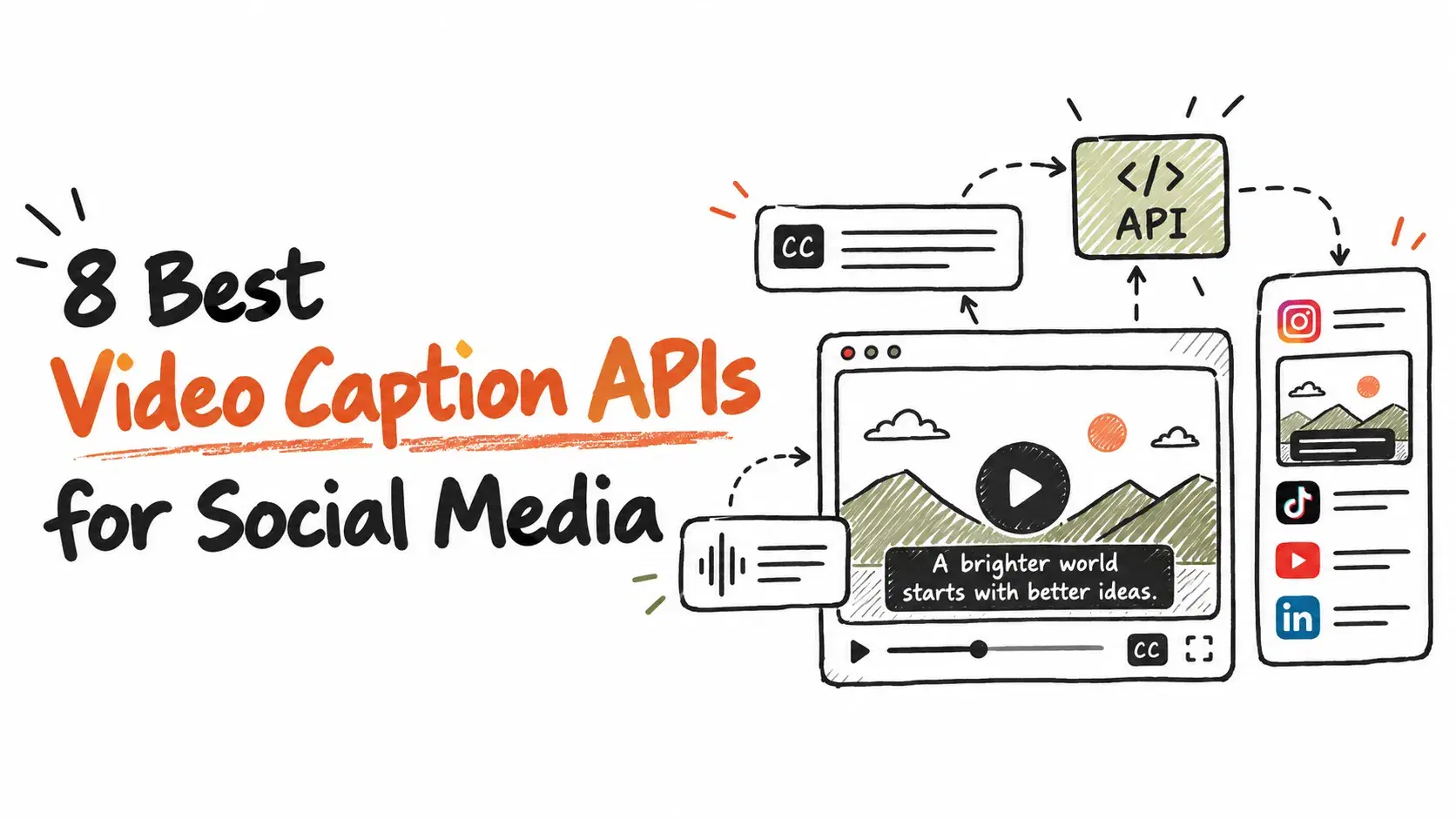
Scaling video content without captions is a harder problem than most teams realize. Video Caption APIs sound simple until you're processing thousands of clips across multiple languages and your Word Error Rate starts climbing past acceptable limits. Accurate transcription across diverse accents, background noise, and technical jargon is genuinely difficult to get right at scale. After reviewing eight platforms across real-world use cases, pricing structures, and developer adoption signals, this guide covers the options worth considering for social media production workflows.
The Shortlist Methodology
Options were evaluated using publicly available information gathered from official product pages, user reviews, and documented case studies, with only platforms showing a proven track record in video technology making the final list.
→ See the full research breakdown
- ZapCap - Best for video creators, agencies, and multilingual content production
- Shotstack - Best for programmatic video generation and automation
- Creatomate - Best for video automation and personalized video generation at scale
- Bannerbear - Best for automated social media visuals and e-commerce banner generation
- ReelWords - Best for short-form video captioning
- Veed - Best for video creation for creators and businesses
- fal - Best for video captioning and generative media APIs
- Submagic - Best for short-form content creation and video repurposing at scale
1. ZapCap - Best for Multilingual Caption Production at Scale
What Does ZapCap Offer?
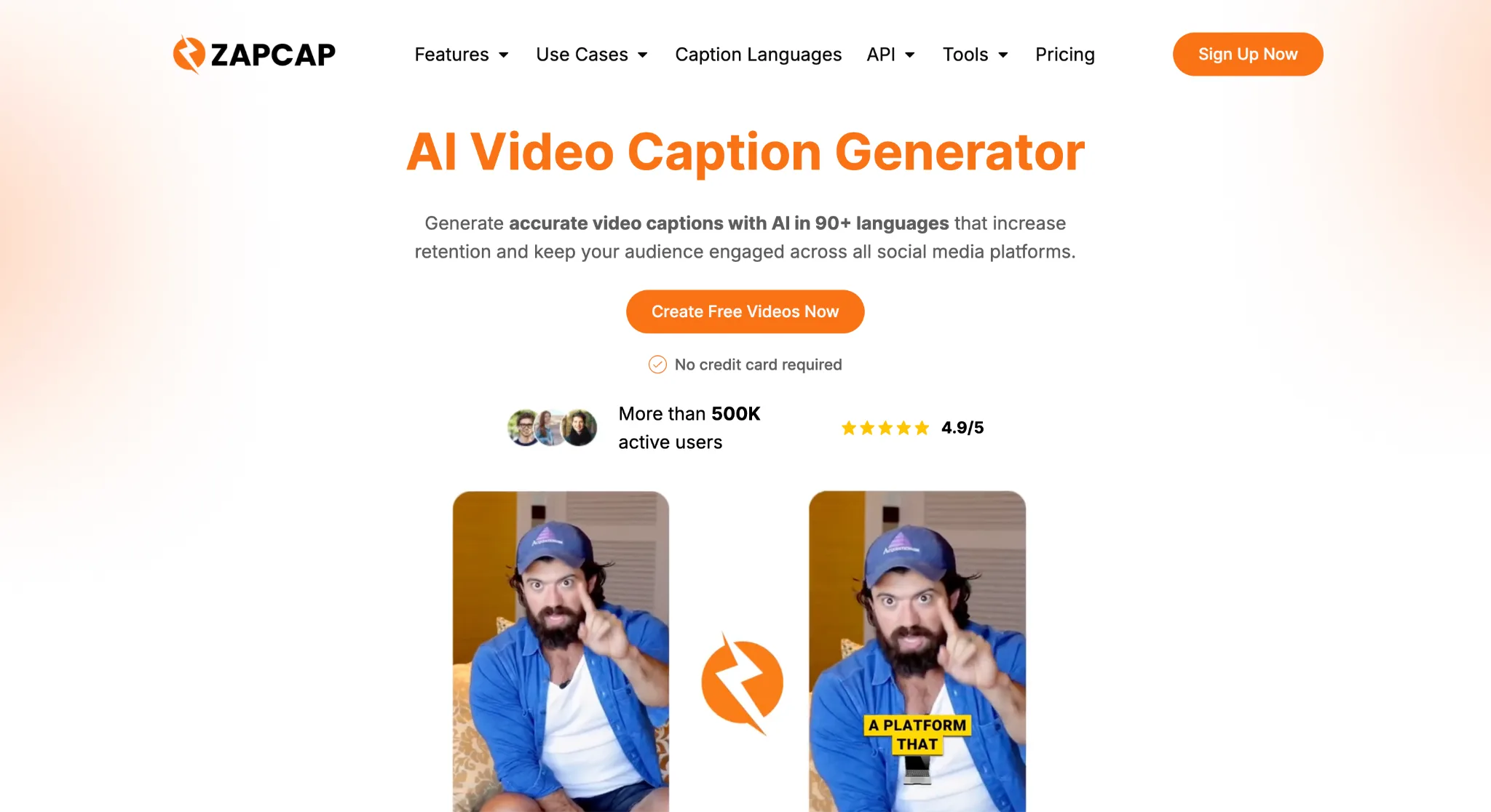
ZapCap is an AI-driven video editing platform built for teams that need captions fast across many languages. They support 100+ languages with frame-accurate timing and process 60+ video formats up to 4K. Beyond transcription, they automate B-roll selection, auto-cuts, sound effects, and description generation, so the whole production pipeline moves faster. With over 500K active users and 700,194 videos generated, the scale of adoption signals that their accuracy holds up outside controlled test conditions.
What Makes ZapCap Stand Out for Video Caption APIs?
ZapCap solves the multilingual caption bottleneck that slows down agencies managing content across different regional markets, delivering styled animated captions across 100+ languages at $0.10 per minute. That kind of pricing paired with actual language depth is rare in this space, and it's why creators like Ali Abdaal and Grant Cardone trust it for their production workflows.
User Reviews, Summarized
Users consistently point to the time savings as the most tangible win. The platform has reportedly saved creators 176,928 hours of production time, which is the kind of stat that comes from real volume, not a handful of case studies. The combination of speed, accuracy, and affordable API pricing keeps coming up as the reason teams stick around.
2. Shotstack - Best for Programmatic Video Generation and Automation
What Does Shotstack Offer?
Shotstack is a cloud video editing API that lets businesses generate and personalize videos programmatically without managing their own rendering infrastructure. They serve over 20,000 businesses across 119 countries, covering use cases from social media automation to real estate listing video generation. Their white-label SDK gives product teams a way to embed video creation directly into their own apps. Clients like Spotify and IKEA are on the list, which shows they can handle enterprise-level render volumes without flinching.
What Makes Shotstack Stand Out for Video Caption APIs?
Shotstack handles rendering server management entirely on their side, so developer teams can focus on building rather than maintaining. That usually means faster time-to-production for teams that don't have dedicated video infrastructure engineers available.
User Reviews, Summarized
Users tend to call out the ease of API setup and the reliability of renders at scale. The platform's bootstrapped growth to $770K in revenue without outside funding suggests customer retention is strong. The white-label customization options get particular attention from product teams building video features into existing platforms.
3. Creatomate - Best for Automated and Personalized Video Generation
What Does Creatomate Offer?
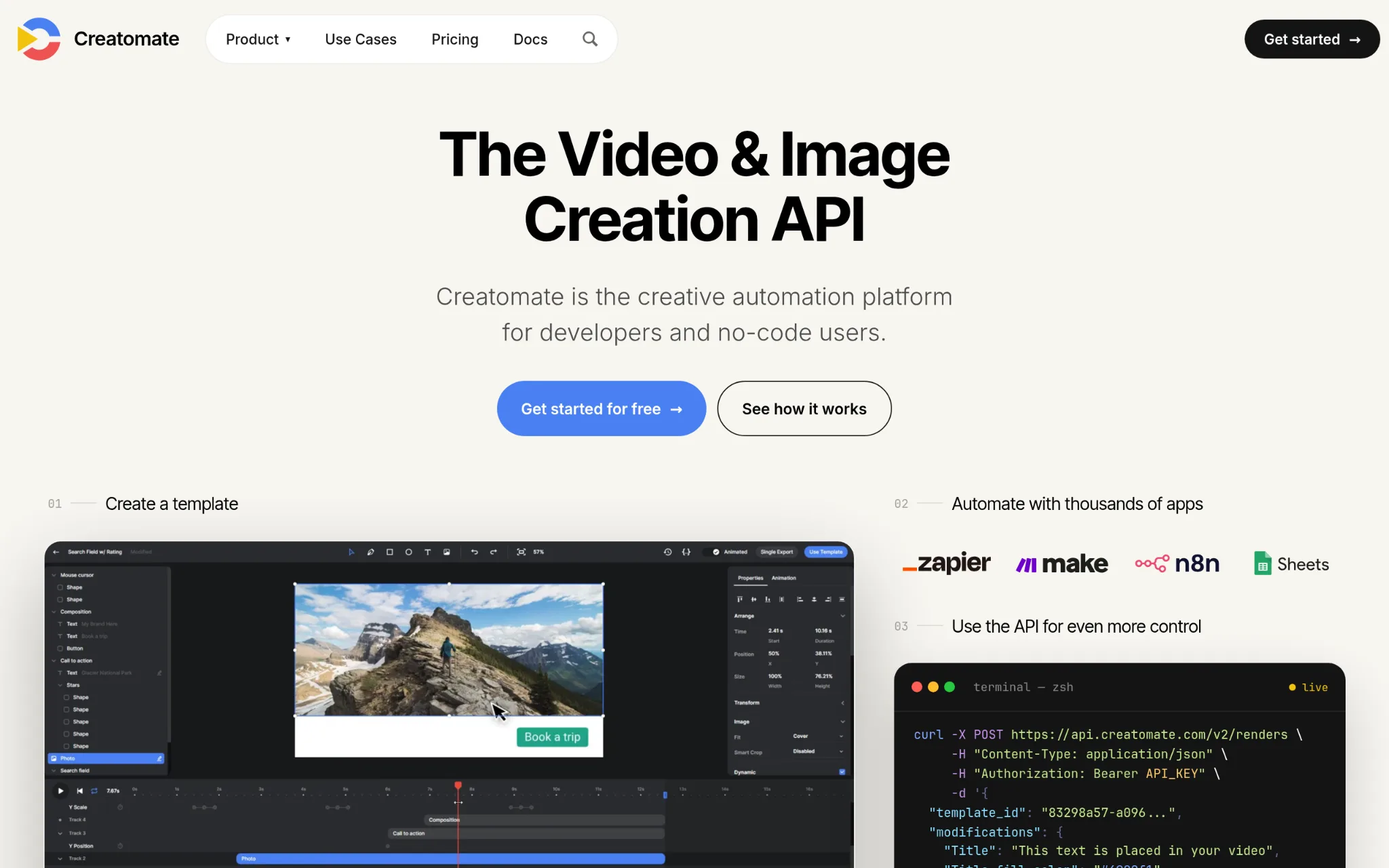
Creatomate is a video generation API platform built around reusable templates that developers and no-code users can both work with effectively. They offer a REST API, a JavaScript Preview SDK, a browser-based template editor, and direct integrations with Zapier and Make. Founded in the Netherlands in 2020 by a small team with backgrounds in design and software engineering, they've built something that genuinely bridges the gap between technical teams who want API access and marketing teams who just want to click and go.
What Makes Creatomate Stand Out for Video Caption APIs?
Creatomate addresses the common problem of video production tools that require either full developer commitment or full no-code lock-in, offering both paths on the same platform. That flexibility is hard to match at their price point, and it matters for teams that grow from scrappy to structured over time.
User Reviews, Summarized
Reviews consistently point to customer support quality and the flexibility of the template system. Developers praise the API depth while non-technical users credit the template editor for letting them move without engineering help. That kind of dual praise from both audiences is a good sign the product is genuinely accessible.
4. Bannerbear - Best for Automated Social Media Visuals and Content Generation
What Does Bannerbear Offer?
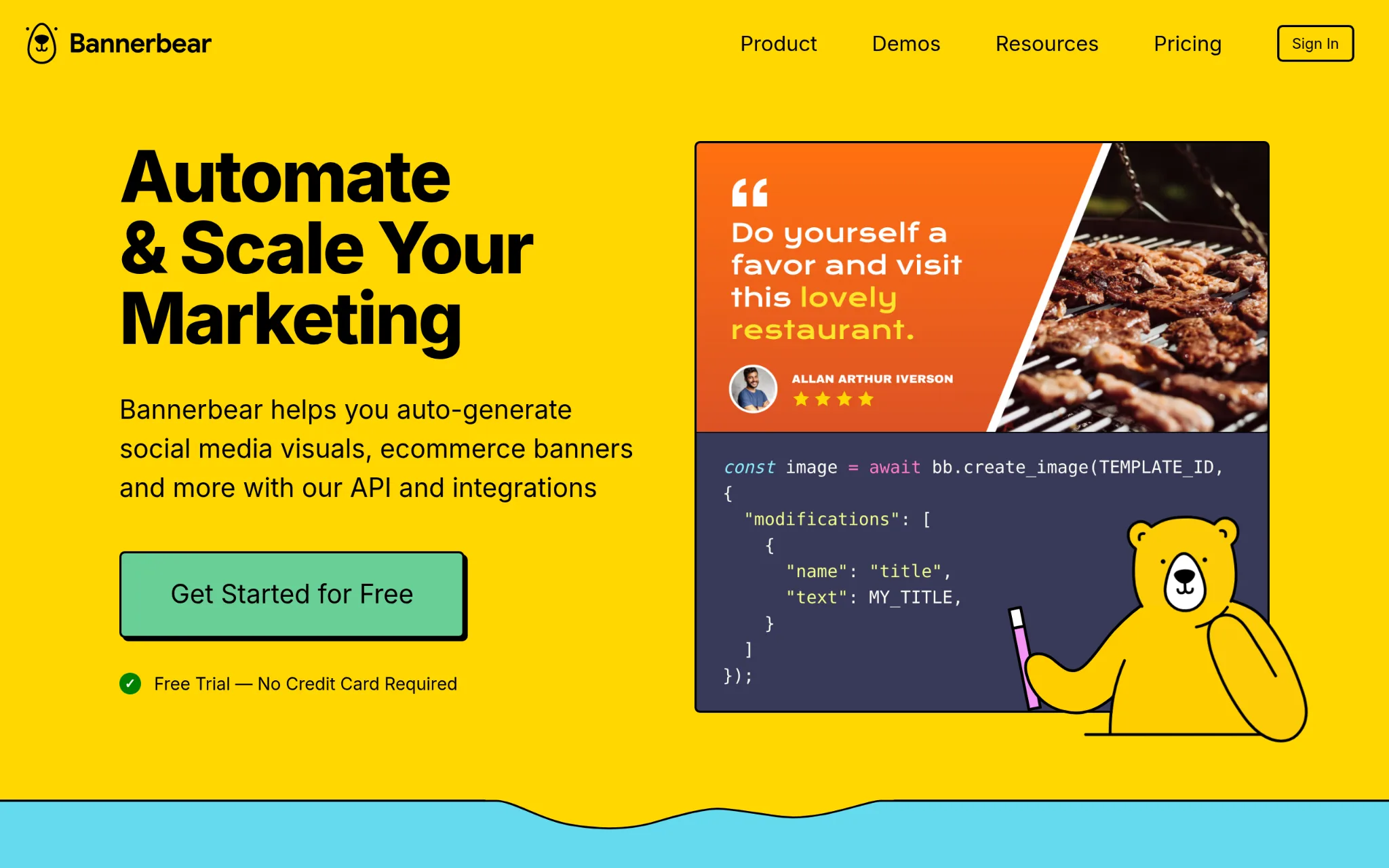
Bannerbear is an API and automation tool focused on generating social media visuals, e-commerce banners, and video content without manual production work. They connect with services like Airtable and Zapier, making them a solid fit for marketing teams that already have automation workflows running. The platform has bootstrapped to over 596 customers and reached $991.4K in revenue in 2024 while operating with a fully remote team of 3 to 7 people. Pricing starts at $49 per month with no credit card required for the free trial (always a welcome sign).
What Makes Bannerbear Stand Out for Video Caption APIs?
Bannerbear solves the repetitive content generation problem for marketing teams that need consistent visual output across large product catalogs or content calendars. Their official Zapier Partner status means the connection depth is verified, not just advertised, which matters when you're building automated workflows that can't afford to break.
User Reviews, Summarized
Documented review data for Bannerbear is limited in the available public sources. The revenue numbers and customer growth to nearly 600 paying customers suggest strong retention and word-of-mouth adoption among the marketing automation crowd. Bootstrapped companies that reach this revenue level without paid acquisition tend to have quietly satisfied user bases.
5. ReelWords - Best for Short-Form Video Captioning
What Does ReelWords Offer?
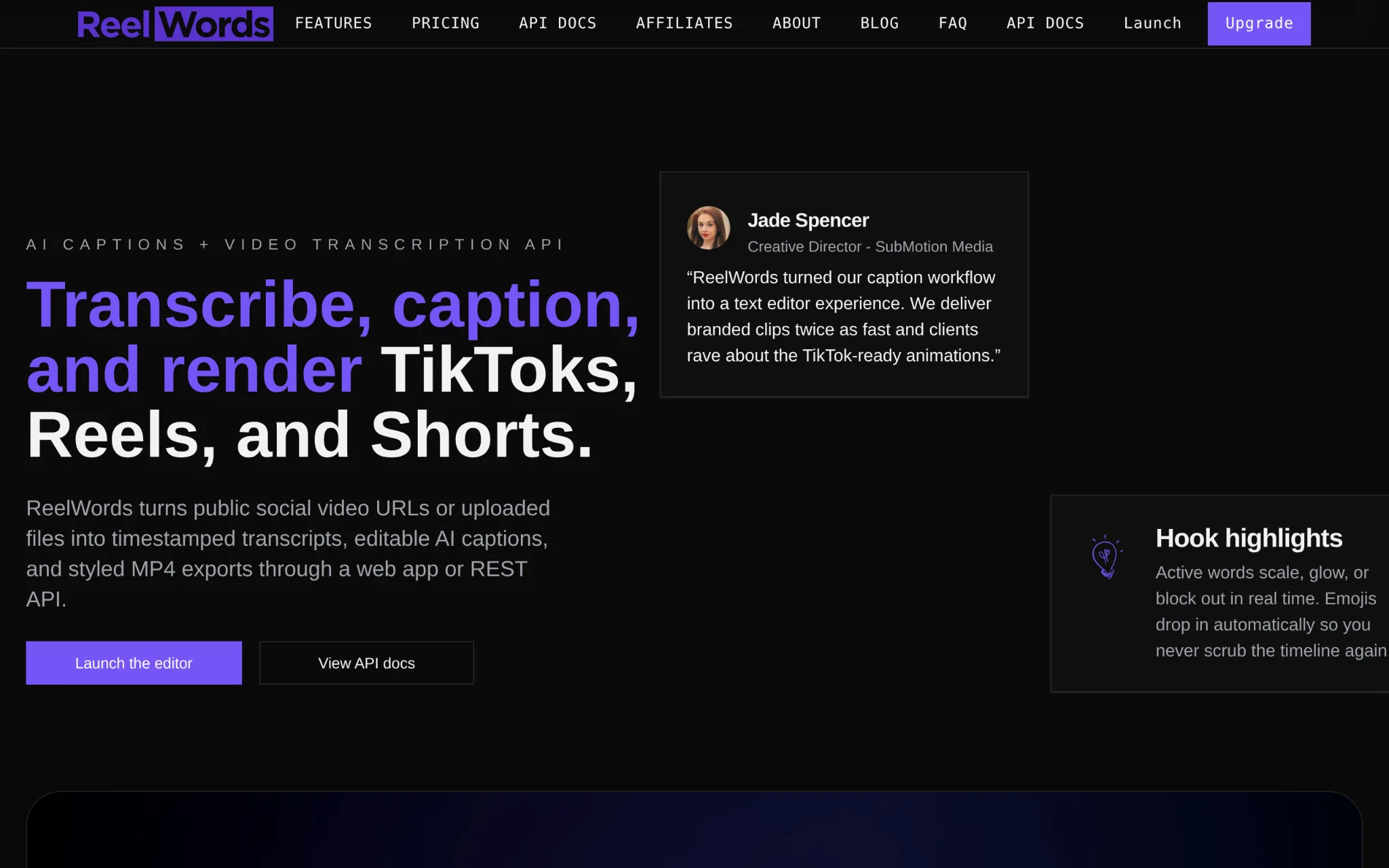
ReelWords is a caption API built for short-form video, covering platforms like Instagram Reels, TikTok, and YouTube Shorts. They focus on accurate transcription paired with styled animated overlays, word emphasis controls, and mobile-safe placement, meaning captions land where they're actually readable on a phone screen. The workflow is direct: upload a clip, generate styled captions automatically, export content that's ready to publish. For teams running high-volume short-form production, that kind of purpose-built focus can save a lot of post-processing cleanup.
What Makes ReelWords Stand Out for Video Caption APIs?
ReelWords addresses the specific problem of captions breaking the visual layout on mobile-first platforms, where placement and font styling matter as much as transcription accuracy. That platform-specific attention to detail is something general-purpose captioning APIs often skip, and it shows up in the final output quality.
User Reviews, Summarized
Public review data for ReelWords is thin given how new the platform appears to be. What's clear from their product positioning is that they're targeting a real production challenge that creators running Reels or TikTok content at scale regularly deal with. The specialized focus is either a strength or a limitation depending on whether your workflow extends beyond short-form content.
6. Veed - Best for Video Creation Across Creator and Business Workflows
What Does Veed Offer?
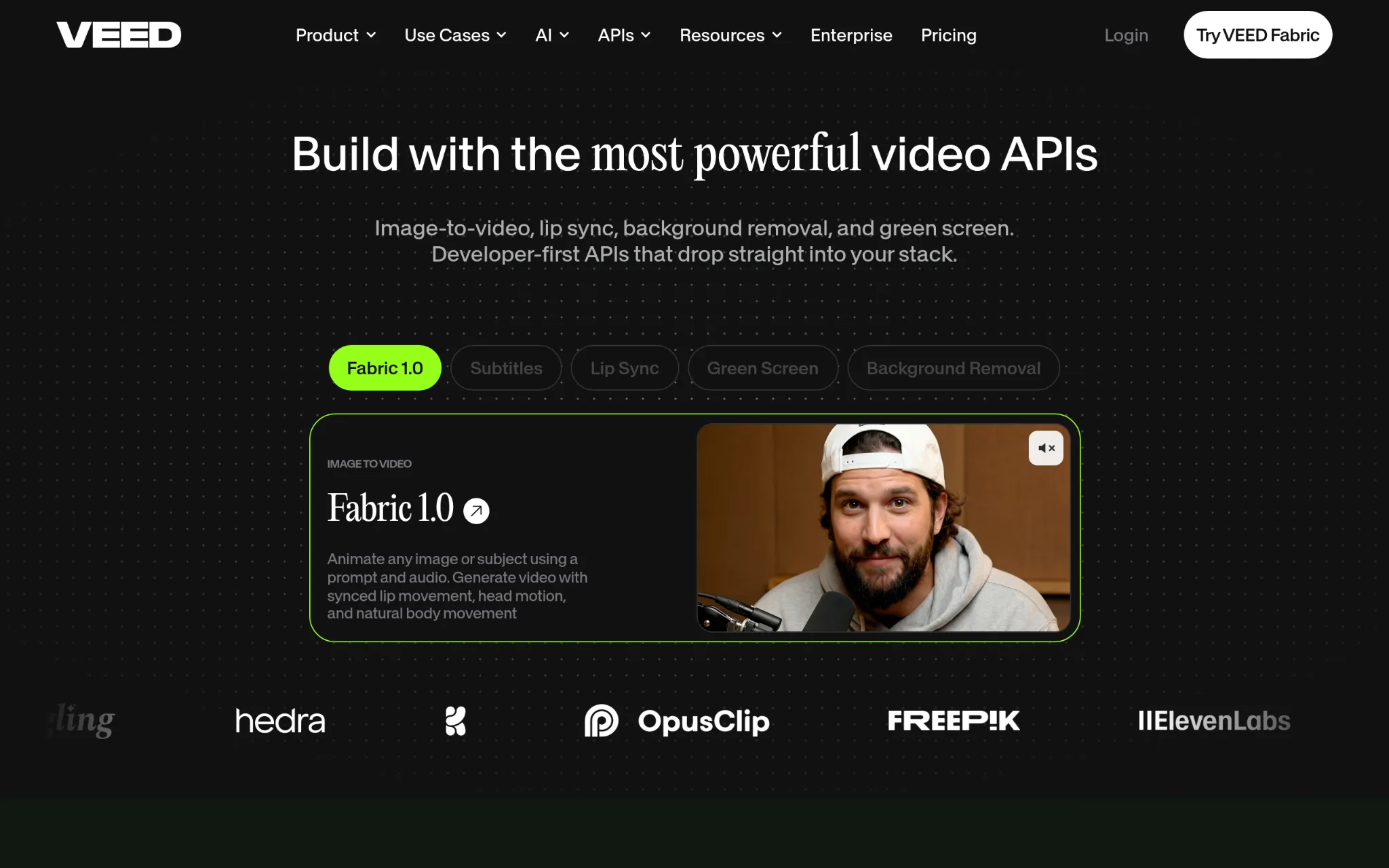
Veed is a browser-based video creation platform used by millions of creators and businesses, combining timeline editing with AI tools like lip sync, green screen removal, background removal, and automated subtitles. Founded in 2018 and backed by Sequoia with $35M in funding, they've built out both a freemium SaaS product and a developer-facing Subtitles API for third-party use. Enterprise clients including P&G, Pinterest, and Visa are in their user base, which reflects how far the platform has scaled from its creator-focused roots.
What Makes Veed Stand Out for Video Caption APIs?
Veed gives developer teams API access to subtitle automation while keeping the broader platform accessible to non-technical creators. The 4.6/5 Trustpilot rating across more than 3,000 reviews gives that claim real weight.
User Reviews, Summarized
Trustpilot reviewers consistently mention ease of use and the quality of the automated subtitles as standout features. The platform's growth to 12 million monthly users suggests the product is retaining people beyond the free trial (not a given in this category). For teams that want one tool handling both creator-facing editing and developer API needs, Veed is one of the more complete options on this list.
7. fal - Best for Video Captioning Through Generative AI Infrastructure
What Does fal Offer?
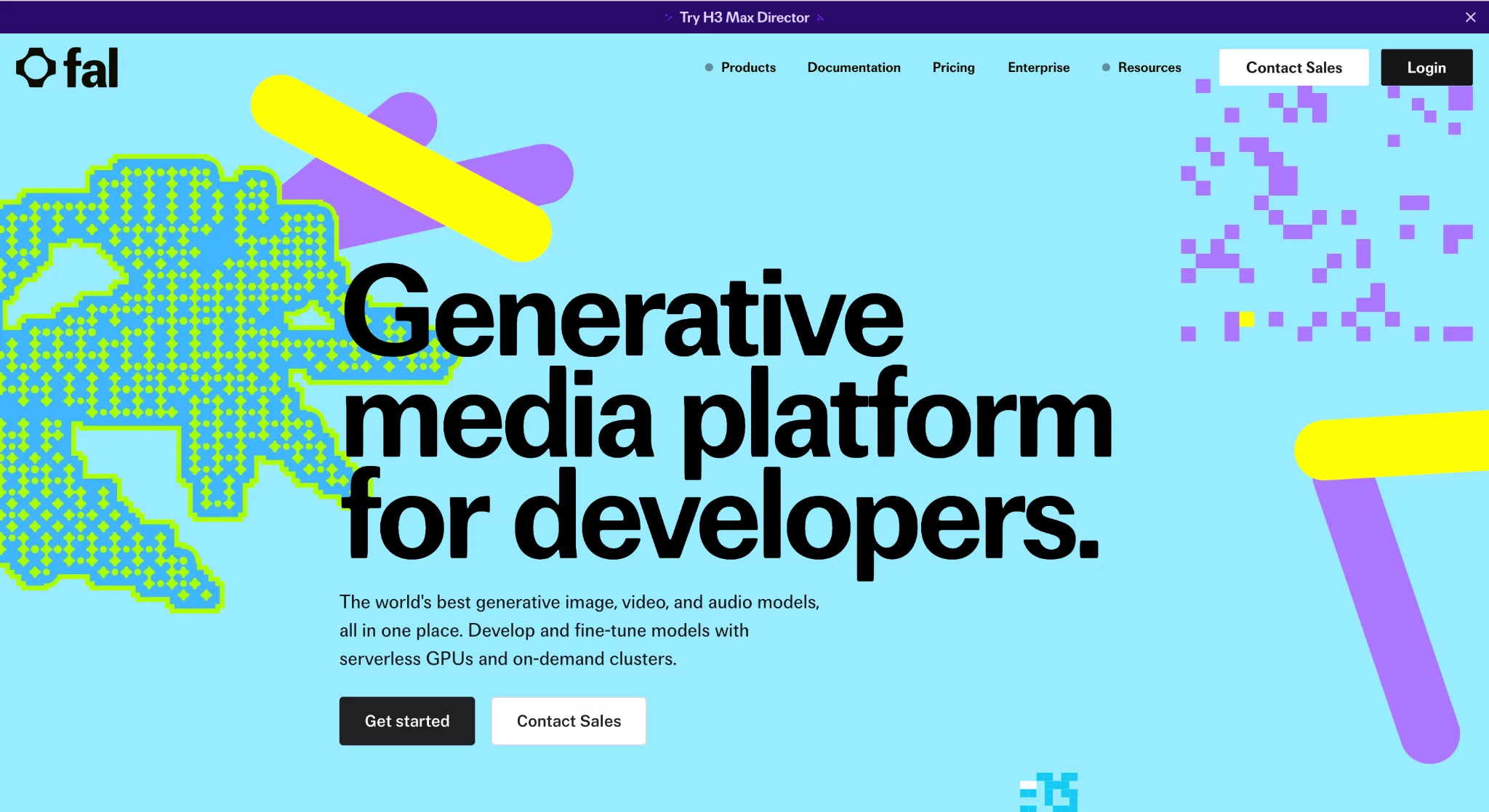
fal.ai is a generative AI infrastructure platform offering 200+ models and APIs, with their Auto-Captioner model generating text captions from video audio with customizable formatting and text properties. Founded in 2021 in San Francisco, they've scaled to over 1 million developer users and built enterprise relationships with Adobe, Canva, and Shopify. Their infrastructure runs at claimed 99.99% reliability with up to 10x faster inference speeds compared to standard setups. At a $4B valuation, they're clearly operating at a different infrastructure scale than most caption-specific tools on this list.
What Makes fal Stand Out for Video Caption APIs?
fal solves the reliability and speed problem for teams running caption generation at very high volumes, where API outages or slow inference translates directly into production bottlenecks. The ability to scale to 100 million daily inference calls without degraded performance is the kind of infrastructure depth that enterprise video platforms actually need.
User Reviews, Summarized
Developer community adoption at over 1 million users is a strong signal that the API experience is genuinely good. Enterprise adoption from companies like Adobe and Canva carries weight too, since those teams put infrastructure through serious evaluation before committing. fal's positioning is strongest for teams that need captioning as one piece of a broader generative media pipeline rather than a standalone tool.
8. Submagic - Best for Short-Form Content Creation and Video Repurposing
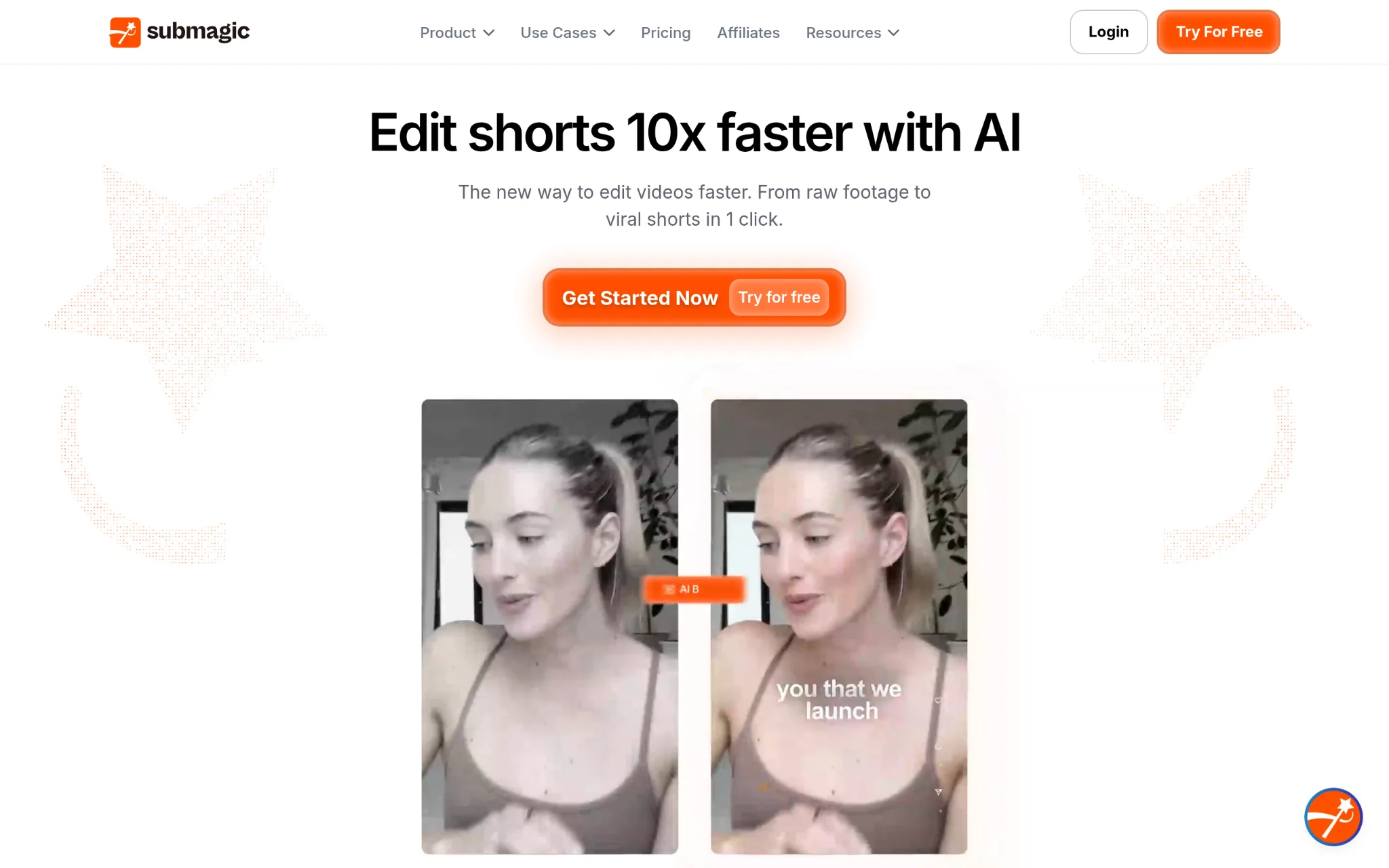
What Does Submagic Offer?
Submagic is an AI video editing platform focused on short-form content, offering captions, B-rolls, visual effects, auto-editing, and clip creation across 123 languages with claimed 99% accuracy. Founded in Paris in 2023, they've grown from $1M in revenue in their first year to $8M by 2025, which is fast by any measure for a bootstrapped product. Their text-based editing interface replaces traditional timelines, and they support 4K exports at 60fps. Sportskeeda scaled to 2,500+ monthly videos using the platform, which is a meaningful real-world proof point.
What Makes Submagic Stand Out for Video Caption APIs?
Submagic takes on the short-form repurposing problem where teams need to take long-form content and turn it into platform-ready clips quickly, with captions, effects, and formatting already handled. End-to-end automation from a two-year-old company growing at this pace is worth paying attention to.
User Reviews, Summarized
The revenue trajectory from $1M to $8M in two years points to real retention, not just initial curiosity. Case study results like Sportskeeda's 40% reach growth after scaling output are the kind of business outcomes that keep teams renewing. Submagic's user base tends to be content teams and agencies managing high-volume social media schedules who need speed without sacrificing caption quality.
Vetting Process and Selection Criteria
Identifying Information Sources and Collection Points
Building the longlist started with a broad scan across video technology directories, developer community forums, software review platforms, and product comparison databases. Each platform mentioned repeatedly in practitioner discussions or featured across multiple review aggregators was flagged as a candidate. Official product pages, published case studies, and changelog histories were collected alongside third-party coverage to build a full picture before any evaluation began.
Candidate Evaluation and Filtration
Platforms without verifiable public information were removed early. Review patterns were analyzed for consistency across multiple sources rather than relying on a single platform's aggregate score. Candidates with reviews concentrated only on one site, or with suspiciously uniform language across user reviews, were treated with additional skepticism. What remained after filtration were platforms with consistent, multi-source evidence of real usage.
Checking Accuracy Before Recommendation
Product claims from official websites were cross-referenced against what actual users described in their reviews. Where a company claimed accuracy rates or language support numbers, those figures were checked against documented real-world results rather than accepted at face value. Results reported in case studies were weighted more heavily than self-reported product specifications.
Industry Reputation and Recognition
Signals like enterprise client mentions, appearances in industry publications covering video technology, and developer community adoption were used to gauge broader reputation. Platforms with documented usage by recognized organizations carried more weight than newer entrants without verifiable adoption outside their own marketing materials. Revenue figures and user counts from credible sources were also factored in where publicly available.
Video Caption APIs-Specific Track Record Check
Each platform's dedicated captioning features were reviewed against what real users described in published workflows. The presence of specific caption-related service pages, developer documentation covering transcription use cases, and case studies showing caption-specific outcomes were all checked. Platforms where captioning appeared as a minor or poorly documented feature were deprioritized in favor of those where it's a clearly developed, supported capability.
What Matters When Selecting Video Caption APIs
Picking a caption API for social media production comes down to more than price per minute. The right platform needs to fit the actual workflow, scale without reliability issues, and deliver captions that don't need major cleanup after the fact.
- Industry/Domain Experience: Look for platforms with documented usage in video production rather than general transcription. Caption APIs built for audio-only contexts often struggle with the pacing and speaker patterns common in social media video content.
- Features and Service Offerings: Multilingual support, animated caption styles, format compatibility, and real-time streaming capability vary across platforms. Match the feature set to the specific content type, whether that's short-form Reels, long-form YouTube content, or live streams.
- Pricing Structure: Cost per minute of processed video matters most at scale. Flat-rate plans work for predictable volume, while usage-based pricing fits teams with variable monthly output. Factor in any format conversion or export fees that aren't visible in headline pricing.
- Results Measurement: Word Error Rate and caption synchronization accuracy are the metrics that matter. Ask for documented WER benchmarks across diverse accents and dialects before committing to a platform for multilingual content.
- Industry Knowledge and Compliance: ADA, Section 508 and WCAG 2.1 accessibility requirements apply to many video publishing contexts. Confirm whether the platform's output meets these standards or requires additional post-processing to reach compliance.
Conclusion
Choosing the right video caption API depends on volume, language requirements, and how well the platform's output fits your editing workflow without extra cleanup. Multilingual teams will prioritize language depth and WER accuracy. Developer teams building at scale need reliable performance and predictable API response time. The platforms on this list cover a wide range of those needs, and the space is moving quickly as generative AI continues to push caption accuracy and processing speed further than they were even two years ago.
Related DevToolLab Tools
- Subtitle Timing Shifter - re-time every cue in an SRT or VTT file when captions from an API drift out of sync with the audio after an edit.
- SRT to VTT Converter - turn the SubRip files most caption APIs export into the WebVTT format HTML5 video players expect.
- Aspect Ratio Calculator - work out 9:16 and 1:1 dimensions before rendering the same captioned clip for Reels, TikTok, Shorts and feed posts.
- Hashtag Generator - draft hashtags for Instagram, TikTok and YouTube to publish alongside each captioned video.
Related Guides
- Best Speech-to-Text and AI Voice APIs - the transcription engines underneath caption tools, compared on accuracy and price.
- Best AI Video Generation Models - generate the footage before you caption it.
- Voice and Audio Consistency Across AI-Generated Video - keep narration consistent across scenes so captions stay accurate.
- Movie-Style Opening Titles Without an Editor - on-screen text beyond captions, from title cards to legibility.