
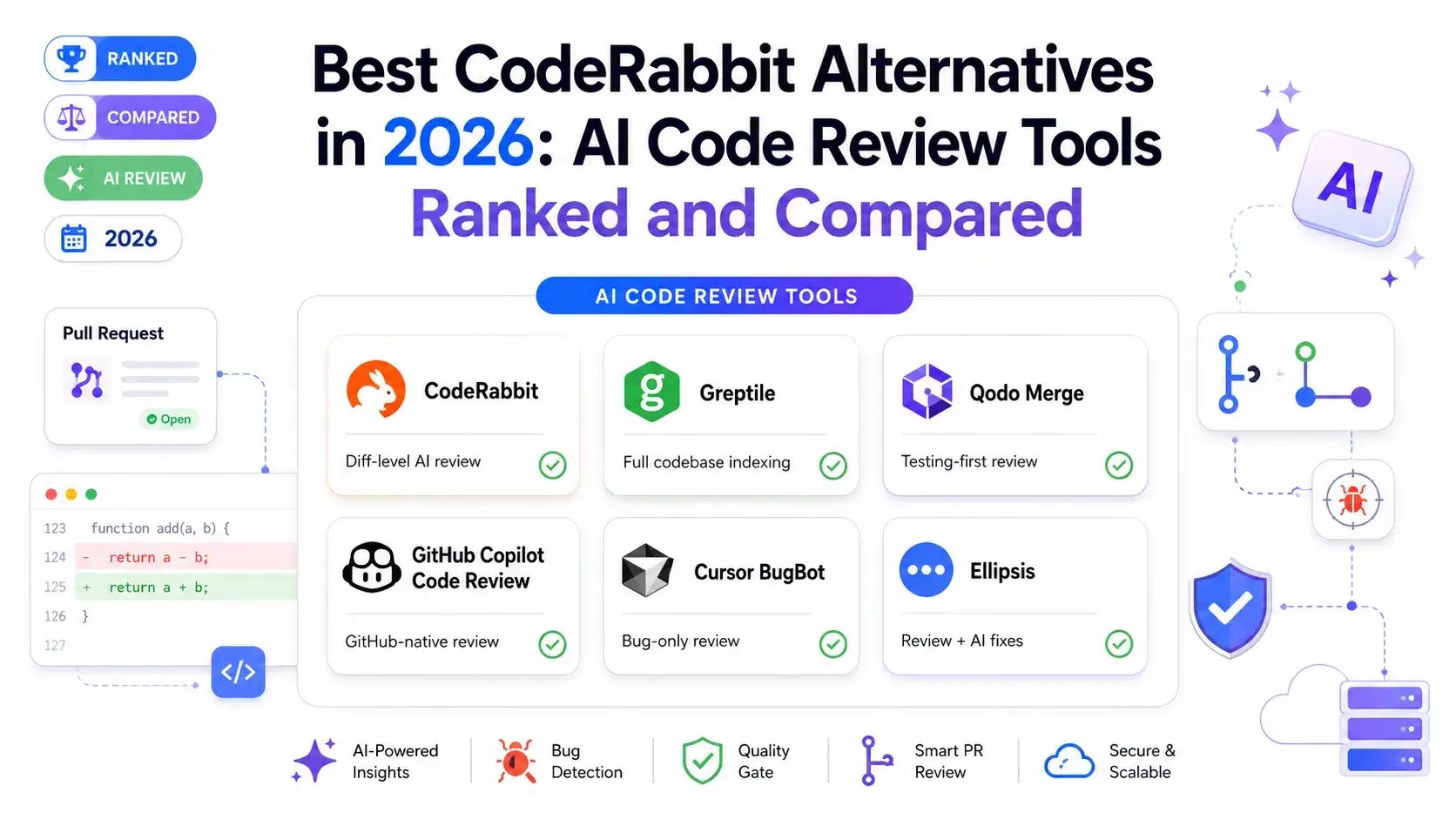
CodeRabbit is the most widely installed AI code reviewer on GitHub, with hundreds of thousands of repositories using it for automated PR feedback. For some teams, it creates a different problem: too many comments, most of which are style suggestions nobody asked for, drowning out the bugs that actually matter.
The three most common reasons teams go looking for CodeRabbit alternatives in 2026 are comment noise (high volume of low-value feedback), limited full-codebase context (CodeRabbit reviews the diff, not the whole repo), and per-seat pricing that scales faster than the team's security budget.
"🏆 Editor's Pick: Gitar - If CodeRabbit leaves you with a queue of comments to work through, Gitar is our top pick: it reviews every pull request, then fixes what it finds, including failed CI runs, on GitHub, GitLab, Bitbucket and Azure DevOps. Jump to full review ↓
CodeRabbit in 2026: What It Does and Where It Falls Short

CodeRabbit reviews pull requests automatically, adding inline comments for bugs, style issues, security hints, and best practices. It generates a PR summary, estimates review effort, and supports conversation in the PR thread with @coderabbitai mentions. The free tier is genuinely useful -- unlimited repositories, with rate limits of 200 files per hour and 4 PR reviews per hour. Pro removes those limits at $24 per developer per month (annual billing) or $30 month-to-month.
What CodeRabbit does well: Fast setup (install the GitHub App, done), broad language support, thorough PR summaries, and a free tier that covers most open-source workflows.
Where teams hit limits: The review comments tend to cover everything -- formatting, naming conventions, minor style points, and actual bugs -- at roughly equal priority. On a 400-line PR, getting 30 comments is common. Developers start skimming, which means real bugs get buried. CodeRabbit also reviews the diff in isolation. If a change introduces a bug by removing a guard condition that matters because of how a function is called in a different file, CodeRabbit may miss it. That context gap is the opening that most alternatives are competing to close.
Quick Comparison
| Tool | Approach | Bug Catch Rate | GitHub Only | Free Tier | Paid From |
|---|---|---|---|---|---|
| CodeRabbit | Diff-level AI review | Baseline | No | Yes (rate-limited) | $24/dev/mo |
| Gitar | Review + CI fixes applied to the PR | Not benchmarked | No | 14-day Pro trial | $20/user/mo |
| Greptile | Full codebase indexing | 82% | No | No | $30/dev/mo |
| Qodo Merge | Testing-first review | High precision | No | Yes (open source) | $30/seat/mo |
| GitHub Copilot Code Review | GitHub-native, CodeQL backed | Good | Yes | Yes | $10/mo |
| Cursor BugBot | Bug-only, no style | Focused | Yes (GitHub only) | No | $40/user/mo add-on |
| Ellipsis | Review + AI fixes | Good | Yes (GitHub only) | 7-day trial | $20/mo flat |
Gitar
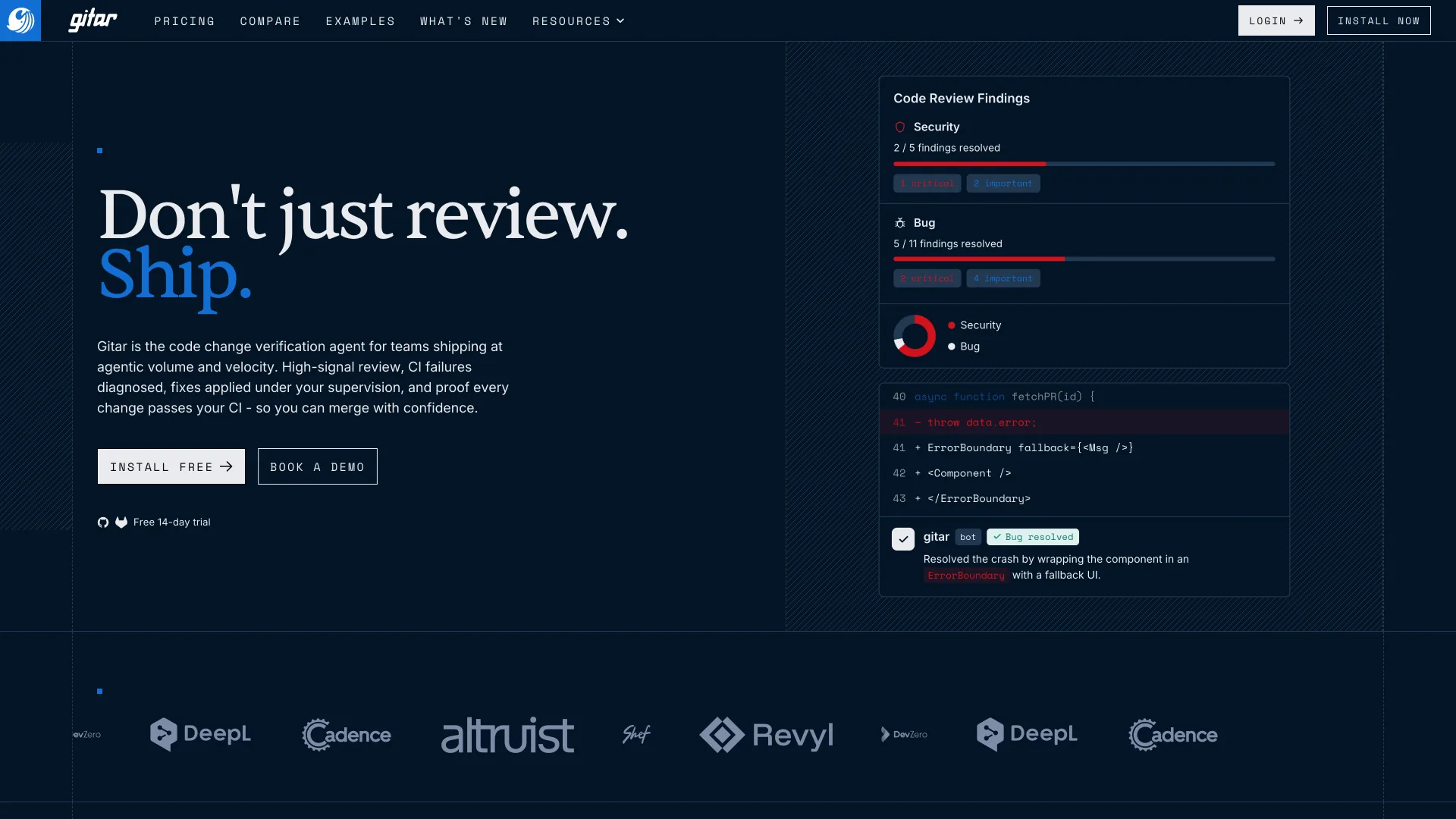
Gitar is an AI-powered code review and pull request automation platform, now part of Sonar, that finds bugs, security vulnerabilities, performance issues and code quality problems directly inside GitHub and GitLab pull requests. Where CodeRabbit stops at comments, Gitar keeps going: it analyzes CI failures, generates fixes and can apply them to the pull request, which shortens review cycles and gets code shipped sooner. Sonar also states that Gitar does not retain source code or use it to train models.
What Gitar does well:
- AI-powered code reviews. Every pull request is checked for security vulnerabilities, logic errors, performance bottlenecks, edge cases and code quality issues, with findings posted as inline comments and rolled up in one dashboard comment.
- Custom review rules. Repository-specific instructions live in configurable markdown files, such as
.gitar/rules/brand.md, so every review enforces your coding standards, architectural guidelines and project-specific best practices. - CI failure analysis and automated fixes. When a pipeline fails, Gitar investigates it, identifies the root cause and can generate or apply a fix on the pull request branch, cutting out most of the manual debugging.
- Merge protection and auto-approval. It can block a merge when findings cross a severity threshold, or approve a pull request that meets your predefined quality criteria, so code quality policy is applied the same way every time.
- Language-agnostic support. Sonar says it works with virtually any programming language or framework, which suits polyglot teams because nothing needs language-specific configuration.
What it does not do:
- Deep SAST and compliance scanning. Sonar positions SonarQube for that, and the two are complementary rather than overlapping.
- A bot that commits to your branches requires trust, so teams with strict change-control processes should review Gitar's applied fixes like any other commit.
Pricing: Core $20/user/mo · Pro $40/user/mo · Enterprise custom (outcome-based, per PR) · 14-day Pro trial, no credit card
Supported: GitHub, GitLab, Bitbucket, Azure DevOps (incl. self-hosted) · CI: GitHub Actions, GitLab Pipelines, CircleCI, Buildkite, Bitrise, Harness, TeamCity, Jenkins
Setup:
- Start the free 14-day Pro trial at sonarsource.com/products/gitar
- Install the Gitar app for GitHub or GitLab and grant it access to your repositories
- Open a pull request: Gitar reviews it, comments on the exact lines and starts proposing fixes
Greptile

Greptile takes a fundamentally different approach from CodeRabbit. Instead of reviewing the diff, it indexes your entire codebase -- every function, class, import chain, historical commit, and dependency relationship -- and uses that context when reviewing each PR.
The difference shows up in benchmark numbers. In an independent evaluation across 50 real-world pull requests from open-source projects including Sentry, Cal.com, and Grafana, Greptile caught 82% of actual bugs. It also produces more false positives than CodeRabbit (11 versus 2 in the same benchmark), so the higher catch rate comes with a noisier feed.
What it does well: Full-codebase context that catches cross-file bugs, strong accuracy metrics, works across GitHub, GitLab, and Bitbucket.
What it does not do: No free tier. At $30 per developer per month it is more expensive than CodeRabbit Pro. The full-codebase indexing also means the first setup takes time while it processes your repo.
Pricing: $30/dev/mo · Enterprise self-hosting via custom pricing
Qodo Merge

Qodo Merge (formerly known as PR-Agent, open-sourced by CodiumAI) approaches code review from a testing perspective. Rather than leading with "here is what is wrong," Qodo analyzes your diff and generates test cases that cover edge cases and failure modes you may not have written. The insight is that finding what is untested is often more useful than annotating what might be wrong.
Qodo Merge is the strongest option for teams with compliance requirements: it supports full self-hosting and works with GitHub, GitLab, Bitbucket, and Gitea.
Enterprise adds cross-repo dependency tracking, which catches bugs introduced by changes in shared libraries that downstream services depend on.
What it does well: Self-hosting for strict compliance environments, GitLab and Bitbucket support, test generation that surfaces coverage gaps.
What it does not do: The open-source version requires significant self-configuration and hosting. The testing-first approach means it feels different from pure review tools, which can be an adjustment for teams used to inline comment reviewers.
Pricing: Free for open-source (self-hosted) · Pro $30/seat/mo · Enterprise custom
GitHub Copilot Code Review

GitHub Copilot Code Review is the lowest-friction option for teams already on GitHub. It runs inside the pull request interface, backs its analysis with CodeQL for security issues and deep semantic understanding, and passes fix suggestions directly to the Copilot coding agent for automated application.
The key advantage over standalone tools like CodeRabbit is platform depth. Copilot Code Review can cross-reference your PR with your issue tracker, your repo's existing patterns, and other open PRs -- context that a third-party tool connecting via a GitHub App cannot match.
What it does well: Zero additional installation (already part of Copilot), the deepest GitHub integration of any tool, Copilot Autofix for one-click remediation, and a genuinely useful free tier.
What it does not do: Only works on GitHub. No GitLab, Bitbucket, or self-hosted options. Code review is one feature among many in the Copilot platform rather than a focused, standalone product.
Pricing: Free (10 reviews/mo) · Copilot Pro $10/mo · Copilot Pro+ $39/mo · Business $19/user/mo · Enterprise $39/user/mo
Cursor BugBot

Cursor BugBot is the most opinionated tool on this list. It reviews pull requests looking for exactly one thing: real bugs. Logic errors, security vulnerabilities, race conditions, null dereferences, edge cases, incorrect error handling. It intentionally ignores formatting, style, naming conventions, and anything it classifies as low-severity. If you are switching from CodeRabbit because of comment noise, BugBot is the most direct solution to that problem.
What it does well: Zero noise -- every comment is about a real bug. Very fast reviews (under 3 minutes). The highest rate of actionable feedback per comment of any tool tested.
What it does not do: GitHub only, Cursor subscription required, no style or security-policy enforcement, no free tier.
Pricing: $40/user/mo (add-on to Cursor Pro or Business)
Ellipsis

Ellipsis (Y Combinator W24) sits between a code reviewer and an automated fixer. It reviews PRs for logical issues, risky changes, and style violations -- then goes a step further by generating concrete, tested fixes rather than just pointing at problems.
Setup is a GitHub App install, similar to CodeRabbit. Unlike CodeRabbit's per-seat pricing, Ellipsis charges a flat $20 per month regardless of team size, which makes it dramatically cheaper for teams larger than two developers on CodeRabbit Pro.
What it does well: Flat pricing makes it cost-effective for growing teams, AI-generated fix suggestions reduce iteration time, supports a wide range of languages.
What it does not do: GitHub-only, no full-codebase indexing (diff-level review like CodeRabbit), smaller feature set than full platforms like Greptile or Qodo.
Pricing: Free 7-day trial (no card required) · Flat $20/mo
How to Pick the Right Alternative
If CodeRabbit's comments pile up faster than your team can act on them, start with Gitar. It fixes its own findings and failed CI runs on the PR branch, so the review ends in a passing pipeline rather than a to-do list.
If your main complaint with CodeRabbit is comment noise, the answer is Cursor BugBot. It reviews only for real bugs and nothing else. Every comment is actionable.
If you are hitting cross-file bugs that CodeRabbit misses because it only sees the diff, use Greptile. The full-codebase indexing is worth the higher price for codebases where context across files genuinely matters.
If your team uses GitLab or Bitbucket, Qodo Merge is the self-hosting option, Gitar adds Azure DevOps, and Greptile covers both too; Copilot, BugBot and Ellipsis are GitHub-only.
If you are already paying for GitHub Copilot, enable Copilot Code Review first before evaluating anything else. The free tier covers 10 reviews per month, and the Pro tier is $10 per month -- less than any standalone alternative.
If pricing is the driver, Ellipsis at $20/month flat beats CodeRabbit Pro the moment your team has more than one developer actively opening PRs.
Conclusion
CodeRabbit earned its position as the default AI code reviewer for a reason -- it is fast, easy to set up, and covers a lot of ground. The question is not whether it works but whether it works for your team's specific friction point. Comments nobody gets to point toward Gitar. Too much noise points toward BugBot. Missing cross-file bugs points toward Greptile. Platform constraints point toward Qodo Merge. Cost optimization points toward Ellipsis.
Testing one against your actual PRs takes less than an hour and gives you real data on whether the switch is worth making.
Related DevToolLab Tools
- Diff Checker - compare a suggested fix against the original code before accepting it.
- Code to Image - turn a flagged snippet into a shareable image for Slack threads and PR summaries.
- Regex Tester - verify a regex fix a reviewer flagged before re-pushing.
- JSON Diff - see exactly what shifted when a PR changes
package.json,tsconfig.jsonor an API schema.
Related Guides
- Best AI Code Review Tools in 2026 - broader survey of the full AI code review category
- Best AI-Powered Code Security Scanning Tools in 2026 - SAST and SCA tools that complement PR-level review
- Best Static Code Analysis Tools in 2026 - linters and quality gates that run before review