
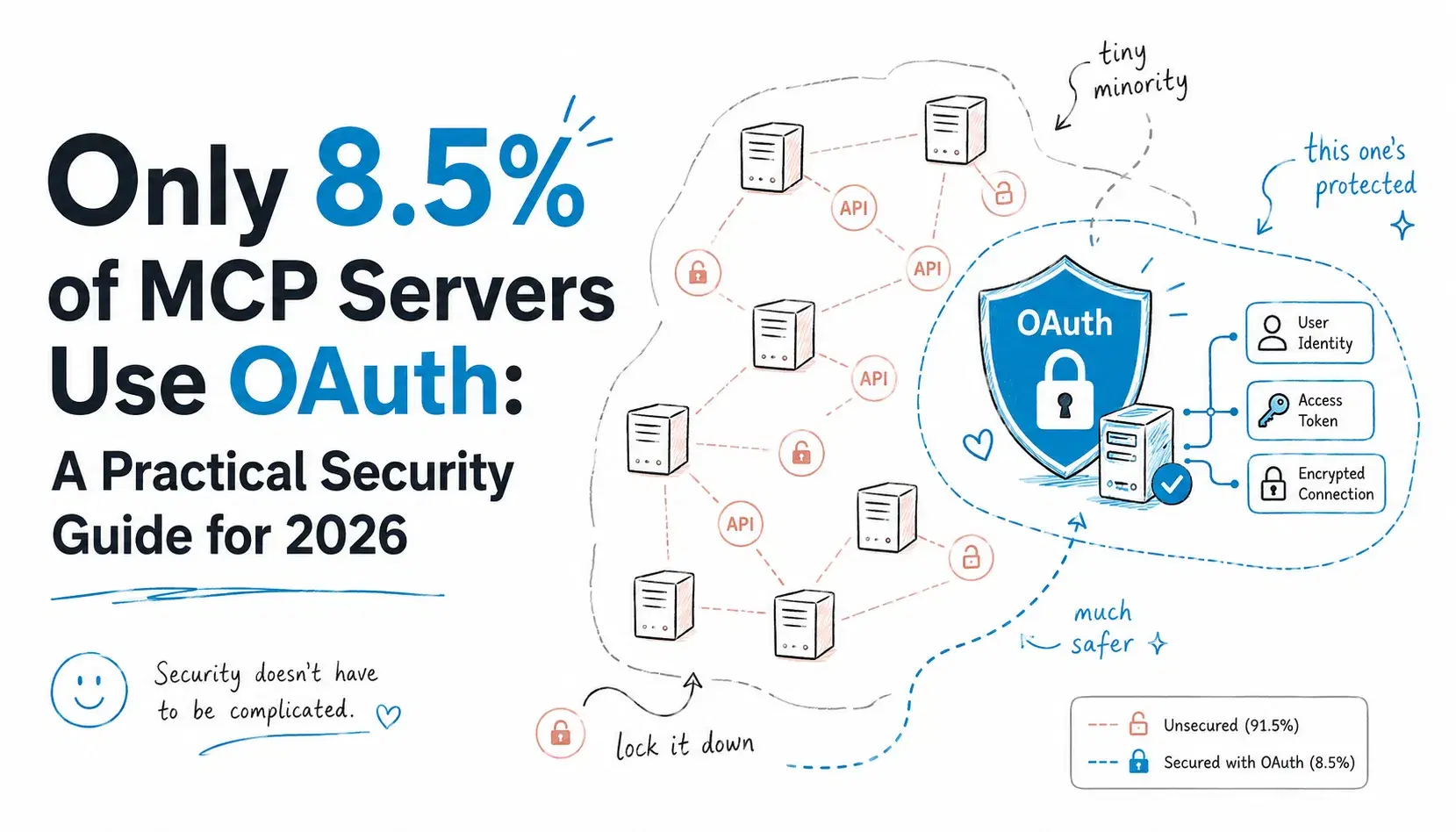
In October 2025, Astrix Security scanned 5,205 open-source MCP servers to see how they actually handle authentication, not how the spec says they should. 88% require some kind of credential, 53% of all servers scanned rely on static API keys or personal access tokens that never expire, and only 8.5% use OAuth. Of the servers that do take API keys, 79% pull them straight from environment variables.
That gap isn't theoretical. In June, Asana took its MCP server offline after a tenant-isolation bug let AI assistants pull task data and files across roughly 1,000 customer organizations for two weeks (The Register). In October, JFrog disclosed CVE-2025-6514, a CVSS 9.6 remote code execution bug in mcp-remote (437,000+ downloads) caused by the client trusting a server-supplied authorization_endpoint URL and passing it to a shell. Neither needed a nation-state attacker, just a server that skipped a validation step the spec already called for.
This post covers what the MCP Authorization spec actually requires and how to add real OAuth 2.1 support to a Python MCP server, with working code.
Why "Just Check an API Key" Isn't Enough
A normal web app has one trust boundary: a human logs in through a browser and every request after that carries their session. MCP breaks that. The caller usually isn't a browser, it's Claude Desktop, Cursor, or a custom agent acting on a user's behalf. One MCP server can serve many different clients over time, each needing its own scoped identity, not just a shared secret. And a lot of MCP servers are themselves OAuth clients to something else (a GitHub MCP server calling GitHub's API), which means getting the resource-server/client boundary wrong creates what the spec calls a confused deputy vulnerability.
If you've read our guide on building an MCP server in Python or our roundup of the best MCP servers, this is the part those posts don't cover: making sure only the right callers can reach your tools.
The OAuth 2.1 Pieces MCP Actually Uses
The MCP Authorization spec is explicit about being a "selected subset" of existing OAuth 2.1 machinery, so you can use libraries and identity providers that already exist. Authorization is technically optional (servers over stdio pull credentials from the environment instead), but any server exposed over HTTP that isn't fully public needs it.
| Spec | What it does |
|---|---|
| OAuth 2.1 (draft-ietf-oauth-v2-1) | Core flow: PKCE required, no implicit grant, no password grant |
| RFC 9728 Protected Resource Metadata | MCP server tells clients where its auth server lives |
| RFC 8707 Resource Indicators | Binds a token to one specific MCP server so it can't be replayed elsewhere |
| Client ID Metadata Documents (added Nov 2025) | Client identifies itself via a hosted HTTPS JSON document instead of pre-registering |
The November 2025 revision also added a formal step-up flow: a 403 with WWW-Authenticate: error="insufficient_scope" when a token doesn't cover a tool it just tried to call. If your server currently returns a bare 403, that's a gap worth closing.
The part that actually determines whether your server is secure is the resource-server side: validating the token on every request. That's the how-to below.
Should You Run Your Own Authorization Server?
Almost certainly not. The spec deliberately leaves the authorization server "beyond the scope of this specification" because MCP servers are meant to plug into an identity provider you already trust. WorkOS, Auth0, Stytch, Okta, and Clerk all issue standards-compliant OAuth 2.1 tokens today, several with MCP-specific guides. Either way, your MCP server only needs to play one role: OAuth 2.1 resource server, which validates tokens it never issued.
How to Secure Your MCP Server With OAuth 2.1
This uses the official Python SDK (mcp, v1.28 stable). On the SDK's v2.0 beta, FastMCP is renamed to MCPServer (from mcp.server import MCPServer), but the constructor arguments below are identical.
1. Install dependencies
Bashuv add "mcp[cli]" pyjwt # or pip install "mcp[cli]" pyjwt
2. Write a token verifier
If your identity provider issues JWT access tokens (WorkOS, Auth0, and Okta all do by default), verify them locally against the provider's JWKS with PyJWT, no per-request network call needed:
Pythonimport jwt from jwt import PyJWKClient from mcp.server.auth.provider import AccessToken, TokenVerifier class JWTTokenVerifier(TokenVerifier): """Verifies JWT access tokens locally against the issuer's JWKS.""" def __init__(self, issuer: str, audience: str, jwks_url: str): self.issuer = issuer self.audience = audience # cache_jwk_set=True (default) caches the JWKS for 5 minutes (lifespan=300) self.jwks_client = PyJWKClient(jwks_url) async def verify_token(self, token: str) -> AccessToken | None: try: signing_key = self.jwks_client.get_signing_key_from_jwt(token) claims = jwt.decode( token, signing_key.key, algorithms=["RS256"], audience=self.audience, issuer=self.issuer, ) except jwt.PyJWTError: return None return AccessToken( token=token, client_id=claims.get("azp", claims.get("client_id", "unknown")), scopes=claims.get("scope", "").split(), expires_at=claims.get("exp"), resource=self.audience, subject=claims.get("sub"), claims=claims, )
The audience=self.audience argument does the RFC 8707 audience check for you. PyJWT raises InvalidAudienceError (a subclass of PyJWTError) if the token's aud claim doesn't match, which is the single most commonly skipped validation step in the spec.
If your provider issues opaque tokens instead of JWTs, swap this for a TokenVerifier that calls the auth server's RFC 7662 introspection endpoint. The SDK ships a working example in examples/servers/simple-auth.
3. Wire it into your server
Pythonfrom mcp.server.fastmcp import FastMCP from mcp.server.auth.settings import AuthSettings from pydantic import AnyHttpUrl token_verifier = JWTTokenVerifier( issuer="https://your-tenant.workos.com", audience="https://mcp.yourcompany.com/mcp", jwks_url="https://your-tenant.workos.com/sso/jwks/client_your_id", ) mcp = FastMCP( "Internal Tools", token_verifier=token_verifier, auth=AuthSettings( issuer_url=AnyHttpUrl("https://your-tenant.workos.com"), resource_server_url=AnyHttpUrl("https://mcp.yourcompany.com/mcp"), required_scopes=["mcp:tools-basic"], ), ) @mcp.tool() def list_open_tickets(project: str) -> list[str]: """List open tickets for a project.""" return fetch_tickets(project)
AuthSettings makes the SDK publish RFC 9728 metadata and return a proper 401 with a WWW-Authenticate header automatically. Keep required_scopes narrow (not ["*"]) since a stolen token's blast radius is exactly as big as its scope list.
4. Read the caller's identity inside a tool
Pythonfrom mcp.server.auth.middleware.auth_context import get_access_token @mcp.tool() def whoami() -> str: """Report which client and scopes are calling this tool.""" token = get_access_token() if token is None: return "anonymous" return f"client={token.client_id} scopes={','.join(token.scopes)} sub={token.subject}"
5. Run it and test the 401 flow
Pythonif __name__ == "__main__": mcp.run(transport="streamable-http", host="127.0.0.1", port=8000)
An unauthenticated request should come back with the discovery header:
curl -i http://127.0.0.1:8000/mcp
httpHTTP/1.1 401 Unauthorized WWW-Authenticate: Bearer resource_metadata="http://127.0.0.1:8000/.well-known/oauth-protected-resource/mcp"
The cURL command generator is faster for building the follow-up authenticated request once you have a real token. Once you get one back, decode it with the JWT decoder to confirm the aud claim matches your resource_server_url exactly before you spend an hour debugging why validation keeps failing.
The Security Checklist
Most real-world MCP breaches map to one of these:
- Never pass tokens through. If your server calls a downstream API, exchange for a separate token as its own OAuth client. Forwarding the client's token breaks the downstream audit trail and rate limiting.
- Validate the audience on every request, even if the signature is valid. This is the single most common mistake and the one that turns a leaked token into a token that works everywhere.
- Require PKCE with S256 and refuse to proceed if the auth server doesn't advertise
code_challenge_methods_supported. - Match redirect URIs exactly. No wildcard or prefix matching, this is exactly where CVE-2025-6514 and confused-deputy attacks live.
- Keep access tokens short-lived and rotate refresh tokens on every use for public clients.
- Minimize scopes. Publish the smallest
required_scopesset that works and step up incrementally when a tool needs more.
Keep issuer URLs and secrets in environment variables, not hardcoded. The .env file generator scaffolds a clean .env.example, and the dotenv linter catches stray secrets before they hit a commit. If you need to test locally against a mock issuer, the JWT signing key generator spins up an RS256 key pair in your browser.
Conclusion
The gap between "MCP server that works" and "MCP server that's safe to expose" is almost entirely the auth layer, and per Astrix's numbers, over 91% of deployed servers haven't closed it. Closing it doesn't mean building your own authorization server. It means picking an identity provider that already speaks OAuth 2.1, writing one TokenVerifier class that checks signature, expiry, and audience, and never passing a token through to anything it wasn't issued for. Start with the audience check even if you do nothing else today, it's the single line of validation the spec's own security document flags as the most commonly skipped.