
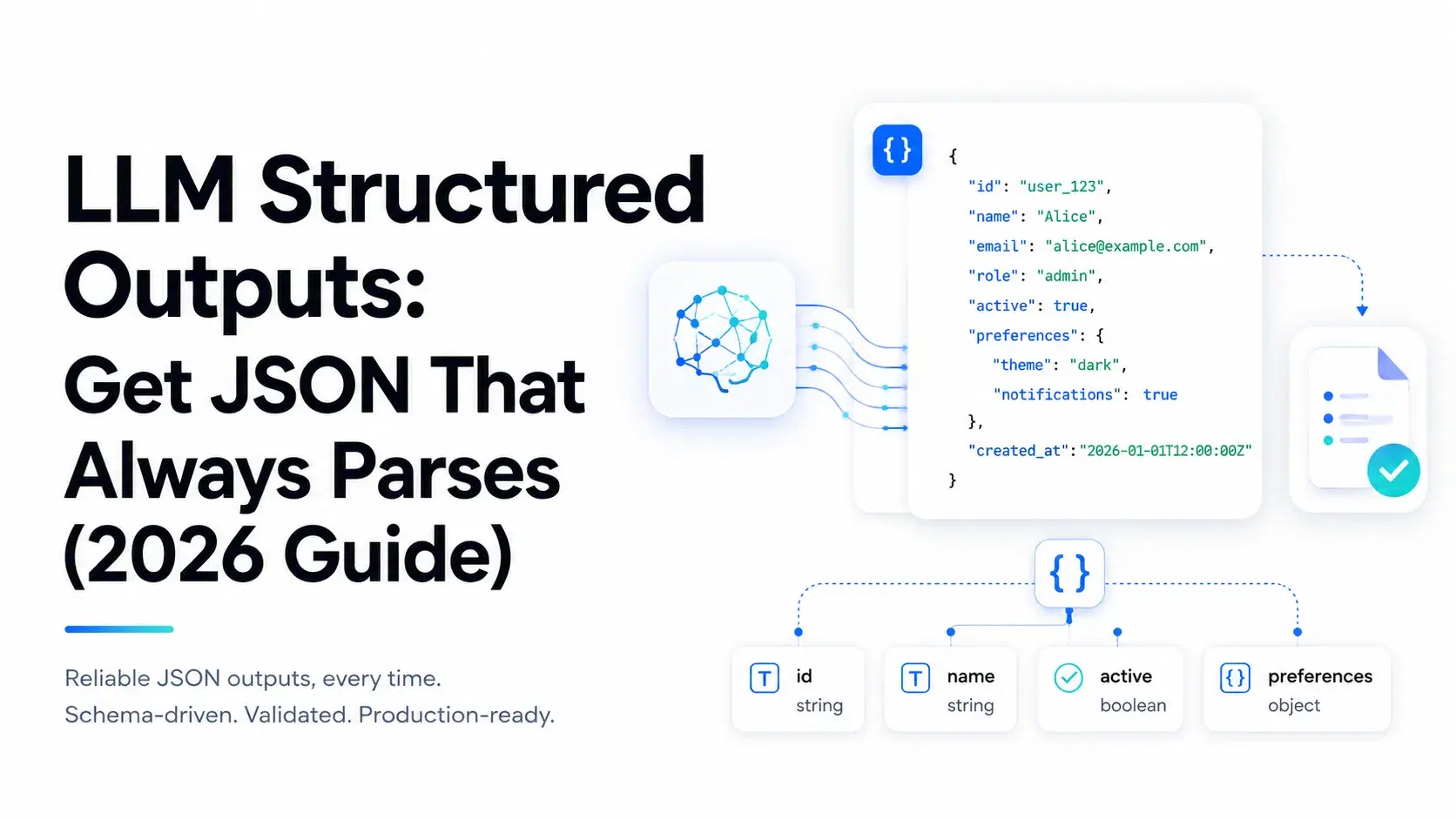
For two years, getting JSON out of a language model meant asking nicely and praying. You wrote "respond with valid JSON only," wrapped the parse in a try/except, and added a retry for the times the model added a markdown fence or a chirpy "Sure, here you go!" preamble. That's over.
On February 4, 2026, Anthropic made Structured Outputs generally available, the last big provider to ship it natively. OpenAI has had it since August 2024, Gemini exposes it through response_schema, and the open-source stack (vLLM, Ollama, SGLang) has done grammar-constrained decoding for over a year. In 2026, parse-and-pray is a choice, not a limitation.
Here's the short version: what structured outputs are, how they guarantee a valid response at the token level, the exact API per provider, and the JSON Schema rules that quietly 400 your requests. Every snippet that doesn't need an API key was run locally before publishing.
Three Things People Call "Structured Output"
They aren't the same, and mixing them up is where the confusion starts.
- Prompt-only JSON. You describe the shape in the prompt and hope. No guarantee; failure rates climb with complexity and smaller models.
- JSON mode. A flag (OpenAI's
json_object) that forces syntactically valid JSON. It parses, but the model can still skip required fields, invent new ones, or return the wrong types. OpenAI now calls this "legacy." - Schema-constrained generation. You hand the API a JSON Schema and the response is guaranteed to match it: every required field present, every type correct, every enum value legal. This is what "Structured Outputs" means at OpenAI, Anthropic, and Google.
Only the third one lets you delete defensive code instead of adding to it.
| Approach | Valid JSON | Matches your schema | Needs retry logic |
|---|---|---|---|
| Prompt-only | No | No | Yes |
JSON mode (json_object) | Yes | No | Sometimes |
Schema-constrained (json_schema, strict) | Yes | Yes | No |
Why Prompt-and-Parse Falls Apart
One call that returns bad JSON 1% of the time sounds fine until it lives in an agent loop. Ten tool calls at 1% each is roughly a 10% chance the whole run dies on a parse error. Chain a few agents and that compounds into something you can't ship.
The failures are boringly predictable: a trailing comma, a stray code fence, a hallucinated enum value, a number returned as a string, a required field silently dropped. These aren't really model "mistakes." Unconstrained generation samples the next token from the entire vocabulary every step, and nothing stops it from picking one that breaks your structure. Rare, input-dependent failures like these are also hard to catch with spot checks, which is exactly the problem our LLM evals guide digs into.
How Constrained Decoding Actually Works
The guarantee comes from constrained decoding (also called guided or grammar-constrained generation). The idea is simple even if the engineering isn't.
A model generates one token at a time, producing a probability over its whole vocabulary (often 100,000+ tokens) and sampling one. Constrained decoding adds a step in between: it compiles your JSON Schema into a formal grammar, tracks where generation is inside that grammar, and zeroes out the probability of any token that would break it. The model can only sample from tokens that keep the output valid, so malformed JSON is never even a candidate. As Anthropic puts it, the schema becomes "a formal grammar that constrains generation token by token."
The open-source world got here first. Outlines made grammar-based generation practical for open models, and XGrammar made it fast with adaptive token-mask caching, which is why it's the default backend in vLLM (v0.7.0+) and is also used by SGLang, TensorRT-LLM, and MLC-LLM. Overhead on JSON generation is close to zero. Same mechanism everywhere; the only real differences are the API surface and which slice of JSON Schema each provider accepts.
Structured Outputs by Provider
OpenAI
Available from gpt-4o-2024-08-06 onward, including the GPT-5 family. Enable it by passing a JSON Schema with strict: true. In Chat Completions the parameter is response_format; in the Responses API it lives under text.format. The Python SDK hides the plumbing behind a parse helper that takes a Pydantic model and returns a typed object:
Python# Reference: requires OPENAI_API_KEY from openai import OpenAI from pydantic import BaseModel class Ticket(BaseModel): title: str priority: str estimate_hours: float resp = OpenAI().responses.parse( model="gpt-5", input="Open a ticket: login redirect broken, high priority, ~3.5h", text_format=Ticket, ) print(resp.output_parsed) # Ticket(title=..., priority='high', ...)
Two gotchas: the old JSON mode (json_object) only guarantees valid JSON, not your schema, so treat it as legacy. And because generation is constrained, a safety refusal can't come back as normal content; OpenAI puts it in a separate refusal field, so check that before reading the payload.
Anthropic (Claude)
GA since February 2026 and now supported across the current Claude lineup, including Opus 4.8, Sonnet 5, and Haiku 4.5, with no beta header needed anymore. Same parse pattern:
Python# Reference: requires ANTHROPIC_API_KEY from anthropic import Anthropic from pydantic import BaseModel class Contact(BaseModel): name: str email: str plan_interest: str resp = Anthropic().messages.parse( model="claude-opus-4-8", max_tokens=1024, messages=[{"role": "user", "content": "John Smith (john@example.com) wants the Enterprise plan."}], output_format=Contact, ) print(resp.parsed_output) # Contact(name='John Smith', ...)
Raw requests carry an output_config.format object with your schema. Claude does two flavors: JSON against a schema (above) and tool-use, where a tool call's arguments are constrained to the tool's input schema automatically. That second one is what keeps agent function calls from arriving malformed, which pairs well with the patterns in our AI agent memory guide.
Google Gemini
Gemini uses a config object: set response_mime_type to application/json and pass response_schema (a Pydantic model, dict, or enum).
Python# Reference: requires a Gemini API key from google import genai from pydantic import BaseModel class Recipe(BaseModel): name: str ingredients: list[str] resp = genai.Client().models.generate_content( model="gemini-3.5-flash", contents="Give me a simple pancake recipe.", config={"response_mime_type": "application/json", "response_schema": Recipe}, ) print(resp.parsed)
Gemini accepts a subset of JSON Schema and may reject very large or deeply nested schemas, so keep things flat.
Local models (Ollama and vLLM)
No hosted API required. Since Ollama 0.3.0 you pass a JSON Schema to format and the local model's decoding is constrained by it, stripping fences and preamble automatically:
Python# Reference: requires a running Ollama server + a pulled model from ollama import chat from pydantic import BaseModel class Country(BaseModel): name: str capital: str population: int resp = chat(model="llama3.1", messages=[{"role": "user", "content": "Tell me about Japan."}], format=Country.model_json_schema()) print(Country.model_validate_json(resp.message.content))
On self-hosted vLLM or SGLang the equivalent is guided_json, backed by XGrammar. Same guarantee, your hardware, which matters if you're weighing local inference for cost or privacy (see our local LLM tools roundup).
How to Add It to Your App
Same four steps for every provider, with code you can actually run.
Step 1: Define the shape once. Use Pydantic (Python) or Zod (TypeScript). This one definition becomes both the schema you send and the type you validate against.
Pythonfrom pydantic import BaseModel, Field from enum import Enum import json class Priority(str, Enum): low = "low"; medium = "medium"; high = "high" class Ticket(BaseModel): title: str priority: Priority tags: list[str] = Field(default_factory=list) estimate_hours: float print(json.dumps(Ticket.model_json_schema(), indent=2))
That prints a schema whose required list has title, priority, and estimate_hours, but not tags, because tags has a default. Remember that; it bites people in Step 3.
Step 2: Send it. Pass the schema (or the Pydantic model to a parse helper) and get a typed object back, already conforming.
Step 3: Validate on your side anyway. It costs microseconds and covers SDK quirks, proxy rewrites, and the one model without native support. Runs locally with pydantic and jsonschema:
Pythonfrom jsonschema import validate, ValidationError schema = Ticket.model_json_schema() good = '{"title":"Fix login redirect","priority":"high","tags":["auth"],"estimate_hours":3.5}' validate(instance=json.loads(good), schema=schema) # raises if wrong print(Ticket.model_validate_json(good)) # typed object try: validate(instance={"title":"x","priority":"urgent","estimate_hours":2}, schema=schema) except ValidationError as e: print("rejected:", e.message) # 'urgent' is not one of ['low', 'medium', 'high']
Step 4: Handle refusals and no-support. Branch on OpenAI's refusal field before reading data. For any endpoint without native support, keep a repair-then-retry fallback instead of hand-rolling brace counting.
The JSON Schema Gotchas That Bite Everyone
This is where "why is my request 400-ing" hours vanish. Each provider accepts a different subset of JSON Schema.
OpenAI strict mode makes every field required. You can't just leave a field out of required. Every property must be listed, and every object needs additionalProperties: false. To make a field optional, keep it in required but give it a nullable type like "type": ["string", "null"]. And since Pydantic drops defaulted fields from required (Step 1), a model with defaults won't satisfy strict mode as-is. This runnable helper fixes any schema:
Pythondef make_strict(schema: dict) -> dict: """additionalProperties:false + every key required, at every level.""" if isinstance(schema, dict): if schema.get("type") == "object" and "properties" in schema: schema["additionalProperties"] = False schema["required"] = list(schema["properties"].keys()) for value in schema.values(): make_strict(value) elif isinstance(schema, list): for item in schema: make_strict(item) return schema
Some keywords are ignored or rejected. OpenAI strict mode doesn't enforce minLength, maxLength, pattern, or format, and rejects default. If you rely on a regex pattern, check it yourself after the response. Claude and Gemini each accept their own subset too, so a schema that works on one provider isn't guaranteed to work unchanged on another.
Deep nesting hits limits. All three hosted providers cap depth and size. Flatten where you can; split a giant schema into smaller calls if you must.
TypeScript teams: same rules through Zod. Define once and validate the same way. Runs locally with zod:
JavaScriptimport { z } from "zod" const Ticket = z.object({ title: z.string(), priority: z.enum(["low", "medium", "high"]), tags: z.array(z.string()), estimateHours: z.number(), }) const parsed = Ticket.parse(JSON.parse(rawModelOutput)) // throws on mismatch
Where Structured Outputs Stop Helping
Constrained decoding guarantees the shape, not the truth. The model can still return "estimate_hours": 400 for a two-line fix or extract the wrong email with total confidence. Schema conformance is a floor, not a ceiling, so you still need evals for semantic quality.
There's also a small cost: forcing the grammar can nudge the model onto a slightly less natural path, and compiling a brand-new complex schema adds a one-time warm-up (cached after the first call). For extraction, classification, and tool calling the trade is a no-brainer. For long-form creative writing, it's usually the wrong tool.
Conclusion
Structured outputs turn "get JSON from an LLM" from a reliability problem into a schema-design problem, which is a much better problem to have. Define the shape once in Pydantic or Zod, send it as a JSON Schema, let constrained decoding enforce it, and validate on your side as a cheap backstop. The fences, trailing commas, missing fields, and illegal enums stop at the source.
Treat the schema as the contract: get additionalProperties, required, and nullability right, keep it flat, and remember a valid shape isn't a correct answer. Pick your single most parse-prone call, the one with the ugliest try/except, and move it to schema-constrained output this week. It's usually a ten-line change that deletes a hundred lines of defensive code.
Related DevToolLab Tools
- JSON Schema Validator - Check a model's response against your schema before it reaches production.
- JSON Schema Generator - Turn a sample response into a starting schema you can trim for
strictmode. - JSON to Pydantic - Convert example JSON into a Pydantic model, your single source of truth.
- JSON to Zod - Generate a Zod schema from sample JSON for TypeScript pipelines.
- JSON Repair - Recover malformed JSON from any model that lacks native structured outputs, as a fallback before retrying.
- JSON Formatter - Pretty-print and inspect raw model output while debugging a schema mismatch.
Provider availability, model names, and API parameters reflect the state of structured outputs as of July 2026. These features change fast, so confirm the exact field names and supported JSON Schema subset in each provider's current docs before you ship.