
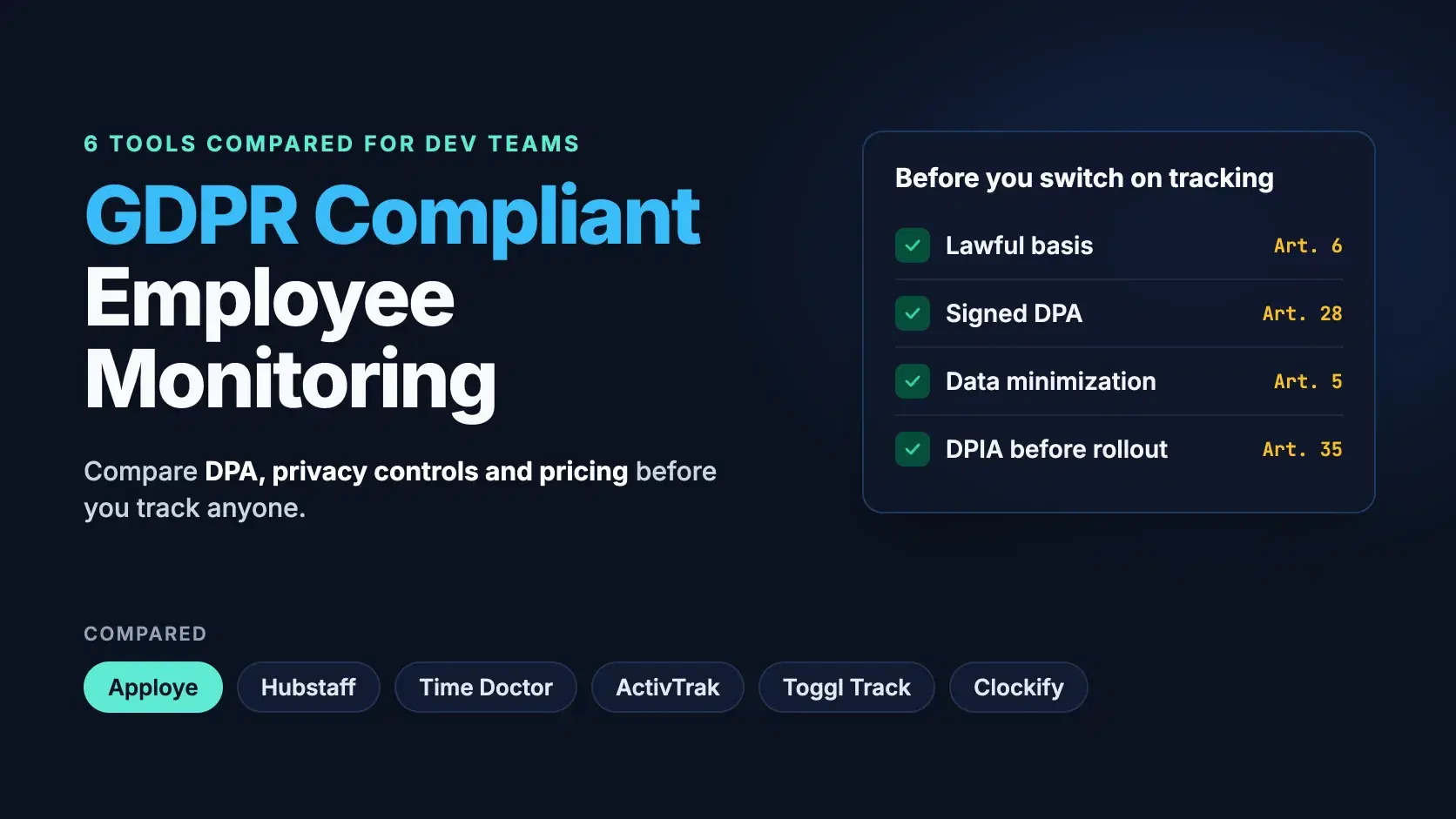
The General Data Protection Regulation has covered workplace data since May 2018, and European regulators have fined employers that tracked staff without a clear legal basis. Most GDPR employee monitoring requirements sit in Articles 5, 6, 13, 28, and 35 of the regulation. Developer teams face extra attention because their tools can capture screens, code activity, and working hours.
In this circumstance, GDPR compliant employee monitoring tools come into discussion. The right tools combine configurable tracking, a clear data processing agreement (DPA), and transparent controls that help employers meet GDPR requirements.
Below, you will see how six tools compare on privacy controls, pricing, and developer fit. You will also learn which questions to ask vendors before any contract is signed.
Quick Answer
Apploye is the best employee monitoring software for developers that need to stay within GDPR. It gives you configurable screenshots, activity levels, and time tracking, so you collect only the data your written policy requires.
Apploye also offers a data processing agreement and role-based access, which helps you document your duties as a data controller. Hubstaff suits larger distributed teams that want deep integrations.
Time Doctor fits companies that need detailed productivity reports. ActivTrak works well for team-level analytics, Toggl Track suits teams that prefer simple self-reported time logging, and Clockify covers budget-conscious teams.
Whichever tool you choose, you still need a lawful basis, a privacy notice, and a signed DPA before you switch on any tracking.
How to Choose the Best GDPR Compliant Employee Monitoring Software
The best choice is a tool that collects only necessary data, explains it clearly to staff, and gives you records that prove compliance.
Use the checks below to compare options with confidence, because employee monitoring GDPR rules apply to every tool that records personal data about your team.
Confirm Your Lawful Basis and Transparency Duties
Start with your lawful basis, because no software can supply one for you. Most employers rely on legitimate interests under GDPR Article 6(1)(f), supported by a documented balancing test.
Consent is rarely valid at work, since employees may feel unable to refuse. Article 13 also requires you to tell staff what you collect, why you collect it, and how long you keep it.
Pick a tool that shows tracking status clearly inside the app, so no one is tracked without knowing.
Get a Signed Data Processing Agreement (DPA)
A data processing agreement (DPA) is mandatory when a vendor handles personal data on your behalf. Article 28 requires the contract to set out the purpose, data types, security measures, and sub-processor rules.
Ask each vendor for its DPA before you start a trial with real employee data. Review the list of sub-processors and the process for breach notification. Strong vendors publish this information openly, which saves your legal team a great deal of time.
Apply Data Minimization
GDPR Article 5 requires you to collect only what you need. For developers, that often means tracked hours and project names rather than frequent screenshots.
Look for settings that let you turn off screenshots, blur them, hide URLs, or limit tracking to work hours. These controls let you match the tool to a written purpose instead of collecting everything by default.
Complete a data protection impact assessment under Article 35 before rollout, because systematic tracking of employees usually requires one.
Check Security, Access, and Data Location
Security controls protect the data you already collect. Look for encryption in transit and at rest, role-based access, and audit logs. Ask where the vendor stores data and how it handles transfers outside the European Economic Area.
Vendors that use Standard Contractual Clauses or the EU-US Data Privacy Framework give you a lawful transfer mechanism. Limit who can view reports, because internal access is a common source of avoidable risk.
Match the Tool to Developer Workflows
Developers work in bursts, so raw activity percentages can mislead. Prefer tools that track by project and task, connect to Jira or GitHub, and report on outcomes.
A lightweight desktop app also matters, because it should not slow down builds or code editors. Evaluate time tracking software GDPR compliant options by running a short pilot with a small group. Gather feedback before you roll out to the whole team.
Write a Clear Monitoring Policy
Write a monitoring policy before rollout. State the purpose, such as tracking billable hours or protecting client data, and list exactly what the software records.
Explain who can view reports, how long data stays stored, and how staff can raise questions. In some countries, such as Germany, works councils must approve monitoring tools before launch.
Local rules under Article 88 vary, so ask a privacy lawyer to review your policy. Share it with the team and collect acknowledgment of receipt.
Employee Monitoring Tools Comparison Table
| Tool | Best For | Key Privacy Controls | DPA | Approx. Starting Price |
|---|---|---|---|---|
| Apploye | Dev teams needing configurable tracking | Per-member screenshot settings, role-based access, no keystroke content | Yes (paid plans) | Free for up to 10 users |
| Hubstaff | Distributed teams and contractors | Screenshot blur, project-level tracking limits | Yes | From about $5 per user per month |
| Time Doctor | Detailed productivity reporting | Screenshot blur, configurable tracking schedules | Yes | From about $7 per user per month |
| ActivTrak | Team-level workforce analytics | Aggregated reporting, screenshots only through a paid add-on | Yes | Free plan; paid from about $10 per user per month |
| Toggl Track | Self-reported time logging | No screenshots, EU-based company | Yes | Free for small teams; paid from about $9 per user per month |
| Clockify | Budget-conscious teams | Optional screenshots on paid plans, role permissions | Yes | Free plan; paid from about $4 per user per month |
Best GDPR Compliant Employee Monitoring Software for Dev Teams
The following six tools cover the main needs of developer teams, from strict privacy controls to simple time logging.
Let's break them down in detail.
1. Apploye
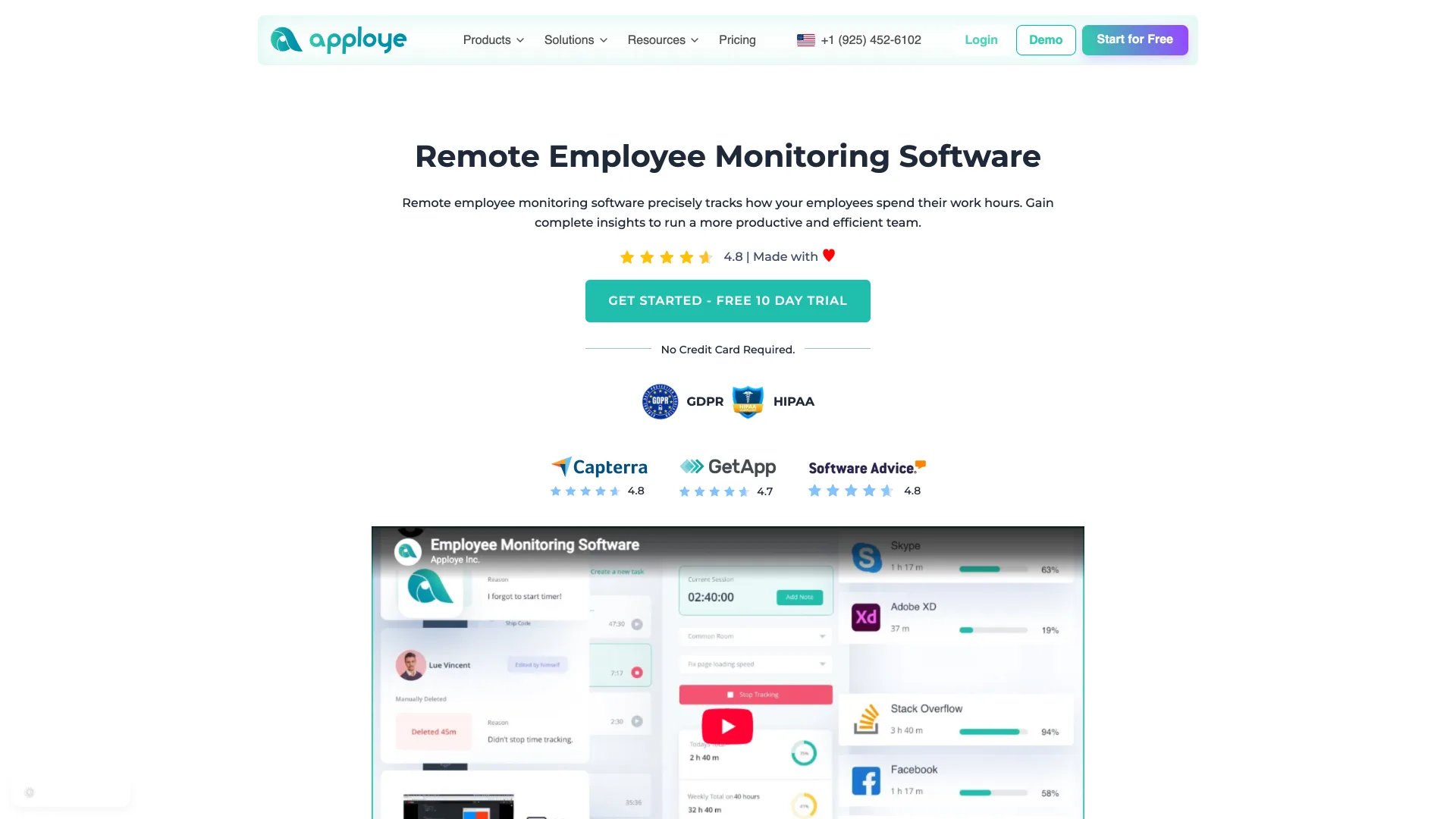
Apploye is a time tracking and employee monitoring platform built for remote and hybrid teams. It records working hours, project activity, and optional screenshots through a desktop app.
Admins control what gets collected for each team member, which supports data minimization. Apploye also publishes a privacy policy and offers a data processing agreement, so your legal team can review the terms before rollout.
For developer teams, project-level tracking and integrations with tools such as Jira, Trello, and Asana keep tracking connected to real work instead of raw activity.
Key Features
- Automatic and manual time tracking: Developers start a timer by project and task, or add time manually and have managers approve it.
- Role-based access: Owners, admins, and managers see only the reports their role allows, which supports confidentiality and the security duties in Article 32.
- Configurable screenshots: Admins can turn screenshots on or off for each member, which suits teams that want to limit data collection.
- Activity levels: Apploye measures keyboard and mouse activity levels without recording what you type.
- Visible tracking status: The app shows when a timer is running, which supports the transparency duties in Articles 12 and 13.
- App and URL tracking: Optional tracking shows which tools support a project, useful for audits and client reporting.
- Project budgets and timesheets: You can set budgets, review timesheets, and export reports for invoicing and payroll.
- Integrations: Strong integration with popular project tools such as Asana, Jira, Trello, Slack, ClickUp, Zoho, and Zapier keeps time entries linked to tickets and tasks.
Pricing
- Plans: Free Starter (up to 10 users), Elite at $4.50 per user per month, Power at $8, and custom Enterprise. These are annual-billing prices.
- Trial and refunds: a 10-day free trial with no card, and a 30-day money-back guarantee on paid plans.
Positives of Apploye
- Low starting price compared with other tools in this list.
- Flexible per-member settings that support data minimization.
- Clear reports tied to projects and tasks.
- A DPA is available for your compliance records.
- Wide integration with project management tools.
Limitations
- Teams that want deep workforce analytics may need extra reporting tools with added costs.
Best For
Apploye is best for small and mid-sized dev teams, agencies, and remote companies that want employee monitoring software for developers with strong privacy controls and a low per-seat cost.
2. Hubstaff
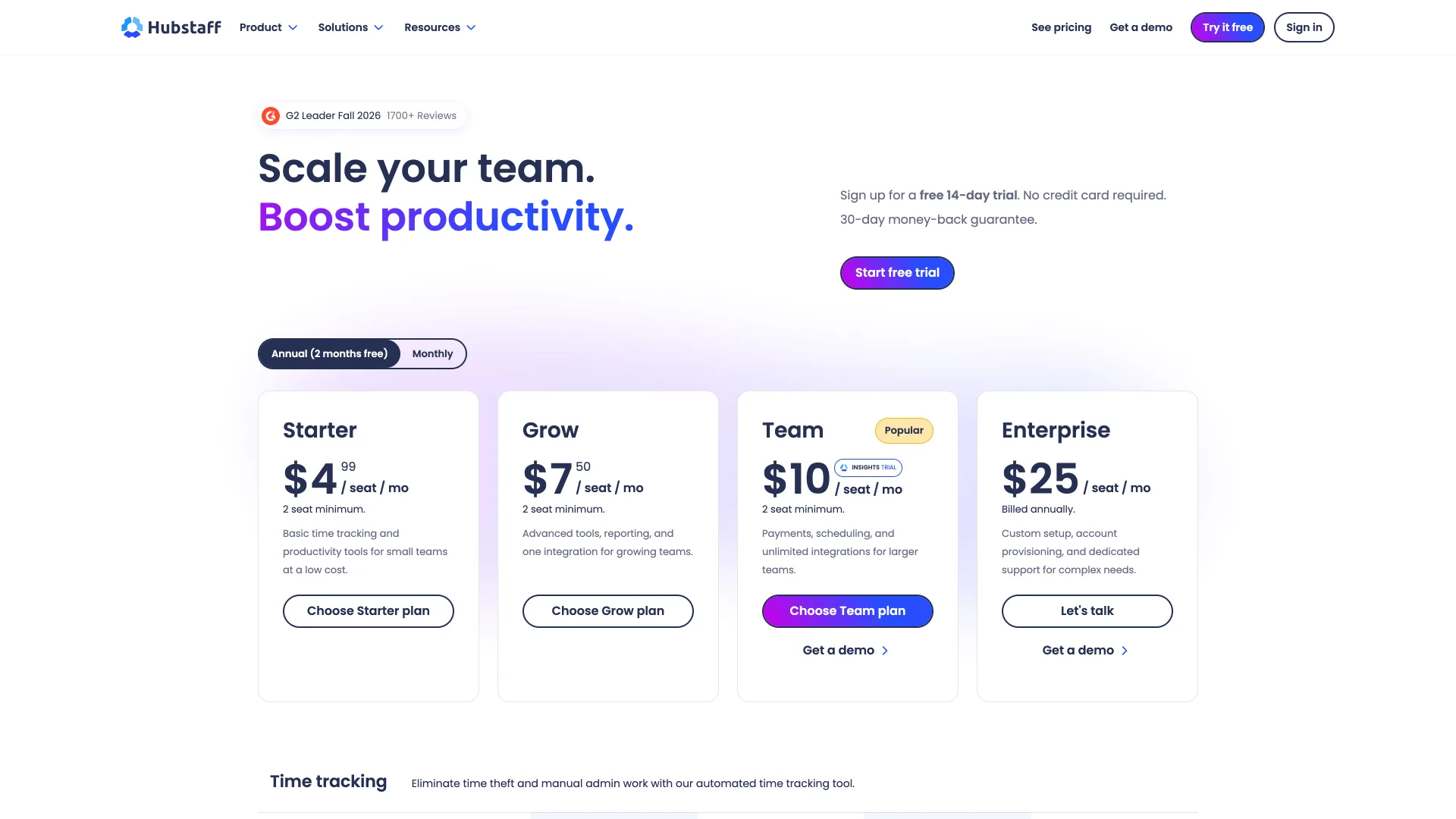
Hubstaff is a workforce management platform that combines time tracking, activity monitoring, scheduling, and payroll. Its main objective is to give distributed teams one place to track hours, manage projects, and pay contractors.
For GDPR purposes, Hubstaff publishes a data processing agreement and lets admins adjust screenshot frequency, blur images, and limit tracking to selected projects. Its integration library includes Jira, GitHub, and Asana, which helps developer teams connect time to tickets.
Pros: Strong integrations, flexible privacy settings, and built-in payroll for contractors in many countries. The platform also scales well as headcount grows.
Cons: The feature set can feel heavy for small teams, and advanced options sit behind higher-priced plans. Setup takes longer than with simpler tools, so plan time for configuration and training.
Pricing: Paid plans start at roughly $5 per user per month on annual billing, with higher tiers adding more advanced features.
Best for: Agencies and distributed engineering teams that manage contractors across countries and want payroll and tracking in one place.
3. Time Doctor
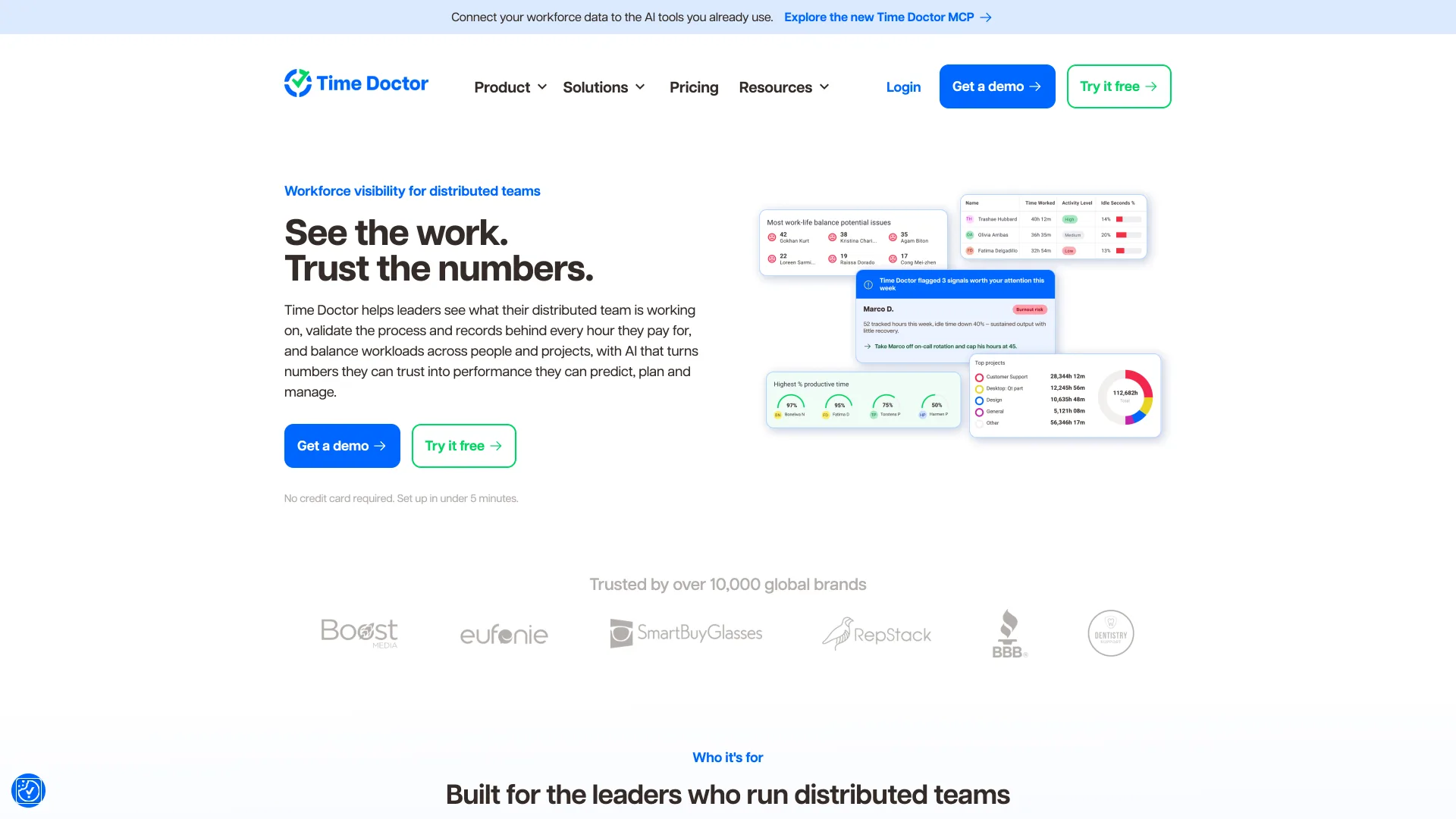
Time Doctor is a productivity and time tracking tool focused on detailed reporting. Its main objective is to show how teams spend work hours across projects, websites, and applications.
It records optional screenshots, tracks app and web usage, and sends alerts about unproductive time. Time Doctor offers a DPA and screenshot blurring.
However, it also includes a silent tracking mode, which you should avoid in the EU, because Article 13 requires transparency toward employees.
Pros: Detailed productivity reports, client-friendly timesheets, and flexible schedules.
Cons: The depth of data can create more GDPR work, because you must justify each category you collect. Some teams may find the alerts distracting for focused engineering work, so you should review settings before rollout.
Pricing: Plans start at about $6.67 per user per month on annual billing, with higher tiers for extended features.
Best for: Outsourcing companies and service teams that need detailed productivity reporting for clients and are ready to document their legitimate interests carefully.
4. ActivTrak
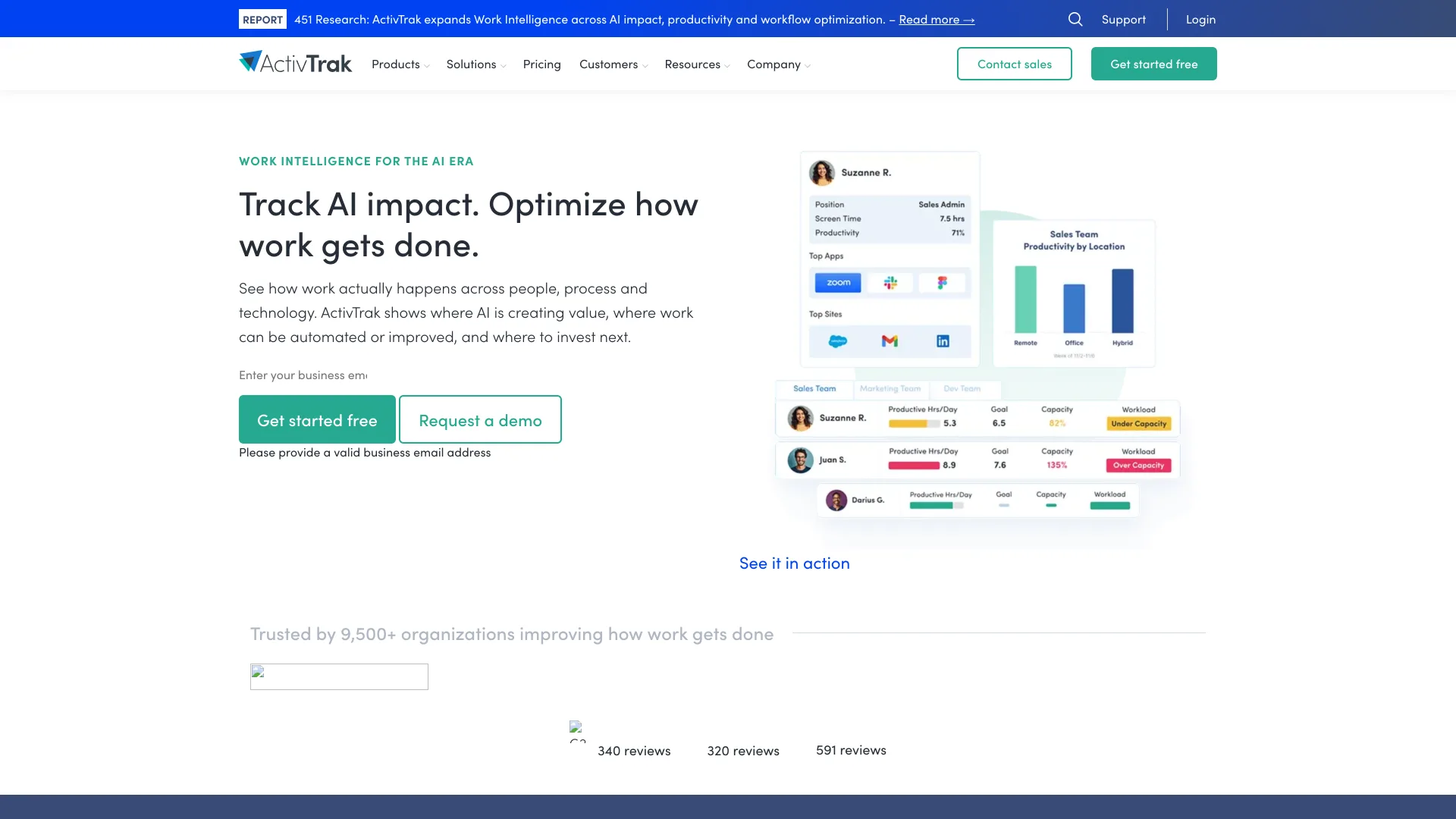
ActivTrak is a workforce analytics platform. Its main objective is to help managers understand work patterns, workload balance, and productivity trends at the team level.
It tracks application and website usage and focuses on aggregated insights rather than constant individual oversight. Screenshots require the paid Screen Details add-on, which keeps default data collection lower.
ActivTrak offers a DPA, and you should ask about regional data hosting options for EU teams.
Pros: Strong analytics, helpful workload and burnout signals, and a free plan for small teams.
Cons: It offers fewer features for project budgets, invoicing, and billable hours, so developer teams may need a second tool for client billing. Paid tiers can cost more than simpler time trackers.
Pricing: A free plan exists for small teams, and paid plans start at roughly $10 per user per month, depending on billing.
Best for: Larger organizations that want team-level analytics and workload insights instead of detailed individual time records.
5. Toggl Track
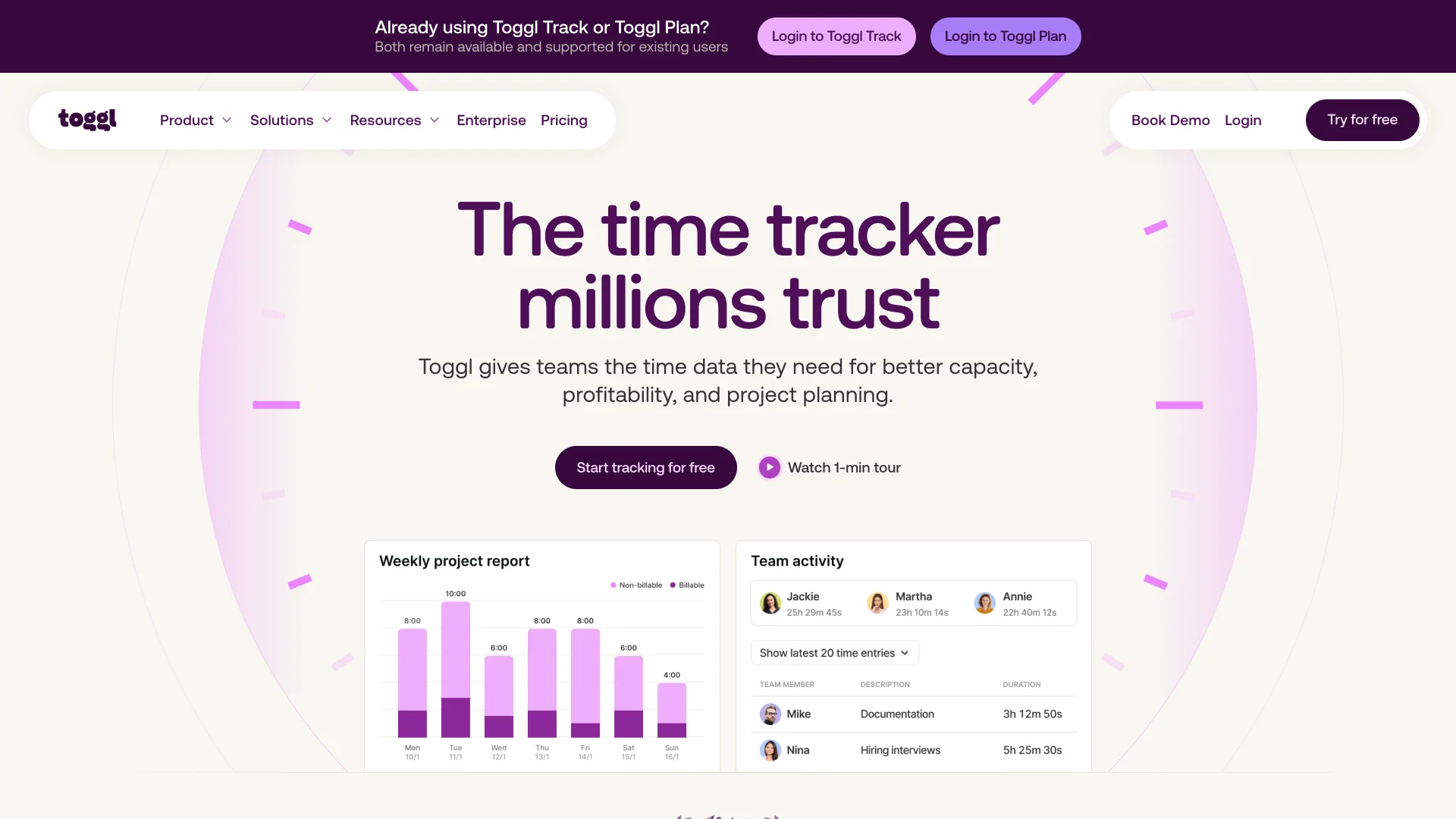
Toggl Track is a time tracking tool built around simple, self-reported time entries. Its main objective is to help teams log hours by project and client with very little friction.
It does not capture screenshots or monitor activity, which makes GDPR assessment far simpler. Toggl is run by an Estonia-based company, which many European buyers find reassuring. A DPA is available, and reports and exports support client billing.
Pros: Clean interface, low data collection, and a free plan for small teams. Integrations with developer tools make daily logging quick.
Cons: It offers no activity verification, so it will not suit employers who need proof of remote working hours. Advanced reporting and permissions require paid plans.
Pricing: Free for up to three users, and paid plans start at about $9 per user per month.
Best for: Consultancies, product teams, and agile engineering groups that trust self-reported time and want the lowest possible privacy footprint.
6. Clockify
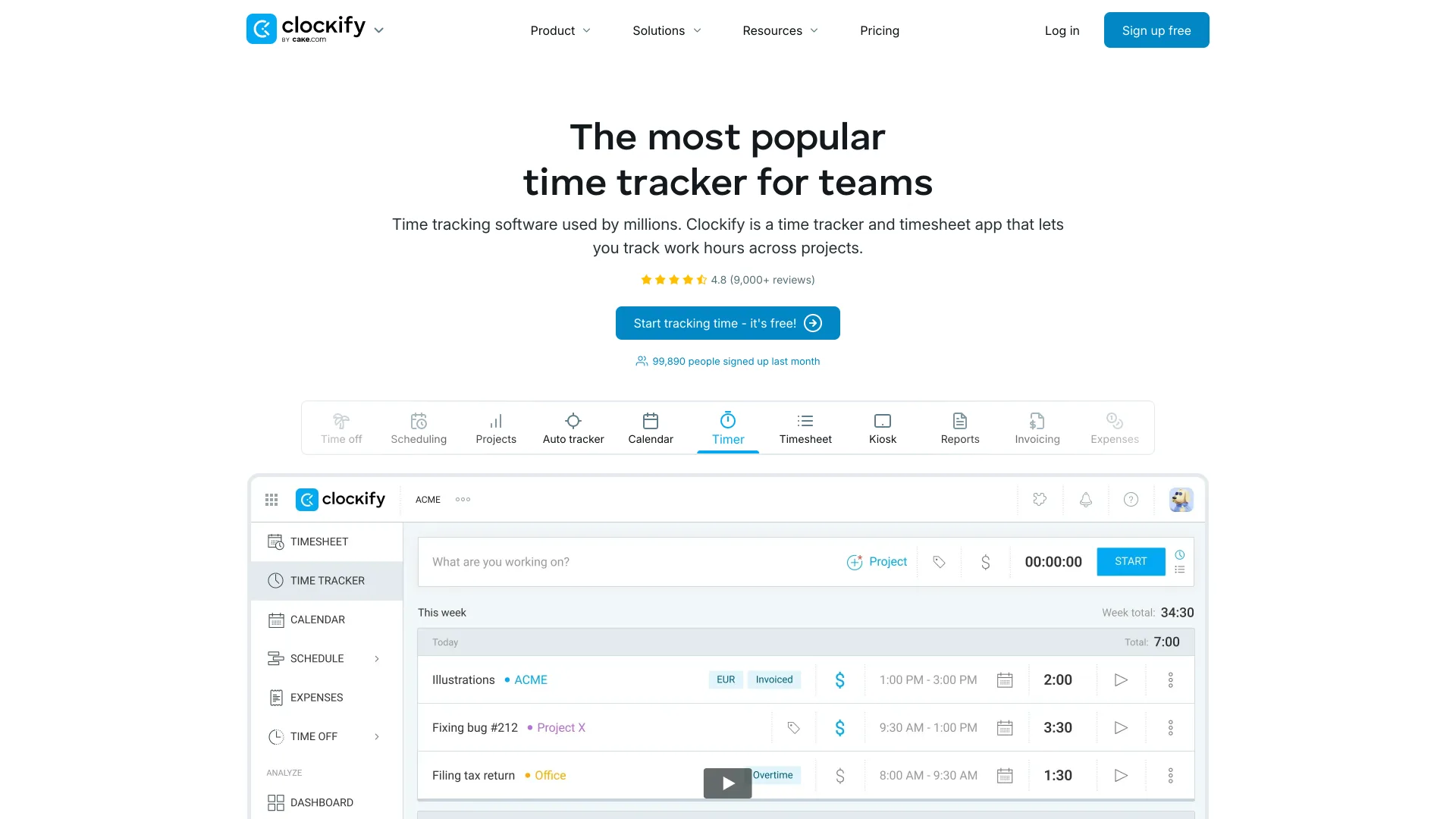
Clockify is a time tracking and timesheet tool known for its generous free plan. Its main objective is to give teams of any size a simple way to track hours, projects, and budgets.
Paid plans add optional screenshots, approvals, and more detailed reports, while the free version stays focused on basic time entries.
Clockify offers a DPA, and admins can control who sees which reports. The company also publishes security and privacy documentation for review.
Pros: A very low price, an easy setup, and a free plan for up to five users. These strengths make it simple to run a pilot.
Cons: Advanced monitoring features sit on paid plans, the interface can feel crowded as projects grow, and activity insights are less detailed than in dedicated monitoring platforms.
Pricing: A free plan is available, and paid plans start at about $3.99 per user per month on annual billing.
Best for: Startups and small dev teams on a tight budget that need straightforward time tracking and may add monitoring later.
Common GDPR Mistakes Dev Teams Should Avoid
Developer teams often repeat the same mistakes when they adopt tracking software. Avoid these five, and you will remove most of the compliance risk:
Switching on every feature by default instead of choosing only what your purpose needs.
Skipping the data protection impact assessment before rollout.
Using silent or hidden tracking, which conflicts with the transparency rules in Articles 12 and 13.
Tracking outside agreed working hours or on personal devices without a clear policy.
Keeping screenshots and activity logs far longer than your retention policy allows.
Conclusion
The right tool depends on what you need to prove and how much data you actually need. Apploye stands out for dev teams because it pairs configurable controls with a low price and a DPA you can review.
Hubstaff, Time Doctor, ActivTrak, Toggl Track, and Clockify each fit a different team size and budget. Before you choose, confirm your lawful basis, complete a DPIA, sign the DPA, and share a clear policy with your team.
Then run a short pilot and adjust settings before full rollout. Treat this guide as general information and ask a qualified privacy lawyer to review your final setup.
Related DevToolLab Tools
- Privacy Policy Generator - draft a GDPR and CCPA privacy policy to adapt into the written monitoring notice you share with your team.
- PII Redactor - strip emails, IPs and tokens from activity logs before you attach them to a ticket or send them to a vendor.
- Fake Data Generator - pilot reports and dashboards with mock employee records instead of real personal data.
- Hours Calculator - check the hours between two times when you reconcile tracked time against a timesheet.
Related Guides
- Best SOC 2 Compliance Automation Platforms - the vendor reviews and evidence collection that sit next to a GDPR program
- Best HR Software for UK Enterprise - HR systems for large teams working under UK GDPR
- Best Countries for Remote Developers - where distributed dev teams are based, the first question in deciding which privacy law covers tracking them
- Best Synthetic Data Generation Tools - test with synthetic records so real employee data never leaves production