
1 in 4 AI-generated code samples contains a confirmed OWASP Top 10 vulnerability (AppSec Santa AI Code Security Study, 2025). Third-party involvement in breaches doubled from 15% to 30% in a single year according to the Verizon 2025 DBIR. And the OWASP Top 10 2025 added Software Supply Chain Failures as a new top-five category -- promoted from "Vulnerable and Outdated Components" in 2021 because the scope of the threat changed.
The tools that caught security issues in 2020 aren't the right tools for 2026. Traditional SAST generated so many false positives that developers built a habit of ignoring alerts. CVE-database SCA tools flag every vulnerable package, including ones whose vulnerable function your code never calls. And secrets scanners that only watch for hardcoded API keys miss 60% of the ways credentials end up in code.
This guide covers the three layers of a modern developer security setup -- SAST, SCA, and secrets scanning -- and the tools that do each one well without burning developer attention on noise. These are the tools not covered in our overview of AI code security tools, which focused on Snyk, GitHub GHAS, Aikido, and Checkmarx. Consider this guide the complement to that one.
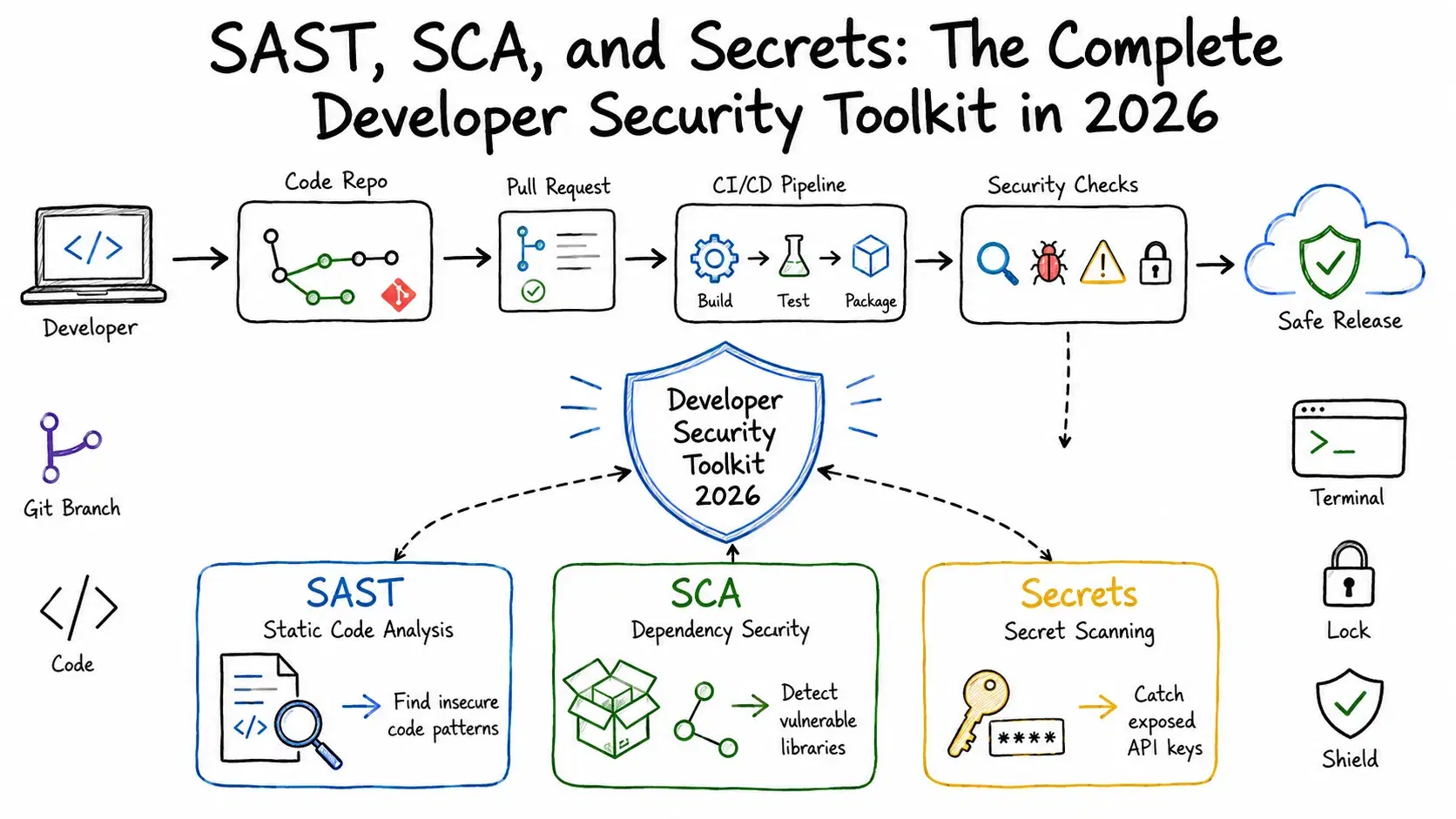
The Three Security Layers Every Developer Needs
Before picking tools, it helps to understand what each layer catches and what it misses.
SAST (Static Application Security Testing) analyzes your source code without running it. It traces how untrusted input moves through your codebase -- from an HTTP request through function calls to a database query -- and flags patterns that could produce SQL injection, XSS, path traversal, or broken authentication. SAST is the layer that tells you your own code has a bug. It runs fast, integrates at the PR level, and catches issues before any user ever touches the application.
SCA (Software Composition Analysis) inventories your third-party dependencies and flags known vulnerabilities in them. Modern SCA doesn't stop at CVE matching -- it adds reachability analysis, asking whether the vulnerable function in a dependency is actually called anywhere in your code. Without reachability, SCA generates enormous noise. With it, a tool that flags 500 vulnerable packages narrows to 12 that actually matter.
Secrets scanning detects credentials that shouldn't be in code: API keys, database connection strings, OAuth tokens, private keys, environment variables accidentally committed. Real-time push protection blocks secrets before they land in version history. Historical scanning finds secrets already in your repo. These are different problems and require different approaches.
Running all three layers sounds like a lot, but modern tools make it lighter than it used to be. Most good SAST tools now bundle secrets detection. Most good SCA tools now have reachability. And the CI integration for all three is usually one YAML file.
SAST: Semgrep and SonarQube
Semgrep
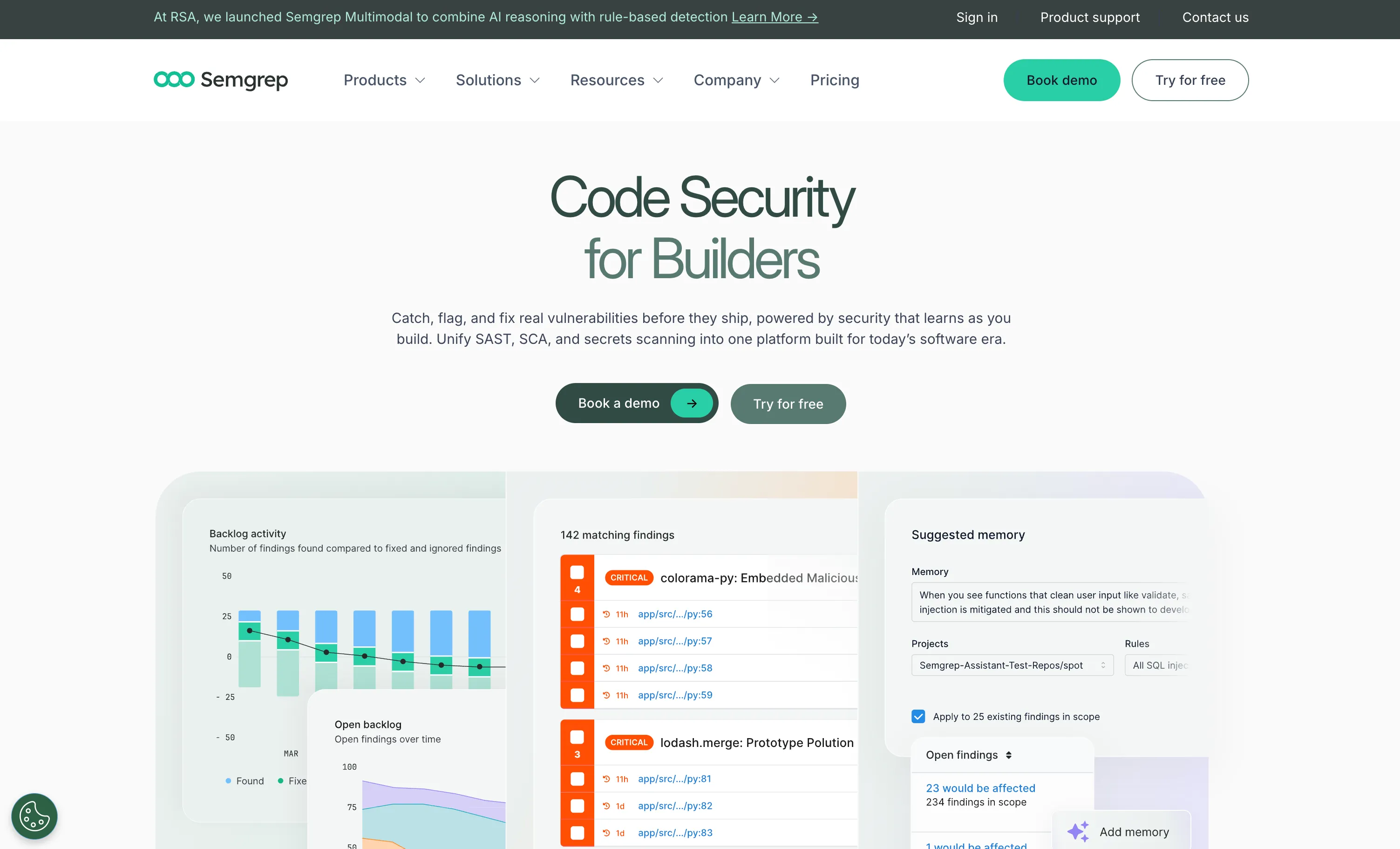
Semgrep is the SAST tool most developers actually like using. It runs in under 30 seconds on most codebases, has a 35-language open-source rule library with 3,000+ rules, and lets you write custom rules in a readable pattern syntax that doesn't require a security PhD.
The 2026 addition that changes the category is Semgrep Multimodal, announced in March 2026. Semgrep has always been good at finding injection and XSS -- the kind of vulnerabilities where a pattern rule is a reliable detector. Multimodal adds an AI reasoning layer that catches complex business logic flaws: IDORs (Insecure Direct Object References), broken access control, and authorization bypasses that don't have a clear code pattern but that a security researcher would spot immediately. Semgrep claims multimodal finds up to 8x more true positives than AI-only analysis while cutting noise in half compared to rule-only analysis. Early customer reports credit it with finding multiple "incident-level zero-days."
What it does well: Open-source rule library you can inspect and customize. AI autotriage that learns your team's false positive patterns over time -- Semgrep calls this "Memories," and customers report 60% backlog reduction on first use. Public pricing ($30/contributor/month on the Teams tier, clearly listed on their website without a sales call). Windows support without WSL, and 3x faster scans on large monorepos as of a 2025 release.
What it doesn't do: No DAST, no container scanning, no IaC. Semgrep is a shift-left tool -- it analyzes your code before deployment, not after. Pair it with a dedicated SCA tool rather than relying on Semgrep Supply Chain alone for dependency coverage on large projects.
Pricing: Free (up to 10 contributors) · Teams $30/contributor/month · Enterprise contact sales
Setting up Semgrep in GitHub Actions:
yaml# .github/workflows/semgrep.yml name: Semgrep Scan on: push: branches: [main] pull_request: jobs: semgrep: runs-on: ubuntu-latest container: image: semgrep/semgrep steps: - uses: actions/checkout@v4 - name: Run Semgrep run: semgrep scan --config=auto --error env: SEMGREP_APP_TOKEN: ${{ secrets.SEMGREP_APP_TOKEN }}
The --config=auto flag uses Semgrep's recommended ruleset for the languages in your repo. The --error flag fails the build on any finding -- remove it if you want non-blocking scans during adoption.
SonarQube
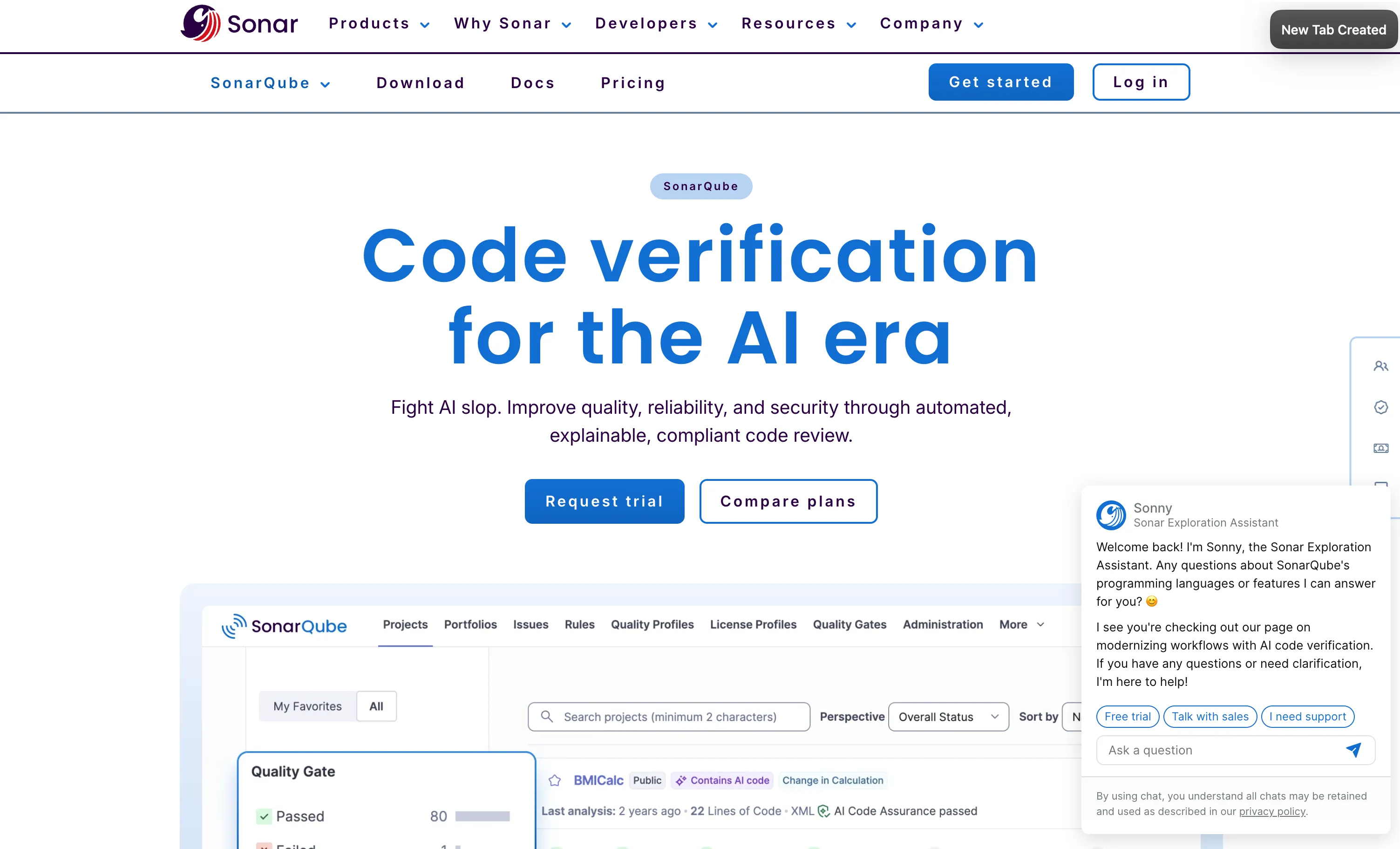
SonarQube solves a different problem from Semgrep: it combines code quality enforcement with security analysis, which matters when you want a single tool that blocks merges on both "this code has a vulnerability" and "this code has a 300-line method with cyclomatic complexity 40."
The 2025 Advanced Security extension adds proper SCA with SBOM generation (CycloneDX and SPDX formats) and malicious package detection -- both Enterprise tier. For smaller teams, SonarQube's core SAST is what matters.
The feature worth knowing about in 2026 is AI Code Assurance. Sonar's own research found 42% of all committed code is now AI-generated or AI-assisted. AI Code Assurance automatically detects AI-written code and applies stricter verification rules to it. In Sonar's own user survey, respondents using AI Code Assurance were 24% more likely to report lower vulnerability rates and 20% more likely to report lower defect rates -- directional evidence worth noting, though self-reported perception data is not the same as a measured reduction. It is one of the most direct responses any scanner has built to the AI-generated code problem.
What it does well: Code quality plus security in one tool -- the only product in this category that treats both as first-class concerns. Predictable LOC-based pricing (you pay based on lines of code, not per developer) that is highly favorable for large teams. SonarLint IDE plugin gives real-time feedback in VS Code, IntelliJ, and Visual Studio so issues are caught before the commit, not after.
What it doesn't do: No native DAST. SCA is Enterprise-only. AI autofix (SonarQube calls it AI CodeFix) is less contextually aware than Semgrep's autofix -- suggestions tend toward template-based patterns rather than codebase-specific reasoning.
Pricing: SonarQube Cloud Team from ~€30/month · Enterprise custom · SonarQube Server (self-hosted) Developer from ~$32/month
SCA: Socket and Endor Labs
Socket
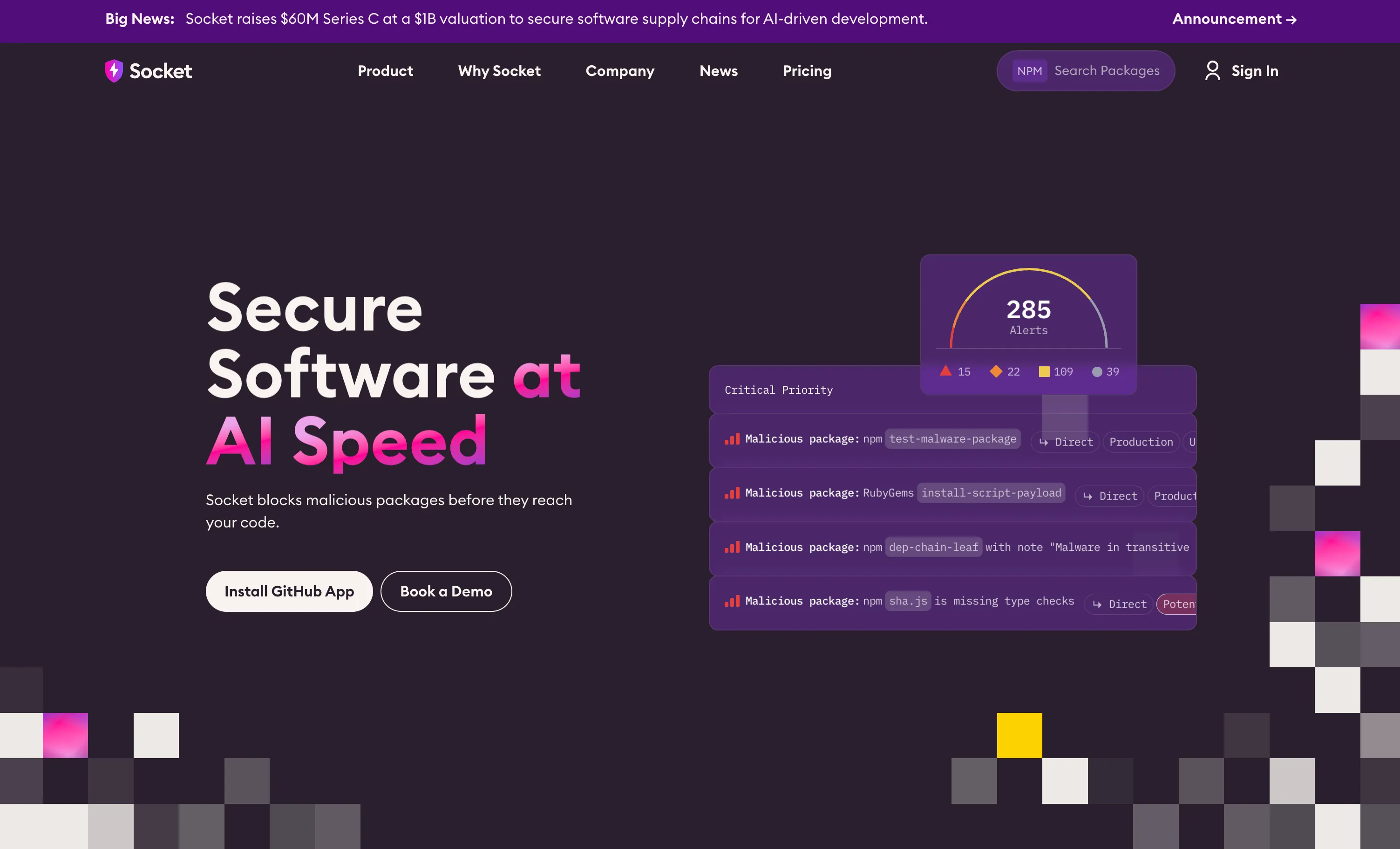
Socket solves the supply chain problem that CVE databases can't: the attack that happened yesterday, before any CVE was filed.
Traditional SCA works by checking your dependencies against a list of known vulnerabilities. Socket analyzes what your dependencies actually do -- looking at whether they make unexpected network calls, execute shell commands, read sensitive environment variables, or contain obfuscated code. When a package is compromised through a maintainer account takeover or typosquatting attack, Socket flags it immediately based on behavior, not because a CVE was assigned. That can be the difference between catching an attack on day zero versus day seven.
The practical result: Socket blocked the colors.js/faker.js sabotage and several similar attacks before CVEs existed for them -- precisely the incidents it was built to prevent. For teams that have been burned by supply chain attacks, this behavioral approach is the reason to choose Socket over a CVE-only SCA tool.
The GitHub App is Socket's primary integration. It installs in two minutes, monitors every PR for dependency changes, and posts a comment breaking down the risk profile of each new or updated package -- network access patterns, permission usage, install scripts, and any detected malicious behavior. You can block PRs from merging if a package exceeds a configurable risk threshold.
What it does well: Pre-CVE detection of malicious packages, a free tier that is genuinely unlimited for open-source projects, extremely fast PR-level feedback on new dependencies. The reachability analysis on the Team tier ($25/dev/month) cuts CVE false positives by 60%, which makes it useful even for teams not worried about supply chain attacks specifically.
What it doesn't do: Socket is not a full-spectrum security tool. No SAST, no secrets scanning, no IaC. It is a supply chain specialist. For a complete setup, Socket should sit alongside a SAST tool, not replace one.
Pricing: Free (unlimited open-source repos, 1,000 scans/month) · Team $25/dev/month · Business $50/dev/month · Enterprise contact
Bash# Install Socket CLI for local scanning npm install -g @socket/cli # Scan your project dependencies socket scan . # Check a specific package before installing socket npm info express
Endor Labs
Endor Labs is the choice for teams that have tried SCA tools and gave up because of noise. Its full-stack reachability analysis is the most technically sophisticated in the market: it builds a call graph that connects your application code, its dependencies, and container image layers into a single model, then answers the question "is this vulnerable function reachable anywhere in our running application?"
Endor Labs' published case studies report average noise reduction of 92% across customers, with some customers citing 97% -- figures drawn from vendor-reported data rather than independent benchmarks. That means a tool that might surface 500 CVEs from a traditional SCA scan returns 40 findings that are actually exploitable given how your code uses the dependency. For organizations that have given up on SCA because the signal-to-noise ratio made it unactionable, that number changes what's possible.
The AI layer is called AURI. It combines static analysis findings with reasoning about context -- whether a dependency is used in a code path that processes untrusted input, whether the vulnerable function version check is already guarded elsewhere, whether a fix would break the API your code relies on. AURI targets 99% accuracy on malicious package detection, with results within two minutes for any open-source package.
What it does well: The deepest reachability analysis available -- the only product that combines application reachability with container layer analysis in a single call graph. AURI's behavioral package analysis goes beyond pattern matching to contextual reasoning. Free developer-tier access (AURI for Developers) lets individuals use it locally and inside AI code editors without an account.
What it doesn't do: No DAST. SAST is newer than its SCA product and less proven than dedicated tools like Semgrep. Enterprise pricing (beyond the free developer tier) requires a sales conversation.
Pricing: AURI for Developers free · Core and Pro contact sales (minimum ~$10,000/year based on published data points)
Secrets Scanning: Beyond Hardcoded Strings
Secrets in code fall into three distinct patterns, and most tools only catch one.
Pattern 1: Hardcoded strings. AWS_SECRET_KEY = "abc123..." in a config file. Every secrets scanner catches this. It is the easiest detection problem.
Pattern 2: Environment variables in commit history. A developer adds .env to .gitignore but not before committing it once. The file is gone from the working tree but lives forever in git history. Git history scanning is what catches this.
Pattern 3: Dynamic construction. const key = process.env.PART_A + process.env.PART_B + hardcoded_suffix. The full credential never appears as a string literal, but it is still a secret exposure. Very few tools catch this.
GitHub Secret Protection ($19/active committer/month as a separate SKU) is the most frictionless option for GitHub users. Push protection blocks commits containing 200+ token types from 180+ service providers before they land in history. Validity checks confirm whether a detected token is still active -- a meaningful feature since a rotated secret no longer poses real risk.
Semgrep Secrets runs alongside Semgrep Code on the same platform. For teams already paying for Semgrep SAST, Semgrep Secrets adds secrets detection without a separate tool.
Gitleaks is the open-source option worth knowing. It is fast, runs locally and in CI, and has no per-seat cost. For teams that can't pay for a commercial secrets scanner but need more than grep, Gitleaks is the answer.
Bash# Install and run Gitleaks on your repo brew install gitleaks # Scan the current git repo history gitleaks detect --source=. --report-format=json --report-path=gitleaks-report.json # Pre-commit hook setup gitleaks protect --staged
The pre-commit hook catches secrets before they land in any commit, which is meaningfully better than scanning after the fact.
Building a Layered Security Pipeline
A practical setup that covers all three layers for a GitHub-hosted project:
yaml# .github/workflows/security.yml name: Security Scan on: push: branches: [main] pull_request: jobs: sast: name: SAST - Semgrep runs-on: ubuntu-latest container: image: semgrep/semgrep steps: - uses: actions/checkout@v4 - run: semgrep scan --config=auto --error env: SEMGREP_APP_TOKEN: ${{ secrets.SEMGREP_APP_TOKEN }} secrets: name: Secrets - Gitleaks runs-on: ubuntu-latest steps: - uses: actions/checkout@v4 with: fetch-depth: 0 - uses: gitleaks/gitleaks-action@v2 env: GITHUB_TOKEN: ${{ secrets.GITHUB_TOKEN }} sca: name: SCA - Socket runs-on: ubuntu-latest steps: - uses: actions/checkout@v4 - uses: actions/setup-node@v4 with: node-version: '20' - run: npm install -g @socket/cli - run: socket scan . --strict env: SOCKET_SECURITY_API_KEY: ${{ secrets.SOCKET_API_KEY }}
This pipeline costs very little for most teams. Semgrep's free tier covers 10 contributors. Gitleaks is free. Socket's free tier covers open-source repos. For a private repo, the Socket Team tier adds reachability analysis -- worth the $25/dev/month for the noise reduction alone.
The False Positive Problem (and How to Actually Solve It)
Developer teams turn off security scanning when false positive rates make it useless. A scanner flagging 200 issues on every PR gets ignored within two weeks. Three things that actually help:
Use reachability analysis for SCA. A CVE only matters if your code calls the vulnerable function. Endor Labs and Socket both do this; cheaper tools don't. The difference between 500 findings and 25 findings makes the entire category usable again.
Configure suppression rules early. Every SAST tool lets you mark a finding as reviewed or not applicable. Set this up on day one -- if developers can't dismiss false positives, they start ignoring everything.
Start with high-severity only. Use --severity=error or --min-severity=high in CI until the high-severity backlog is under control. Adding all severities at once creates paralysis.
Semgrep's AI Assistant learns from your team's triage decisions and applies those patterns to future findings. Customers who use it consistently report the 60% backlog reduction Semgrep cites in its benchmarks.
SonarQube Quality Gates: Enforcing Security at Merge Time
Quality Gates are SonarQube's mechanism for hard-blocking merges when code doesn't meet your security and quality standards. Unlike CI security checks that can be skipped or overridden, Quality Gates are configured centrally and apply consistently to every PR.
A minimal security-focused Quality Gate configuration:
properties# sonar-project.properties sonar.projectKey=your-project-key sonar.sources=src sonar.exclusions=**/*test*/**,**/vendor/** # Quality Gate conditions to configure in SonarQube UI: # - Security Rating: worse than A = block # - Vulnerabilities: any new critical or blocker = block # - Security Hotspots Reviewed: < 100% = block # - Coverage on New Code: < 80% = block
The Security Rating of A means no vulnerability with severity higher than "minor" exists in the new code. Pair this with SonarLint in developers' IDEs and most issues get fixed before they reach CI -- the Quality Gate becomes a safety net rather than a blocker.
The 2026 Angle: AI-Generated Code and MCP Servers
Two new security problem classes emerged in 2025-2026 that standard tooling doesn't cover yet.
AI-generated code risks. The AppSec Santa study analyzed 534 code samples across six major LLMs and found AI-generated code is 1.88x more likely to contain a vulnerability than human-written code, with 1 in 4 samples containing a confirmed OWASP Top 10 issue. SonarQube's AI Code Assurance feature is the most direct response: it detects AI-written code and applies stricter scanning rules to it. Semgrep Multimodal catches the business logic class of AI-generated vulnerabilities that pattern rules miss.
MCP server security. A February 2026 scan of 7,000+ MCP servers by BlueRock Security found 36.7% are potentially vulnerable to SSRF (Server-Side Request Forgery). MCP servers are a new attack vector that traditional code scanners don't specifically address. Snyk Agent Guard (currently in Private Preview) and Socket's MCP scanning feature -- a live tool that lets Claude, Copilot, and Cursor scan npm and PyPI packages for security risks -- are the first tools targeting this class of issues. For now, the practical advice is to treat MCP server code with the same scrutiny as any code that handles external network requests -- run Semgrep's SSRF rules against it explicitly.
How to Pick Your Stack
Solo developer or small team, budget-conscious: Semgrep free tier (SAST) + Gitleaks (secrets) + Socket free (SCA for open-source). Zero cost, covers all three layers.
Small team, private repos: Semgrep Teams ($30/dev/month) + Socket Team ($25/dev/month). Reachability analysis on both tools cuts noise to a manageable level. No secrets scanner needed if GitHub Secret Protection is included in your plan.
GitHub-first team that wants the simplest setup: GitHub Code Security ($30/committer) for SAST + CodeQL + secrets scanning, then add Socket for supply chain behavioral analysis. GitHub handles 80% of the stack and Socket covers the gap.
Large team that needs code quality enforcement too: SonarQube Cloud Team for SAST and quality gates, Endor Labs for SCA. SonarQube's Quality Gates give you a centrally managed merge policy; Endor Labs' reachability analysis makes SCA findings actionable at scale.
Enterprise, regulated industry: Semgrep or SonarQube for SAST (both have strong compliance reporting), Endor Labs for SCA, Veracode if you need binary analysis or legacy language support (COBOL, VB6, RPG). Add GitHub Secret Protection or a dedicated secrets tool on top.
Conclusion
SAST, SCA, and secrets scanning are not three tools to evaluate separately -- they are three layers of a single practice. Semgrep Multimodal and SonarQube AI Code Assurance address the AI-generated code vulnerability problem directly. Socket and Endor Labs solve the SCA noise problem that caused organizations to give up on dependency scanning. GitHub Secret Protection and Gitleaks cover credential exposure at different price points.
Start with one layer. Run Semgrep on your next PR and see what it finds. Add secrets scanning after you've triaged the SAST backlog. Add SCA when you have a handle on secrets. The goal is not to have all three tools running on day one -- it is to have all three running consistently six months from now.
Pricing and feature details change frequently. Verify current pricing directly with each vendor before purchasing.