
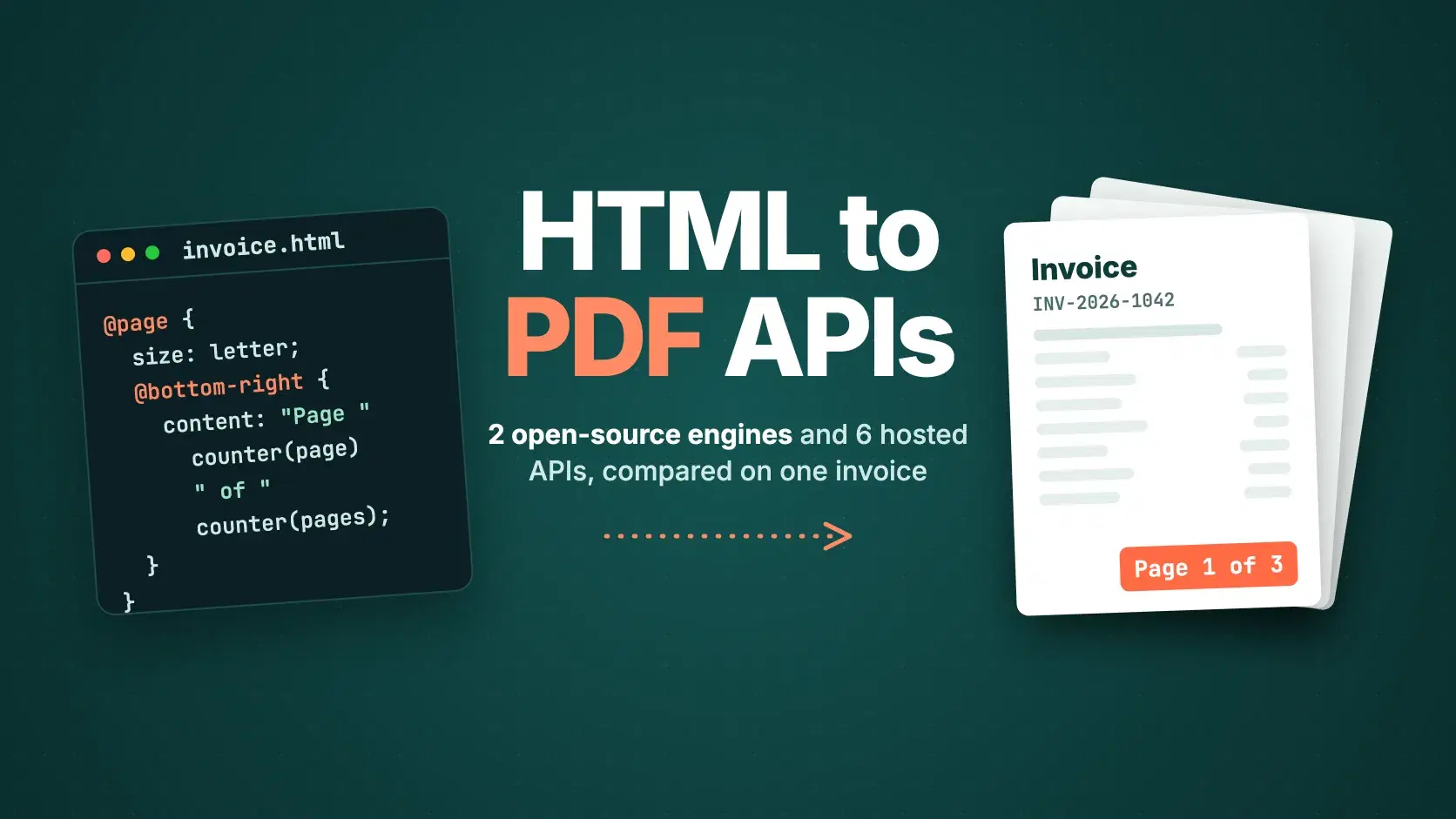
Every SaaS app eventually sends a document that has to look right on paper. The HTML is easy; the PDF is where the table splits across a page break, the footer loses its page number and the font changes between your laptop and the server.
The old default, wkhtmltopdf, is now an archived repository on GitHub. Meanwhile the free engines caught up: on November 23, 2026 we rendered the same three-page invoice with headless Chrome 157 and WeasyPrint 70.0, and both printed a CSS Page 1 of 3 footer with no vendor involved. That changes what you pay an HTML to PDF API for.
What Teams Actually Run
No survey covers PDF generation, so these signals are vendor-reported. Gotenberg, the open-source Docker API, says its image has been pulled from Docker Hub more than 100 million times, and its repository had 13,652 GitHub stars on November 23, 2026. PDFShift claims 86 million conversions and 56,000 developers. Api2Pdf claims 1,400+ paying customers since 2018.
Under most of them sits one of three engines: Chromium (Gotenberg, Browserless, Api2Pdf's Chrome endpoint), Prince (DocRaptor), or WeasyPrint, an open-source Python engine with no browser. Picking a vendor is mostly picking an engine, then deciding who runs it.
What the Same Invoice Costs and How It Renders
The worked example for this post: Acme Analytics Inc. in Austin, Texas sends 10,000 usage invoices a month. Each has 90 line items, runs three US Letter pages, repeats its table header on every page and needs "Page N of M" in the footer. We rendered that HTML with both open-source engines on an M-series Mac:
Bash#!/bin/bash # Render the same invoice with headless Chrome and with WeasyPrint, then compare. CHROME="/Applications/Google Chrome.app/Contents/MacOS/Google Chrome" "$CHROME" --version start=$(python3 -c 'import time;print(time.time())') "$CHROME" --headless --no-pdf-header-footer --user-data-dir="$PWD/chrome-profile" \ --print-to-pdf=chrome.pdf "file://$PWD/invoice.html" 2>/dev/null python3 -c "import time;print(f'chrome render: {time.time()-$start:.2f}s')" weasyprint --version start=$(python3 -c 'import time;print(time.time())') weasyprint invoice.html weasyprint.pdf python3 -c "import time;print(f'weasyprint render: {time.time()-$start:.2f}s')" for f in chrome.pdf weasyprint.pdf; do pages=$(qpdf --show-npages $f) footer=$(pdftotext -f 1 -l 1 $f - | grep -o 'Page 1 of [0-9]*' || echo "no footer") echo "$f: $pages pages, $(wc -c < $f | tr -d ' ') bytes, first-page footer: $footer" done
textGoogle Chrome 157.0.8103.79 chrome render: 4.91s WeasyPrint version 70.0 weasyprint render: 0.85s chrome.pdf: 3 pages, 157421 bytes, first-page footer: Page 1 of 3 weasyprint.pdf: 3 pages, 16731 bytes, first-page footer: Page 1 of 3
The footer comes from @page { @bottom-right { content: "Page " counter(page) " of " counter(pages) } }, and both engines honored it. Chrome's 4.91 seconds was a cold start; a warm second run took 0.85 seconds. Chrome's file was 9.4 times larger, and pdffonts showed one reason: the same font-family: sans-serif became Helvetica in Chrome and Verdana in WeasyPrint. Ship a web font with the template, or your invoice changes typeface when you switch vendors.
Then the bill. This script prices the 10,000 invoices on each vendor's published plans, using the 0.16 MB file Chrome produced and a 2-second render:
Python# Monthly cost of 10,000 three-page invoices (0.16 MB, ~2 s render each), # using the list prices on each vendor's pricing page, checked November 23, 2026. PDFS, MB, SECONDS = 10_000, 0.16, 2 def cheapest(plans): """plans: (name, included, monthly_fee, overage_per_doc or None)""" best = None for name, included, fee, over in plans: extra = max(0, PDFS - included) if extra and over is None: continue cost = fee + extra * (over or 0) if best is None or cost < best[1]: best = (name, cost) return best quotes = { "PDFShift (monthly billing)": cheapest([ ("Growth", 5_000, 39, 0.025), ("Business", 25_000, 99, 0.02)]), "DocRaptor": cheapest([("Bronze", 15_000, 399, None)]), "Browserless (annual billing)": cheapest([ ("Prototyping", 20_000, 25, 0.002)]), # 1 unit = up to 30 s of browser time "APITemplate.io (annual billing)": cheapest([("PDF Standard", 12_000, 69, None)]), "Api2Pdf": ("pay as you go", 1 + PDFS * MB * 0.001 + PDFS * SECONDS * 0.00019551), } for vendor, (plan, cost) in sorted(quotes.items(), key=lambda q: q[1][1]): print(f"{vendor:32} {plan:14} ${cost:8,.2f}/month")
textApi2Pdf pay as you go $ 6.51/month Browserless (annual billing) Prototyping $ 25.00/month APITemplate.io (annual billing) PDF Standard $ 69.00/month PDFShift (monthly billing) Business $ 99.00/month DocRaptor Bronze $ 399.00/month
A 61x spread for the same 30,000 pages. Adobe is missing because its paid tier is a sales conversation, and the open-source engines cost whatever their server costs.
Gotenberg: Chromium and LibreOffice Behind One Docker Port
Gotenberg wraps headless Chromium and LibreOffice behind a multipart/form-data API. You start it with docker run --rm -p 3000:3000 gotenberg/gotenberg:9, POST HTML or a URL to a route such as /forms/chromium/convert/url, and get PDF bytes back.
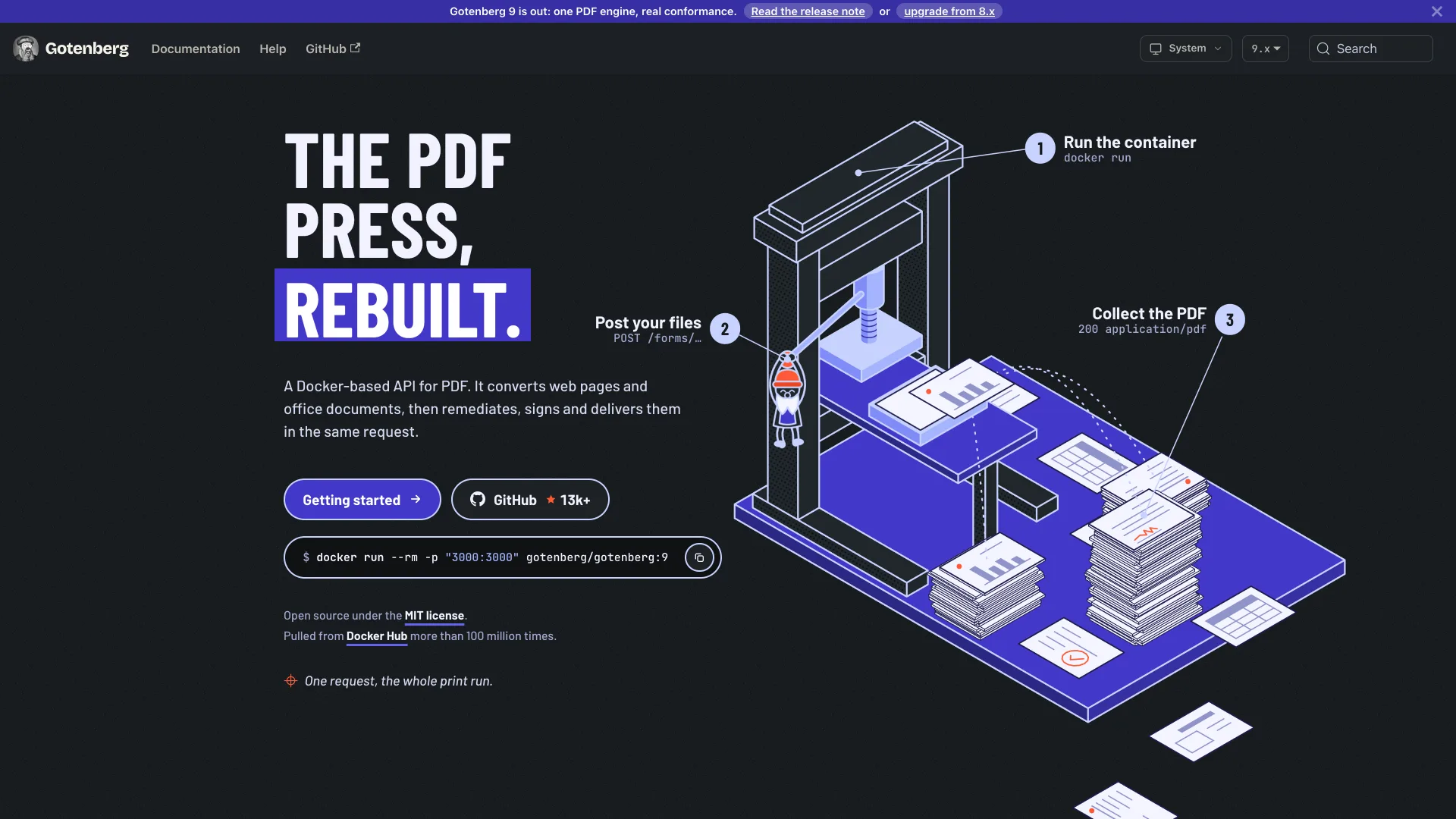
What it does well is breadth in one container: Office conversion, merging, and in version 9 remediation until output conforms to PDF/A or PDF/UA. Data never leaves your VPC.
What it does not do is run itself. You size containers, queue requests, restart a hung Chromium and patch the image when a browser CVE lands. There is no dashboard, template editor or SLA.
License: MIT · Version: v9.9.3, released November 22, 2026 · Price: $0 plus your compute
WeasyPrint: Paged Media Without a Browser
WeasyPrint is a Python library and CLI that lays out HTML and CSS itself, using Pango for text. That design is why it rendered our invoice in 0.85 seconds with no warm-up and produced a 16,731-byte file.
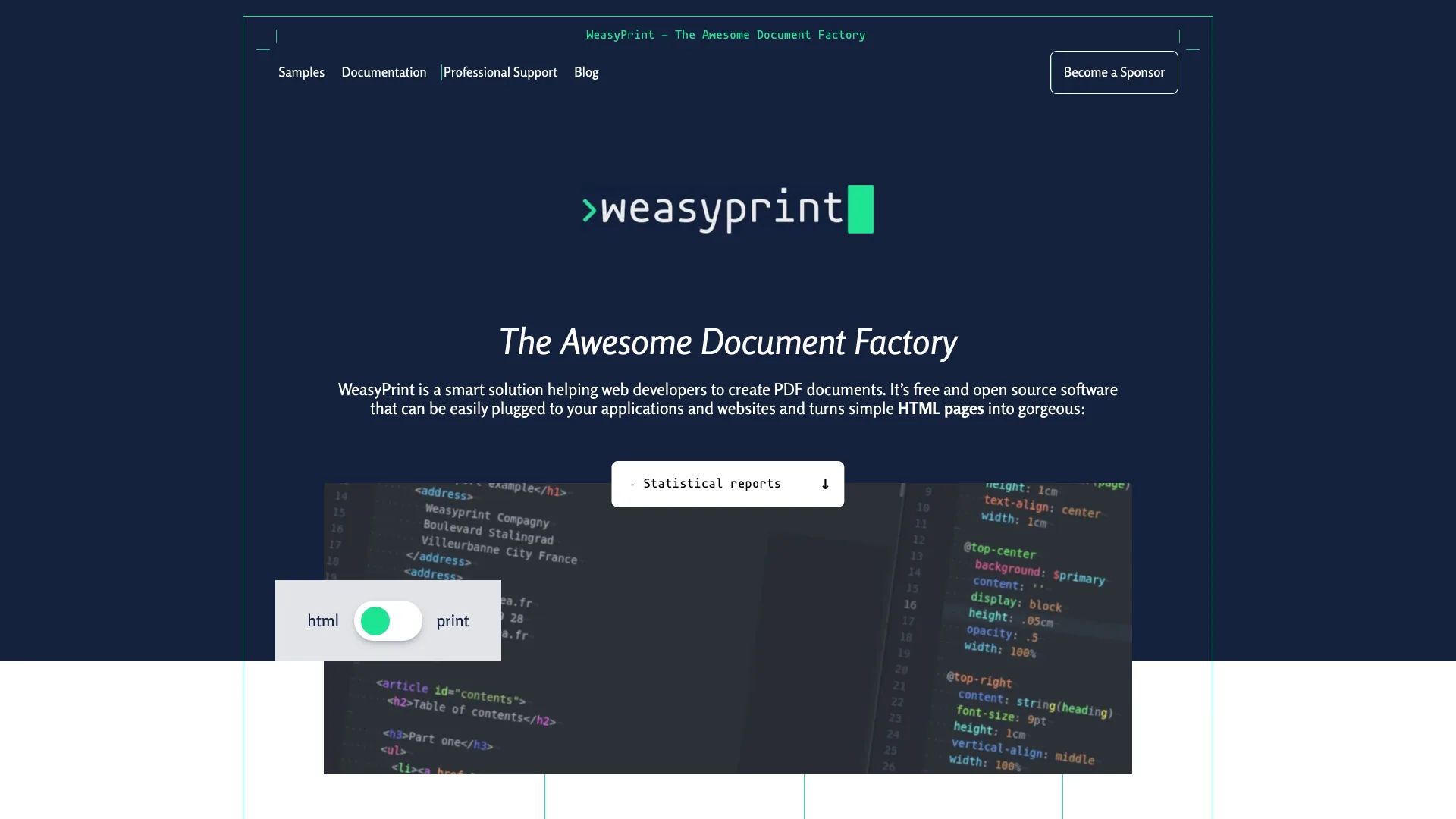
It does well at print CSS such as margin boxes and page counters, and runs inside a Django or Flask worker with no seperate service.
What it does not do is JavaScript. We added a <script> that rewrote a paragraph, and WeasyPrint printed the original text. Script-drawn charts must become static SVG first. It also needs Pango and GLib on the host; on our Mac that meant matching Homebrew's libraries to the right CPU architecture before it would import.
License: BSD-3-Clause · Version: v70.0, released September 8, 2026 · Price: $0
DocRaptor: The Prince Engine as a Hosted API
DocRaptor is the hosted API for Prince. Its homepage sells layout features browsers lack: elements floated to a page's top or bottom, mixed page sizes in one document, and HTML forms turned into PDF forms.
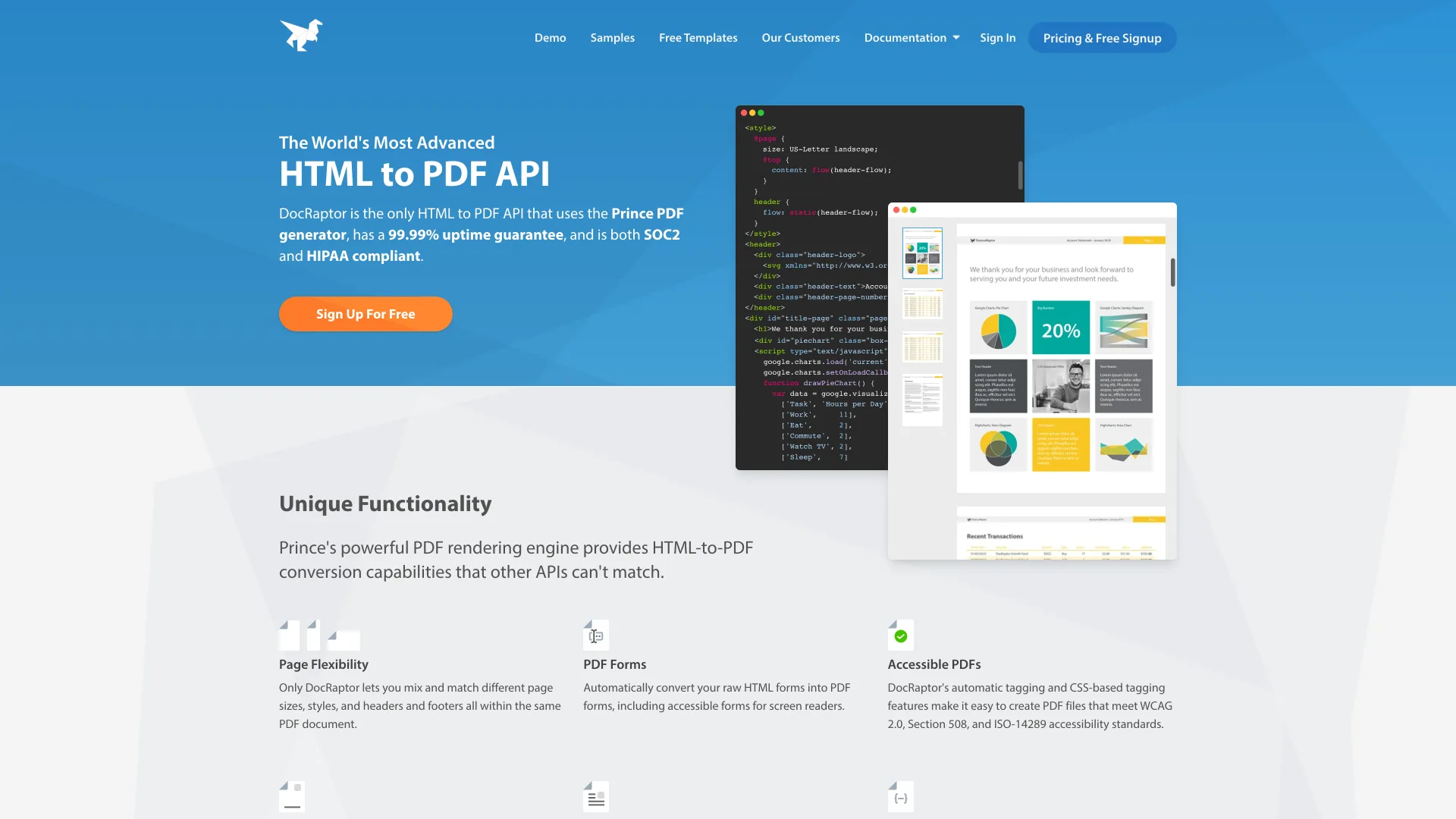
What it does well is long, complex documents such as filings and books. It claims SOC 2, HIPAA, a 99.99% uptime guarantee and PDF/UA-tagged output, and test documents are free and unlimited.
What it does not do is compete on volume price. Our invoices land on the $399 Bronze plan, and the per-document overage price is not listed. Prince runs JavaScript in its own engine, so browser-built pages can render differently.
Pricing (November 23, 2026): Free 5 documents · Basic $15/month for 125 · Professional $29 for 325 · Premium $75 for 1,250 · Max $149 for 5,000 · Bronze $399 for 15,000 · Silver $1,000 for 40,000
PDFShift: Credits Counted per 5 MB
PDFShift is a hosted converter that bills in credits, one per 5 MB of output. Our 0.16 MB invoice costs one credit; a 14 MB catalog costs three.
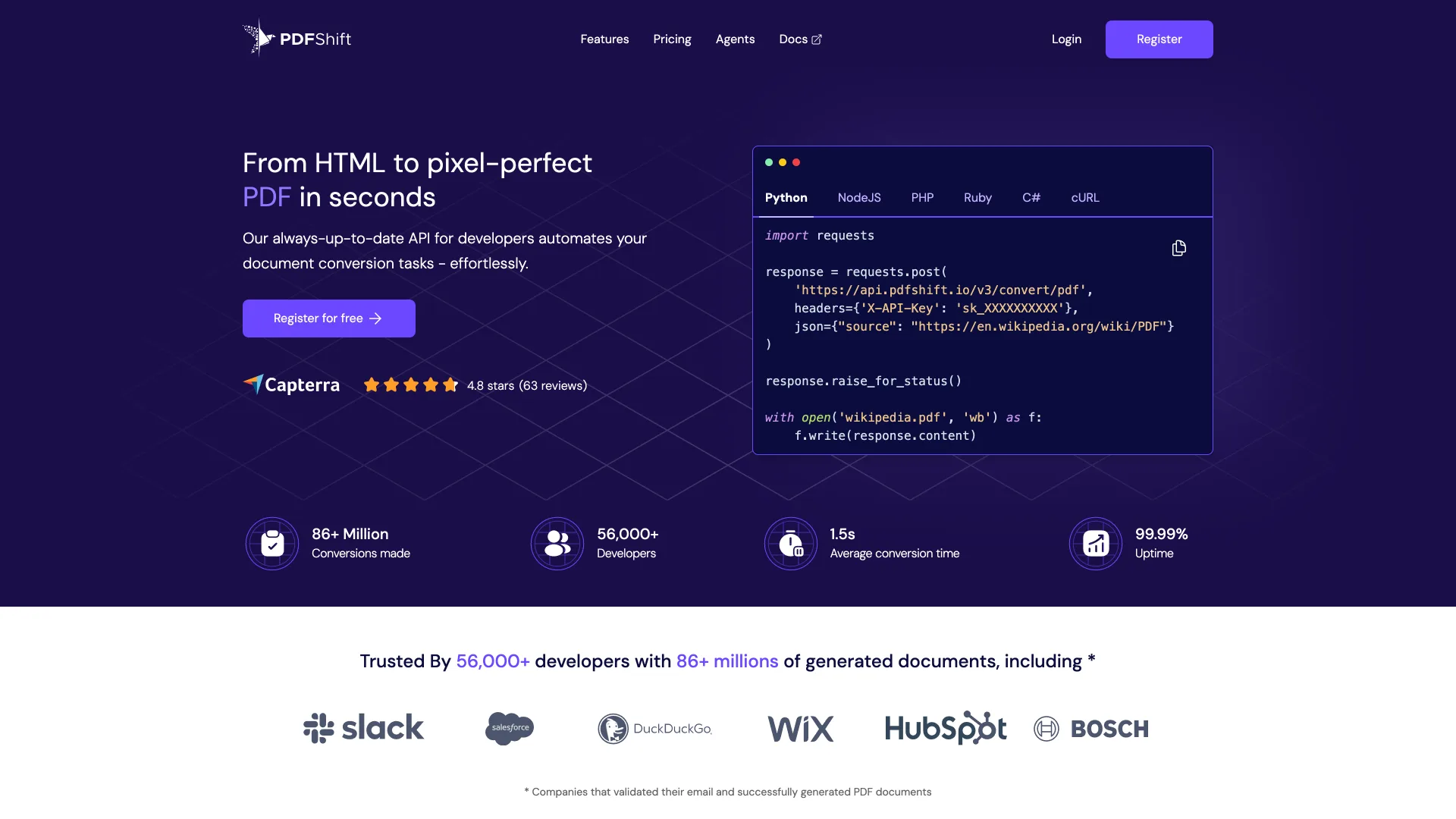
What it does well is predictable middle volume. The ladder is fine-grained, every paid plan includes every feature (encryption, watermarks, S3 delivery, async jobs), and it lists a HIPAA BAA in its footer.
What it does not do is name its engine or version, so a rendering change can shift your layout with nothing to pin. Extra credits cost $0.04 each on Starter.
Pricing (monthly billing, November 23, 2026): Free 50 credits · Starter $9 for 500 · Boost $24 for 2,500 · Growth $39 for 5,000 · Business $99 for 25,000 · Shift 100k $249 · Shift 1M $999
Api2Pdf: Pay per Second of Compute
Api2Pdf wraps headless Chrome, wkhtmltopdf and LibreOffice in one serverless REST API and bills like a cloud function: $1 a month, plus $0.001 per MB of bandwidth and $0.00019551 per second of compute.
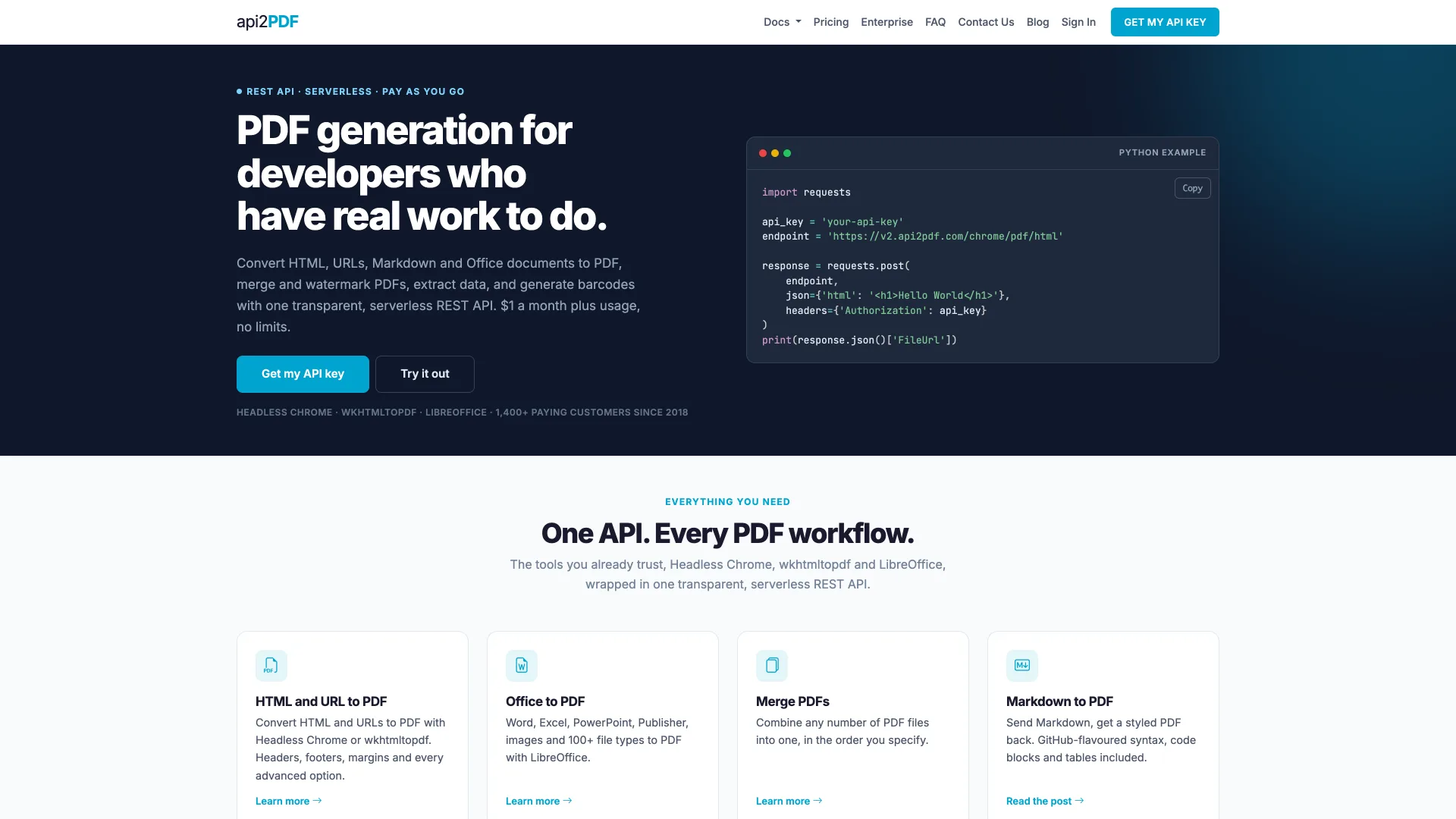
What it does well is the bill: our 10,000 invoices came to $6.51, with no rate, page or file size limits according to the pricing page. Office conversion and merging use the same key.
What it does not do is keep the file. The API returns a FileUrl hosted for 24 hours, then deleted, so copy it to your own S3 bucket. Each request gets 2 GB of RAM and 90 seconds, and one engine is the archived wkhtmltopdf, so use the Chrome endpoint for new work.
Pricing: $1/month · $0.001/MB · $0.00019551/second · first month of credit free
Browserless: A Browser Fleet With a PDF Endpoint
Browserless runs hosted headless browsers for scraping and AI agents, with a /pdf REST endpoint. A billing unit is up to 30 seconds of browser time.
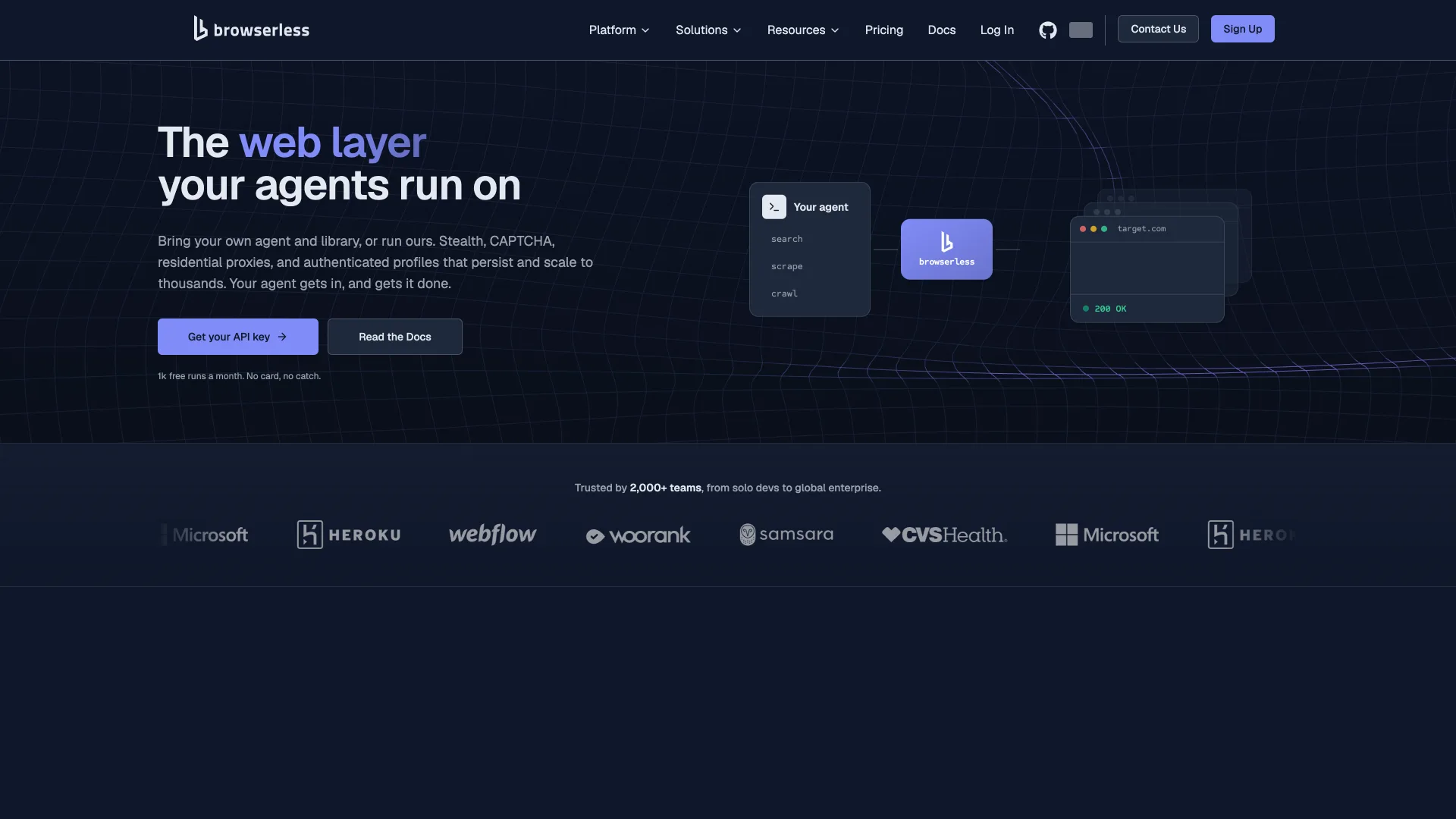
What it does well is the cheap middle tier: one invoice is one unit, so 10,000 fit inside Prototyping's 20,000. Existing Puppeteer or Playwright code can point at it over a WebSocket.
What it does not do is focus on documents: there is no template store or merge endpoint. Self-hosting is possible, but the code is dual-licensed under the SSPL or a commercial license, which legal teams treat differently from MIT.
Pricing (annual billing, November 23, 2026): Free 1,000 units · Prototyping $25/month for 20,000 · Starter $140 for 180,000 · Scale $350 for 500,000 · overage $0.0015 to $0.002 per unit
APITemplate.io: Templates Your Ops Team Can Edit
APITemplate.io stores reusable templates, built in a drag-and-drop editor or in HTML, and fills them with JSON over a REST API or from Zapier, Make and n8n.
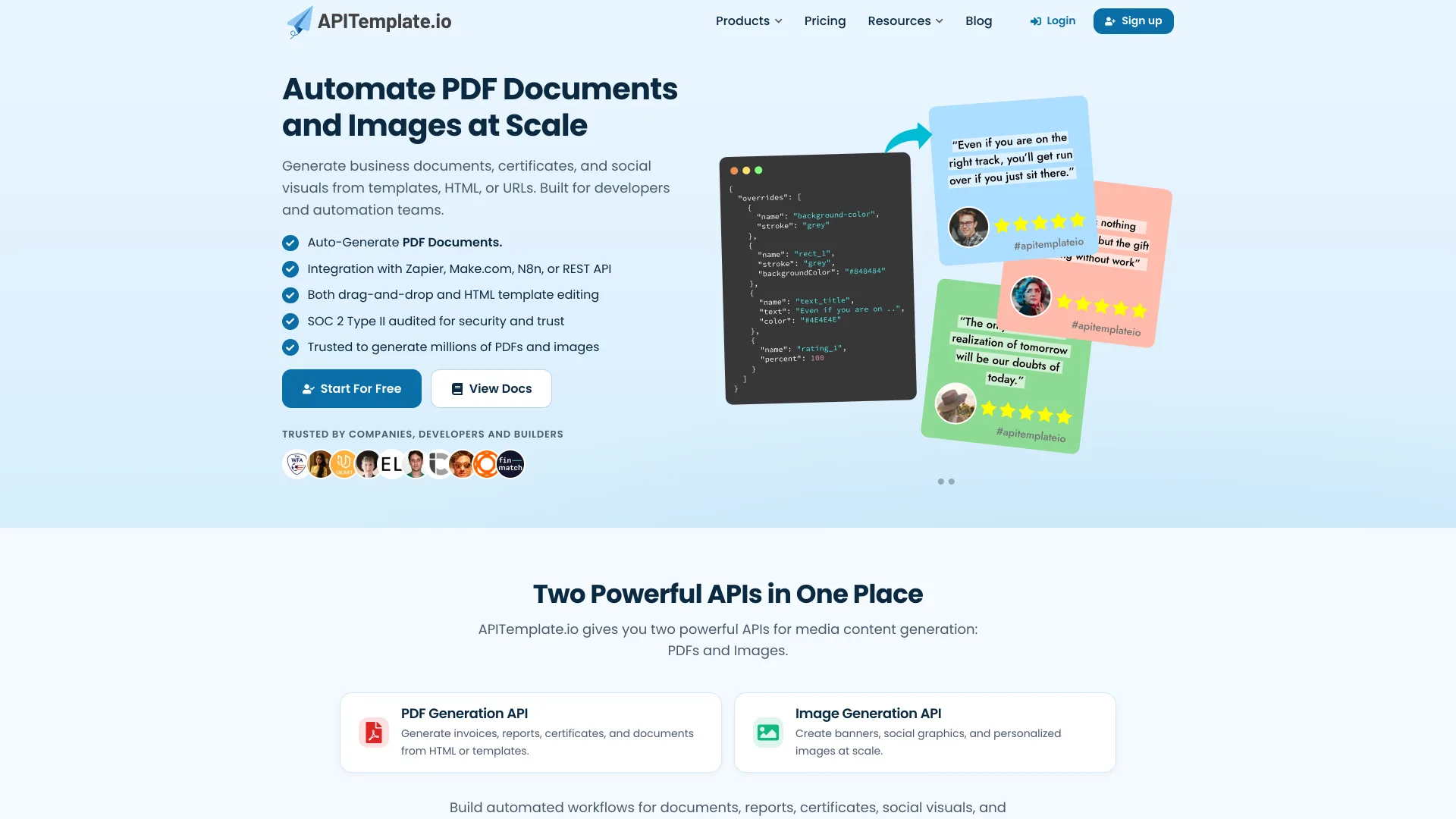
What it does well is taking the template out of your codebase: finance can fix the invoice logo without a deploy. The homepage lists a SOC 2 Type II audit.
What it does not do is show monthly prices by default. Our invoices fit PDF Standard at $69 a month billed annually, or $89 billed monthly. Templates are capped per plan (20 on Basic, 180 on Standard) and live in a vendor database, outside code review.
Pricing (billed annually, November 23, 2026): Free 50 PDFs · PDF Basic $19/month for 3,000 · PDF Standard $69 for 12,000 · PDF Enterprise $139 for 25,000
Adobe PDF Services API: Word Templates and Sales Contracts
Adobe PDF Services API is Adobe's cloud API for creating, converting, compressing and OCRing PDFs, and its Document Generation operation merges JSON into Word templates instead of HTML.
What it does well is the format legal teams already use: a contract stays an editable .docx. HTML to PDF counts as one document transaction per 50 pages, so our invoice is one transaction.
What it does not do is publish a price past 500 free transactions a month; paid plans go through "Contact sales." That leaves 9,500 of our invoices in a sales cycle, and it cannot run on your servers.
Pricing: 500 document transactions/month free · paid plans through Adobe sales
Side by Side
| Tool | Engine | Our 10k invoices | Self-host | License |
|---|---|---|---|---|
| Gotenberg | Chromium + LibreOffice | Your compute | Yes | MIT |
| WeasyPrint | Own layout engine | Your compute | Yes | BSD-3-Clause |
| DocRaptor | Prince | $399/month | No | Proprietary |
| PDFShift | Not stated | $99/month | No | Proprietary |
| Api2Pdf | Chrome, wkhtmltopdf, LibreOffice | $6.51/month | No | Proprietary |
| Browserless | Chromium | $25/month (annual) | Yes | SSPL or commercial |
| APITemplate.io | Not stated | $69/month (annual) | No | Proprietary |
| Adobe PDF Services | Adobe | Sales quote | No | Proprietary |
How to Choose Without Migrating Twice
- Render your worst real document locally first. Check page breaks, repeated headers and the footer in Chrome and WeasyPrint. If both get it right, you do not need Prince.
- Check whether the template needs JavaScript. Script-drawn charts rule out WeasyPrint unless you pre-render them to SVG.
- Price your real volume with the script above. Swap in your monthly count, measured file size and render time.
- Decide who owns the template. If finance edits it, APITemplate.io or Adobe's Word templates beat HTML in Git.
- Ask about data handling before signing. Invoices carry names and amounts, so confirm storage duration and whether the vendor signs a BAA.
Which One Should You Actually Use?
Already running Kubernetes or ECS: Gotenberg. One image covers HTML, Office files and PDF/A, and nothing leaves your network.
A Python backend with static templates: WeasyPrint in-process. It was the fastest engine in our test and needs no extra service to recieve requests.
Lowest bill at any volume: Api2Pdf's Chrome endpoint, plus your own S3 bucket since its URLs expire after 24 hours.
Books, filings and long reports: DocRaptor. Prince handles paged-media layouts browsers skip, and the price reflects it.
Non-developers own the layout: APITemplate.io for editor-built invoices, or Adobe if the documents already live in Word.
Conclusion
In 2026 a plain Chrome or WeasyPrint render handles a standard invoice. What an API sells now is operations: Chromium kept warm, patched and scaled, plus storage, templates and compliance paperwork. Before renewing, render your longest document locally and run the cost script on last month's real count.
Related DevToolLab Tools
- HTML to PDF Converter - preview how your invoice template prints before wiring it to an API.
- Invoice Generator - mock up the invoice fields you will later fill from JSON.
- Base64 to PDF - check the base64 PDF bodies that APIs return.
- PDF Metadata Viewer - see what each engine wrote into the file.
Related Guides
- Best PDF Parsers for RAG covers turning PDFs back into text for an LLM.
- Best Usage-Based Billing Platforms compares the metering systems behind invoice line items like ours.
- Best Email API Providers prices the services that deliver the finished PDF.
- Best Web Scraping APIs for AI covers the same hosted-browser vendors from the scraping side.