
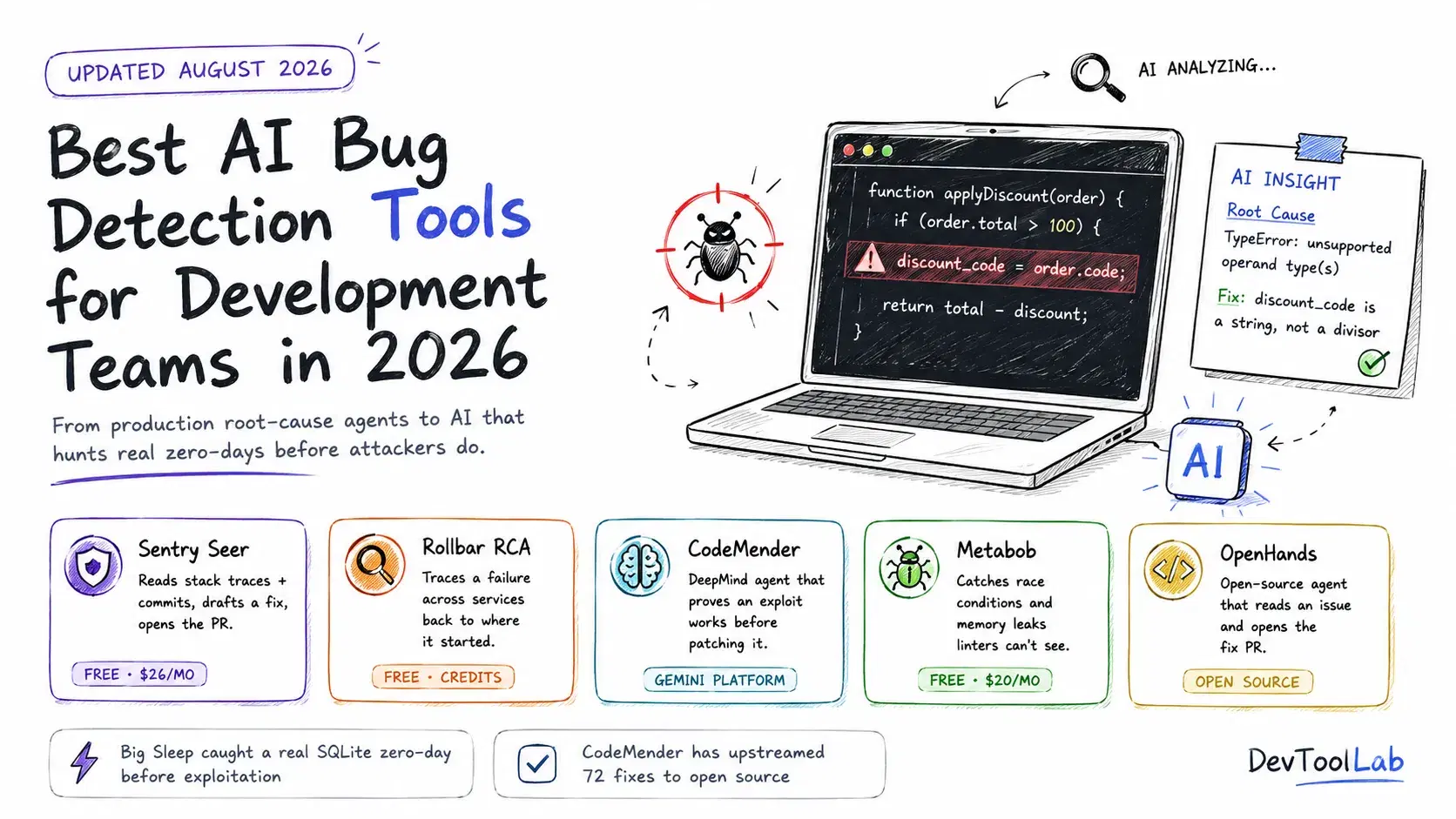
In July 2025, Google disclosed CVE-2025-6965, a high-severity flaw in SQLite that had been sitting undiscovered until Google's own AI agent, Big Sleep, found it first. What made the disclosure notable was not just that an AI found a real bug in widely-used software. Google's threat intelligence team had separately seen signs that the vulnerability was about to be exploited in the wild, and because Big Sleep had already surfaced and reported it, the fix shipped before anyone could use it. Google called it the first confirmed case of an AI agent directly foiling a real-world exploitation attempt. That is a different kind of claim than "our linter caught a typo," and it marks a real inflection point for what "AI bug detection" now means.
This guide is deliberately not another rehash of PR-level AI code review (CodeRabbit, Qodo, Greptile, and friends already get their own comparison on this site) or static analysis linters (Ruff, Biome, SonarQube, covered elsewhere too). This one covers the tools that find bugs that already exist and already shipped: production errors an agent can root-cause on its own, security vulnerabilities nobody has reported yet, and autonomous agents that will read a bug report and open the fix themselves. It is a genuinely different layer of the stack, and 2026 is the year it went from experimental to something teams are running against real production traffic.
Three Different Jobs, One Label
"AI bug detection" gets used for at least three distinct capabilities, and mixing them up leads to buying the wrong tool.
Production root-cause analysis. Your app throws a real error in production. An AI agent reads the stack trace, the recent commits, and the surrounding telemetry, and tells you why it happened rather than just where. Sentry's Seer and Rollbar's AI Root Cause Analysis both do this, and both are new capabilities from 2026, not established features.
Proactive vulnerability hunting. Instead of waiting for an error to occur, an agent actively searches a codebase (or, in Big Sleep's case, a piece of software nobody has open access to test) for security flaws that haven't been triggered yet. Google DeepMind's CodeMender and Big Sleep both work this way, and unlike a stack-trace-reading agent, they need to prove a bug is real, typically by constructing a working exploit, before they can be trusted.
Logical bug detection in code. This sits between a style linter and a full security scanner: catching race conditions, memory leaks, and unhandled edge cases that require actually understanding what the code does, not just how it's formatted. Metabob is built specifically for this gap.
A fourth category, autonomous fix agents like OpenHands, cuts across all three: give it a bug report from any source and it will attempt to reproduce, diagnose, and patch it inside a sandbox, then open a pull request.
Quick Comparison
| Tool | Job | Open source | Best for | Entry pricing |
|---|---|---|---|---|
| Sentry Seer | Production root-cause + autofix | No | Teams already on Sentry who want AI triage | Team $29/mo + Seer $40/active contributor/mo |
| Rollbar | Cross-service root-cause analysis | No | Tracing failures that start upstream of where they surface | Free, paid tiers add AI credits |
| CodeMender | Finds and verifiably patches vulnerabilities | No | Security teams maintaining large C/C++/Rust codebases | Gemini Enterprise Agent Platform |
| Big Sleep | Finds unknown zero-days in real software | No | Reference point, not a product you buy | Google Project Zero research |
| Metabob | Logical bug detection (race conditions, leaks) | No | Catching bugs linters structurally cannot see | Free · $20/developer/mo |
| OpenHands | Autonomous reproduce-diagnose-fix-PR loop | Yes (MIT) | Full control, bring your own model | Free |
Sentry Seer
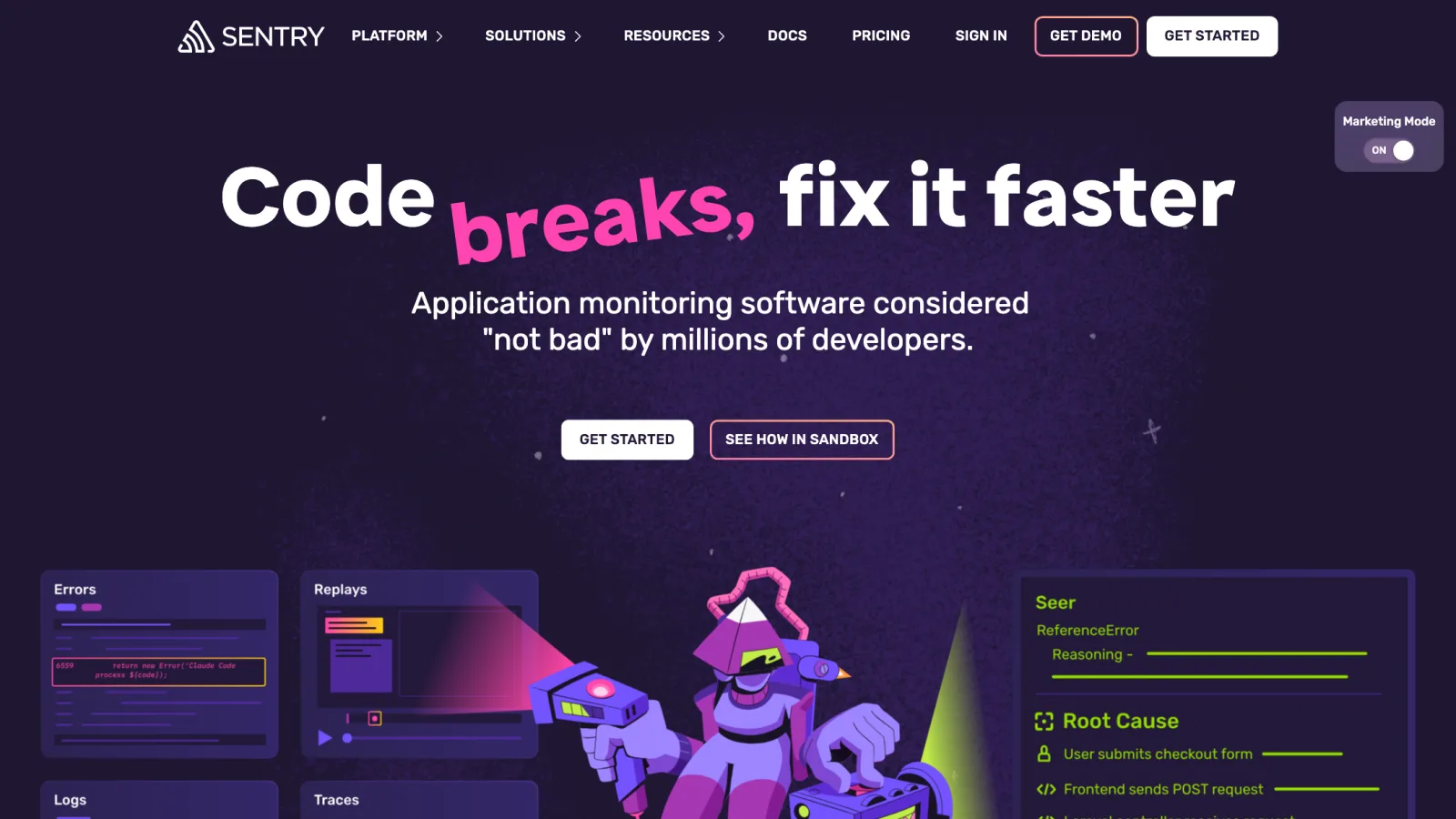
Sentry has been the default error-monitoring tool for a decade, and Seer, launched April 28, 2026, is its answer to "now that you've caught the error, who actually fixes it." Seer reads the full telemetry Sentry already has, errors, spans, logs, traces, and code context, and lets a developer investigate a production problem in plain language instead of manually correlating five different dashboards.
Seer works across three stages of development. In local development, it connects through the Sentry MCP server, so as you reproduce a bug on your own machine, the telemetry flows to Sentry and Seer can perform root-cause analysis on the raw events. In code review, it can flag likely bugs on a pull request before merge. In production, it automatically triages incoming issues, performs root-cause analysis, and drafts a fix.
Autofix does not fire on every issue, and the gating logic is specific: an issue needs at least 10 recorded events (so a one-off fluke doesn't trigger an automated PR), it has to be recent (currently within the last 14 days), and Sentry's model has to assign it a sufficiently high fixability score before it will propose a patch. That is a sensible amount of friction for something that opens pull requests unattended.
Pricing: Developer is free for one user, 5,000 errors, 5GB of logs and metrics, and 5 million spans a month. Team is $29/month billed monthly or $26/month billed annually, unlimited users, 50,000 errors. Business is $89/month monthly or $80/month annually, adding unlimited dashboards and metric monitors. Enterprise is custom. Seer itself is not bundled into any of those tiers: it's a separate subscription at $40 per active contributor per month, where an "active contributor" is anyone who opened at least two pull requests in a connected repository during the billing period, stacked on top of whatever base plan you're on.
What it does not do well: Seer only runs against sentry.io, there's no self-hosted path if you run Sentry's open-source version yourself. And the per-active-contributor pricing means cost scales with how many people touch your repos, not with how much Seer actually gets used, which is worth modeling before you commit a whole engineering org to it.
Rollbar
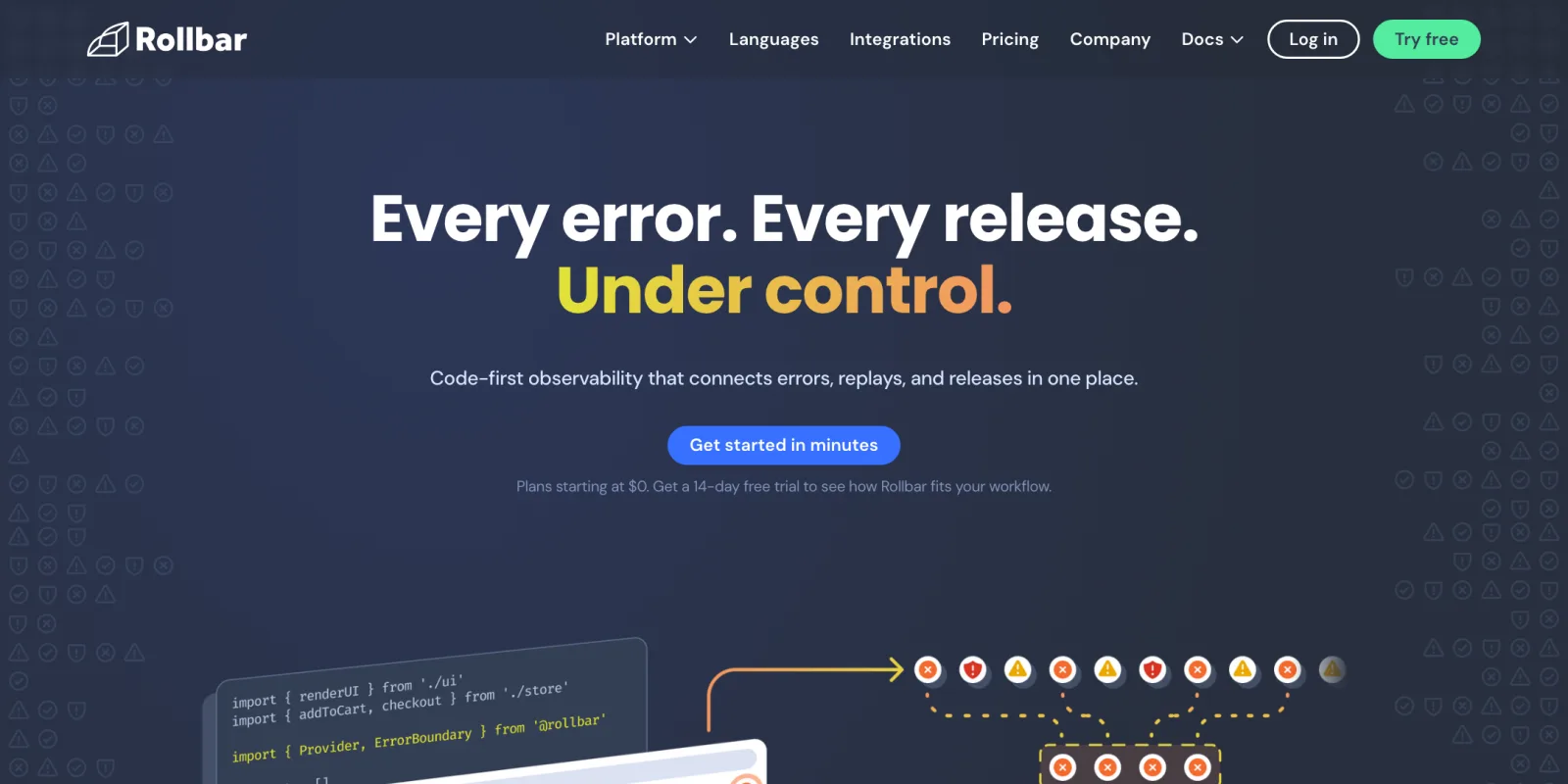
Rollbar shipped its own AI Root Cause Analysis on April 13, 2026, and it solves a specific, narrower problem than Seer's broader triage-and-autofix loop: finding where a failure actually started when the symptom shows up somewhere else entirely. RCA correlates occurrences across every connected Rollbar project using session and propagation IDs, so when a frontend error is really being caused by a backend service three hops upstream, you get that chain surfaced in one structured explanation instead of manually grepping logs across five services.
You start a single analysis from an error group, and RCA aggregates related occurrences across projects, follows the propagation chain, and returns a probable root cause with the supporting evidence.
Pricing: Free tier includes 5,000 occurrences a month with 30-day retention. Paid tiers (Essentials and Advanced) include AI credits for RCA runs, roughly 4,000 credits a month on Essentials (about 6 to 8 RCA runs) and 8,000 on Advanced (about 10 to 14 runs), figures Rollbar has flagged as beta-period numbers that may change. If you're on the free plan and just want RCA without upgrading your whole error-tracking plan, Rollbar sells a standalone AI credit add-on starting at 15,000 credits for $5 a month. Enterprise is custom with a stated 4 million occurrence annual minimum.
What it does not do well: RCA is an investigation tool, not an autofix agent, it tells you where the problem started but does not draft a pull request the way Seer does. If autonomous patching is what you actually want, Rollbar is the wrong tool for that specific job even though it's a strong one for tracing failures.
CodeMender
Google DeepMind introduced CodeMender on October 6, 2025, as an AI agent purpose-built for code security, built on Gemini, and it moved to a wider preview through the Gemini Enterprise Agent Platform and Google's AI Threat Defense platform in July 2026. What separates CodeMender from a typical SAST scanner is what happens after it flags something. Static tools are notorious for false positives because pattern-matching cannot tell the difference between code that looks dangerous and code that actually is. CodeMender's answer is to construct an actual proof-of-concept exploit and execute it in an isolated, customer-controlled sandbox, so a finding only gets escalated to a human once the agent has confirmed the vulnerability is real and exploitable, not merely suspicious.
It scans for memory corruption, injection flaws, web security issues, cryptographic weaknesses, and insecure data handling, across C/C++, Go, Java, Python, Ruby, Rust, and TypeScript. DeepMind's own numbers, as of its announcement, are concrete: over roughly six months, CodeMender upstreamed 72 security fixes to open source projects, including patches in a codebase as large as 4.5 million lines.
What it does not do well: this is not a self-serve SaaS product you sign up for with a credit card. Access runs through Google's enterprise security offerings, which puts it out of reach for a small team wanting to try it against a side project this weekend, unlike everything else in this guide.
Big Sleep
Big Sleep does not have a pricing page, a signup form, or a dashboard you can log into, and it earns a place in this guide anyway because of what it represents: the clearest public evidence yet that an AI agent can find security bugs nobody knew existed, in software actively used in production, ahead of the people trying to exploit them. Big Sleep is a collaboration between Google Project Zero and Google DeepMind, and it operates as an autonomous vulnerability researcher rather than a scanner you point at your own repo.
Its two headline results to date are distinct events, not the same story retold. In August 2025, Google announced Big Sleep had found roughly 20 previously unknown vulnerabilities in widely used open-source software, including FFmpeg and ImageMagick. Then, separately, Google disclosed CVE-2025-6965, a high-severity (CVSS 7.2) flaw in SQLite that Big Sleep had already found and reported before Google's threat intelligence team detected signals that it was about to be exploited in the wild. Google has described that second case as the first time an AI agent's own findings were used to directly preempt a real exploitation attempt, rather than simply catching something after the fact.
What it does not do well: it is not a tool your team runs. It is research infrastructure operated by Google against a narrow set of high-value open-source targets. Its relevance here is less "should you adopt this" and more "this is the ceiling of what AI-driven vulnerability hunting can do right now, and CodeMender is the productized version of the same underlying idea."
Metabob
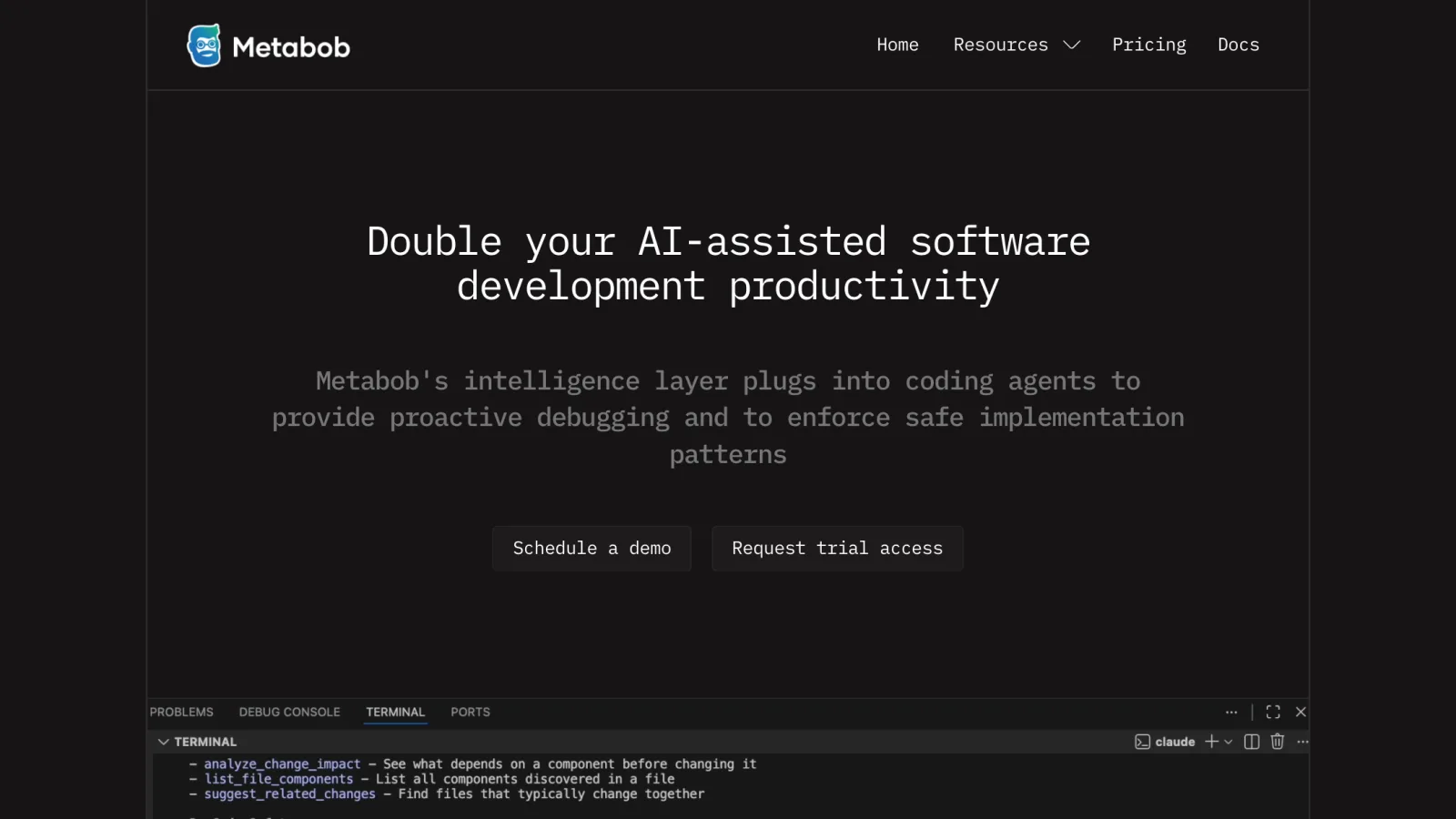
Metabob started as a VS Code extension and GitHub App aimed squarely at a gap between linters and full code review: bugs that require understanding what code actually does, not just how it's formatted. It combines a graph neural network with an LLM, trained on a large corpus of real bug fixes, so it can flag race conditions, memory leaks, and unhandled edge cases that span multiple files, the kind of problems that require tracing logic across a codebase rather than checking a single line against a rule.
Its current homepage messaging has shifted toward something broader: an intelligence layer that plugs into coding agents (Claude Code and others) to provide proactive debugging and enforce safe implementation patterns, exposing tools like analyze_change_impact and suggest_related_changes that an agent can call before it makes a risky change. The underlying detection engine is the same one that has always caught logical bugs; what changed is that it's increasingly consumed by an AI agent's tool-calling loop rather than only a human reading a PR comment.
As a GitHub App, once configured on a repository, Metabob's analysis runs automatically on every pull request, and its natural-language findings appear under the PR's Checks tab rather than requiring a separate dashboard. In February 2026, NEC Corporation announced it was operating Metabob as an AI code review service internally, reporting up to a 66% reduction in technical verification time compared to manual review, and roughly 50% faster than other AI coding tools it had evaluated.
Pricing: Free tier available. Paid plans start around $20 per developer per month, with a free trial and a custom Enterprise tier.
What it does not do well: it is a bug-finding layer, not a security scanner or a production monitor, so it doesn't replace Snyk-style SAST or Sentry-style error tracking, it sits alongside them, focused specifically on logic bugs neither of those categories is built to catch.
OpenHands
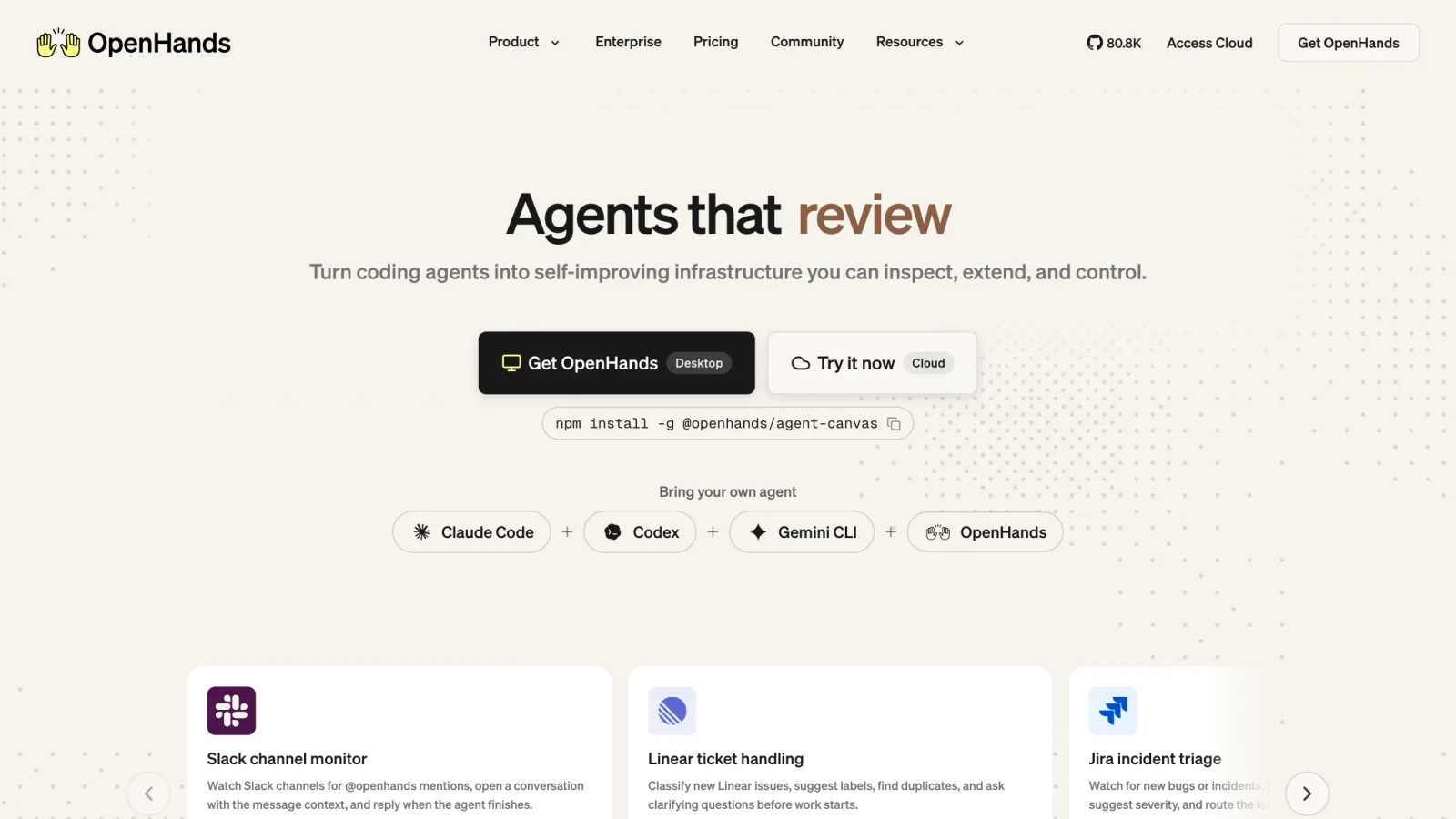
OpenHands, formerly OpenDevin, is the open-source answer to "what if the AI just fixed the bug itself." Point it at a GitHub issue or a failing test, and it will attempt to reproduce the problem, diagnose it, edit the relevant files, run the test suite, and open a pull request, all inside a sandboxed environment rather than against your live codebase directly. The project's GitHub organization renamed from All-Hands-AI to OpenHands on October 20, 2025, and it currently sits at roughly 80,000+ stars under the MIT license.
It is model-agnostic by design; you bring your own LLM through any supported provider, or wire it into an existing coding agent like Claude Code, Codex, or Gemini CLI rather than running OpenHands' own agent loop. That matters for interpreting its benchmark results: a widely cited SWE-bench Verified score around 72% was achieved specifically when OpenHands was paired with Claude Sonnet 4.5 using extended thinking, not as a fixed capability of the OpenHands framework by itself. Swap the underlying model and the number moves with it.
Current setup runs through Docker:
Bashdocker run -it --rm --pull=always \ -e AGENT_SERVER_IMAGE_REPOSITORY=ghcr.io/openhands/agent-server \ -e AGENT_SERVER_IMAGE_TAG=1.26.0-python \ -e LOG_ALL_EVENTS=true \ -v /var/run/docker.sock:/var/run/docker.sock \ -v ~/.openhands:/.openhands \ -p 3000:3000 \ --add-host host.docker.internal:host-gateway \ --name openhands-app \ docker.openhands.dev/openhands/openhands:1.8
That starts the UI at http://localhost:3000, where you configure an LLM provider and API key before pointing it at a repository. I cross-checked this exact command against OpenHands' current official docs rather than an older tutorial, since the image registry path changed after the October 2025 rename, older guides referencing ghcr.io/all-hands-ai/... are out of date.
Pricing: Free. You pay only for the underlying LLM API calls and your own compute.
What it does not do well: it is infrastructure, not a finished product, you are responsible for sandboxing, model selection, and reviewing every PR it opens before merging. An autonomous agent with write access to your repository is also a meaningfully different risk profile than a read-only bug scanner, treat its output as a draft from a fast but unsupervised contributor, not a trusted commit.
How to Try This in About 30 Minutes
The fastest way to know whether any of this earns a place in your stack is to test the free tier against a real, recent production bug rather than a synthetic demo.
- Pick a real bug you already fixed manually last month, ideally one that took more than twenty minutes to root-cause.
- If you already run Sentry, try Seer's investigation flow against that historical issue in plain language. Even without the autofix subscription, the root-cause narrative alone tells you a lot.
- If you don't run Sentry or Rollbar, instrument one real endpoint with a free-tier SDK first. This minimal Python example captures a realistic bug locally without a live account, confirming your instrumentation fires before wiring up a production DSN:
Pythonimport sentry_sdk sentry_sdk.init(dsn="https://public@o0.ingest.sentry.io/0", traces_sample_rate=1.0) def charge_customer(order): return order["total"] / order["discount_code"] # bug: discount_code is a string, not a divisor try: charge_customer({"total": 42.0, "discount_code": "WELCOME10"}) except Exception as exc: event_id = sentry_sdk.capture_exception(exc) print("captured event:", event_id)
- Run that locally. It captures a real
TypeErrorand generates a real event ID even with a placeholder DSN, confirming the capture path works before you debug a missing dashboard event. - Install Metabob's VS Code extension on a repository with real history and let it scan for logical issues, race conditions and edge cases, rather than the style issues your linter already catches.
- To see the autonomous-fix end of the spectrum, run OpenHands locally with the Docker command above against a small, low-risk open issue, and review the PR it opens rather than merging automatically.
- Decide from there whether you need a triage layer on top of monitoring you already have (Sentry Seer, Rollbar RCA), a logic-bug catcher (Metabob), or a fully autonomous fixer you supervise closely (OpenHands). Most teams end up wanting more than one.
Which One Should You Actually Use?
Already run Sentry and have the team size to justify a per-contributor add-on: Seer turns triage into a plain-language investigation, with autofix gating conservative enough to trust on real production issues.
Failures originate upstream of where they surface: Rollbar's RCA is built for exactly that correlation problem, and its free-tier credit add-on makes it cheap to try.
Large C/C++ or Rust codebase with access through Google's enterprise security offerings: CodeMender's exploit-verification approach catches vulnerabilities pattern-matching SAST tools can't confirm alone.
Bugs slipping through are logical, not stylistic: race conditions, memory leaks, edge cases your linter can't see, Metabob is built for exactly that gap, for less than an engineering hour per developer per month.
Want to see where this is heading: run OpenHands against a real issue and review the pull request yourself. That tells you more than any benchmark chart about how close autonomous fixing is to trustworthy on your own code.
Conclusion
None of these tools replace a human reviewing the fix, autonomous or not. Sentry Seer and Rollbar RCA save the most time on triage you're already doing manually, Metabob catches what your linter structurally can't, and OpenHands is worth watching but still needs supervision. Pick based on the specific gap in your stack, not the tool with the most autonomy.
Related DevToolLab Tools
- Nginx Log Analyzer - parse the access and error logs a production bug actually left behind before an AI agent gets to summarize them for you.
- JSON Path Finder & Tester - query a nested error payload or telemetry event straight from an AI agent's root-cause report to pull out the exact field you need.
- Regex Explainer - decode the regex buried in a stack trace or log line that's flagged as the source of a production bug.
- HTTP Status Codes Reference - confirm whether a 5xx in your error tracker is actually your bug or an upstream dependency's before an agent spends a fixability score on it.
Related Guides
- Best AI Code Review Tools 2026 - the PR-level layer that catches issues before they ever reach production
- Best Static Code Analysis Tools - linters and SAST tools that catch the mechanical bugs before code ships
- Best AI Code Security Tools - dedicated security scanners for the vulnerability classes CodeMender and Big Sleep target
- Best LLM Observability Tools 2026 - tracing and monitoring for the AI features running inside your own product