
Static analysis reads your source code and tells you what could go wrong. It cannot tell you that the staging load balancer terminates TLS and forwards plain HTTP, that an old admin route is still reachable, or that your authentication middleware is skipped on one path because of a route-ordering bug. Those only show up when something sends real requests at a running deployment, which is what dynamic application security testing does.
The price range for that is wider than most categories. Burp Suite Professional is $499 per user for a one-year subscription, StackHawk's Wingman tier is $10 per user per month, and ZAP, Nuclei and Wapiti are $0 with Apache 2.0, MIT and GPL-2.0 licenses respectively. All four figures were checked on the vendors' own pages on September 21, 2026.
What Teams Actually Run
There is no neutral adoption survey for DAST comparable to the CNCF end user survey for Kubernetes, so treat any percentage you see in this category with suspicion. The honest public signals are repository metrics and vendor self-description.
By GitHub stars on September 21, 2026: Nuclei has 31,395, ZAP has 15,797, Nikto has 10,735 and Wapiti has 1,864. ZAP's own homepage describes it as "the world's most widely used web app scanner," which is the project's claim rather than an independent measurement. Nuclei is the most actively developed of the four, with commits landing the same day this was checked.
One correction worth making, because most roundups still get it wrong: ZAP is no longer an OWASP project. ZAP's own blog carries a historical-content banner stating "ZAP is now supported by Checkmarx and is not part of any foundation." Writing "OWASP ZAP" in 2026 names an affiliation that ended.
What the Same Team Costs on Each Platform
Per-seat and flat-platform pricing cross over at a team size most posts never calculate. This script prices a year of licenses using each vendor's published rate:
JavaScript// Annual DAST license cost by team size, using each vendor's own published rate. // Burp Suite Professional: $499 per user, 1-year subscription (portswigger.net/burp/pro) // StackHawk Wingman: $10 per user per month (stackhawk.com/pricing) // ZAP / Nuclei / Wapiti: $0 license (Apache-2.0 / MIT / GPL-2.0) // Checked September 21, 2026. Detectify is excluded: it publishes in EUR, not USD. const plans = [ { name: "Burp Suite Professional", perUserYear: 499 }, { name: "StackHawk Wingman", perUserYear: 10 * 12 }, { name: "ZAP / Nuclei / Wapiti", perUserYear: 0 }, ] const teams = [1, 5, 20, 50] const usd = (n) => "$" + n.toLocaleString("en-US") console.log("Tool".padEnd(26) + teams.map((t) => `${t} dev`.padStart(10)).join("")) for (const p of plans) { console.log(p.name.padEnd(26) + teams.map((t) => usd(p.perUserYear * t).padStart(10)).join("")) }
Real output:
textTool 1 dev 5 dev 20 dev 50 dev ------------------------------------------------------------------ Burp Suite Professional $499 $2,495 $9,980 $24,950 StackHawk Wingman $120 $600 $2,400 $6,000 ZAP / Nuclei / Wapiti $0 $0 $0 $0 Per seat per year: Burp $499, StackHawk $120. Burp costs 4.2x more per seat. A 20-developer team pays $7,580 more per year on Burp than on StackHawk.
The number that matters is not the license total, though. A scanner that reports 400 findings on a Rails app, 380 of which are the same reflected parameter, costs an engineer a day. That triage time dwarfs $499 a seat, and it is the reason the free options are not automatically the cheapest.
ZAP
ZAP, formerly OWASP ZAP and now Zed Attack Proxy, is the default free choice and the one most likely to already be in a pipeline somewhere in your organization. It is Apache 2.0 licensed, version 2.17.0 shipped December 15, 2025, and the repository was still receiving commits on September 18, 2026.
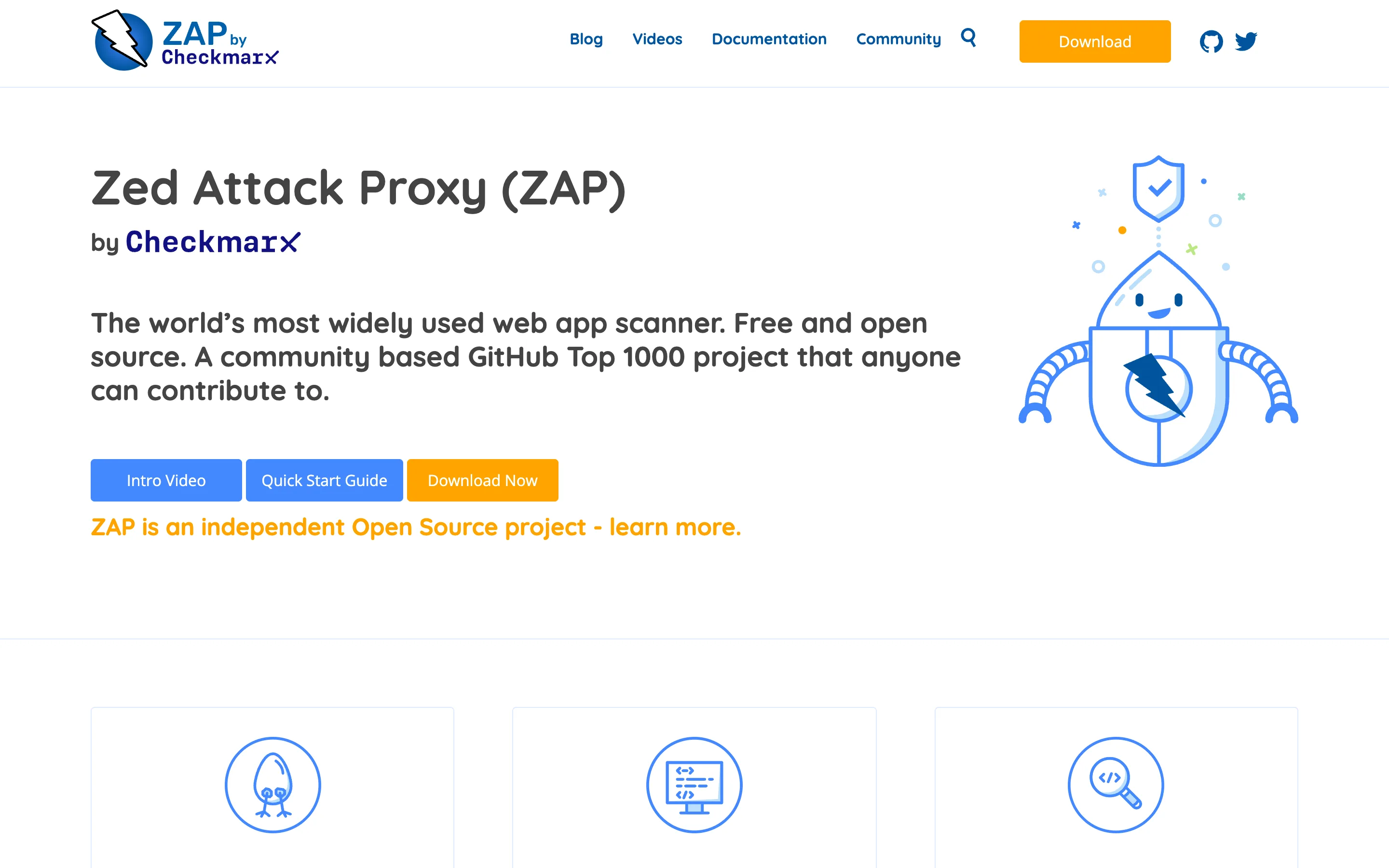
ZAP runs as an intercepting proxy, a headless scanner, or a daemon driven by its Automation Framework, which is the mode that belongs in CI. The add-on marketplace covers most of what commercial scanners charge for, including authentication handling and OpenAPI import.
What it does not do well: the default active scan is noisy against modern single-page applications, and tuning it is genuinely a project. Budget a sprint to get a signal you trust rather than expecting a useful first run.
Nuclei
Nuclei from ProjectDiscovery is not a crawler, and comparing it to ZAP directly is a category error. It is a template engine: you point it at a target with a YAML template describing a request and a matcher, and it tells you whether the condition holds. Nuclei is MIT licensed, version 3.11.1 shipped August 8, 2026, and it has 31,395 GitHub stars.
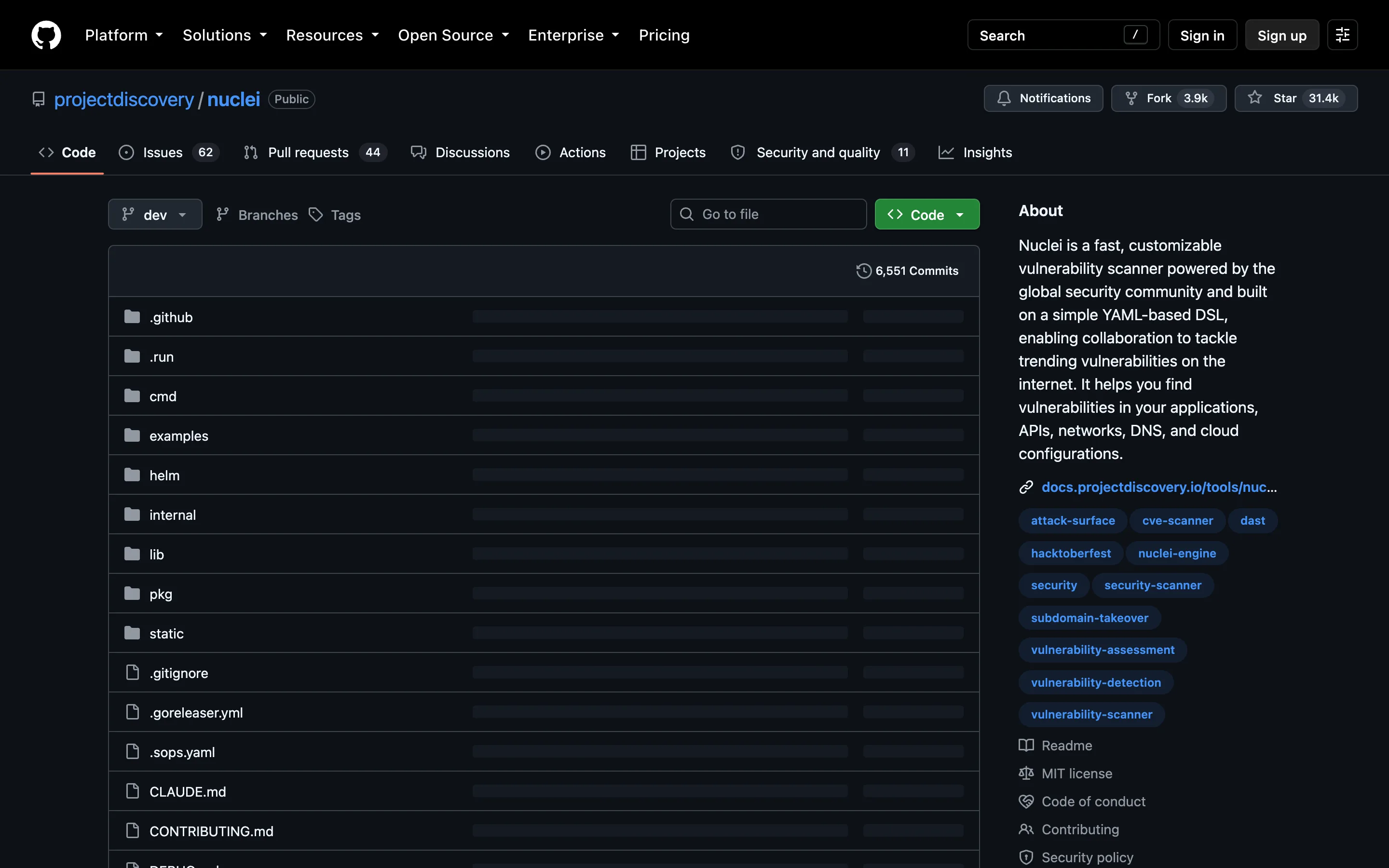
That design makes it the fastest way to answer a specific question across many hosts, which is exactly what you want the morning a CVE lands. It is also why Nuclei pairs with a real DAST scanner rather than replacing one.
What it does not do: Nuclei will not discover your application's forms and parameters on its own. If nothing tells it where to look, it finds nothing.
Wapiti
Wapiti is the quiet one, and it is a reasonable pick when you want a black-box scan you can read the source of. It is GPL-2.0 licensed with 1,864 GitHub stars, and version 3.3.2 was tagged August 19, 2026. Note that the project website still advertises 3.3.1 as current stable, so take the release tag as authoritative.
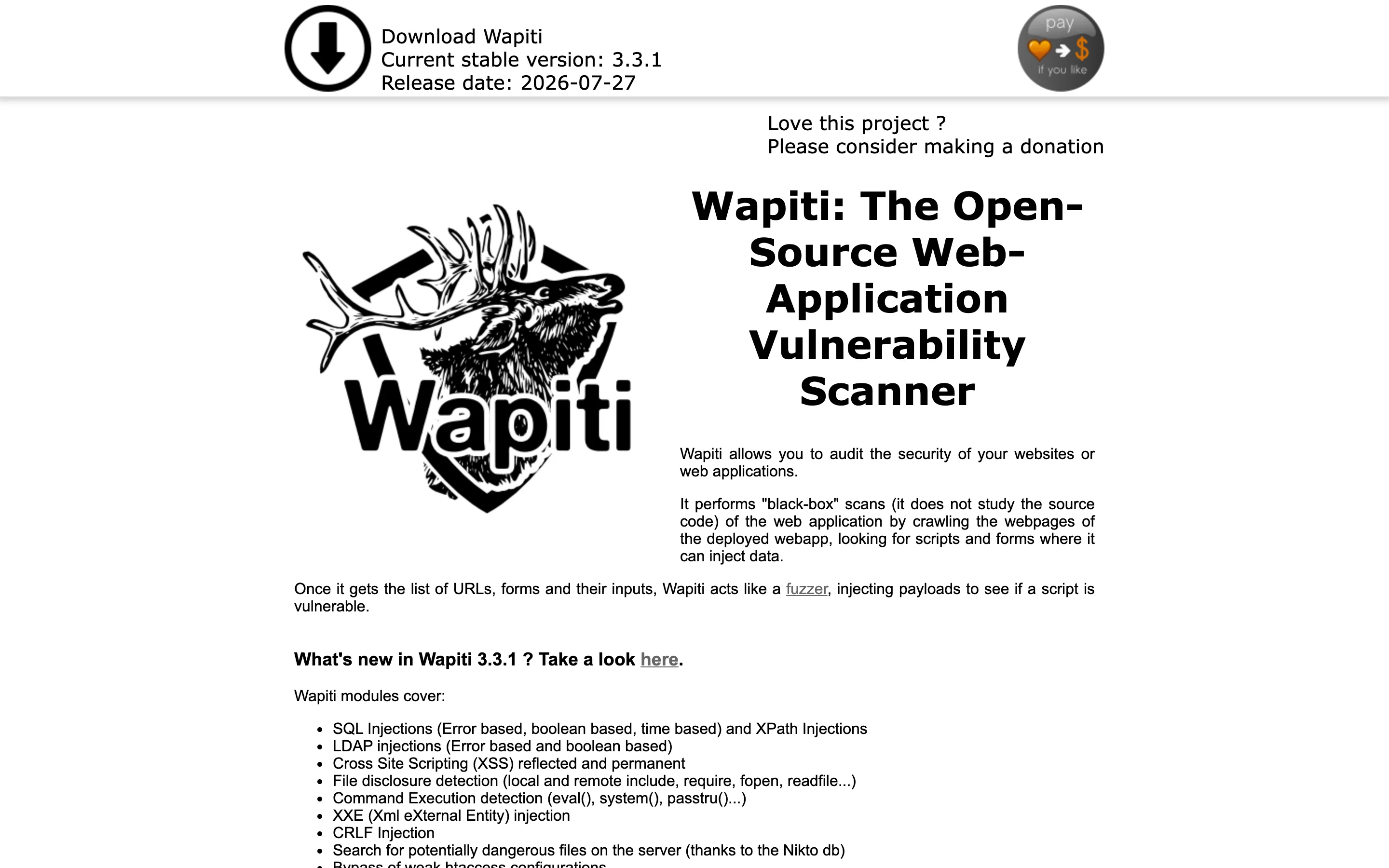
Wapiti crawls a deployed application, collects its forms and inputs, then fuzzes them. The module list is specific and published: SQL and XPath injection, LDAP injection, reflected and permanent XSS, file disclosure, command execution, XXE and CRLF injection.
What it does not do: no commercial support, no dashboard, and a much smaller contributor base than ZAP, which matters when you hit a parsing bug on your own stack.
Burp Suite Professional
Burp Suite Professional from PortSwigger is what a human penetration tester uses, and it is priced for one. A license is $499 per user, sold as a subscription with 1-year, 3-year and 10-year terms.
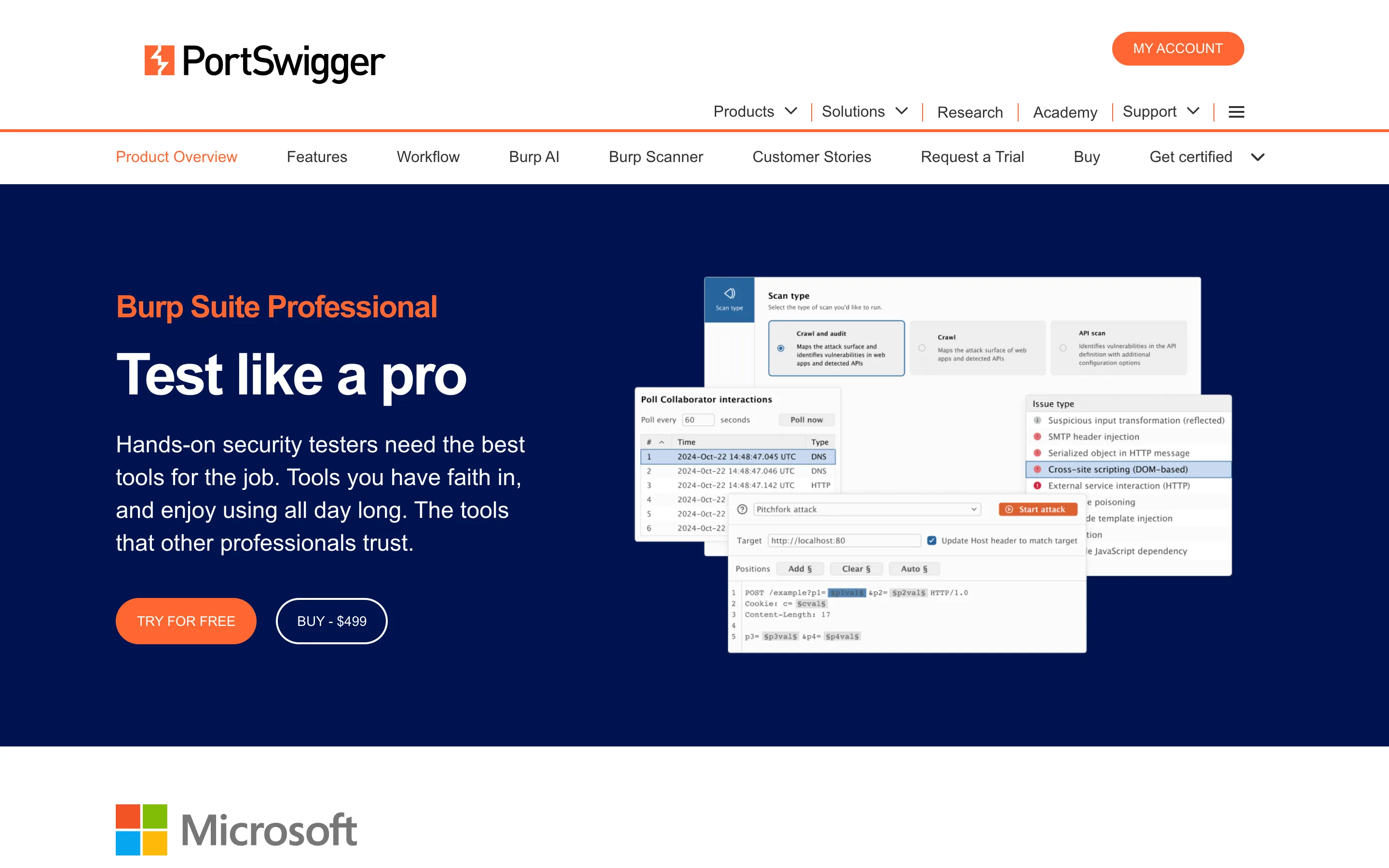
The distinction that justifies the price is manual tooling. Proxy, Repeater and Intruder let a tester drive a request by hand and iterate, which is how the findings that automated scanners miss get found. Burp Scanner is good, but the interactive tools are the product.
What it does not do: Burp Suite Professional is a desktop application for one person, not CI infrastructure. PortSwigger sells a separate product, Burp Suite DAST, for automated pipeline scanning, and that one is quoted by sales.
StackHawk
StackHawk has repositioned hard toward AI-assisted development. Its Wingman tier is $10 per user per month with unlimited applications, no per-application or per-scan charge, and 50 agentic scans per user per month, after a free 14-day trial. The Scale tier removes the scan cap and is quoted by sales.
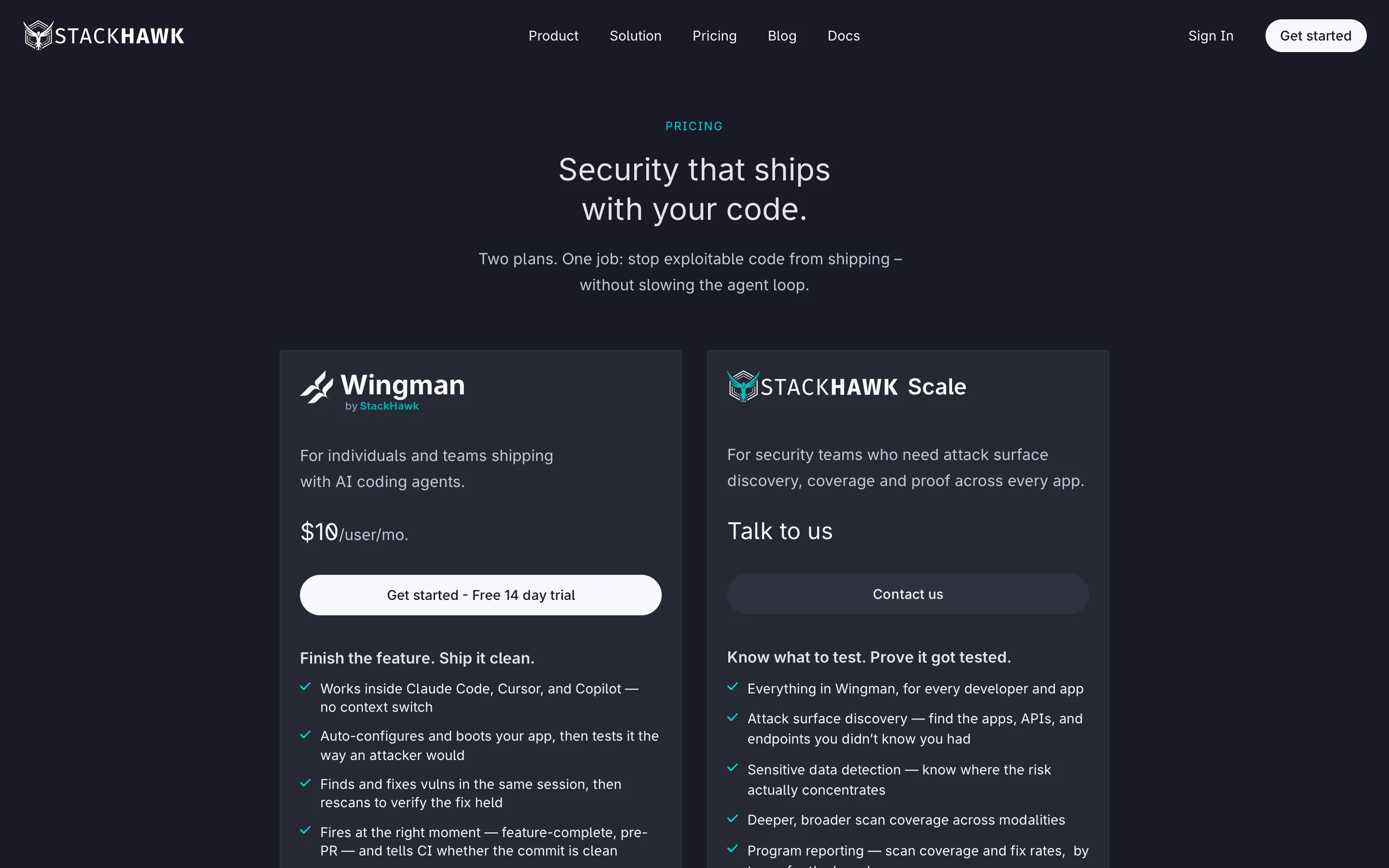
StackHawk's pitch is that the scanner runs alongside a coding agent in Claude Code, Cursor or Copilot, so a finding arrives while the developer still has the feature in their head. Its own FAQ defines a billable user as "anyone who runs Wingman alongside their coding agent."
What it does not do: the $10 tier caps agentic scans at 50 per user per month, which a chatty CI configuration can exhaust. The organization-wide features, including attack surface discovery, SSO and program reporting, sit on the Scale tier with no published price.
Detectify
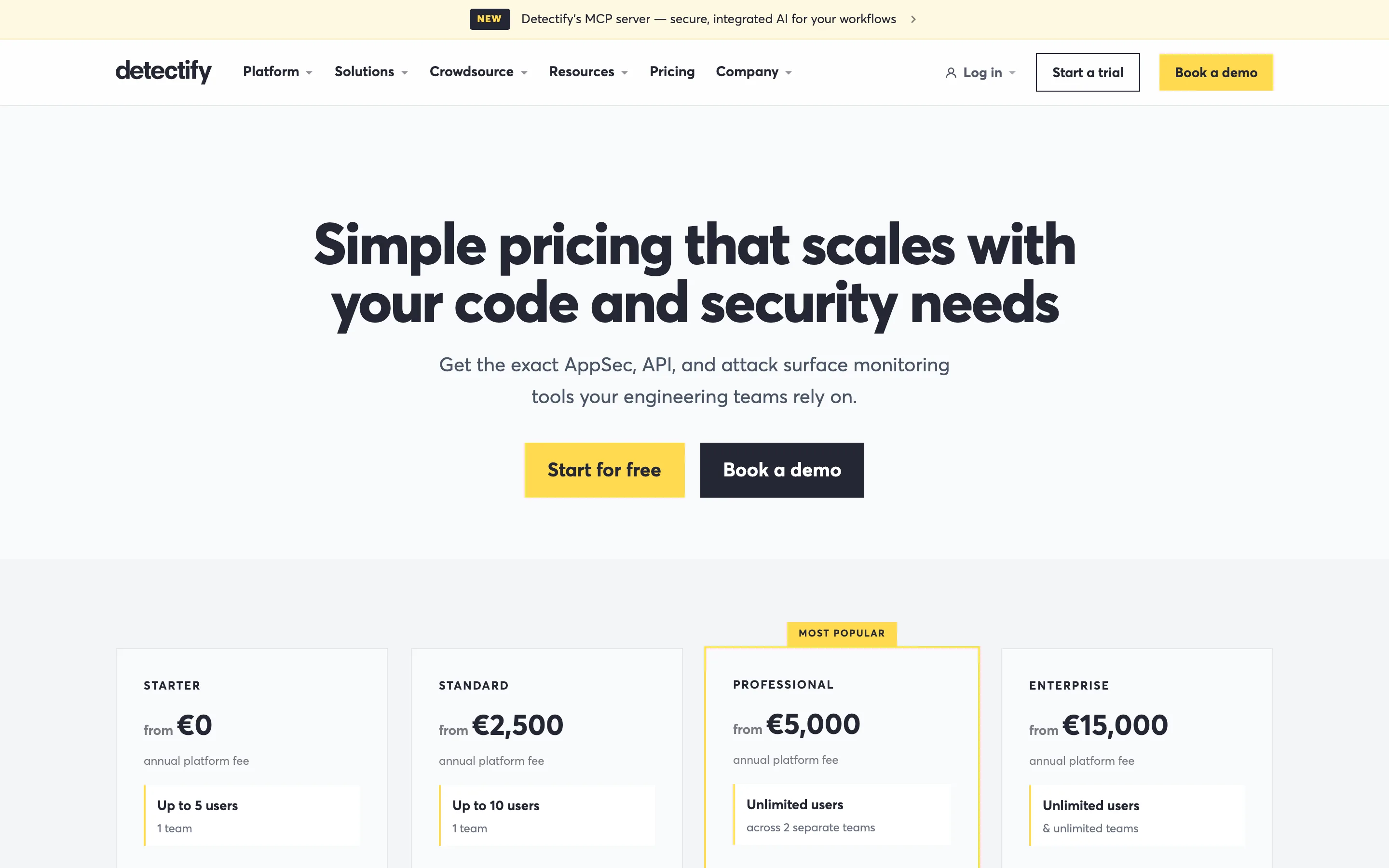
Detectify is the one that publishes a full price ladder, which is rare in this category, though it publishes in euros rather than dollars. Its Starter tier is a €0 annual platform fee for up to 5 users on 1 team; Standard is from €2,500 for up to 10 users; Professional is from €5,000 for unlimited users across 2 teams; Enterprise is from €15,000.
Detectify leans on its Crowdsource network of external researchers to build detection modules, which is a genuinely different sourcing model from a vendor-authored rule set.
What it does not do: the platform fee is a floor, not a total. API scanning for REST and GraphQL and Apex scanning both carry an additional cost per target, and PCI ASV scanning is a separate €500 per year.
Side by Side
| Tool | License or price | Latest version | Best at |
|---|---|---|---|
| ZAP | Apache 2.0, free | 2.17.0 (Dec 15, 2025) | A tunable free scanner for CI |
| Nuclei | MIT, free | 3.11.1 (Aug 8, 2026) | Checking one known issue across many hosts |
| Wapiti | GPL-2.0, free | 3.3.2 (Aug 19, 2026) | A readable black-box fuzzer |
| Burp Suite Professional | $499 per user, 1 year | Subscription | Manual testing by a human |
| StackHawk | $10 per user per month | SaaS | Findings inside the coding-agent loop |
| Detectify | €0 to €15,000 per year | SaaS | A published price ladder |
How to Choose Without Buying Twice
- Check whether you need DAST at all this quarter. If you have no SAST, no dependency scanning and no secrets detection, start there instead. Those find more per hour of setup on a codebase that has never been scanned.
- Run ZAP against staging before you buy anything. It costs nothing but an afternoon and it tells you your real finding volume. A team that gets 12 findings and a team that gets 900 should buy differently.
- Count the triage, not the license. Take the finding count from step 2, estimate minutes per finding, and compare that number against $499 a seat. For most teams the engineer time is the larger line.
- Decide if you need authenticated scanning. Scanning only what an anonymous user sees misses most real business logic. Authenticated scan support is where free tools cost the most setup time.
- Check the pricing unit against your shape. Per-seat pricing punishes large teams with few applications; per-application and platform fees punish small teams with many services.
Which One Should You Actually Use?
A small team with no security budget: ZAP, driven by its Automation Framework in CI, plus Nuclei for CVE sweeps. Accept that you are paying in tuning time instead of dollars.
A team already shipping with AI coding agents: StackHawk Wingman at $10 per user per month is the cheapest commercial entry point in this list, and the agent integration is the reason to pick it over ZAP.
One engineer doing real security testing: Burp Suite Professional at $499. Nothing free matches Repeater and Intruder for manual work, and one licensed tester beats five unused scanner seats.
You need a number for a budget request: Detectify, because it is the only vendor here that publishes a full ladder. Remember the API and PCI ASV add-ons sit on top.
You are responding to a CVE this morning: Nuclei, with the community template for that CVE, pointed at your host inventory. Nothing else answers that question in minutes.
Conclusion
The change worth noting this year is that the cheap commercial tier got genuinely cheap. StackHawk at $120 per developer per year is close enough to free that the old reflex of self-hosting ZAP purely to avoid a bill deserves rechecking against your own triage hours.
Before you renew anything, ask one question: how many findings from last quarter's scans did an engineer actually act on? If the answer is under ten, you are paying for scan volume you are not using, and the fix is better tuning rather than a bigger plan.
Related DevToolLab Tools
- Security Headers Checker - verify the missing Content-Security-Policy or HSTS header a DAST scan just flagged, without waiting for a full rescan.
- CORS Header Generator - build a correct Access-Control-Allow-Origin policy after a scanner reports a permissive wildcard.
- SSL Certificate Checker - confirm the chain and expiry on the staging host you are about to scan, since TLS errors produce noisy false findings.
- HTTP Response Headers Checker - inspect exactly what a target returns before deciding whether a reported finding is real.
Related Guides
- Developer Security Toolkit - the static half of the picture, covering SAST, SCA and secrets scanning, which is what DAST complements rather than replaces.
- Best AI-Powered Code Security Scanning Tools - how the AI-assisted scanners compare, several of which bundle DAST into a broader platform.
- Container Security Tools Compared - image scanning and runtime defense for the layer underneath your running application.
- Supply Chain Security Tools - dependency and build-integrity coverage, the third leg alongside static and dynamic testing.