
A language model only knows what it saw in training, so any agent that answers questions about this week's release, a live price or a changed API needs a way to search the web. For years a common way to do that from code was the Bing Web Search API.
Microsoft retired the Bing Search APIs on August 11, 2025, and a well-funded category moved into the gap: Exa raised $250 million at a $2.2 billion valuation in May 2026, Parallel Web Systems raised a $100 million Series B at $2 billion in April 2026, and Nebius agreed to buy Tavily on February 10, 2026. I priced one workload, 100,000 agent searches a month, on every API below. The bill ranges from $100 to $1,300 depending on the vendor and the search mode.
What an AI Search API Returns That a SERP API Does Not
An AI search API returns page content an LLM can read, not just a list of links. That difference decides the bill more than the per-query price does.
A classic SERP API such as Serper returns what a Google results page shows: a title, a URL and a snippet per result. If your agent needs the page text, it makes a second request per URL to fetch and clean it. Exa, Tavily, Parallel and Perplexity return extracted text or query-relevant excerpts in the same call. The Brave Search API does both: its Web Search endpoint returns links and snippets, and its LLM Context endpoint returns pre-extracted page content at the same price.
The second axis is depth. Most vendors sell a fast, cheap mode for tool calls inside an agent loop and a slower mode that does more retrieval per query. The gap is 5x at Parallel and Perplexity and 2x at Tavily, so the mode matters as much as the vendor.
How We Compared
Every price below was read from the vendor's own pricing page or docs on September 30, 2026, from the raw page text. The worked example is a support-research agent for a US SaaS company, deployed in us-east-1, that runs 100,000 searches a month with the default 10 results each. Where an API returns only snippets, the agent fetches full text for the top three results, which is 300,000 pages a month, priced at the $1 per 1,000 pages that both Parallel Extract and Exa Contents list. Free monthly credits are subtracted.
I didn't benchmark result quality, because relevance depends on your own queries.
What 100,000 Searches a Month Costs
The cheapest configuration costs $100 a month and the most expensive $1,300. The script reproduces the math from list prices, so you can change the volume or fetch count.
js// Monthly bill for N agent searches (10 results each), list prices checked 2026-09-30. const SEARCHES = 100_000 const PAGE_FETCHES = 300_000 // full text of the top 3 results, where needed const EXTRACT_PER_1K = 1 // Parallel Extract and Exa Contents both list $1 per 1k pages const tavilyCost = (credits) => 500 + Math.max(0, credits - 100_000) * 0.008 // Growth plan const apis = [ { name: "Serper (Google results)", search: () => (SEARCHES / 1000) * 1.0, needsFetch: true }, { name: "Parallel Search (fast)", search: () => (SEARCHES / 1000) * 1 }, { name: "Perplexity Search (fast)", search: () => (SEARCHES / 1000) * 1 }, { name: "Exa Search (instant)", search: () => (SEARCHES / 1000) * 4 - 10 }, { name: "Brave (LLM Context)", search: () => (SEARCHES / 1000) * 5 - 5 }, { name: "Tavily (basic)", search: () => tavilyCost(SEARCHES * 1) }, { name: "Parallel Search (advanced)", search: () => (SEARCHES / 1000) * 5 }, { name: "Perplexity Search (standard)", search: () => (SEARCHES / 1000) * 5 }, { name: "Exa Search (auto)", search: () => (SEARCHES / 1000) * 7 - 10 }, { name: "Tavily (advanced)", search: () => tavilyCost(SEARCHES * 2) }, ] const usd = (n) => `$${n.toLocaleString("en-US", { maximumFractionDigits: 0 })}` apis .map((a) => { const fetch = a.needsFetch ? (PAGE_FETCHES / 1000) * EXTRACT_PER_1K : 0 return { name: a.name, search: a.search(), fetch, total: a.search() + fetch } }) .sort((x, y) => x.total - y.total) .forEach((r) => { const note = r.fetch ? ` (${usd(r.search)} search + ${usd(r.fetch)} page fetch)` : "" console.log(`${r.name.padEnd(30)} ${usd(r.total).padStart(7)}${note}`) })
textParallel Search (fast) $100 Perplexity Search (fast) $100 Exa Search (instant) $390 Serper (Google results) $400 ($100 search + $300 page fetch) Brave (LLM Context) $495 Tavily (basic) $500 Parallel Search (advanced) $500 Perplexity Search (standard) $500 Exa Search (auto) $690 Tavily (advanced) $1,300
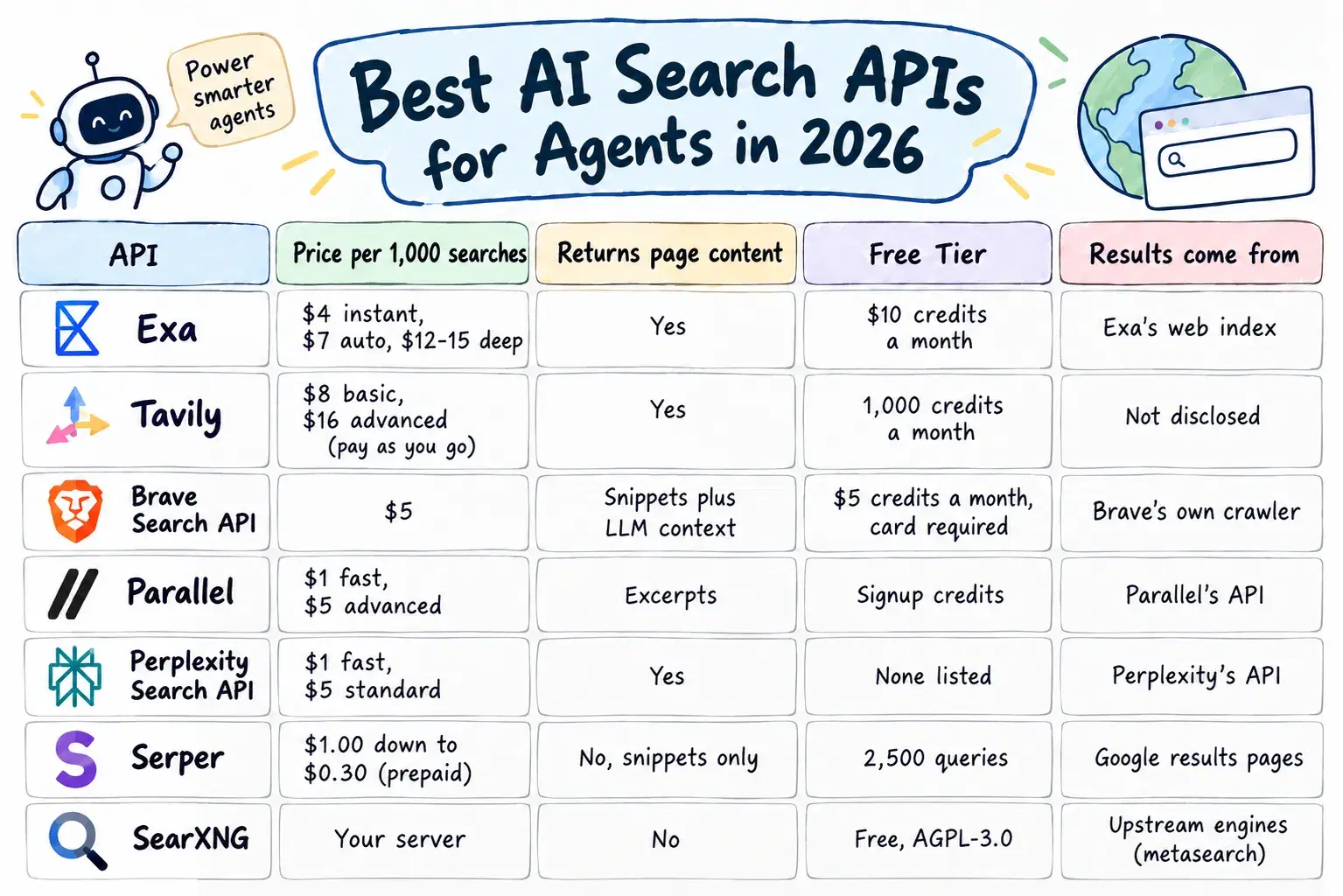
| API | Price per 1,000 searches | Returns page content | Free tier | Results come from |
|---|---|---|---|---|
| Exa | $4 instant, $7 auto, $12-15 deep | Yes | $10 credits a month | Exa's web index |
| Tavily | $8 basic, $16 advanced (pay as you go) | Yes | 1,000 credits a month | Tavily's API |
| Brave Search API | $5 | Yes, via the LLM Context endpoint | $5 credits a month, card required | Brave's own crawler |
| Parallel | $1 fast, $5 advanced | Excerpts | Signup credits | Parallel's API |
| Perplexity Search API | $1 fast, $5 standard | Yes | None listed | Perplexity's API |
| Serper | $1.00 down to $0.30 (prepaid) | No, snippets only | 2,500 queries | Google results pages |
| SearXNG | Your server | No | Free, AGPL-3.0 | Upstream engines (metasearch) |
How Exa Prices Search by Latency
Exa runs its own web index and charges by how much work each query does. According to its pricing docs, instant search costs $4 per 1,000 requests, fast and auto cost $7, Deep Search costs $12 to $15, and each tier includes up to 10 results with page contents, billing $1 per 1,000 for each result past 10. The pricing page lists configurable latency from 180 ms to 1 second.
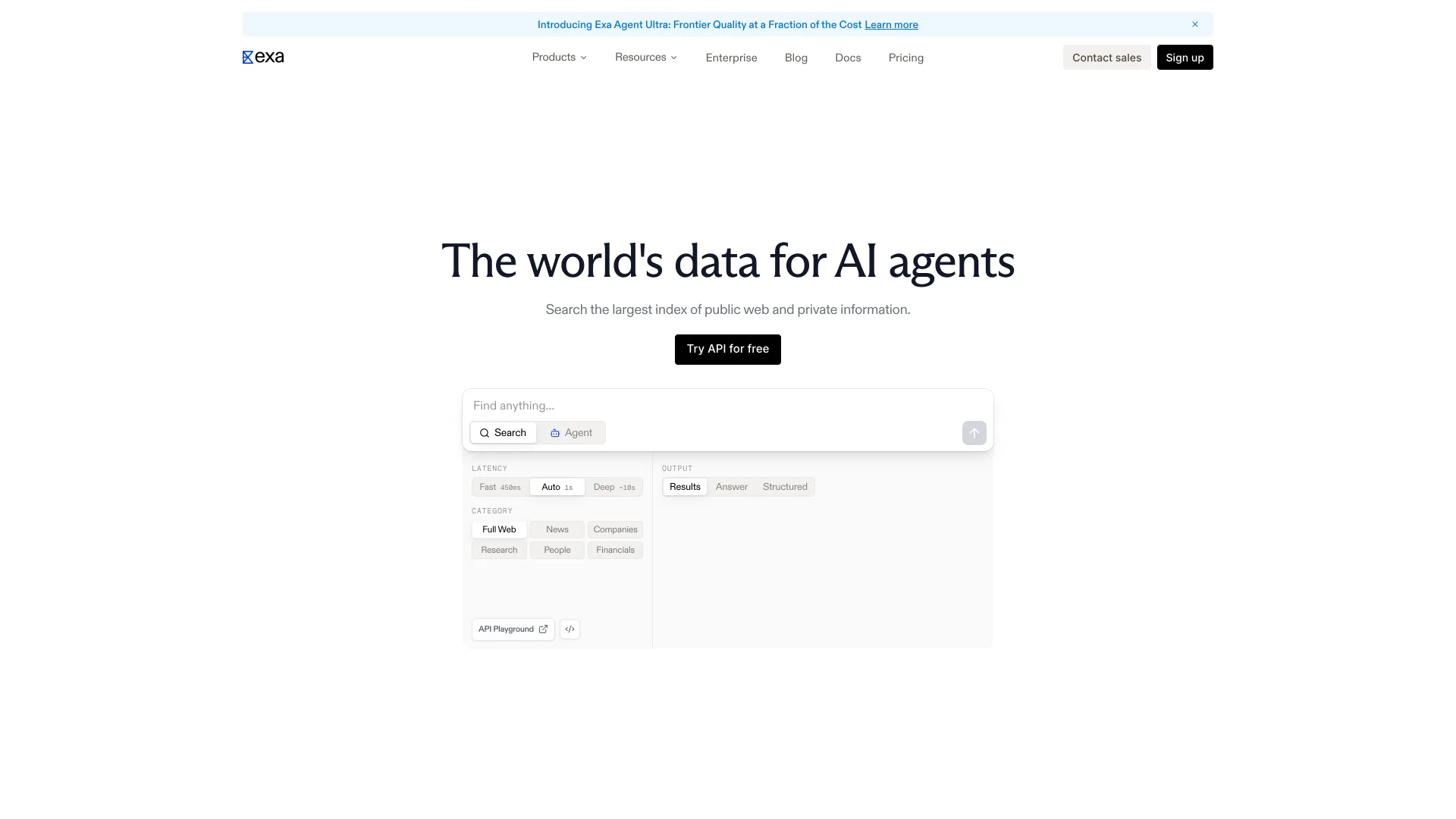
What it does well: contents come with the search, so there is no second hop, and the same key covers a /contents endpoint at $1 per 1,000 pages, a hosted MCP server and /answer at $5 per 1,000. What it does not do: the $10 monthly free tier is 2,500 instant searches, and volume discounts mean a sales call. Setup is pip install exa-py or npm install exa-js.
How Tavily Bills Search in Credits
Tavily charges credits, and search depth sets how many each request burns: a basic search costs 1 credit and an advanced search costs 2, according to Tavily's credits documentation. Pay as you go is $0.008 a credit, and monthly plans run from Project at $30 for 4,000 credits to Growth at $500 for 100,000, which works out to $0.005 a credit.
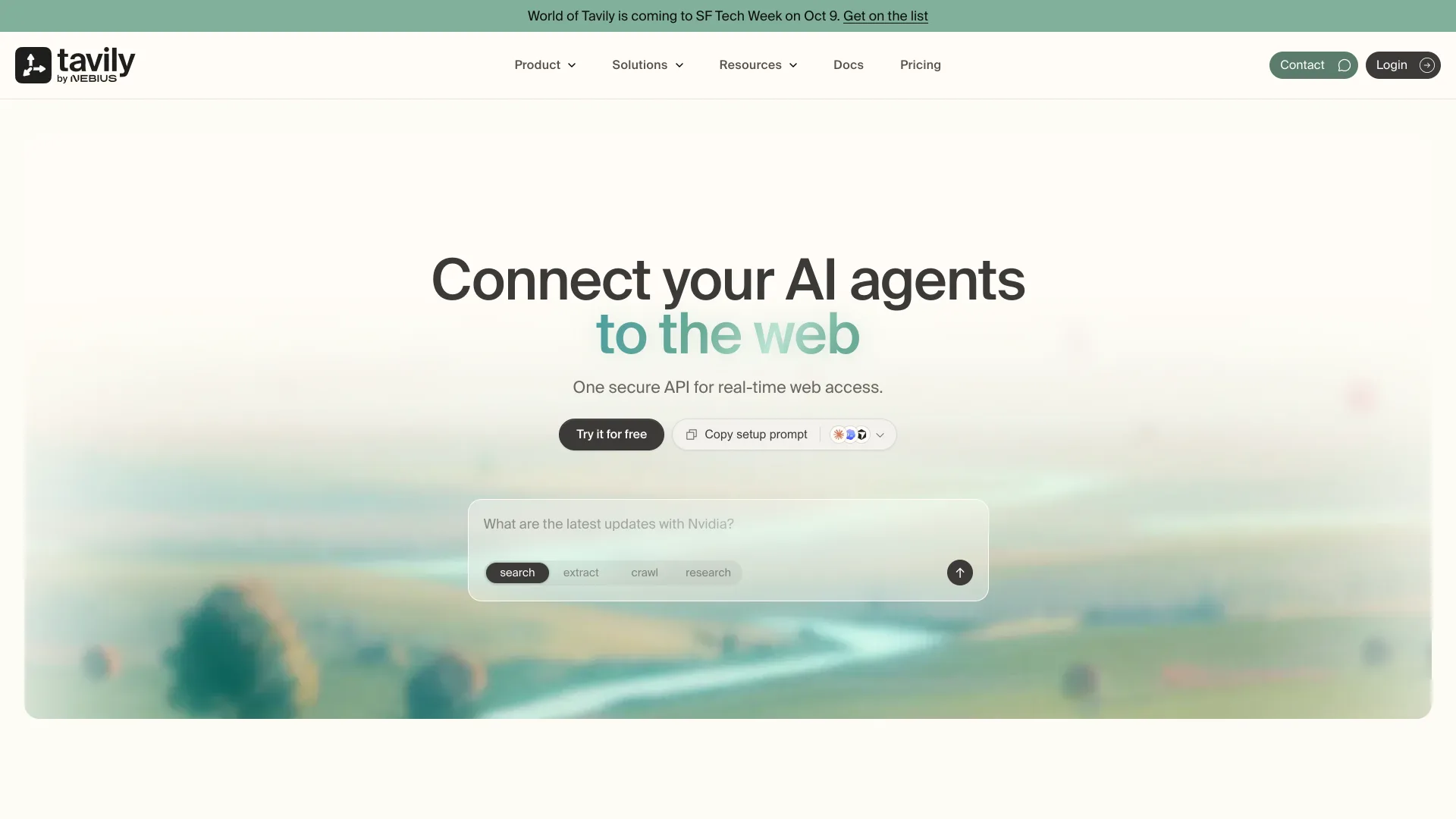
What it does well: 1,000 free credits a month with no card, and Extract, Map and Crawl bill from the same pool, with no charge for a failed extraction. What it does not do: advanced search doubles the bill, the most expensive row in the worked example. Its site now brands it Tavily by Nebius, a Nasdaq-listed AI cloud, so watch the roadmap.
How Brave Search API Serves an Independent Index
The Brave Search API is backed by Brave's own crawler rather than Google or Bing. Brave's API page puts its index at more than 30 billion pages with over 100 million page updates a day. Search costs $5 per 1,000 requests at 50 queries per second, and its LLM Context endpoint, which returns pre-extracted page content, costs the same $5 per 1,000. The Answers endpoint costs $4 per 1,000 requests plus $5 per million input and output tokens, at 2 queries per second.
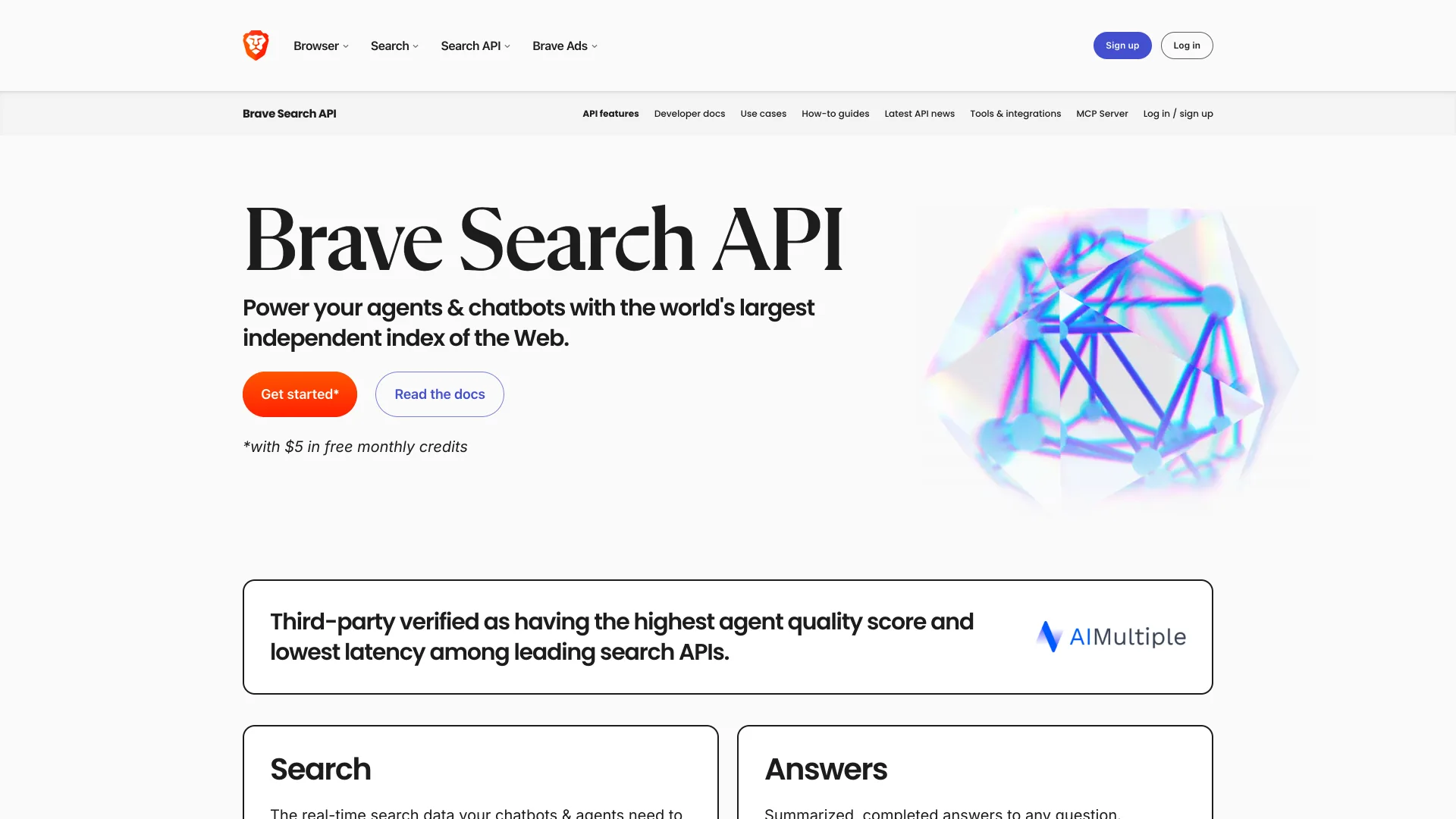
What it does well: independence. Brave builds its index from its own crawler plus opt-in data from its Web Discovery Project, and Goggles allow custom re-ranking. What it does not do: the plain Web Search endpoint returns only links and snippets, so page text means calling LLM Context, and the free plan requires a credit card.
How Parallel Splits Fast and Advanced Search
Parallel, founded by former Twitter CEO Parag Agrawal, sells search as one of several web APIs for agents. Its pricing docs list turbo and fast search at $1 per 1,000 requests and basic and advanced at $5, each with 10 results and excerpts, plus $1 per 1,000 additional results. Extract costs $1 per 1,000 URLs.
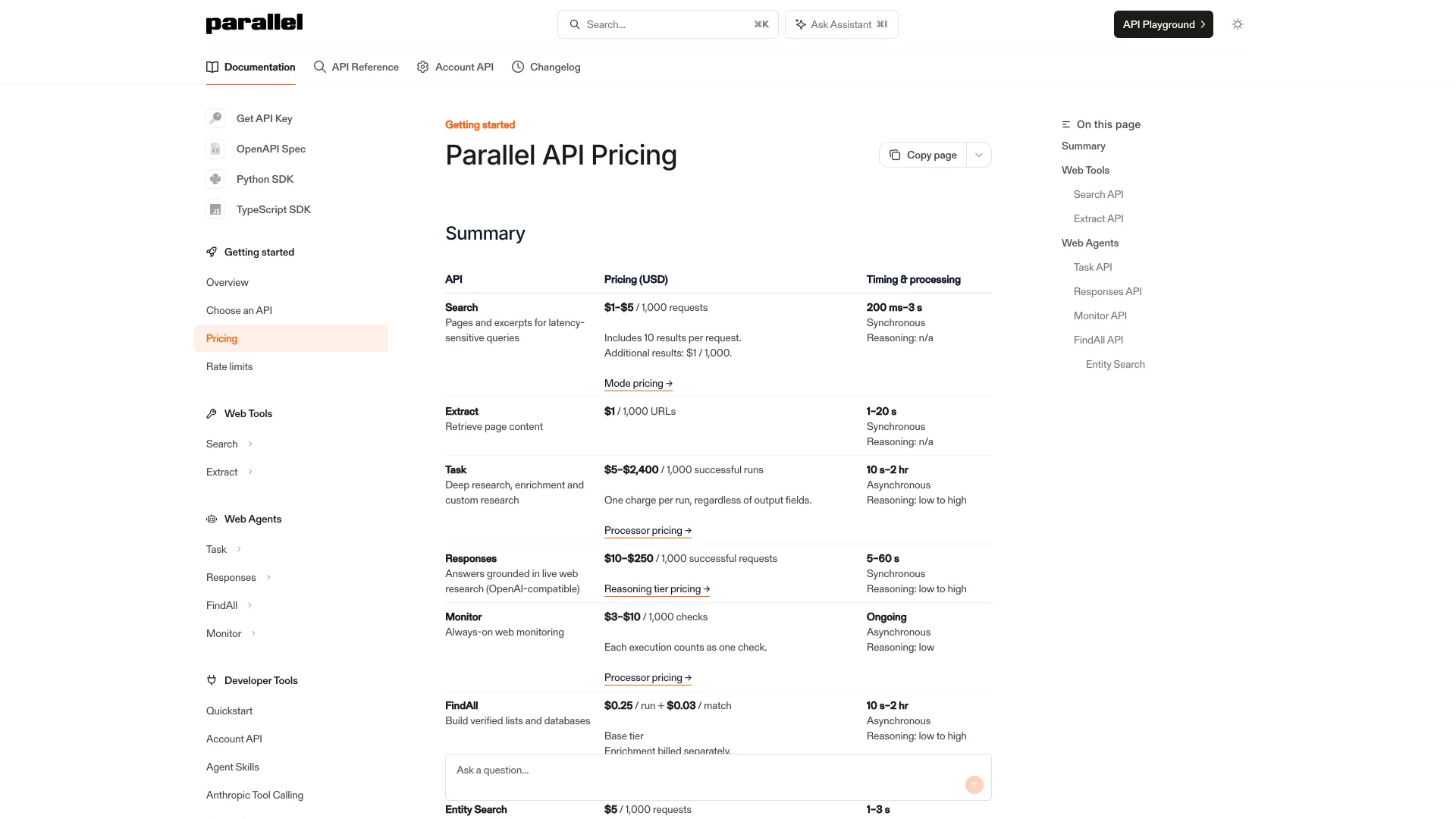
What it does well: fast mode ties for the cheapest search here that returns content, and every API on its pricing table is listed as SOC 2. What it does not do: excerpts are compressed passages, not the full page, and the pricing page describes its free tier two different ways, so confirm your credits in the dashboard.
How Perplexity's Search API Returns Raw Results
Perplexity's Search API returns ranked results with extracted content as structured data; written answers come from its separate Agent API. The pricing docs list the Search API at $5 per 1,000 requests and Fast Search at $1 per 1,000, and max_results accepts 1 to 20.
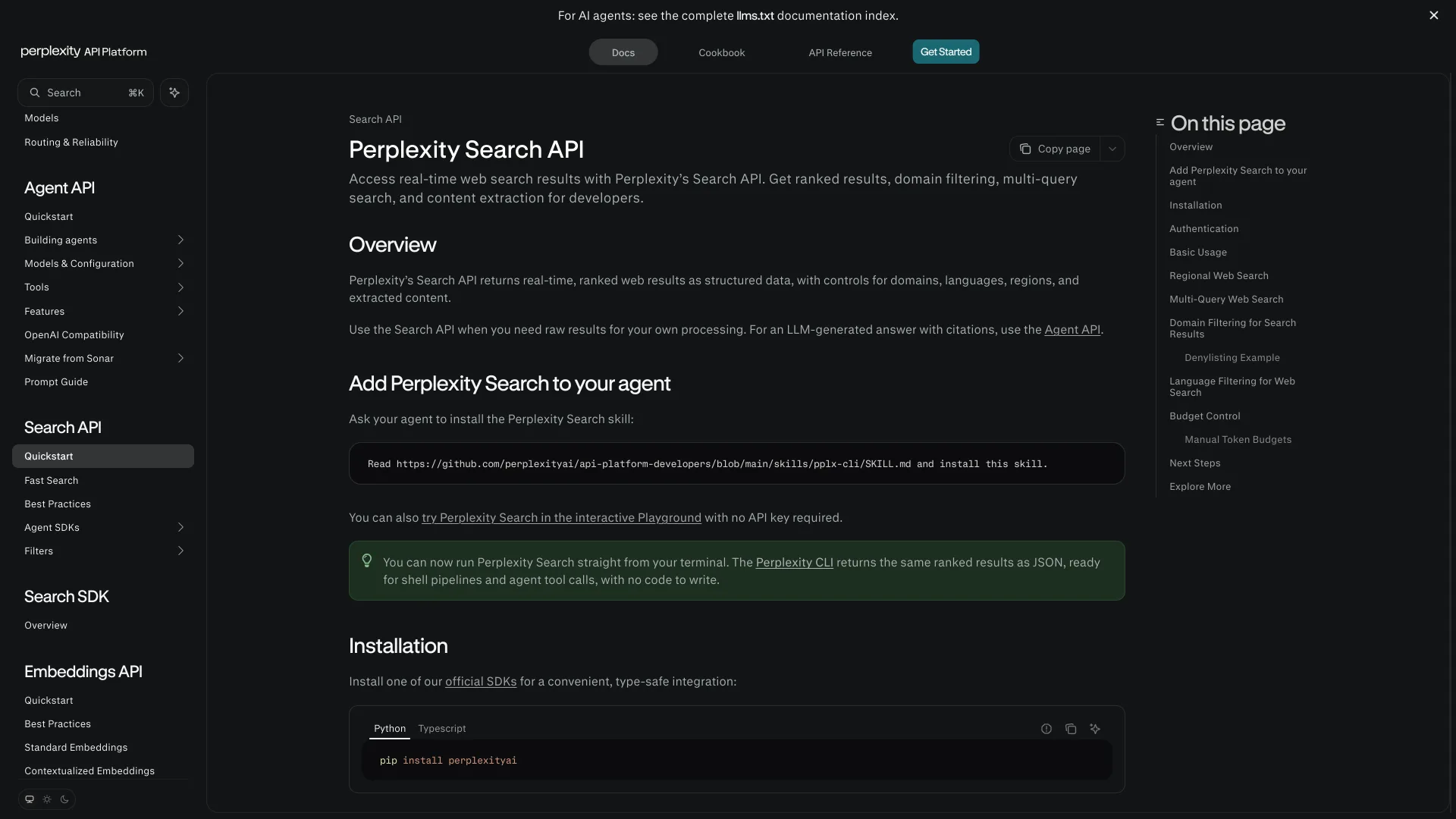
What it does well: fast mode matches Parallel's price, domain, language and region filters are built in, and search_context_size controls how much extracted text comes back per result. What it does not do: the pricing page lists no free monthly allowance for the Search API. Its docs now route Sonar users to the Agent API, so older tutorials may not match.
How Serper Resells Google Results
Serper returns Google's results as JSON. Credits are prepaid with no subscription and expire after 6 months: $50 buys 50,000 queries ($1.00 per 1,000), and the top pack is $3,750 for 12.5 million ($0.30 per 1,000). New accounts get 2,500 free queries with no card.
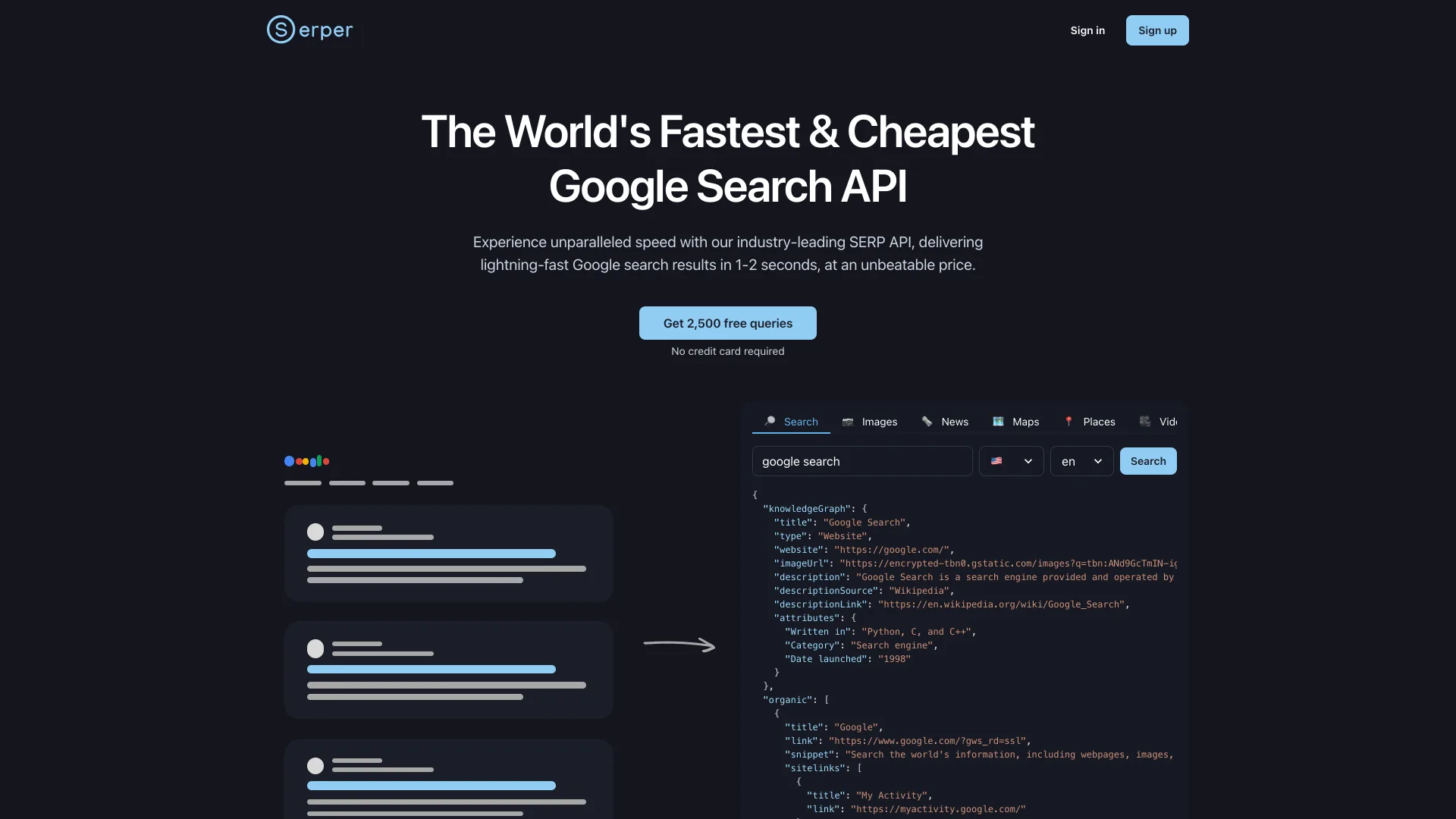
What it does well: Google's ranking, including news, maps, shopping and Scholar verticals, and at $0.30 per 1,000 on the largest pack, the lowest per-query price in this list. What it does not do: page content, so the worked example adds $300 of fetching. There is legal risk too: Google sued SerpApi, a rival Google-results vendor, in December 2025 under the DMCA, and SerpApi moved to dismiss in February 2026, according to The Register.
Running SearXNG Yourself
SearXNG is the open-source option: an AGPL-3.0 metasearch engine with 37,779 GitHub stars as of September 30, 2026, which queries upstream engines on your behalf and merges the results. It ships as rolling releases rather than tagged versions, and the repository was updated on September 29, 2026.
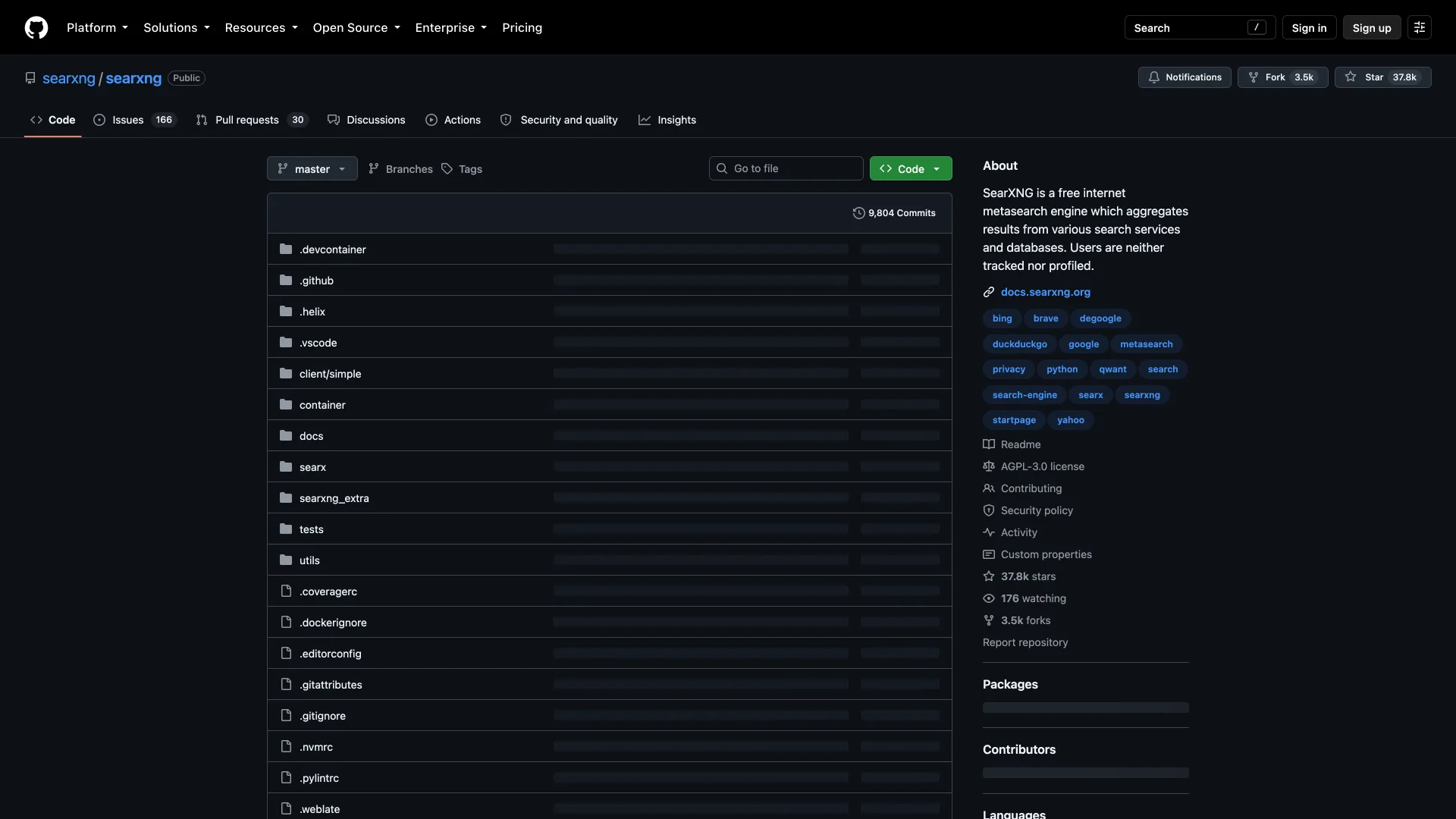
What it does well: no per-query bill and no vendor lock-in. JSON output is one setting: the default settings.yml enables only html under search.formats, so add json and call /search?q=...&format=json. What it does not do: it owns no index, and SearXNG's default settings suspend any upstream engine that answers with access denied, CAPTCHA or too many requests errors, which heavy traffic from one IP address is likely to trigger. You still need a fetcher for page text.
How to Choose Without Migrating Twice
- Decide whether you need page text. If the agent reads pages, price Exa, Tavily, Parallel, Perplexity and Brave's LLM Context endpoint on search alone, and price Serper with the fetch step added.
- Pick the mode your loop actually uses. Tool calls inside a chat loop can usually run in fast mode; offline research jobs can afford deep modes.
- Check where the results come from. Serper is Google and SearXNG is other engines, so both inherit someone else's rate limits and terms. Exa and Brave document their own indexes.
- Run 50 of your real queries against two finalists and count how often each returns the page a human would have picked.
Which One Should You Actually Use?
Building a coding or research agent on a budget: Parallel or Perplexity in fast mode, at $100 for 100,000 searches with content included.
Want one API from quick lookups to deep research: Exa, which returns contents in one call and scales from instant to Deep Search.
Prototyping on a free tier with no card: Exa ($10 a month, about 2,500 instant searches) or Tavily (1,000 credits a month).
Need Google's ranking specifically: Serper, with an extract API for page text, after you read up on the SerpApi case.
Want an index that is not Google or Bing: Brave Search API.
No budget, low volume: SearXNG on a small VM, with json enabled.
Conclusion
The per-query price is the wrong number to compare. What your agent pays depends on whether the API returns page text and which search mode your loop calls, and for 100,000 searches that swings the bill 13x, from $100 to $1,300. Put your volume in the calculator, then test your real queries on the two cheapest APIs that return content.
Related DevToolLab Tools
- LLM Token Cost Calculator - search contents land in the prompt, so price the input tokens 10 results add to every agent turn.
- HTML to Markdown - convert pages your own fetcher pulls from Serper results into clean text before they reach the model.
- Robots.txt Tester - check whether a site allows crawling before your agent fetches its pages directly.
- llms.txt Generator - publish an llms.txt file that points AI tools at the pages of your docs that matter most.
Related Guides
- Best Web Scraping APIs for AI - the fetch-and-extract layer that sits after search when you need whole sites.
- Best MCP Servers - how to wire a search API into Claude, Cursor or VS Code as an MCP tool.
- Best AI Agent Frameworks - the frameworks that call these search APIs as tools.
- AI Agent Memory Platforms - where an agent keeps what it found, so it does not search the same thing twice.