
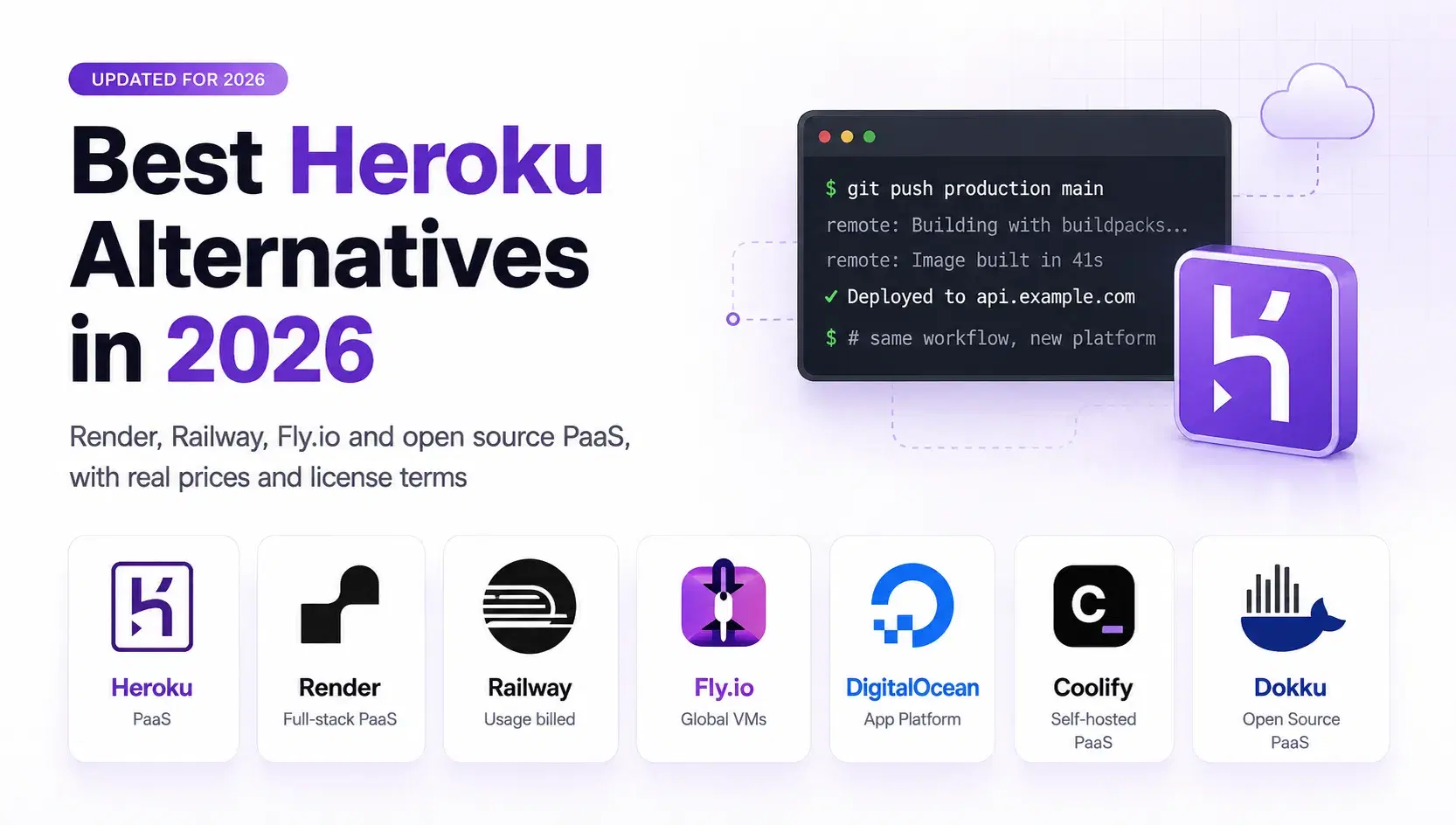
Shipping a web app used to mean provisioning a box, installing a runtime, configuring a process manager and wiring up TLS before a single user could load a page. git push heroku main collapsed all of that into one command, and for well over a decade that command defined what a platform as a service was supposed to feel like.
On February 6, 2026, Salesforce SVP and GM Nitin T Bhat published a post confirming that Heroku is "transitioning to a sustaining engineering model focused on stability, security, reliability, and support." Read that list again and notice the word missing from it: features.
This is not a shutdown or an end-of-life notice. It is something more awkward to plan around: Heroku will keep running your app competently, keep patching it, keep answering support tickets, and will never ship anything new again.
What Sustaining Engineering Actually Means
The announcement is direct about what does not change. "There is no change for customers using Heroku today," it says, and credit card customers keep the same pricing, billing and service. The change lands on the sales side: "Enterprise Account contracts will no longer be offered to new customers. Existing Enterprise subscriptions and support contracts will continue to be fully honored and may renew as usual." TechRadar covered it on February 10, 2026, framing Agentforce as the agentic AI platform Salesforce is funding instead.
So the app you deployed last year keeps working. The question is what happens when it grows, and there Heroku's own price list does more to push teams out than the announcement does.
Eco is $5/mo and buys a pool of 1,000 dyno hours shared across every Eco dyno in the account, with web dynos sleeping after 30 minutes of no traffic and not burning hours while asleep. Basic is $7/mo, Standard-1X $25/mo for 0.5 GB, Standard-2X $50/mo for 1 GB. Then the lineup jumps: Performance-M is $250/mo for 2.5 GB and Performance-L $500/mo for 14 GB. Postgres Essential-0 is $5/mo for 1 GB, Essential-1 $9/mo for 10 GB.
That jump is the real story. An app that outgrows 1 GB pays five times more for two and a half times the memory, with nothing in between. That gap, not the February post, is what usually starts the migration conversation.
Two Kinds of Replacement
Managed platforms keep the shape of Heroku. Render, Railway, Fly.io and DigitalOcean App Platform take a repo, build it, run it, terminate TLS and page someone who is not you when a host dies. You trade the Heroku bill for a different bill, and the work is mostly configuration.
Self-hosted platforms give you the same push-to-deploy workflow on a VPS you rent. Coolify and Dokku drop compute to the price of the box, and in exchange you inherit uptime, backups and OS patching. That suits teams who already have someone comfortable on a Linux server.
Render
Render is the closest thing to a modern Heroku in feel: connect a repo, pick a branch, and it builds and deploys on every push, with managed Postgres, Redis, cron jobs and background workers alongside it. It is openly courting Heroku refugees, running a "Migrate to Render" nav item and offering up to $10K in migration credits.
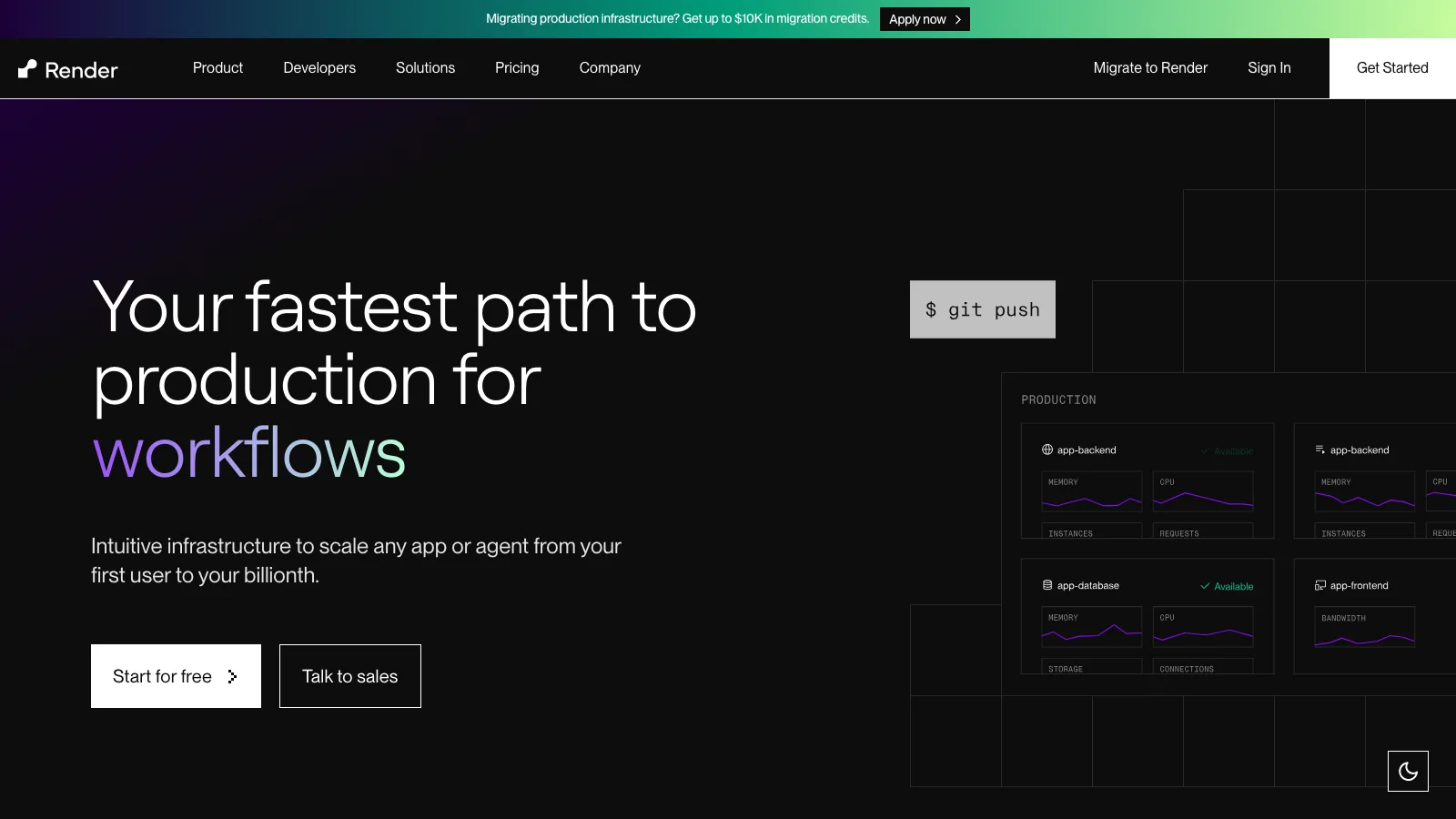
The gotcha is a two-part bill: the workspace fee is separate from compute, and the flat $25/mo Pro workspace replaced an older plan charging $19 per member per month, so budget from the current page. The free instance spins down after 15 minutes without traffic and takes about a minute to wake, which is fine for a demo and wrong for anything a customer touches.
Pricing: Workspace Hobby $0 · Pro $25/mo · Scale $499/mo · Starter instance $7 (512 MB) · Standard $25 (2 GB) · Pro $85 (4 GB) · Postgres from $6/mo
Railway
Railway bills what you actually consume rather than what you reserve, which is the biggest difference between it and everything else here. Compute works out to about $20 per vCPU-month and $10 per GB-month, metered per second. Volumes run about $0.15/GB-month and egress is $0.05/GB.
Plans are a floor with credit attached, not a cap: Hobby is $5/mo including $5 of usage, Pro $20/mo including $20, and seats are unlimited on Pro because the fee is per workspace. What it does not give you is a predictable number. A metered bill moves with traffic, and a service that is running but idle still costs money every second it stays up.
Pricing: Free $0 with $1 credit · Hobby $5/mo with $5 usage · Pro $20/mo with $20 usage · about $20 per vCPU-month · about $10 per GB-month · egress $0.05/GB
Fly.io
Fly.io runs your app as Firecracker microVMs placed close to users, and it is the cheapest compute here by a wide margin. A shared-cpu-1x machine with 1 GB of RAM is $5.92/mo in Amsterdam, $11.11 at 2 GB, and as little as $1.94 for 256 MB in Ashburn. Egress is $0.02/GB in North America and Europe.
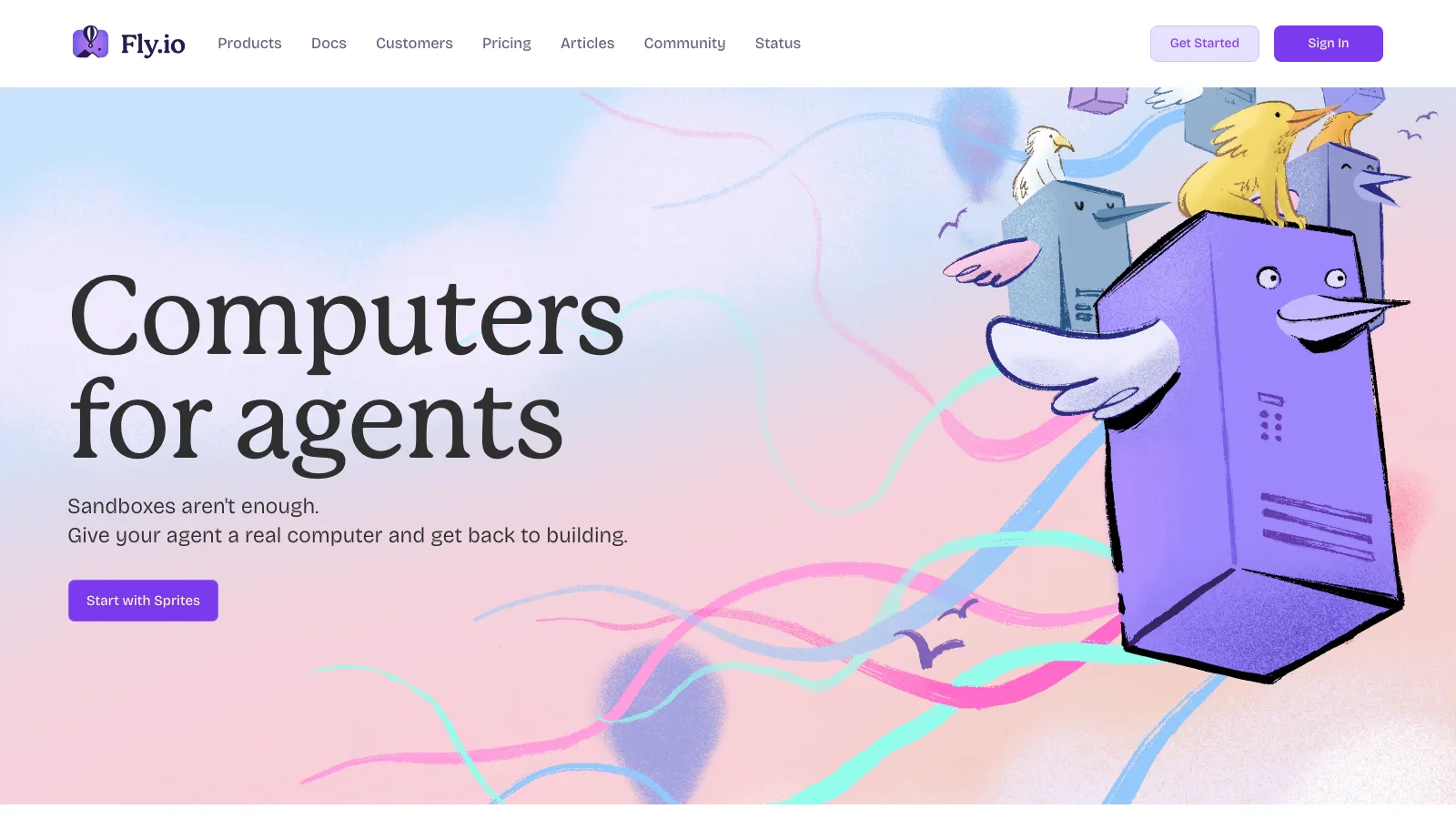
Two things temper that. Managed Postgres starts at $38/mo for a 1 GB Basic cluster, so the database costs six times the app it serves, and Fly is the most hands-on option here: you are editing fly.toml and thinking about machines, volumes and regions in a way Render and Railway never ask of you. The homepage is a signal too, since Fly has repositioned around AI agent workloads rather than classic web apps, which is a reasonable bet but not the product focus you are migrating toward.
Pricing: shared-cpu-1x 256 MB $2.02/mo · 1 GB $5.92 · 2 GB $11.11 (Amsterdam) · Managed Postgres Basic $38/mo · storage $0.28/GB-month · egress $0.02/GB
DigitalOcean App Platform
DigitalOcean App Platform is the flat-rate option: pick a container size, pay that number, and get bandwidth bundled in rather than metered separately. A 1 vCPU / 1 GB container is $10/mo with 100 GiB of transfer, 1 vCPU / 2 GiB is $25/mo with 200 GiB, and 2 vCPU / 4 GiB is $50/mo with 250 GiB. Overage is $0.02/GiB.
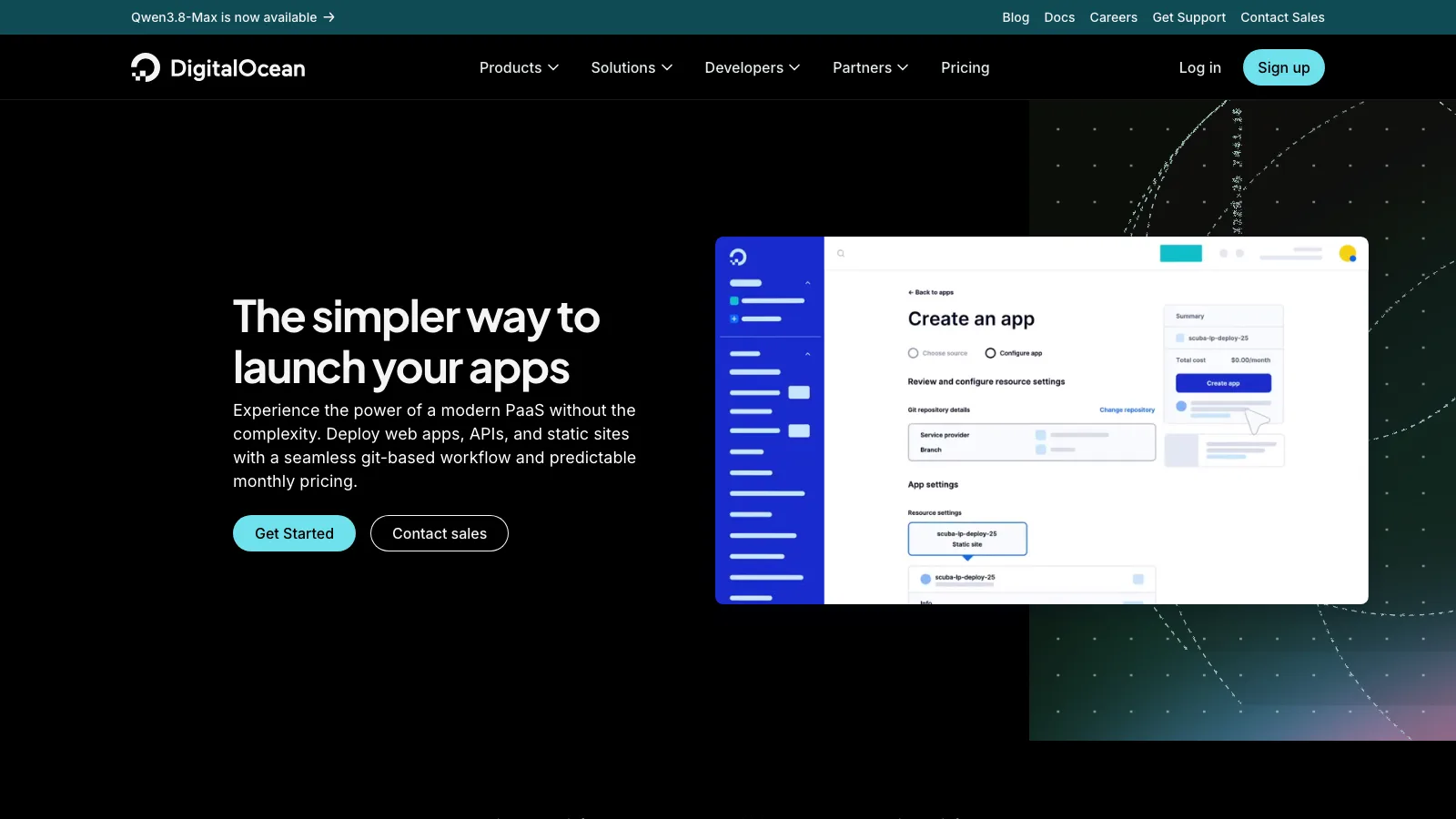
The real advantage is what sits next door: Droplets, Spaces and managed databases on the same bill, so outgrowing the PaaS does not mean changing vendors. It is also the plainest platform here, with fewer conveniences than Render or Railway, and the $7/mo development database is explicitly not built for production traffic, so budget for a managed cluster once you have real users.
Pricing: Static sites free (3 apps) · 1 vCPU/512 MiB $5/mo · 1 vCPU/1 GiB $10/mo · 1 vCPU/2 GiB $25/mo · 2 vCPU/4 GiB $50/mo · dev database $7/mo
Coolify
Coolify is the open source answer, licensed Apache-2.0 with no asterisks: no feature gates, no user caps, no source-available noncompete clause. It is a Laravel application that manages Docker and Docker Compose deployments on servers you own, with 280+ one-click services for the databases and side pieces you would otherwise wire up yourself.
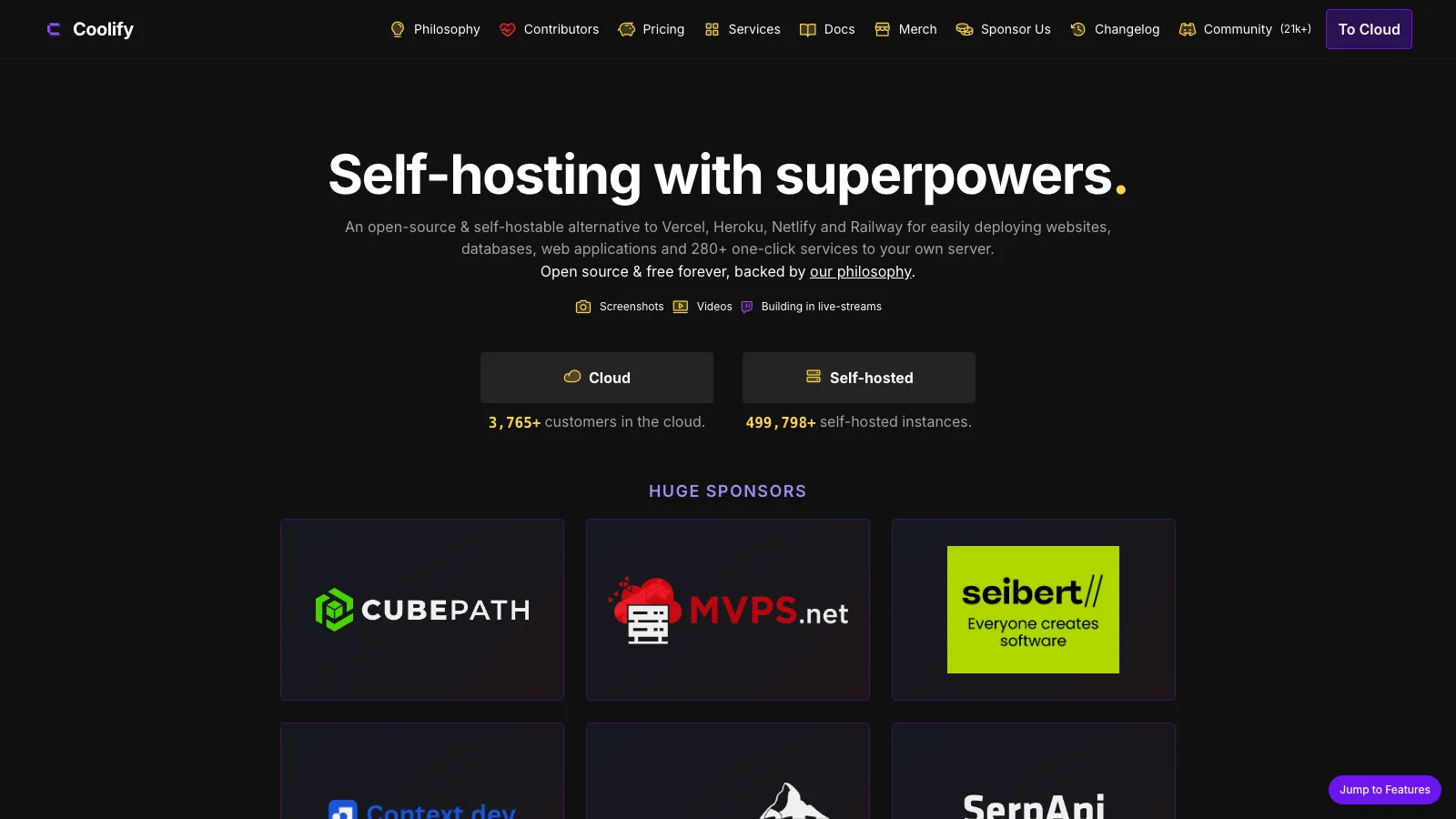
Adoption is not theoretical: around 59,800 GitHub stars, and its own site reports 3,765+ cloud customers and 499,798+ self-hosted instances. Coolify Cloud at $5/mo for two servers is a managed control plane, so you still rent the servers your apps run on. The cost is ownership: uptime, backups, OS patching and the control plane itself become yours, and a single-server install has no failover, so a bad kernel upgrade takes your app down with it.
Pricing: Self-hosted free forever (Apache-2.0) · Coolify Cloud $5/mo for 2 servers · $3/mo per extra server · servers billed separately
Dokku
Dokku is the minimalist option and the one that most faithfully reproduces the original workflow. It calls itself "Docker powered mini-Heroku. The smallest PaaS implementation you've ever seen," it is MIT licensed, and the current release is v0.38.27. You deploy by pushing to a git remote, which is exactly the muscle memory you are trying to keep.
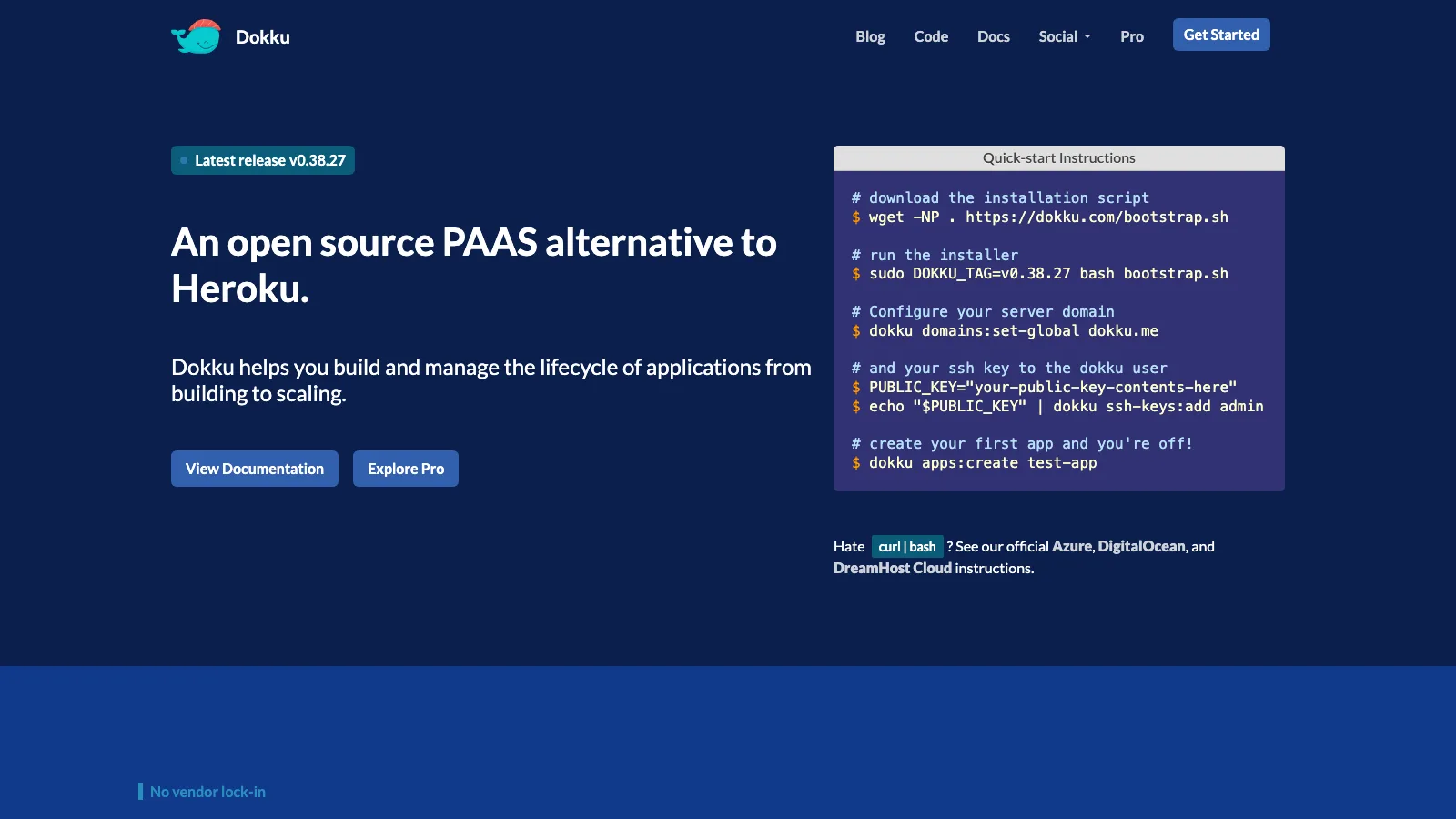
Setup wants a fresh VM running Ubuntu 22.04 or 24.04, or Debian 11+, plus an SSH keypair. You run the bootstrap script, register your key, run dokku apps:create, add the remote and push. Core Dokku is CLI and SSH only, with no web dashboard to hand a non-technical teammate, and it is single-host by default, with no autoscaling and no support contract unless you buy Dokku Pro. You are the ops team.
Pricing: Free and MIT licensed · Dokku Pro sold separately · VPS billed separately (a 2 vCPU / 4 GB box runs roughly $12 to $24/mo in the US)
Side-by-Side Comparison
| Platform | Model | Cheapest always-on app | Managed Postgres from | Watch out for |
|---|---|---|---|---|
| Heroku | Proprietary, sustaining engineering | Basic $7/mo (512 MB) | Essential-0 $5/mo | No new features; sizing jumps from Standard-2X at 1 GB / $50 straight to Performance-M at 2.5 GB / $250 |
| Render | Proprietary, flat tiers | Starter $7/mo (512 MB) | $6/mo (256 MB) | Two-part bill: workspace fee plus instance cost |
| Railway | Proprietary, metered per second | Hobby $5/mo including $5 usage | Runs as a metered service | Bill moves with traffic; idle services still bill |
| Fly.io | Proprietary, per-machine | shared-cpu-1x 256 MB $2.02/mo | $38/mo (Basic, 1 GB) | Database costs more than the app; most hands-on setup |
| DigitalOcean App Platform | Proprietary, flat tiers | $5/mo (1 vCPU / 512 MiB) | Dev database $7/mo | Dev database is not production grade; fewer platform features |
| Coolify | Apache-2.0, self-hosted | $0 plus your server | Deploy Postgres yourself | You own uptime, backups and patching; no failover on one server |
| Dokku | MIT, self-hosted | $0 plus your server | Deploy Postgres yourself | CLI and SSH only, single-host by default, no support contract |
Price Your Own App
Comparing these platforms on list price is harder than it looks, because they meter different units: Heroku sells dyno tiers, Render sells instance types plus a workspace fee, DigitalOcean sells container sizes, and Railway and Fly.io bill what you consume. RAM is the only figure all of them publish, so that is the common denominator worth building on. The script below prices one always-on web service at a given RAM size plus the cheapest managed Postgres on each platform, taking an average CPU fraction rather than pretending the metered numbers are exact.
JavaScript// paas-cost.mjs - price one always-on web service plus the cheapest managed Postgres. // Usage: node paas-cost.mjs [ramGB] [cpuFraction] e.g. node paas-cost.mjs 1 0.1 const ram = Number(process.argv[2] ?? 1) const cpu = Number(process.argv[3] ?? 0.1) // Fixed-tier platforms: [monthly USD, GB RAM, label]. List prices, verified August 2026. const TIERS = { Heroku: [ [7, 0.5, "Basic"], [25, 0.5, "Standard-1X"], [50, 1, "Standard-2X"], [250, 2.5, "Performance-M"], [500, 14, "Performance-L"], ], Render: [ [7, 0.5, "Starter"], [25, 2, "Standard"], [85, 4, "Pro"], [175, 8, "Pro Plus"], [225, 16, "Pro Max"], [450, 32, "Pro Ultra"], ], "DO App Platform": [ [5, 0.5, "basic-xxs"], [10, 1, "basic-xs"], [25, 2, "apps-s-1vcpu-2gb"], [50, 4, "apps-d-2vcpu-4gb"], ], "Fly.io": [ [2.02, 0.25, "shared-cpu-1x 256MB"], [3.32, 0.5, "shared-cpu-1x 512MB"], [5.92, 1, "shared-cpu-1x 1GB"], [11.11, 2, "shared-cpu-1x 2GB"], ], } // Cheapest managed Postgres on each platform. const DB = { Heroku: [5, "Postgres Essential-0, 1 GB"], Render: [6, "Postgres, 256 MB"], "DO App Platform": [7, "dev database, 512 MiB"], "Fly.io": [38, "Managed Postgres Basic, 1 GB"], } // Railway meters real consumption: $20 per vCPU-month, $10 per GB-month. // The Hobby plan is $5/mo and includes $5 of usage, so the bill is max(5, usage). const RAILWAY = { vcpu: 20, gb: 10, plan: 5 } const rows = [] for (const [name, tiers] of Object.entries(TIERS)) { const fit = tiers.find(([, gb]) => gb >= ram) const [dbPrice, dbNote] = DB[name] rows.push(fit ? [name, `$${(fit[0] + dbPrice).toFixed(2)}`, `${fit[2]} $${fit[0]} + $${dbPrice} ${dbNote}`] : [name, "no listed tier", "size up to a dedicated plan"]) } const appUsage = ram * RAILWAY.gb + cpu * RAILWAY.vcpu const dbUsage = 0.5 * RAILWAY.gb + 0.05 * RAILWAY.vcpu // Postgres runs as another container const railway = Math.max(RAILWAY.plan, appUsage + dbUsage) rows.push(["Railway", `$${railway.toFixed(2)}`, `metered: $${appUsage.toFixed(2)} app + $${dbUsage.toFixed(2)} Postgres container`]) rows.push(["Coolify / Dokku", "$0 + VPS", "Apache-2.0 / MIT; you rent and patch the box"]) console.log(`\nOne always-on web service at ${ram} GB RAM (${cpu} vCPU average), plus a small Postgres\n`) for (const [name, price, note] of rows) console.log(` ${name.padEnd(17)} ${price.padEnd(15)} ${note}`) console.log(`\n Railway and Fly.io bill real consumption, so their numbers move with traffic.`) console.log(` Render adds a workspace fee above the free Hobby tier: $25/mo Pro, $499/mo Scale.\n`)
Running it for a 1 GB app averaging a tenth of a vCPU prints this:
textOne always-on web service at 1 GB RAM (0.1 vCPU average), plus a small Postgres Heroku $55.00 Standard-2X $50 + $5 Postgres Essential-0, 1 GB Render $31.00 Standard $25 + $6 Postgres, 256 MB DO App Platform $17.00 basic-xs $10 + $7 dev database, 512 MiB Fly.io $43.92 shared-cpu-1x 1GB $5.92 + $38 Managed Postgres Basic, 1 GB Railway $18.00 metered: $12.00 app + $6.00 Postgres container Coolify / Dokku $0 + VPS Apache-2.0 / MIT; you rent and patch the box Railway and Fly.io bill real consumption, so their numbers move with traffic. Render adds a workspace fee above the free Hobby tier: $25/mo Pro, $499/mo Scale.
At this size DigitalOcean is the cheapest managed option at $17/mo, with Railway a dollar behind. Fly.io has by far the cheapest compute at $5.92, but its cheapest managed Postgres is $38/mo, so Fly only makes sense if you run your own database. Re-run at 4 GB and Heroku prints $505.00, because Performance-L at 14 GB is the first tier with enough memory and you pay for all of it.
How to Migrate Without a Coverage Gap
- Audit config vars and add-ons first. Run
heroku config -s > heroku.envto dump every variable, then list your add-ons separately. The variables port anywhere; the add-ons do not. Heroku Scheduler, Heroku Connect and anything from the marketplace needs a named replacement before you move a byte. - Stand up the new app and deploy a branch. Deploy a non-production branch to the new platform's staging URL and confirm the build succeeds before you touch data. Buildpack platforms usually take the app as-is; container platforms want a Dockerfile.
- Move the database with a real dump. Take
heroku pg:backups:capture, download it, and restore withpg_restore. Do this once early to prove the restore works and to time it, then take a fresh dump at cutover so you are not shipping stale rows. - Repoint DATABASE_URL and every other config var. Load
heroku.envinto the new environment and watch for variables Heroku injected rather than ones you set. Code that binds toPORTmust keep doing so, because every platform here assigns one. - Recreate scheduled jobs. Heroku Scheduler has no equivalent elsewhere. Its jobs become cron, a platform-native scheduler, or a GitHub Actions workflow on a schedule.
- Run both stacks in parallel. Keep Heroku serving production while the new deployment takes the same traffic behind a staging hostname, and compare response times, memory and error rates for a few days.
- Cut over on a low TTL, then wait a cycle. Drop the DNS TTL to 60 seconds a day ahead so a rollback takes minutes, then leave the Heroku app running one full billing cycle before downgrading it.
The step people skip is the scheduler, because nothing fails loudly when a nightly job simply stops running.
Which One Should You Pick?
For a small team that wants to think about this as little as possible, DigitalOcean App Platform is the answer at $17/mo for the 1 GB shape, with no separate workspace fee. For the closest thing to Heroku's polish, Render is worth the extra, though count the $25/mo Pro workspace fee before comparing. Railway fits spiky or multi-service workloads where metered billing works in your favor. Pick Fly.io for latency-sensitive or globally distributed apps and the cheapest compute here, but bring your own Postgres. To leave per-app pricing behind under a real open source license, run Coolify on a VPS. For the original git push muscle memory on one box, run Dokku.
Conclusion
Heroku is not going away, and for plenty of apps staying put is defensible: billing, service and support for credit card customers are unchanged, and a platform in maintenance mode is still a platform that works. The reasons to move are narrower than the headlines suggest. It is the pricing cliff above 1 GB, where the next tier costs five times as much, and the certainty that nothing new will ship for the rest of the platform's life. The migration itself is mostly mechanical: config vars, builds and Postgres port cleanly, while add-ons and scheduled jobs are where the real work hides. Salesforce also gave a year of warning, which is more than most platforms manage.
Related DevToolLab Tools
- Connection String Parser - break a Heroku
DATABASE_URLinto host, port, user and sslmode when repointing it at the new database. - SSH Config Generator - write the host entry, key path and port for the VPS running Coolify or Dokku.
- Caddyfile Generator - put a reverse proxy with automatic TLS in front of a self-hosted app.
- HTTP Cache-Control Header Generator - cut metered egress, which every platform here bills per GB.
Related Guides
- Best Sentry Alternatives in 2026 - the same "the vendor changed the deal" calculation, applied to error tracking
- Best Secrets Management Tools in 2026 - where Heroku config vars should land once they leave the dyno
- Best Infrastructure as Code Tools in 2026 - the step past PaaS when you outgrow a managed platform
- GitHub Actions Best Practices 2026 - the pipeline that replaces
git push heroku main